Note
Access to this page requires authorization. You can try signing in or changing directories.
Access to this page requires authorization. You can try changing directories.
Metrics allow you to view the translator usage and availability information in Azure portal, under metrics section as shown in the following screenshot. For more information, see Data and platform metrics.
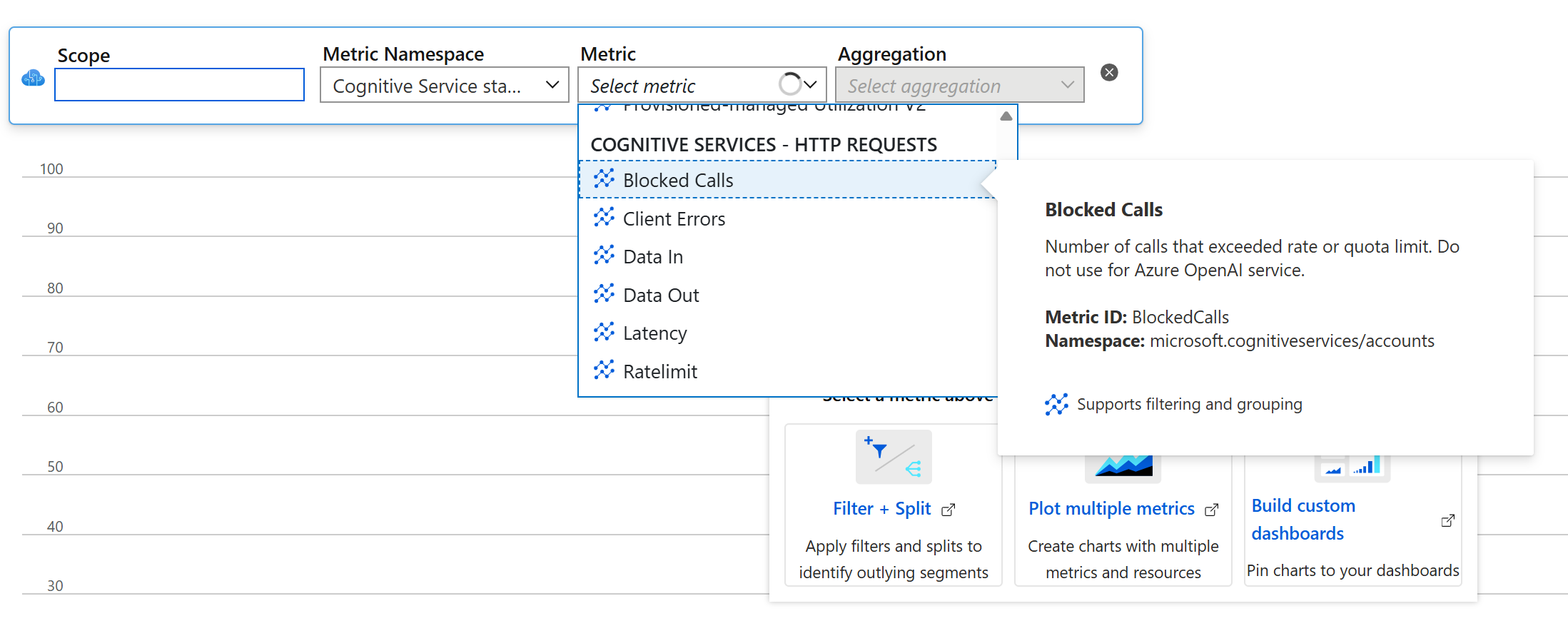
Metrics terminology
- PTU: provisioned throughput units
- TPS: transactions per second
- TPM: tokens per minute
The following tables list available metrics with description of how they're used to monitor Translator resource API calls.
Azure Translator resource HTTP requests
| Metrics | Description |
|---|---|
BlockedCalls |
Number of calls that exceeded rate or quota limit. |
ClientErrors |
Number of calls with client-side error(4XX). |
Latency |
Duration to complete request in milliseconds. |
Ratelimit |
The current rate limit of the rate limit key. |
ServerErrors |
Number of calls with server internal error(5XX). |
SuccessfulCalls |
Number of successful calls. |
TotalCalls |
Total number of API calls. |
TotalErrors |
Number of calls with error response. |
TotalTokenCalls |
Total number of API calls via token service using authentication token. |
Azure Translator resource usage2
| Metrics | Description |
|---|---|
TextCharactersTranslated |
Number of characters in incoming text translation request. |
TextCustomCharactersTranslated |
Number of characters in incoming custom text translation request. |
TextTrainedCharacters |
Number of characters trained using text translation. |
DocumentCharactersTranslated |
Number of characters in document translation request. |
DocumentCustomCharactersTranslated |
Number of characters in custom document translation request. |
The following tables list available metrics with description of how they're used to monitor Azure OpenAI API calls.