Note
Access to this page requires authorization. You can try signing in or changing directories.
Access to this page requires authorization. You can try changing directories.
This article provides information for resolving a blocked sign-in to the Microsoft Application Network portal.
Symptoms
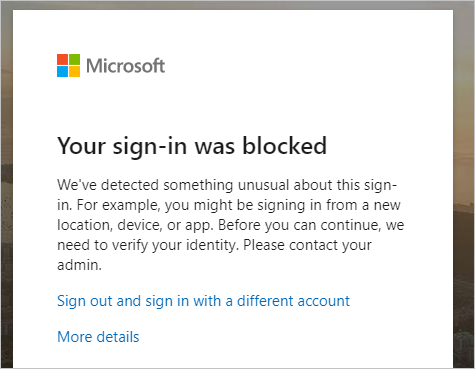
The user sees this message when trying to sign in to the Microsoft Application Network portal.
Cause
The guest user is federated to a home tenant that is also a Microsoft Entra tenant. The guest user is at high risk. High risk users aren't allowed to access resources. All high risk users (employees, guests, or vendors) must remediate their risk to access resources. For guest users, this user risk comes from the home tenant and the policy comes from the resource tenant.
Solutions
- MFA registered guest users remediate their own user risk. The guest user resets or changes a secured password at their home tenant (this needs MFA and self service password reset (SSPR) at the home tenant). The secured password change or reset must be initiated on Microsoft Entra ID and not on-premises.