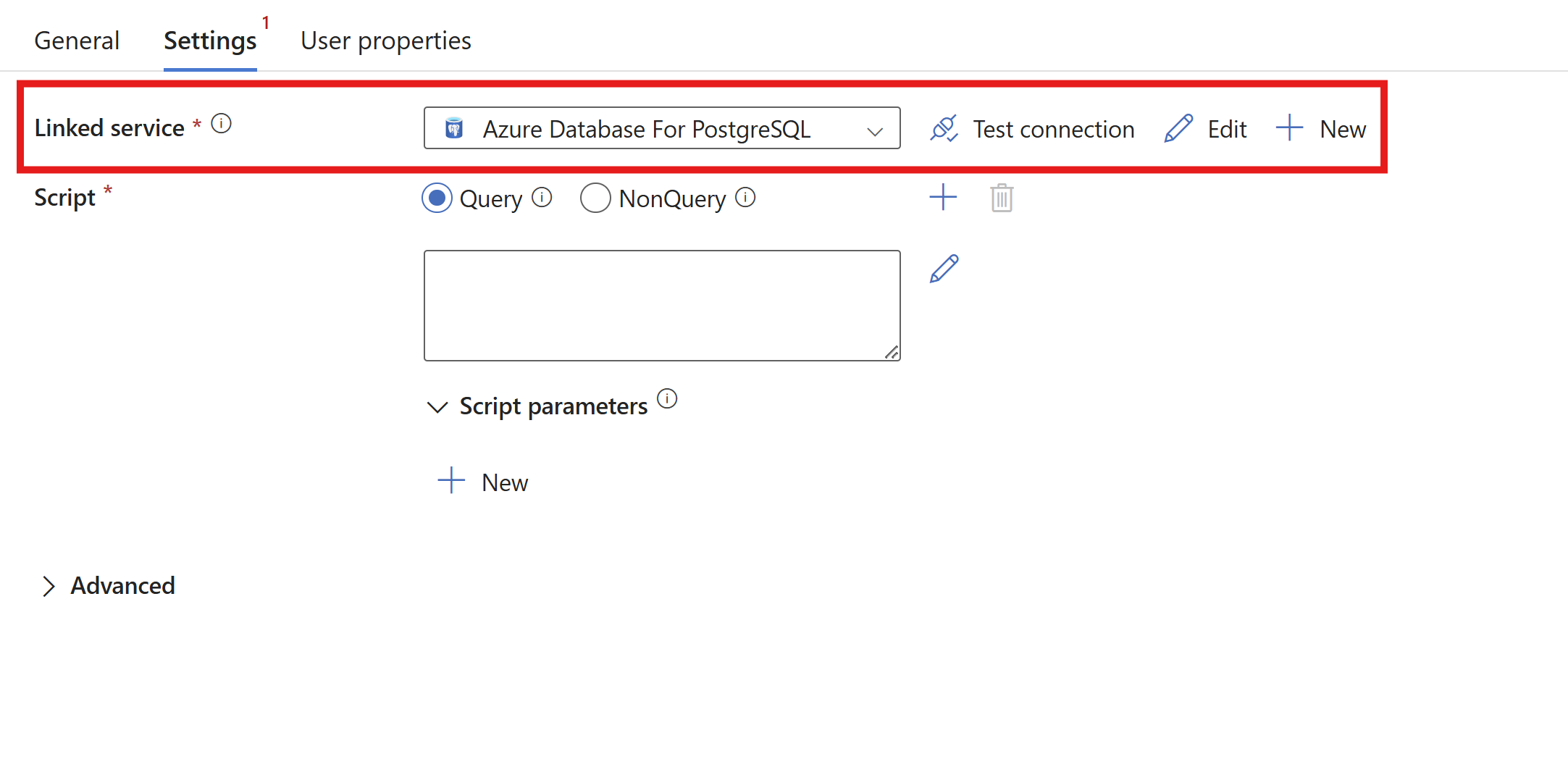
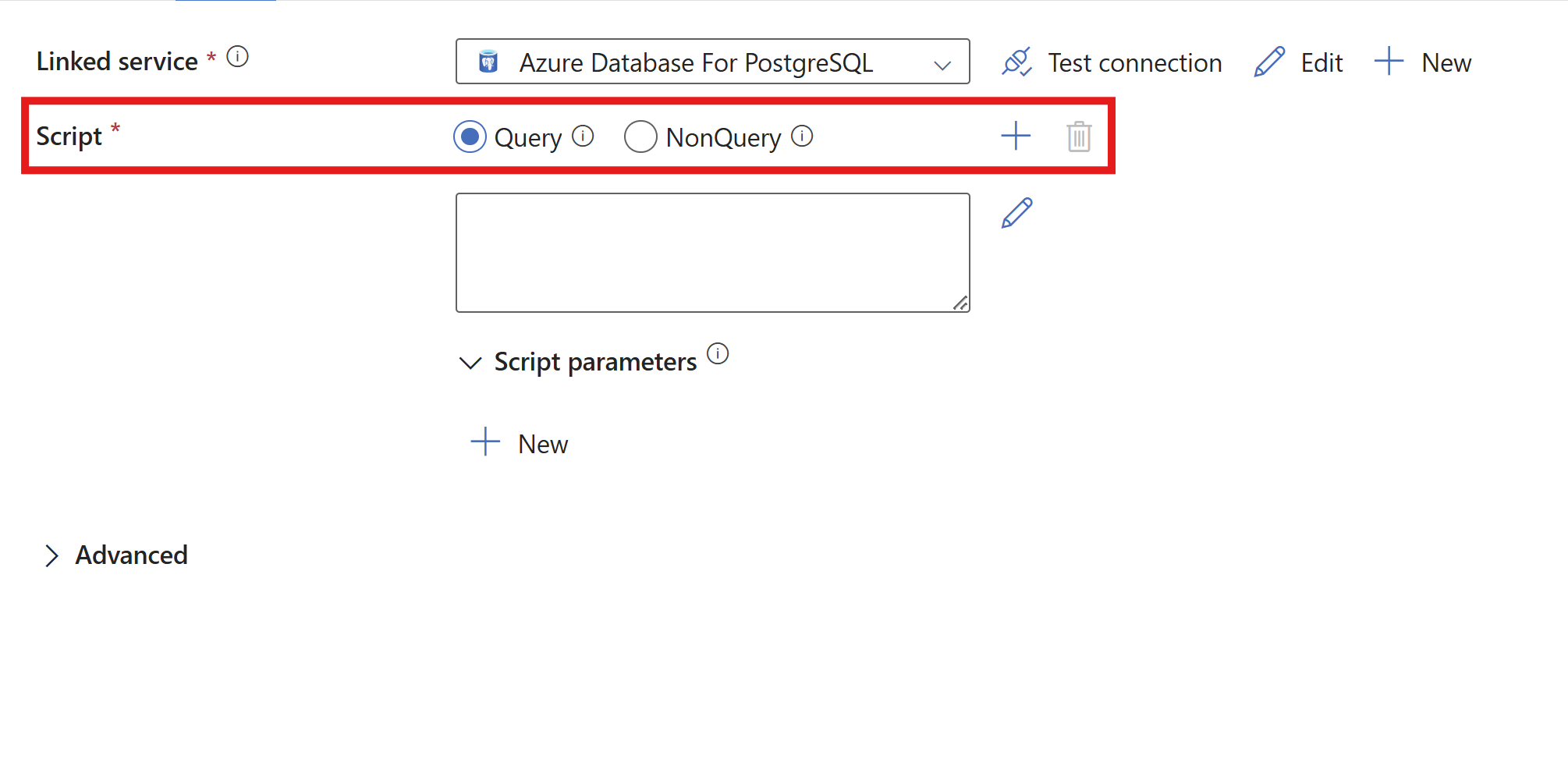
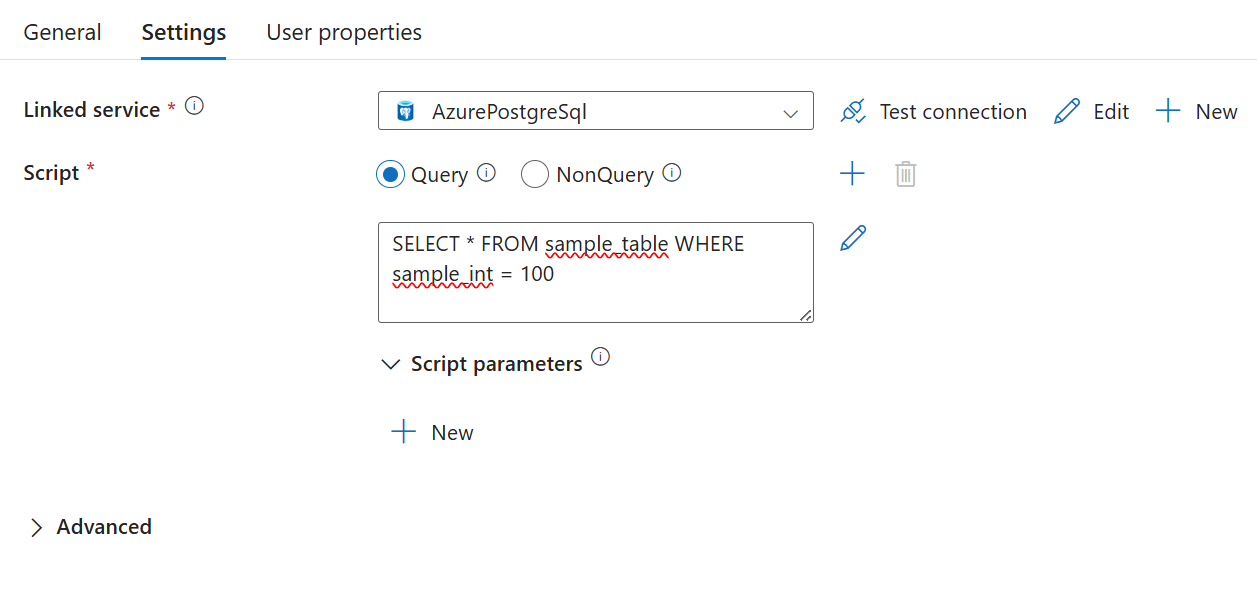
Non-query statements execute PostgreSQL statements that don't return any results, often INSERT, UPDATE, or DELETE statements. They return the number of rows affected.
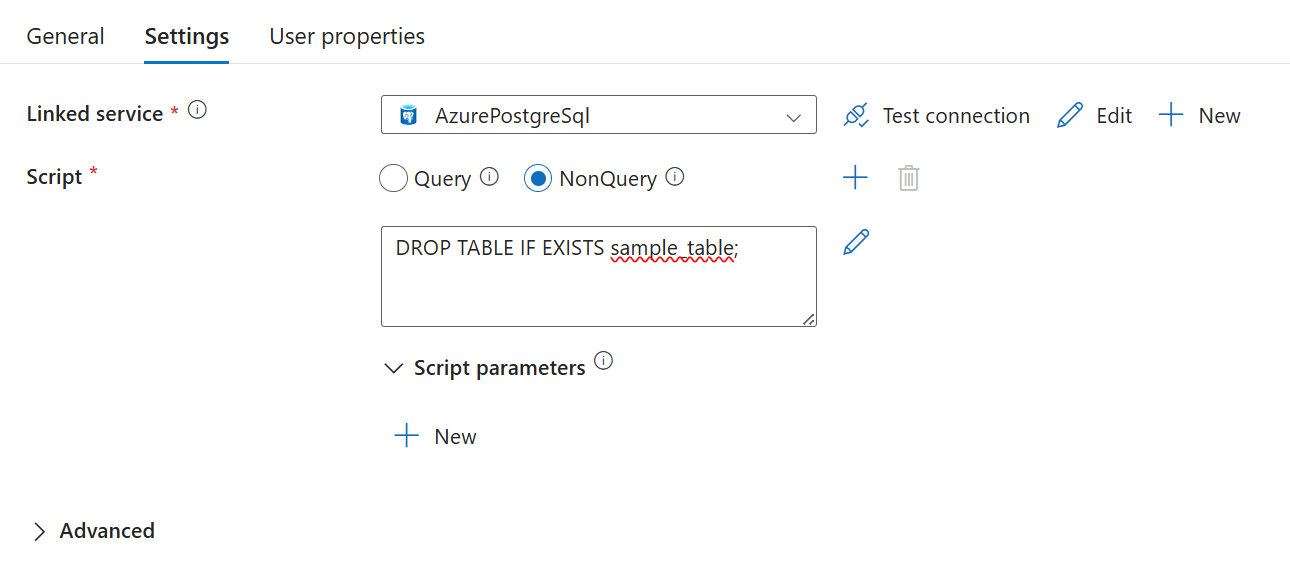
Sample of a payload with a non-query.
{
      "name": "Sample of drop statements",
      "type": "Script",
      "dependsOn": [],
      "policy": {
         "timeout": "1.12:00:00",
         "retry": 0,
         "retryIntervalInSeconds": 30,
         "secureOutput": false,
         "secureInput": false
      },
      "userProperties": [],
      "linkedServiceName": {
         "referenceName": "AzurePostgreSQL1",
         "type": "LinkedServiceReference"
      },
      "typeProperties": {
         "scripts": [
            {
                  "type": "NonQuery",
                  "text": "DROP TABLE IF EXISTS sample_table; "
            }
         ],
         "scriptBlockExecutionTimeout": "02:00:00"
      }
}
Create multiple scripts inside one script activity
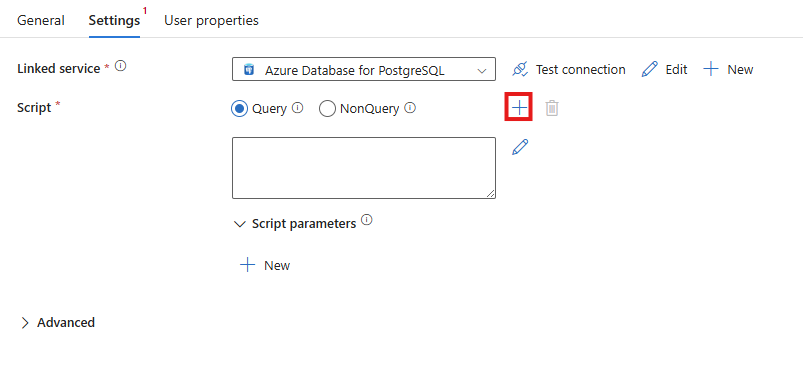
You can include multiple queries in one script activity by selecting the + sign next to Script to add a new script input.

You can delete query input boxes by using the delete icon next to Script.
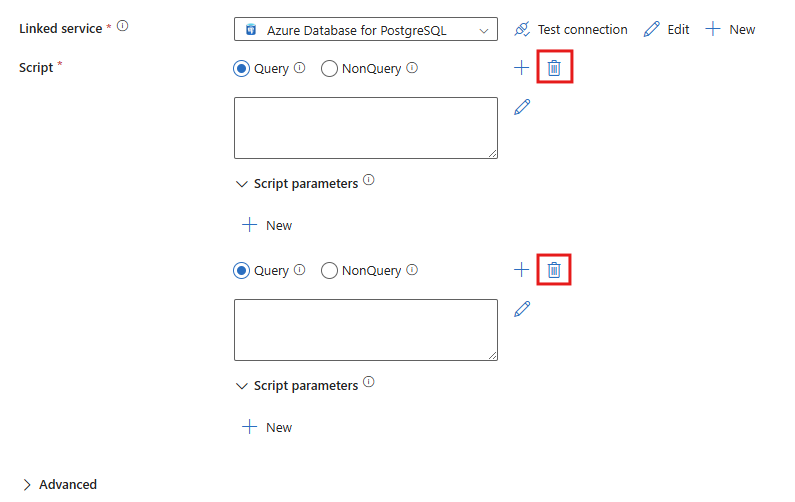
Here's a sample of a payload with two separate queries.
{
      "name": "Sample of multiple select statements",
      "type": "Script",
      "dependsOn": [],
      "policy": {
         "timeout": "1.12:00:00",
         "retry": 0,
         "retryIntervalInSeconds": 30,
         "secureOutput": false,
         "secureInput": false
      },
      "userProperties": [],
      "linkedServiceName": {
         "referenceName": "AzurePostgreSQL1",
         "type": "LinkedServiceReference"
      },
      "typeProperties": {
         "scripts": [
            {
                  "type": "Query",
                  "text": "SELECT * FROM sample_table WHERE sample_int = 100; "
            },
            {
                  "type": "Query",
                  "text": "SELECT * FROM sample_table WHERE sample_int > 250; "
            }
         ],
         "scriptBlockExecutionTimeout": "02:00:00"
      }
}
Script parameters
Important
Multi-query statements using output parameters aren't supported. Split any output queries into separate script blocks within the same or different script activity.
Script activity supports two types of script parameters: positional and named parameters. Named parameters use the name of the parameters and are specified as @<name> in the queries. Positional parameters use the index of the parameters and are specified in the query in order as $<position number> with a starting index of 1.
Named parameters (recommended)
Named parameters use an @ prefix to the name of the parameter.
Set named parameters as output parameters by setting the value to null with the Treat as null box checked in the UI, and with the payload left blank or null. The value in the text should be null.
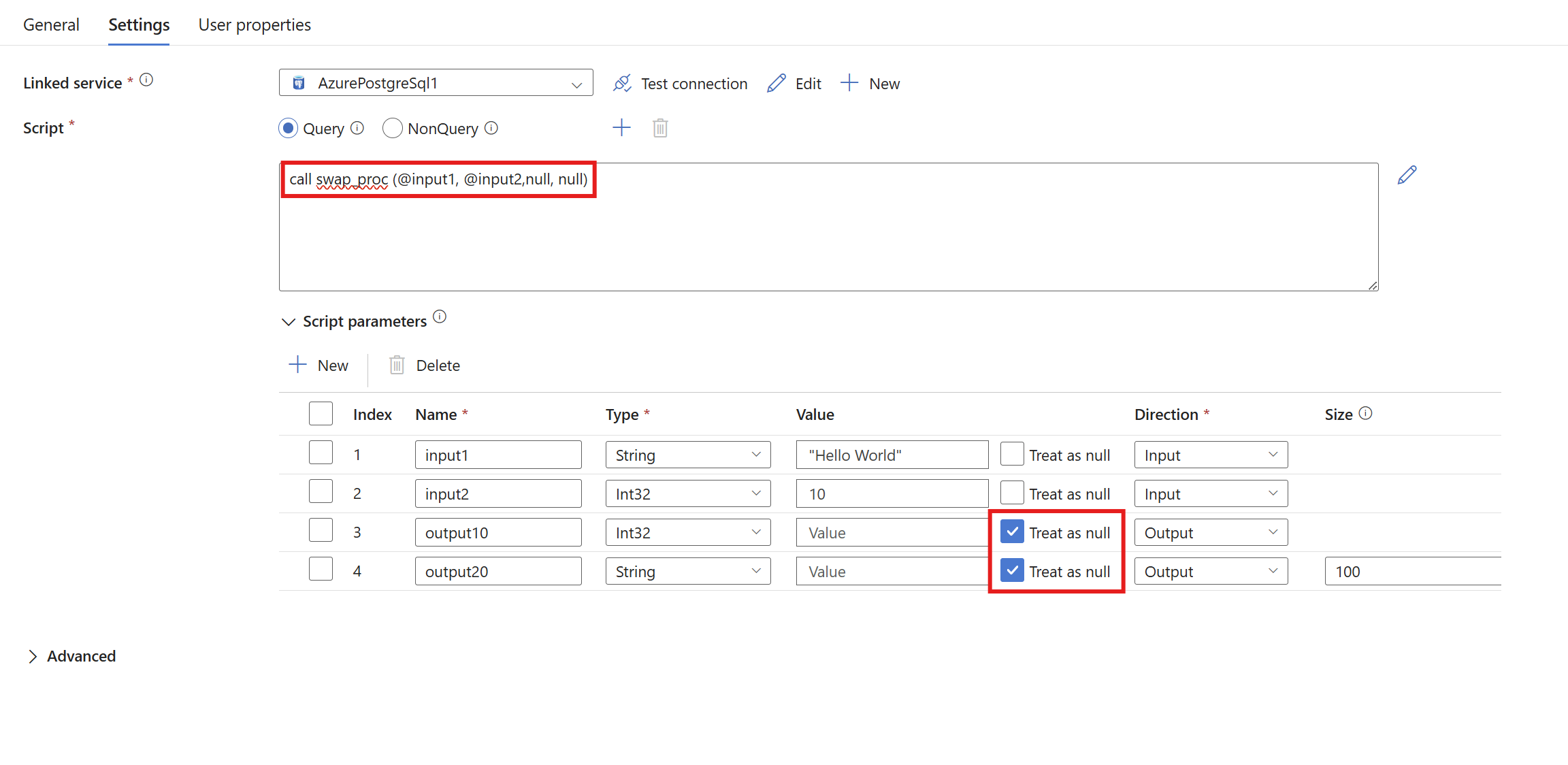
The name set within the procedure for output is the name used within the resultSets data output. The name set in the UI output row is used for the name of outputParameters.
Sample result from the UI execution
"resultSetCount": 1,
"recordsAffected": 0,
"resultSets": [
   {
      "rowCount": 1,
      "rows": [
         {
            "output1": 10,
            "output2": "\"Hello World\""
         }
      ]
   }
],
"outputParameters": {
   "output10": 10,
   "output20": "\"Hello World\""
}
Payload sample for output parameter.
"scripts": [
  {
    "text": "CREATE OR REPLACE PROCEDURE swap_proc (input1 IN TEXT, input2 IN BIGINT, output1 OUT BIGINT, output2 OUT TEXT) LANGUAGE plpgsql AS $$ DECLARE BEGIN output2 := input1; output1 := input2; END $$",
    "type": "NonQuery"
  },
  {
    "text": "CALL swap_proc(@input1, @input2, null, null)",
    "type": "Query",
    "parameters": [
      {
        "name": "input1",
        "type": "String",
        "value": "Hello world",
        "direction": "Input",
        "size": 100
      },
      {
        "name": "input2",
        "type": "INT32",
        "value": 1234,
        "direction": "Input"
      },
      {
        "name": "output1",
        "type": "INT32",
        "direction": "Output"
      },
      {
        "name": "output2",
        "type": "String",
        "direction": "Output",
        "size": 100
      }
    ]
  }
]
Positional parameters
Important
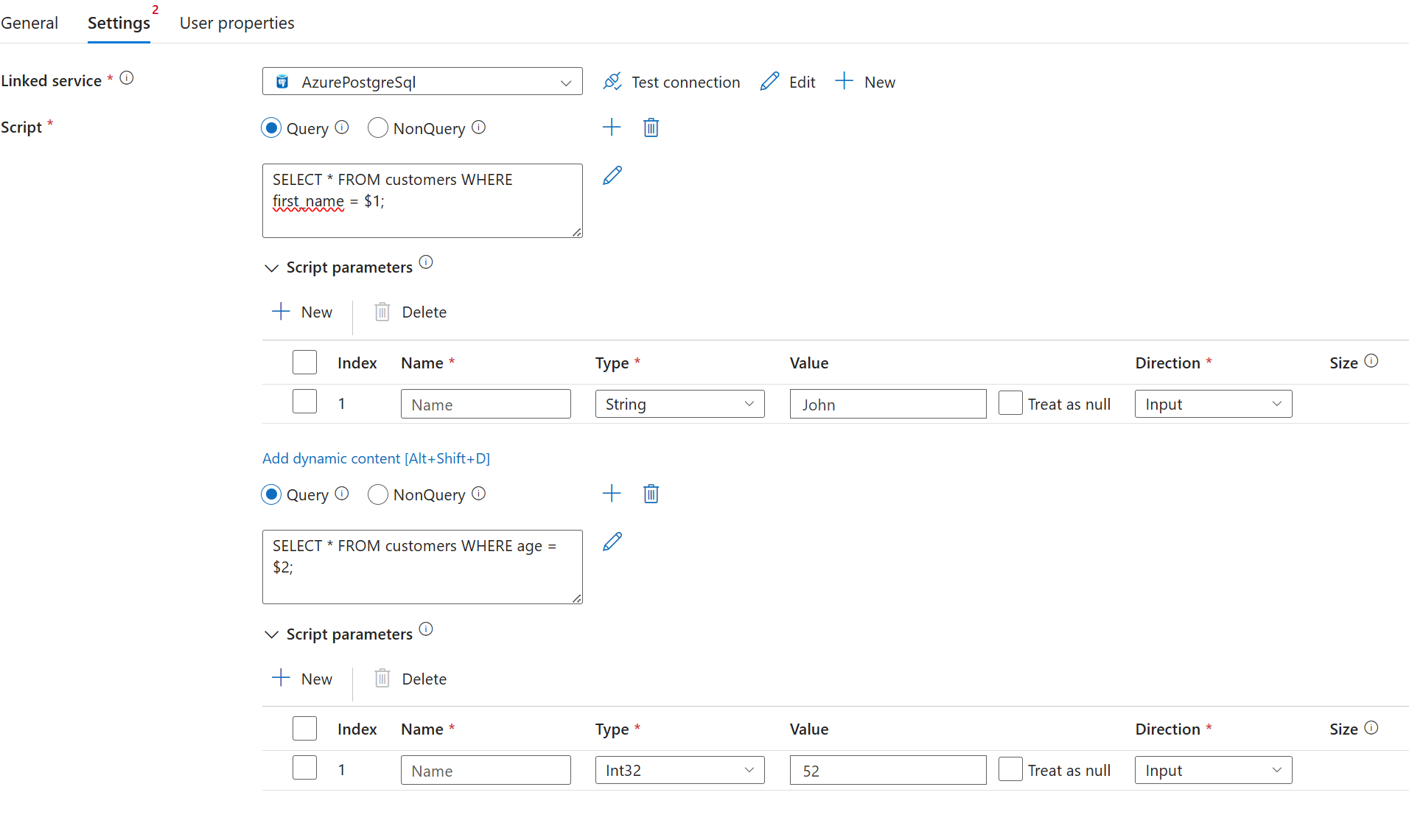
Multi-query statements that use positional parameters aren't supported. Ensure that any queries with positional parameters are in separate script blocks within the same or different script activity.
To use positional parameters, use a placeholder of $<positional number> in your query. Under parameters, leave the name field blank in the UI and specify it as null in the payload.
"scripts": [
   {
      "text": "SELECT * FROM customers WHERE first_name = $1 AND age = $2;",
      "type": "Query",
      "parameters": [
        {
          "name": null,
          "type": "String",
          "value": "John",
          "direction": "Input",
          "size": 256
        },
        {
          "name": null,
          "type": "INT32",
          "value": 52,
          "direction": "Input"
        }
      ]
   }
]
Example of valid positional parameter
"scripts": [
   {
      "text": "SELECT * FROM customers WHERE first_name = $1;",
      "type": "Query",
      "parameters": [
        {
          "name": null,
          "type": "String",
          "value": "John",
          "direction": "Input",
          "size": 256
        }
      ]
   },
   {
      "text": "SELECT * FROM customers WHERE age = $2;",
      "type": "Query",
      "parameters": [
        {
          "name": null,
          "type": "INT32",
          "value": 52,
          "direction": "Input"
        }
      ]
   }
]
Example of invalid positional parameter
"scripts": [
   {
      "text": "SELECT * FROM customers WHERE first_name = $1; SELECT * FROM customers WHERE age = $2;",
      "type": "Query",
      "parameters": [
        {
          "name": null,
          "type": "String",
          "value": "John",
          "direction": "Input",
          "size": 256
        },
        {
          "name": null,
          "type": "INT32",
          "value": 52,
          "direction": "Input"
        }
      ]
   }
]
Advanced settings
The advanced settings in Azure Data Factory's script activity for PostgreSQL let you fine-tune execution and logging options for your data workflows. You can set script block timeouts to stop long-running queries from affecting pipeline reliability, and turn on detailed logging to track PostgreSQL notices and activity outputs. These features help keep data operations strong and give you more visibility into your pipeline executions in Azure.
Script block execution timeout
Set a timeout in minutes for each script block run. If any script block in your script activity goes over the timeout, the whole activity fails.

   "typeProperties": {
      "scripts": [
         {
               "type": "Query",
               "text": "SELECT pg_sleep(40);"
         },
         {
               "type": "Query",
               "text": "SELECT pg_sleep(40);"
         },
         {
               "type": "Query",
               "text": "SELECT pg_sleep(40);"
         }
      ],
      "scriptBlockExecutionTimeout": "00:01:00"
   }
Logging
Use logging to send PostgreSQL notices to external blob storage or to internal storage.
External storage
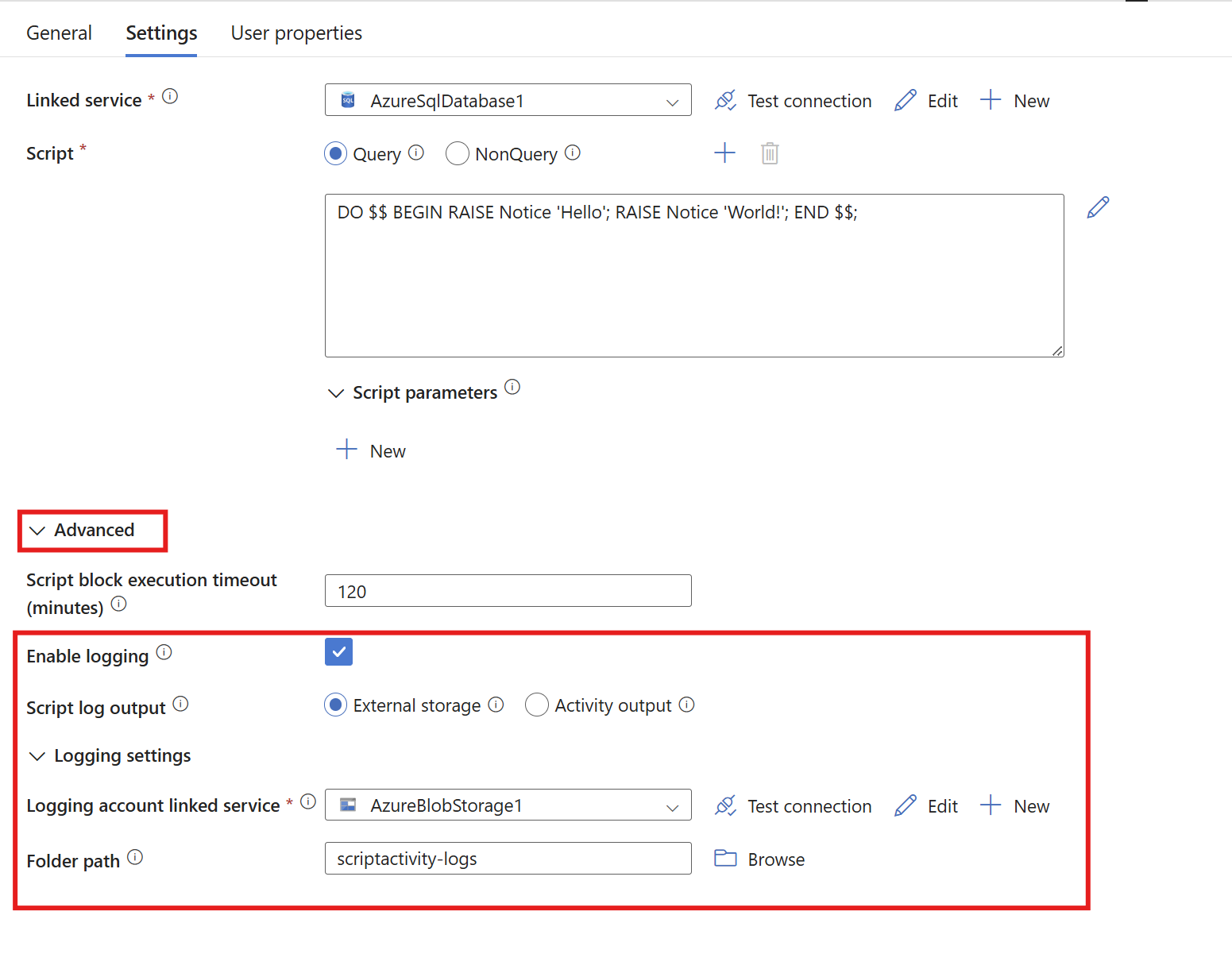
For external logging, open the Advanced tab, and then select Enable logging and External storage. Add a blob storage account by creating a new linked service for your blob storage account. You can optionally enter a folder path. If you leave it blank, the logs go under the scriptactivity-logs folder.
"typeProperties": {
   "scripts": [
      {
         "type": "Query",
         "text": "DO $$ BEGIN RAISE Notice 'Hello'; RAISE Notice 'World!'; END $$;"
      }
   ],
   "scriptBlockExecutionTimeout": "02:00:00",
   "logSettings": {
      "logDestination": "ExternalStore",
      "logLocationSettings": {
         "linkedServiceName": {
            "referenceName": "<Azure Blob Storage linked service name>",
            "type": "LinkedServiceReference"
         },
         "path": "<Azure Blob Storage folder path>"
      }
   }
}
Activity output
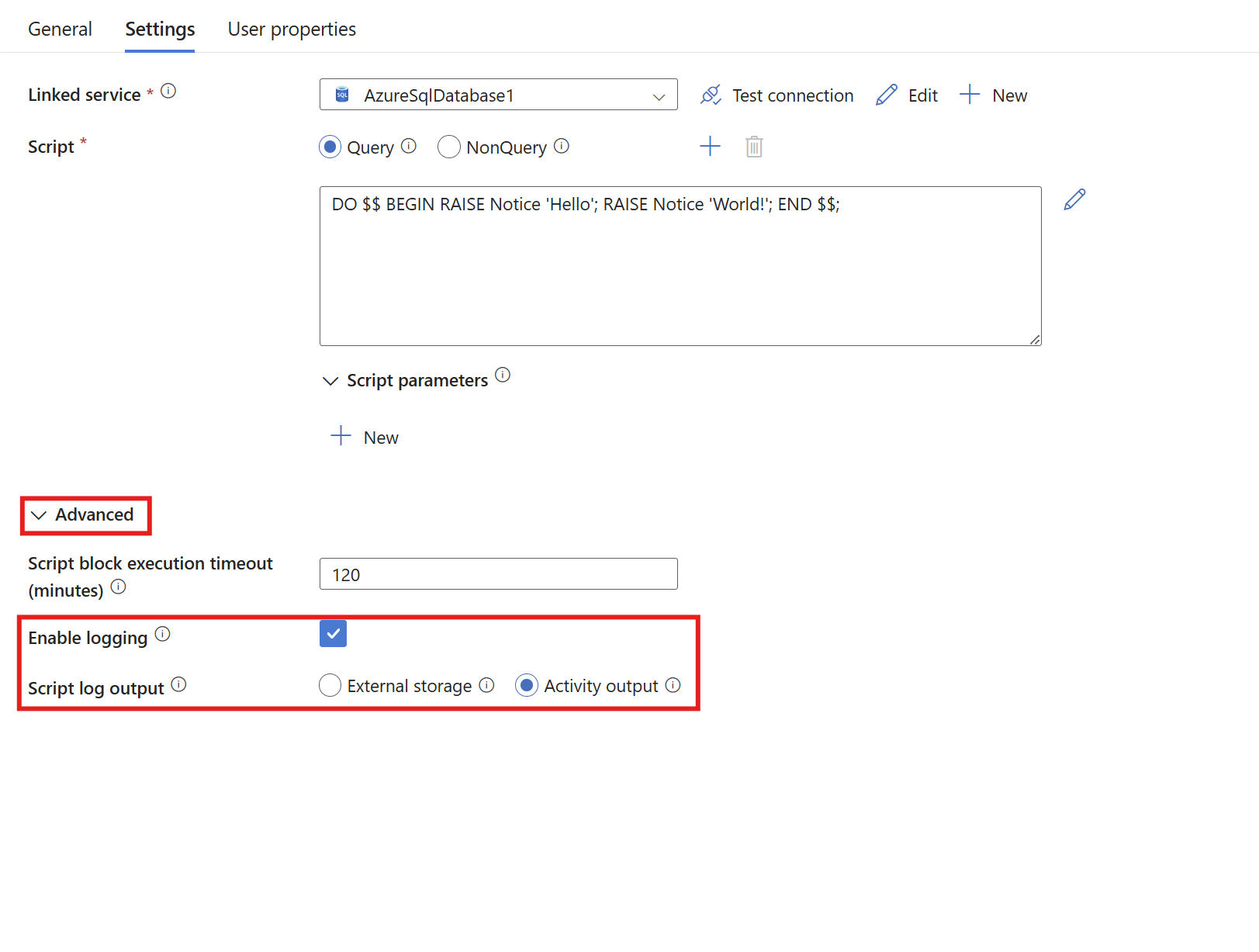
For activity output logging, expand the Advanced section and select Enable logging and Activity output. These options turn on logging in the activity output.
"typeProperties": {
   "scripts": [
      {
         "type": "Query",
         "text": "DO $$ BEGIN RAISE Notice 'Hello'; RAISE Notice 'World!'; END $$;"
      }
   ],
   "scriptBlockExecutionTimeout": "02:00:00",
   "logSettings": {
      "logDestination": "ActivityOutput"
   }
}
Related content