Note
Access to this page requires authorization. You can try signing in or changing directories.
Access to this page requires authorization. You can try changing directories.
This article provides step-by-step instructions to switch over a read replica of an Azure Database for PostgreSQL flexible server so that it becomes the new primary server of the replication set.
Steps to promote replica to standalone server
Use the Azure portal:
Select the Azure Database for PostgreSQL flexible server for which you want to show its associated virtual endpoints.
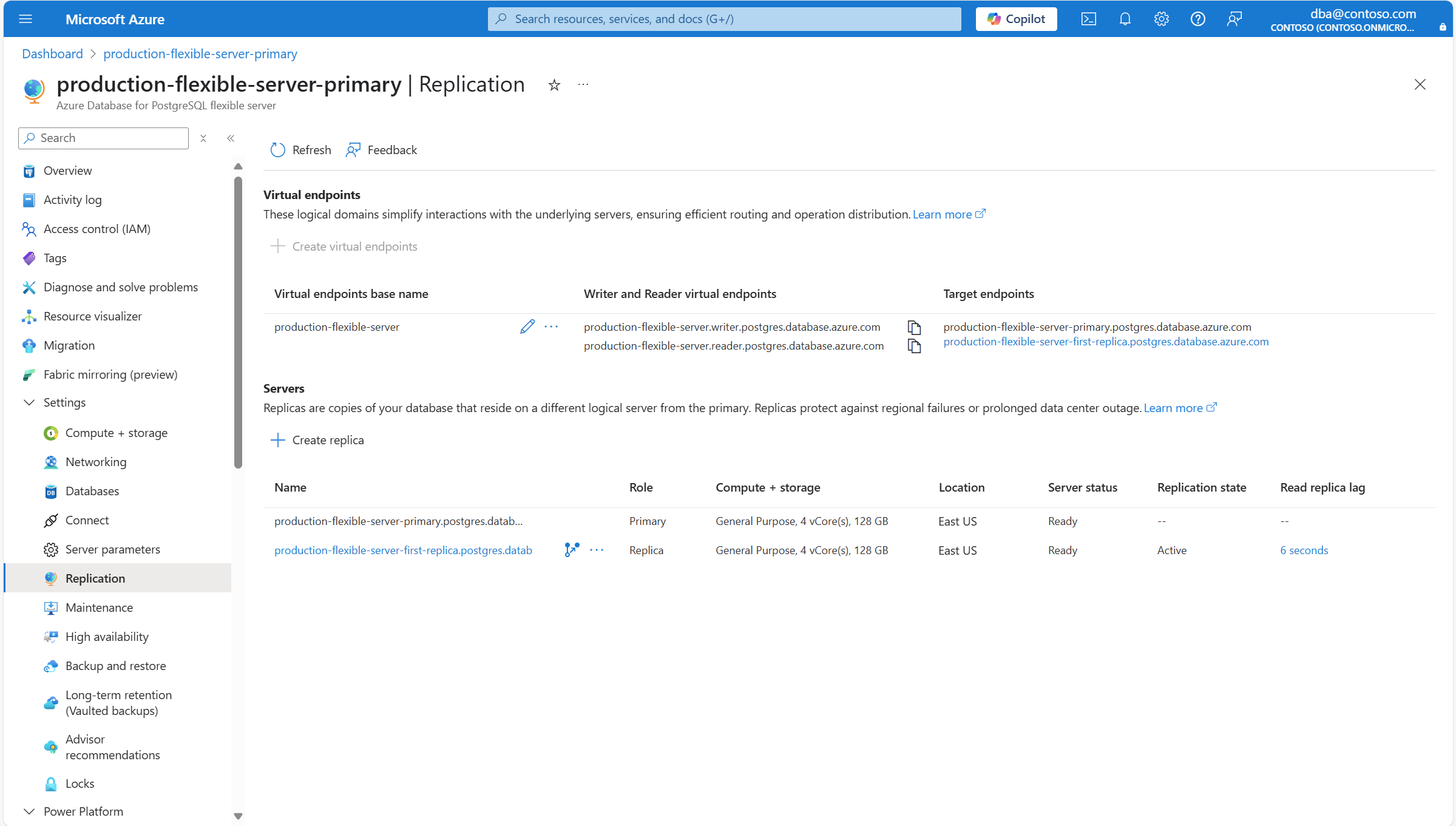
In the resource menu, under the Settings section, select Replication.
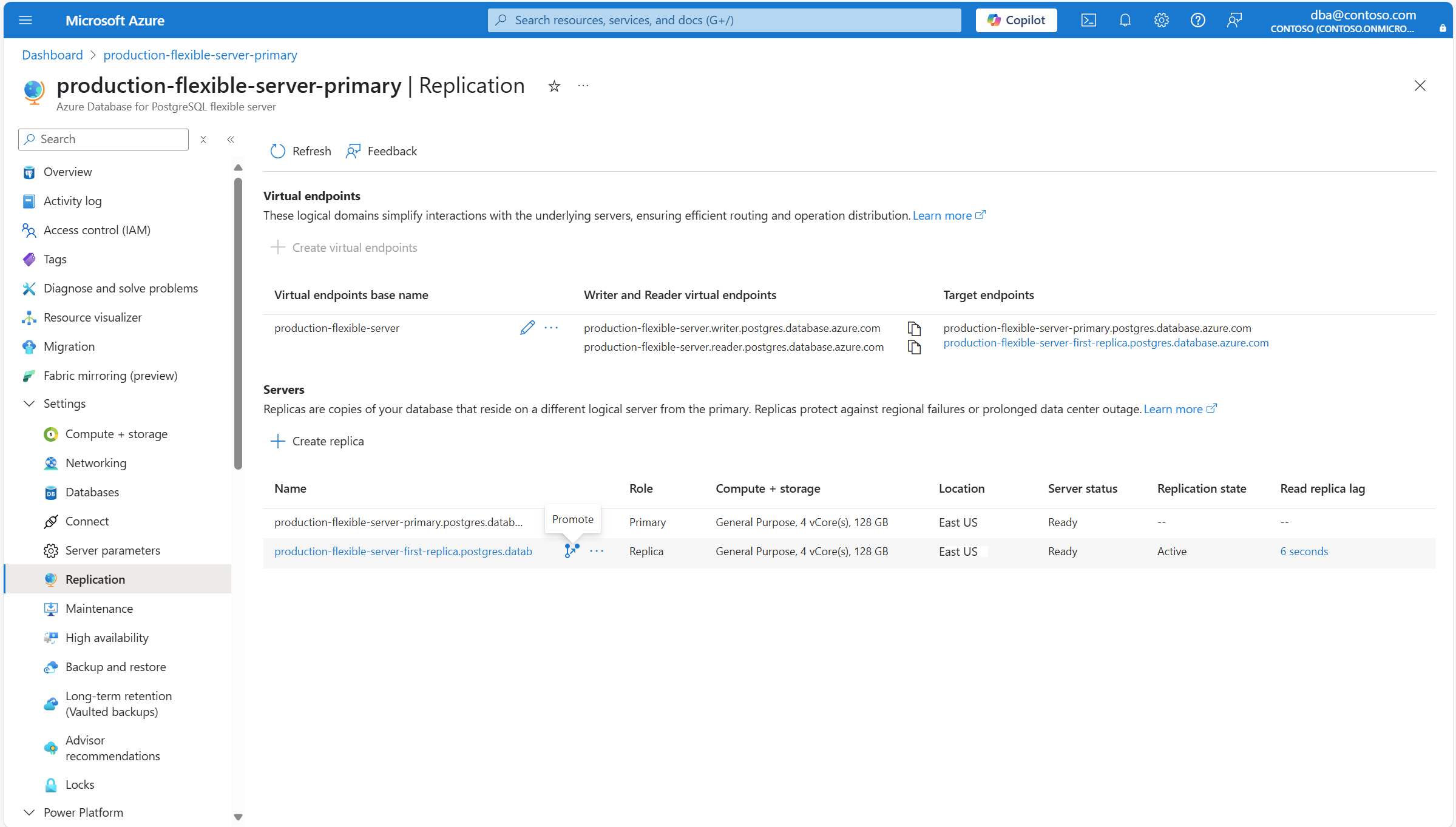
Select the Promote icon next to the name of the endpoint of the read replica that you want to switch over to.
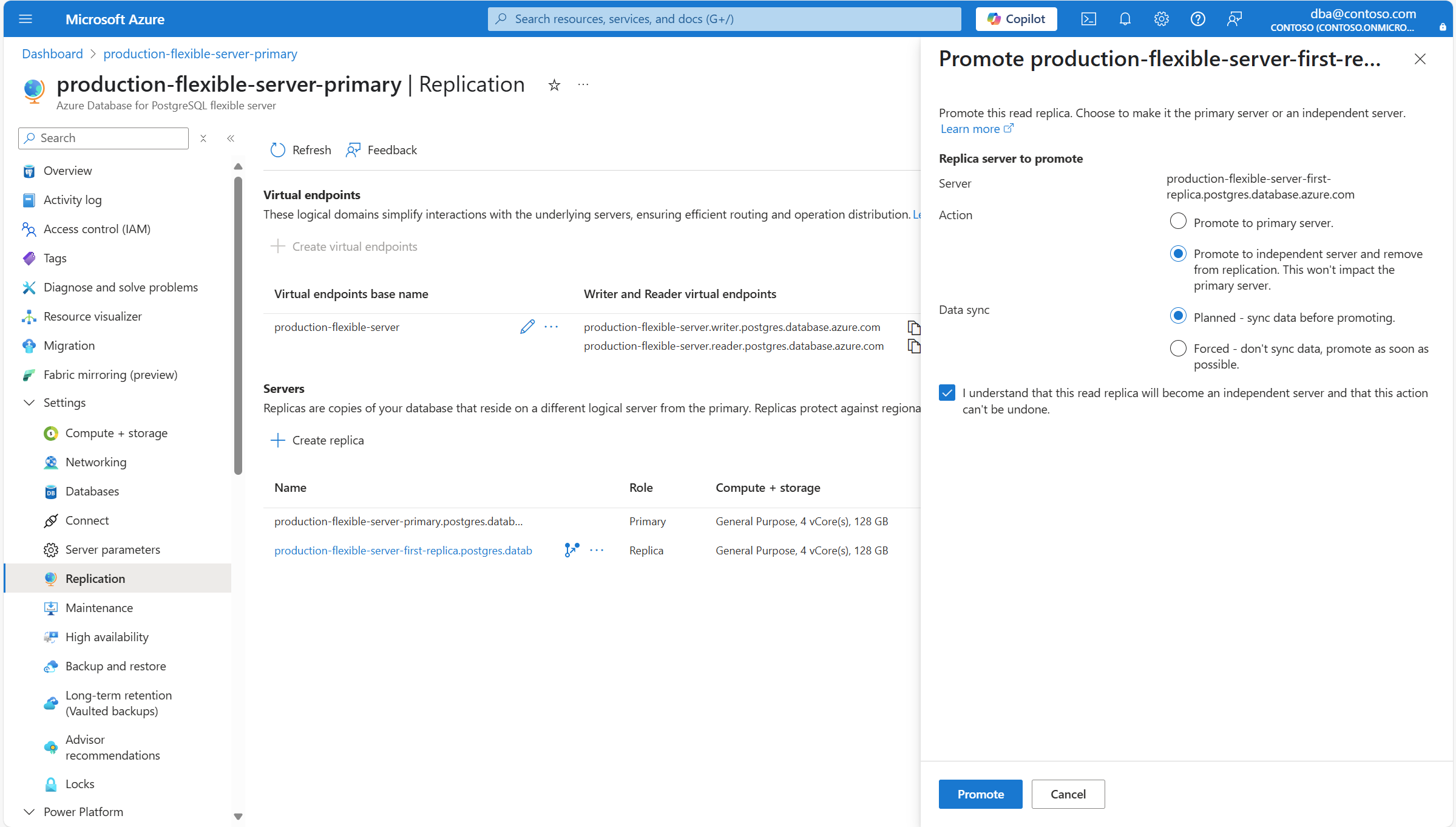
In Replica server to promote, select Promote to independent server and remove from replication. This action doesn't impact the primary server. for Action. Select Planned or Forced for Data sync, depending on what suits your needs best. If you decide to use the Planned option, mark the I understand that this read replica becomes an independent server and that this action can't be undone. checkbox to acknowledge that the read replica is detached into its own standalone entity. If you decide to use the Forced option, mark the I understand that this read replica becomes an independent server and that its data isn't synced first. This action can't be undone. checkbox to also acknowledge the potential data loss. Finally, select Promote.
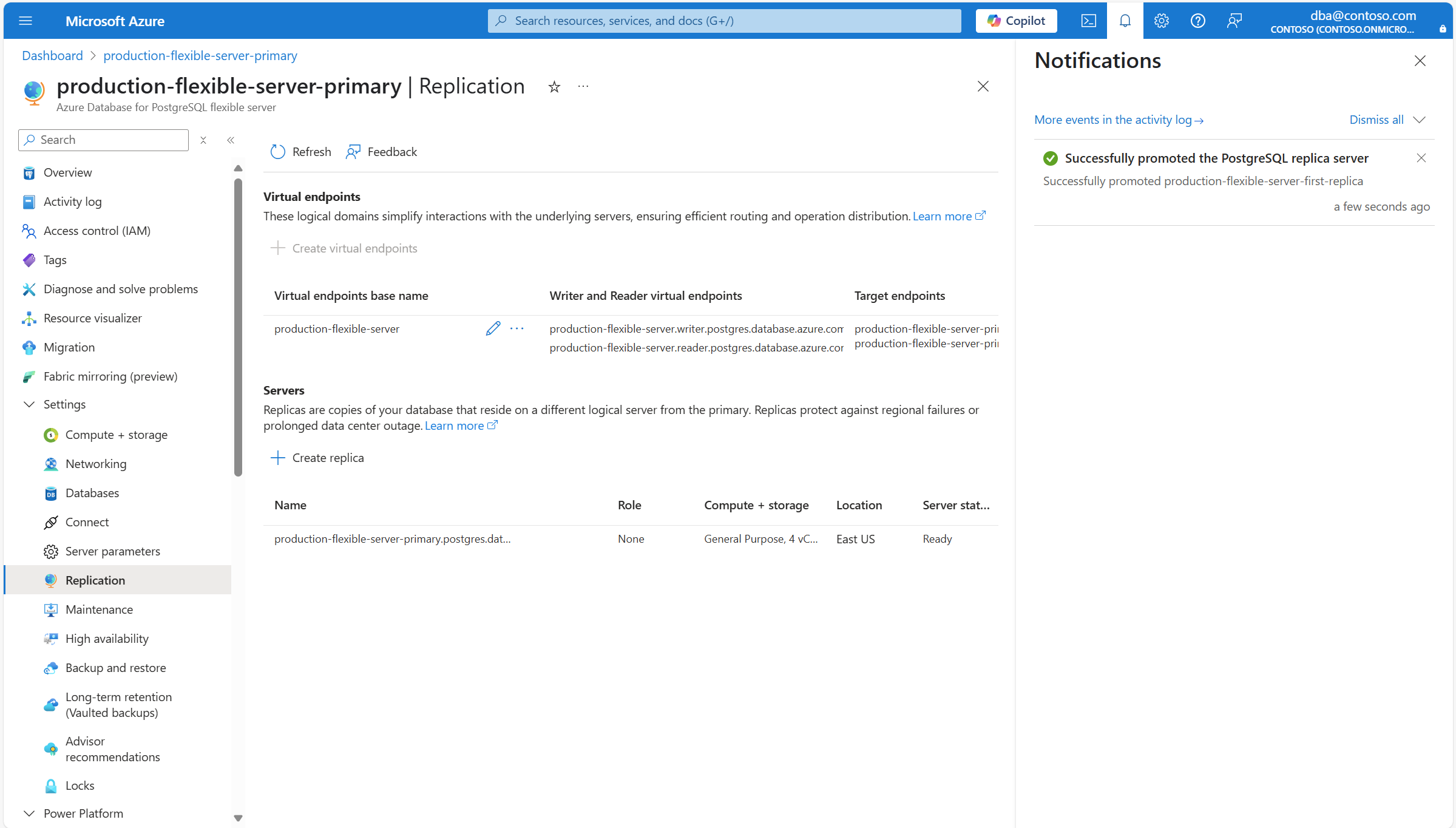
A notification informs you that the read replica is being promoted to a standalone server.
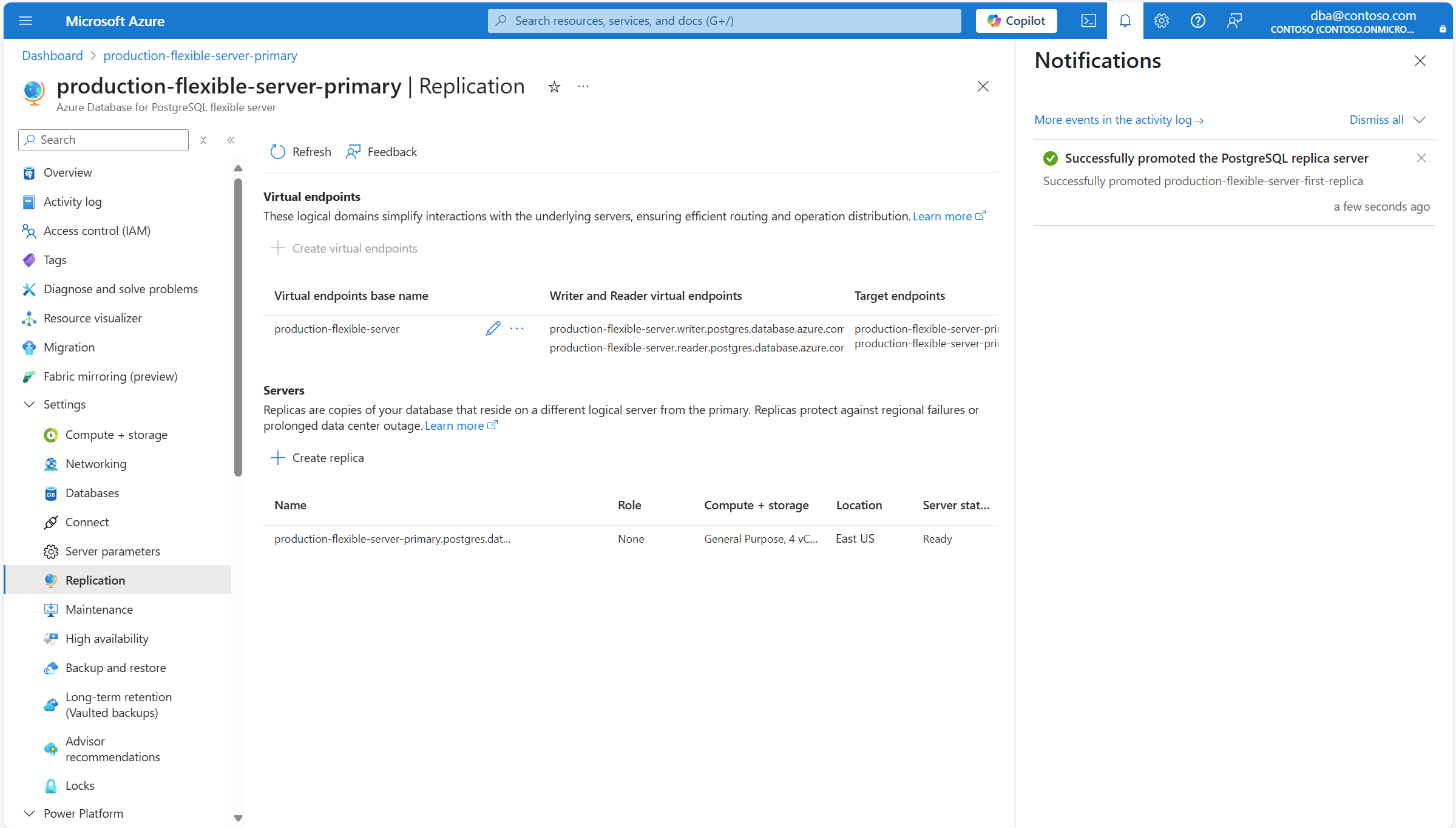
When the process completes, a notification informs you that the read replica is successfully promoted to a standalone server.