Note
Access to this page requires authorization. You can try signing in or changing directories.
Access to this page requires authorization. You can try changing directories.
When an Azure service outage happens, it can be tough to quickly find the information you actually need.
You need to know which services or regions are affected and when the issue began. You also need to know what actions to take, and how the mitigation effort is progressing. That information is often scattered across multiple technical update pages, which can make the whole situation even more frustrating.
Because of this large amount of information, it can be harder to understand how serious the outage is, communicate with your team, and respond in a timely, effective way.
AI-generated outage summary
Now you can select Generate summary, which creates a summary where you can view all critical outage details.
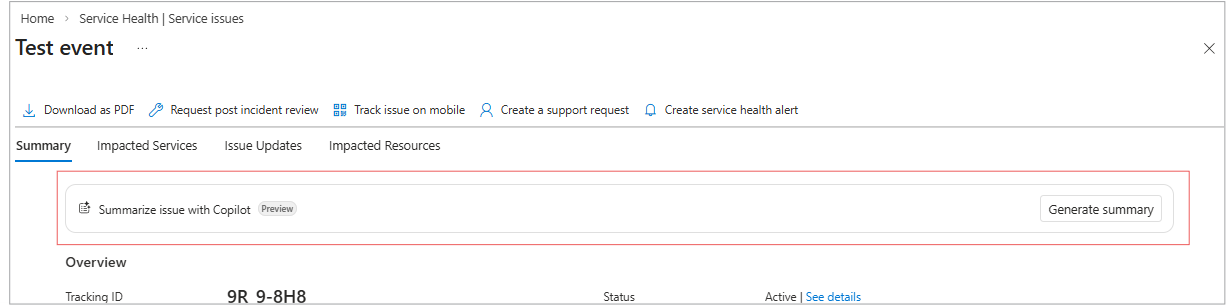
The summary includes:
- Impacted resources
- Affected services and regions
- Start time and expected resolution time
- Nature and severity of the impact
- Causes
- Workarounds and recommended next steps (non prescriptive)
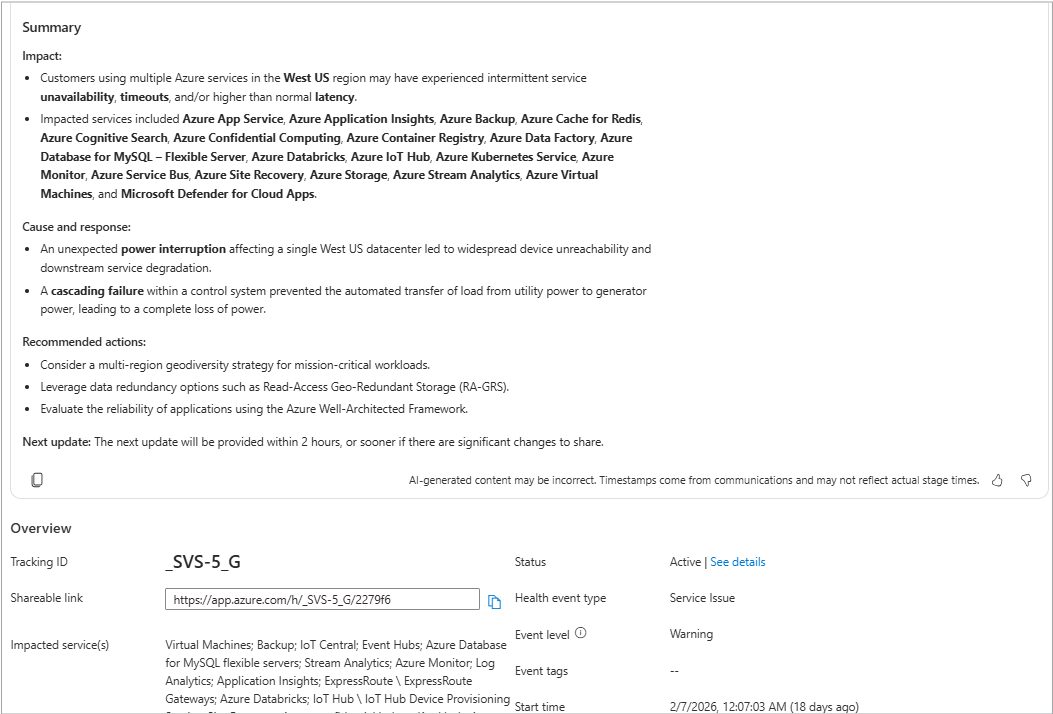
This summary tells you what’s going on, without requiring you to read multiple detailed updates.
Copy the summary
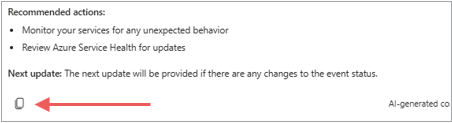
Select the copy icon shown here to make a copy of the AI-generated summary you can share with your stakeholders.
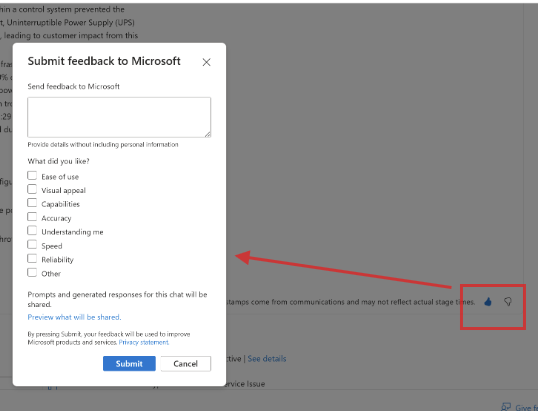
Provide feedback
You can also use the thumbs up/down buttons below the summary to provide feedback on the quality of the AI-generated content.
AI-generated mitigation timeline
The AI-generated timeline shows each major stage of the outage that includes:
- Detection
- Investigation
- Mitigation
- Resolution
- Post-incident Review (PIR)
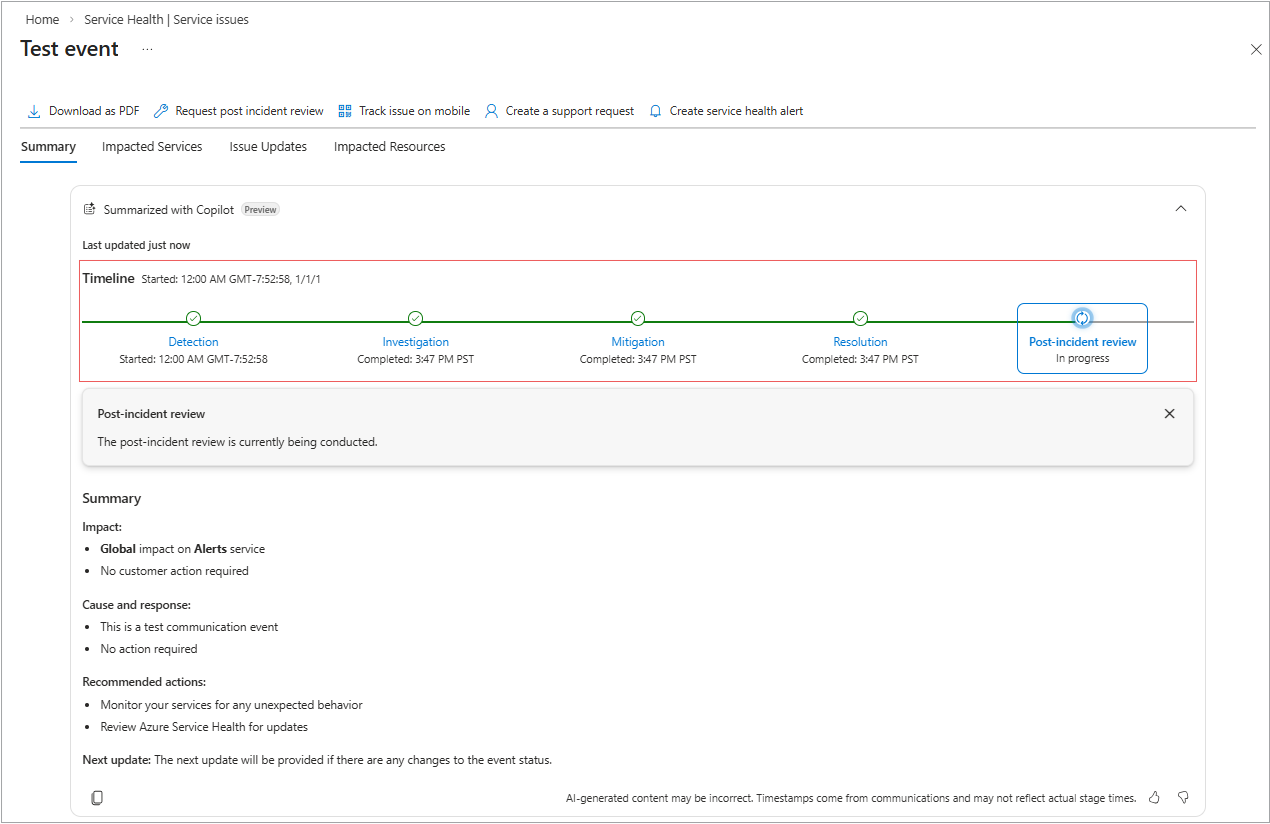
With this information you can easily see the progress in resolving the issue, which can help you:
- Understand incidents faster and triage more effectively
- Improve situational awareness without reviewing lengthy communications
- Share accurate updates easily with their teams and stakeholder groups
- Build trust and confidence through greater transparency
The timeline appears as a visual stage progression, showing:
- Each outage stage (Detected through PIR)
- Timestamps
- Brief AI-generated descriptions from communication updates sent for the specific Service issue event
The timeline updates are based on the latest available information from the communications.
Each stage can be selected and expanded to show key event details that help you understand what Azure Service Health has addressed up to this point. You can also see what actions are planned next.
Note
The AI Summary is a single summary for one event. Multiple summaries will be available in corresponding releases.
AI-generated content may be incorrect.
For more information on Service Health alerts, see Service Issues.