Note
Access to this page requires authorization. You can try signing in or changing directories.
Access to this page requires authorization. You can try changing directories.
This article describes how to configure the Azure Monitor Agent on Azure Virtual Machines (VM), Virtual Machine Scale Sets, and Azure Arc-enabled servers. Many of your applications and services log telemetry by using the Azure Monitor Agent. You can configure Azure Monitor Agents by using the central control plane and creating the Agent Settings Data Collection Rule (DCR).
Prerequisites
Prerequisites are listed in Collect data from virtual machine client with Azure Monitor.
Considerations
When you work with the Agent Settings DCR:
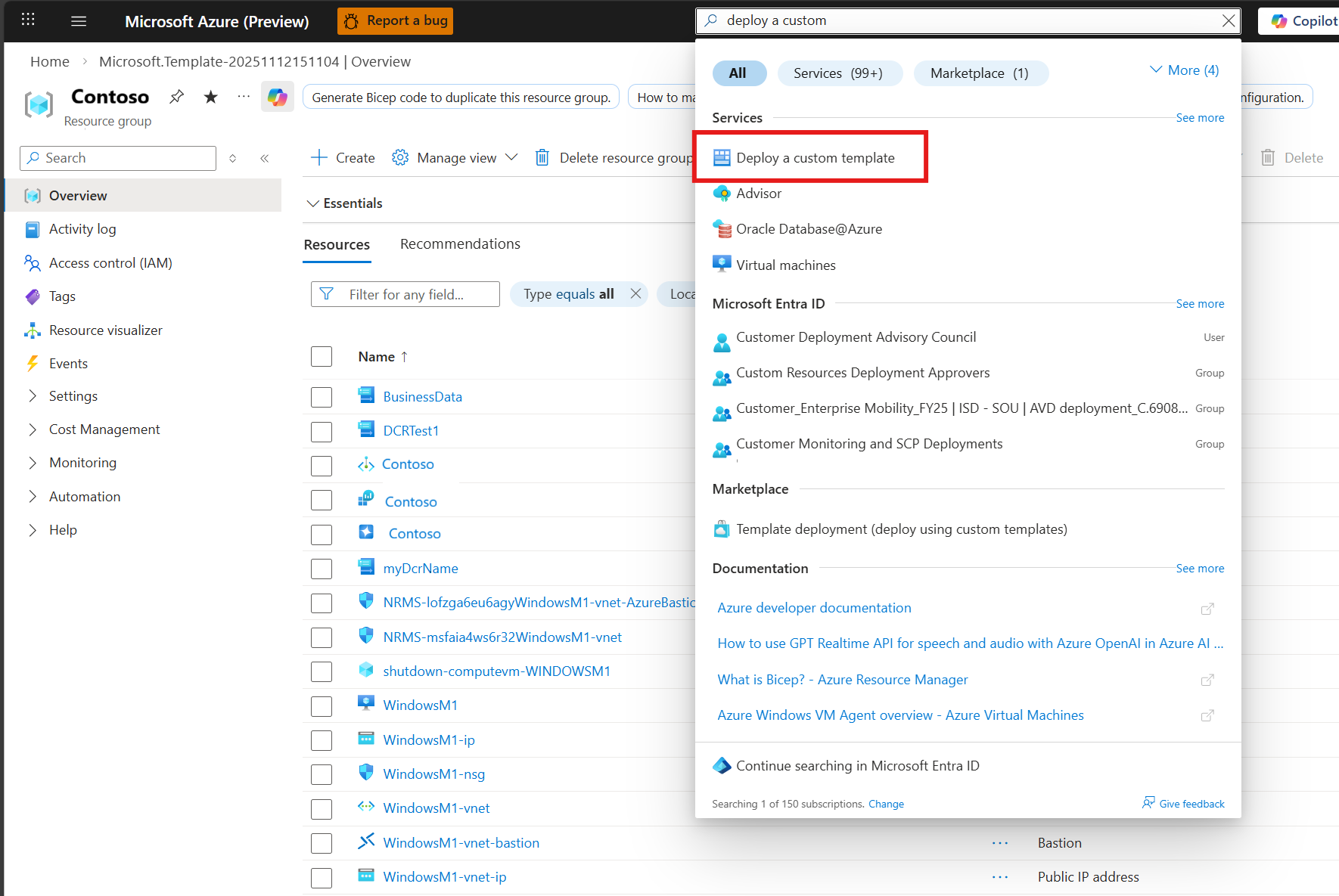
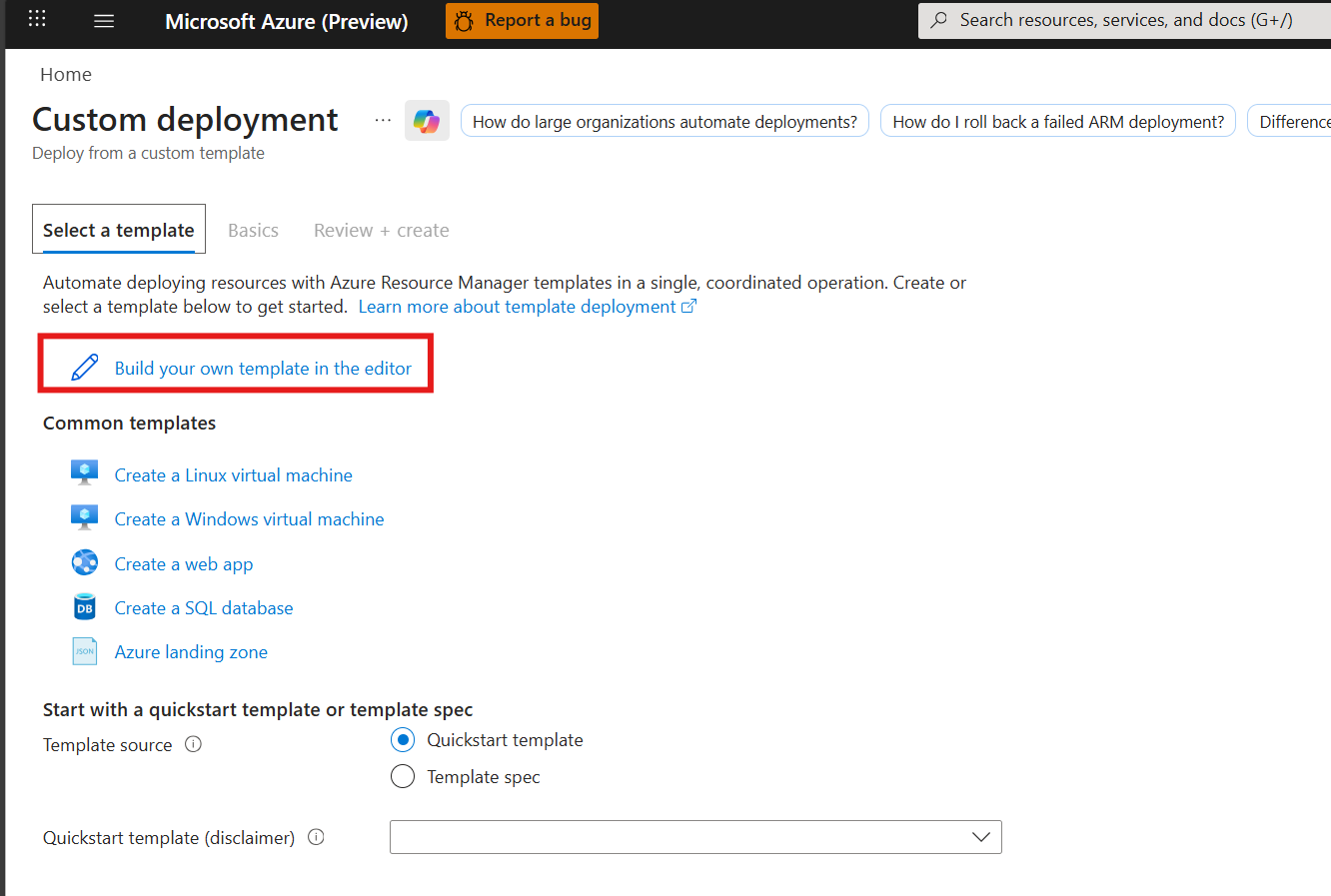
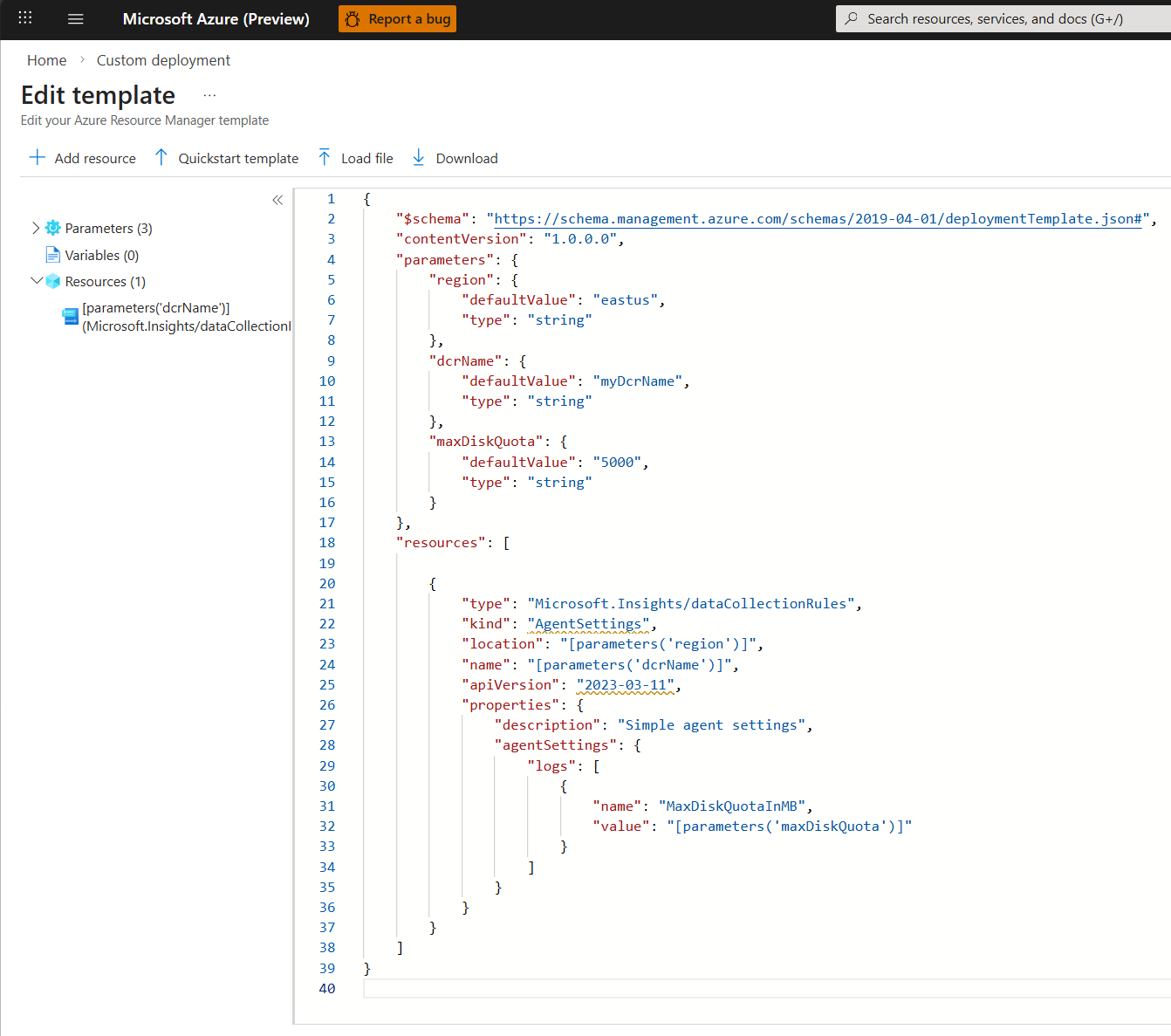
- Currently, an Azure Resource Manager template is the only way to create Agent Settings.
- Agent Settings is a standalone DCR with no other collection sources.
- The most recent Agent Settings DCR applied to the VM overrides all other Agent Settings DCRs.
Supported parameters
The Agent Settings DCR supports the following parameters:
| Parameter | Description | Valid values |
|---|---|---|
| MaxDiskQuotaInMB | Disk space (in MB) used by the Azure Monitor Agent's local cache. The cache grows if cloud connectivity is lost, and data is sent once reconnected. Data exceeding the cache limit is lost. | 4,000 to 1,000,000 Default is 10,000 |
| UseTimeReceivedForForwardedEvents | Control the behavior of the TimeGenerated column in the Microsoft Sentinel Windows Event Forwarding (WEF) table. | 0 = TimeGenerated 1 = TimeReceived |
Create an Agent Settings DCR
Currently not supported.
Related content
Create a data collection rule to collect data from the agent and send it to Azure Monitor.