Note
Access to this page requires authorization. You can try signing in or changing directories.
Access to this page requires authorization. You can try changing directories.
Note
Azure AI Search is available through the Azure portal, REST APIs, and Azure SDKs.
Semantic ranker is a premium feature billed by usage. By default, all search services are enrolled in the free plan, which provides a monthly request allowance at no charge. To enable continued access after the free quota is consumed, you can switch to the standard plan.
Starting with Search Service REST API version 2026-04-01, billing consent for semantic ranker and agentic retrieval is separate. Use semanticSearch to control billing for semantic ranker and knowledgeRetrieval to control billing for agentic retrieval.
Prerequisites
An Azure AI Search service in any region that provides semantic ranker.
Owner or Contributor access to the search service.
Search Management REST API version 2026-03-01-preview or later to set the
semanticSearchproperty.
For Search Service REST API version 2026-04-01 and later, semanticSearch affects only semantic ranker billing. To control agentic retrieval billing, see Enable or disable agentic retrieval billing.
For Search Service REST API version 2025-11-01-preview and earlier, semanticSearch controls consent for both semantic ranker and paid agentic retrieval usage.
Billing plans
Semantic ranker has two billing plans. For pricing by currency, see Azure AI Search pricing.
| Plan | Description | Availability |
|---|---|---|
| Free (default) | Provides a monthly free request allowance. After the free allowance is consumed, semantic ranker requests return a billing error. | Available on all pricing tiers. |
| Standard | Pay-as-you-go pricing after the monthly free allowance is consumed. | Requires the Basic tier or higher. |
Enable semantic ranker billing
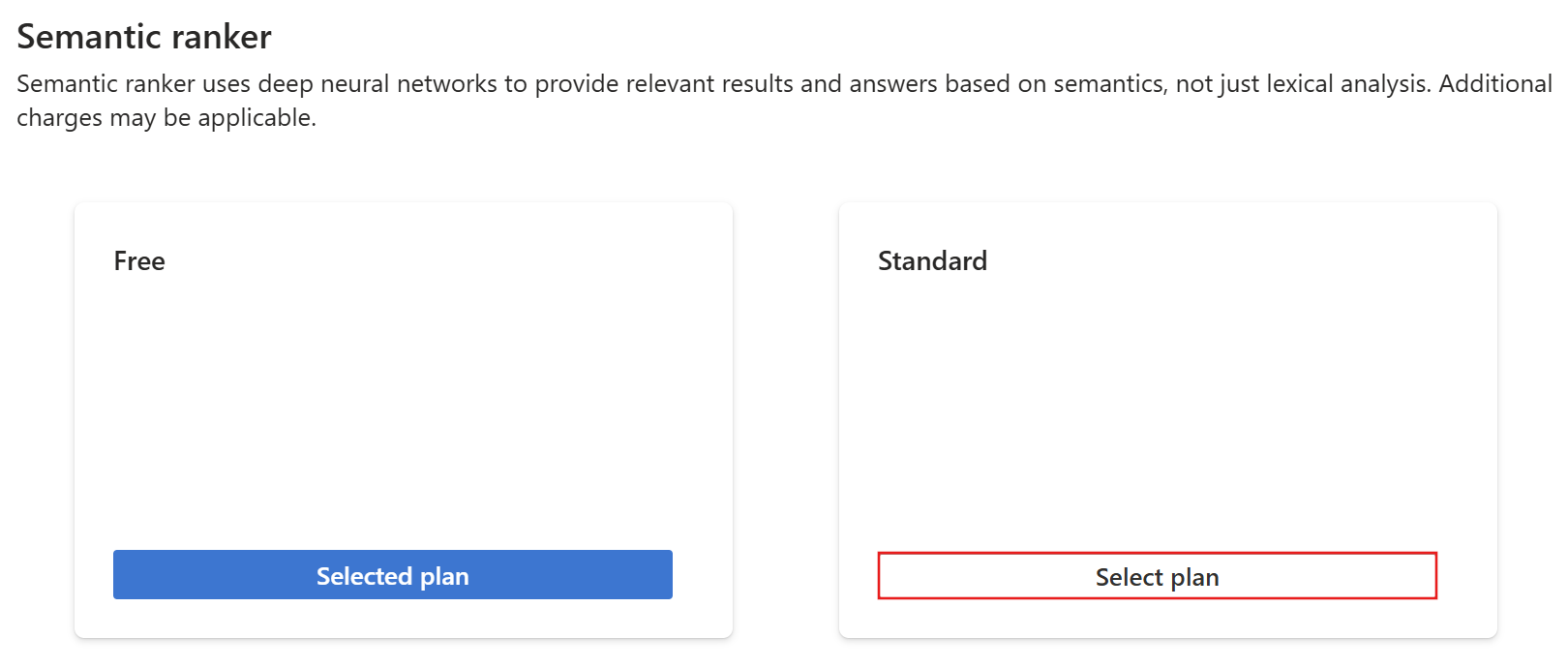
Follow these steps to switch semantic ranker to the standard billing plan. The billing plan applies at the service level and affects all indexes.
Go to your search service in the Azure portal.
On the Overview page, make sure the pricing tier is Basic or higher.
From the left pane, select Settings > Premium features.
Under Semantic ranker, select Select plan in the Standard card.
Disable semantic ranker billing
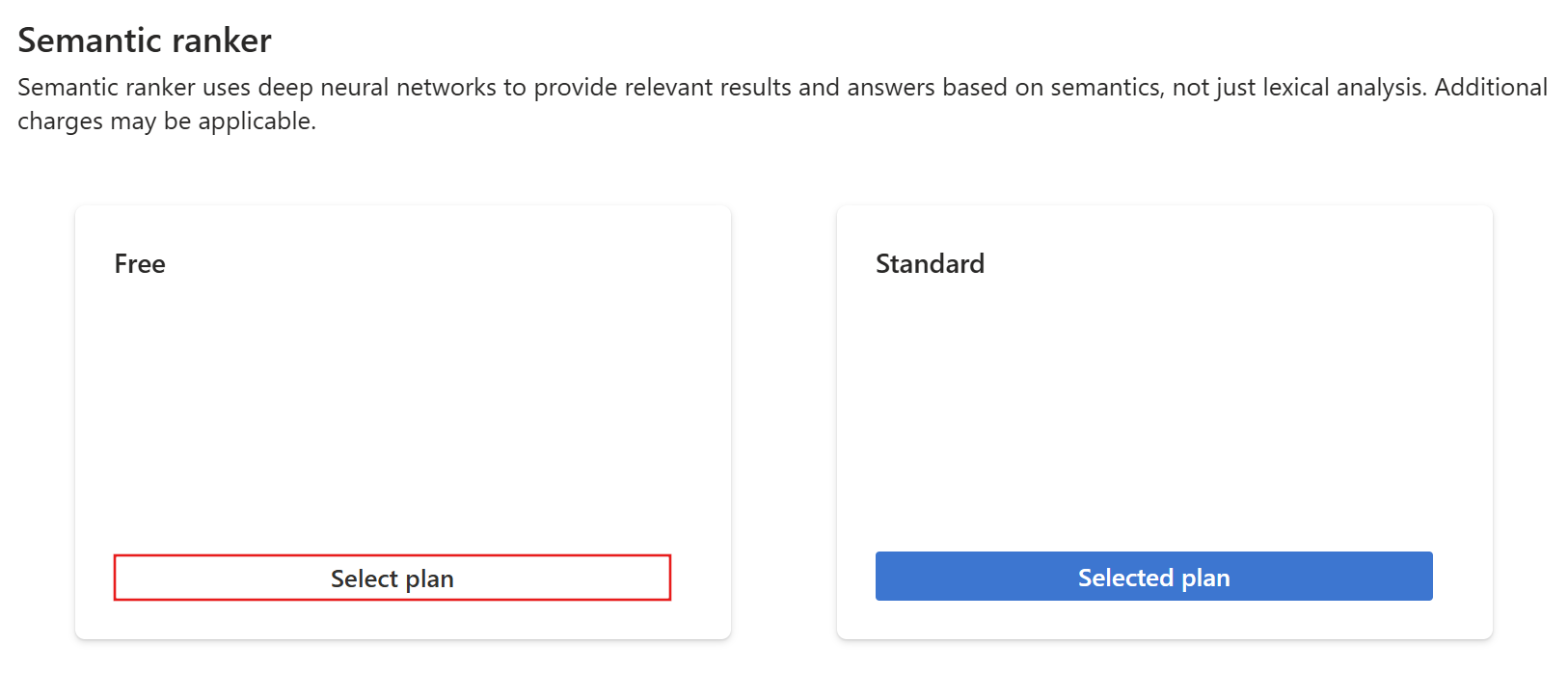
Follow these steps to switch semantic ranker back to the free billing plan.
Go to your search service in the Azure portal.
From the left pane, select Settings > Premium features.
Under Semantic ranker, select Select plan in the Free card.