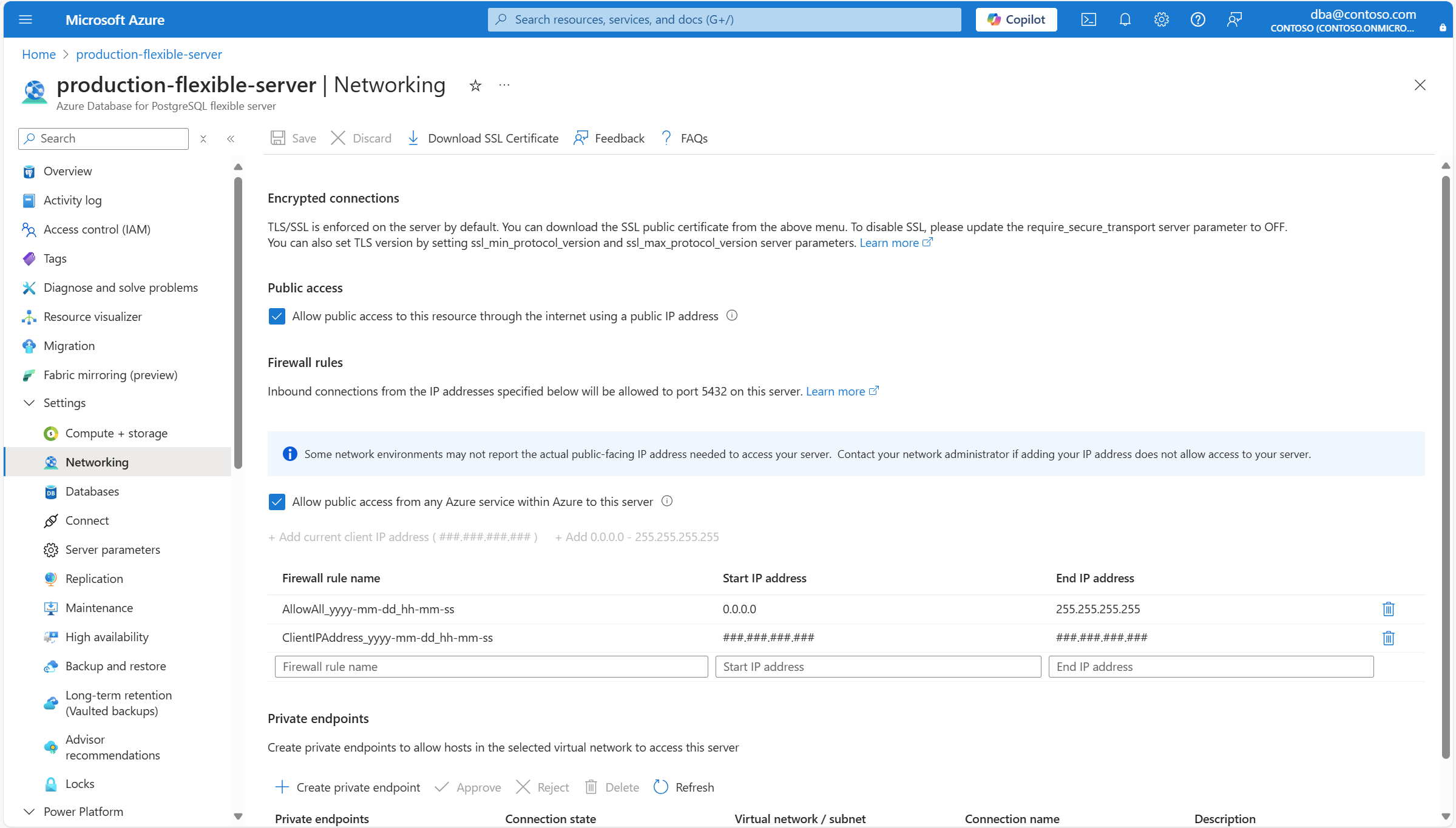
启用公共访问后,可以配置防火墙规则,以允许源自特定 IP 地址或来自任何 Azure 服务的连接。
使用 Azure 门户:
选择您的“Azure Database for PostgreSQL”灵活服务器。
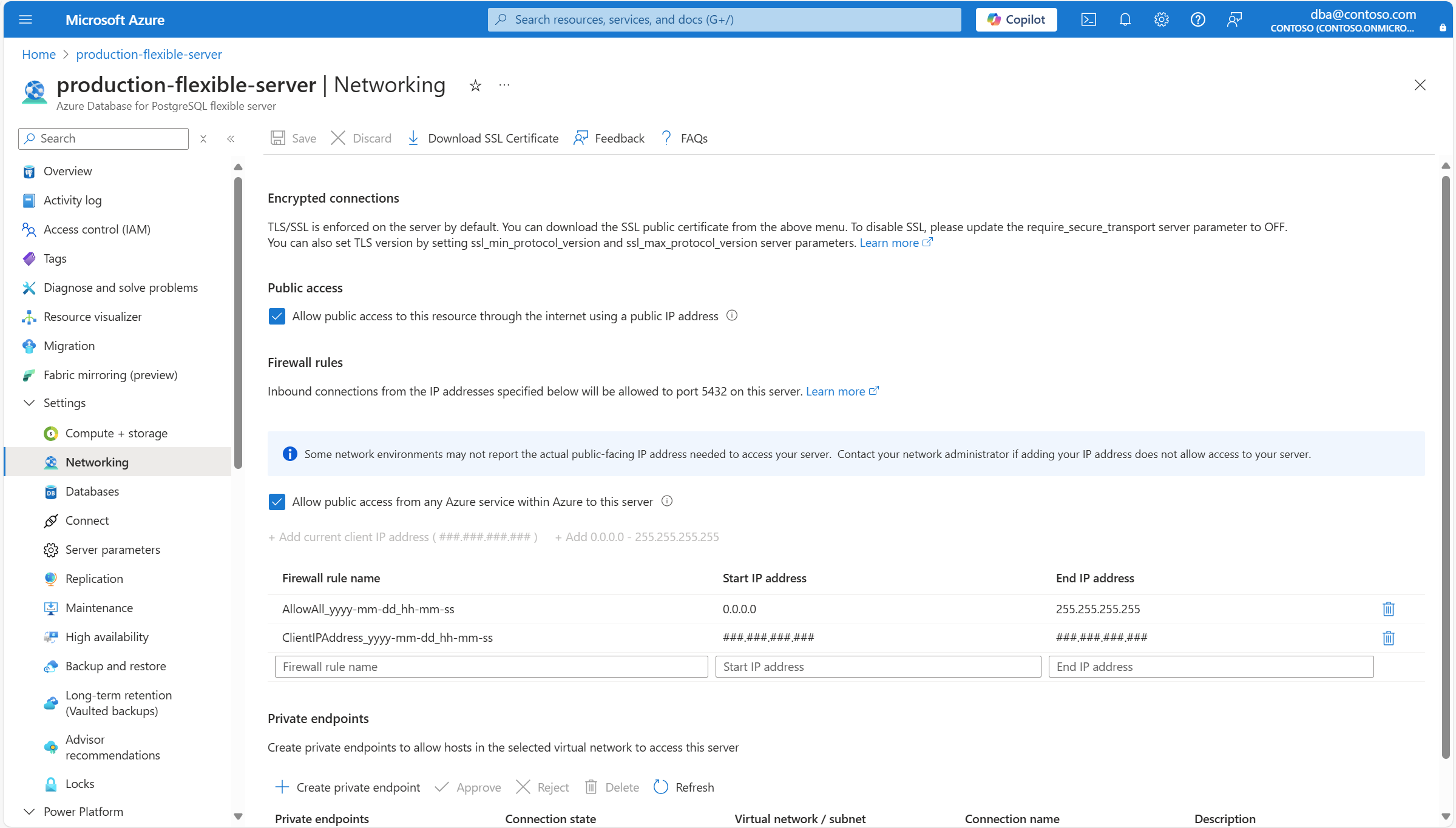
在资源菜单中,选择“ 网络”。
如果要删除防火墙规则,请选择类似于垃圾桶的图标,该图标位于规则定义右侧。
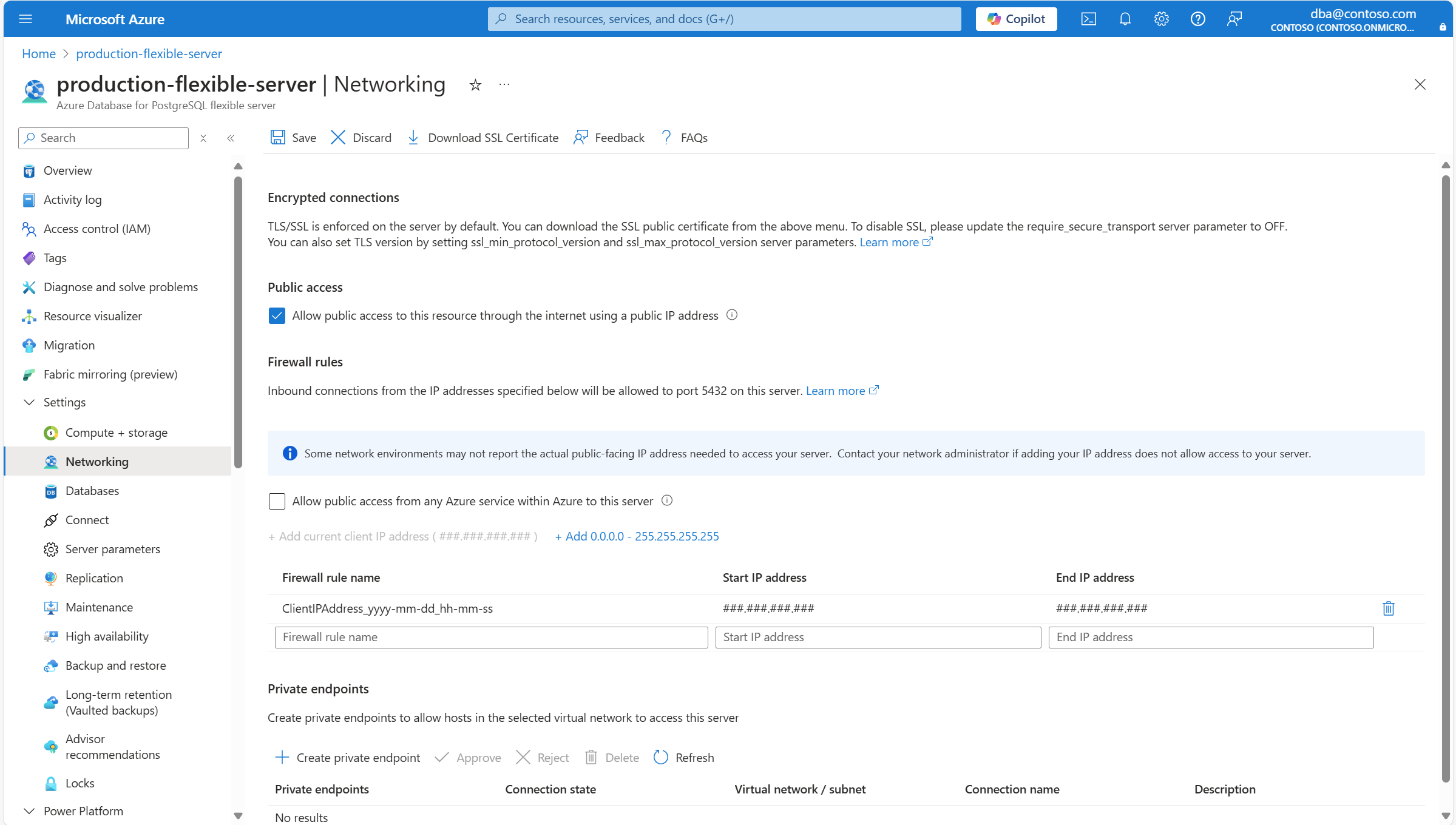
如果要删除允许从分配给任何 Azure 服务或资产的任何 IP 地址发起的连接的防火墙规则,请清除 允许从 Azure 内的任何 Azure 服务到此服务器的公共网络访问 复选框。
重要
允许从 Azure 中的任何 Azure 服务公开访问此服务器 会创建一个防火墙规则,该规则的开始和结束 IP 地址设置为 0.0.0.0。 此规则的存在将防火墙配置为允许来自分配给任何 Azure 服务或资产的 IP 地址的连接,这包括其他客户订阅的连接。
选择“保存”。
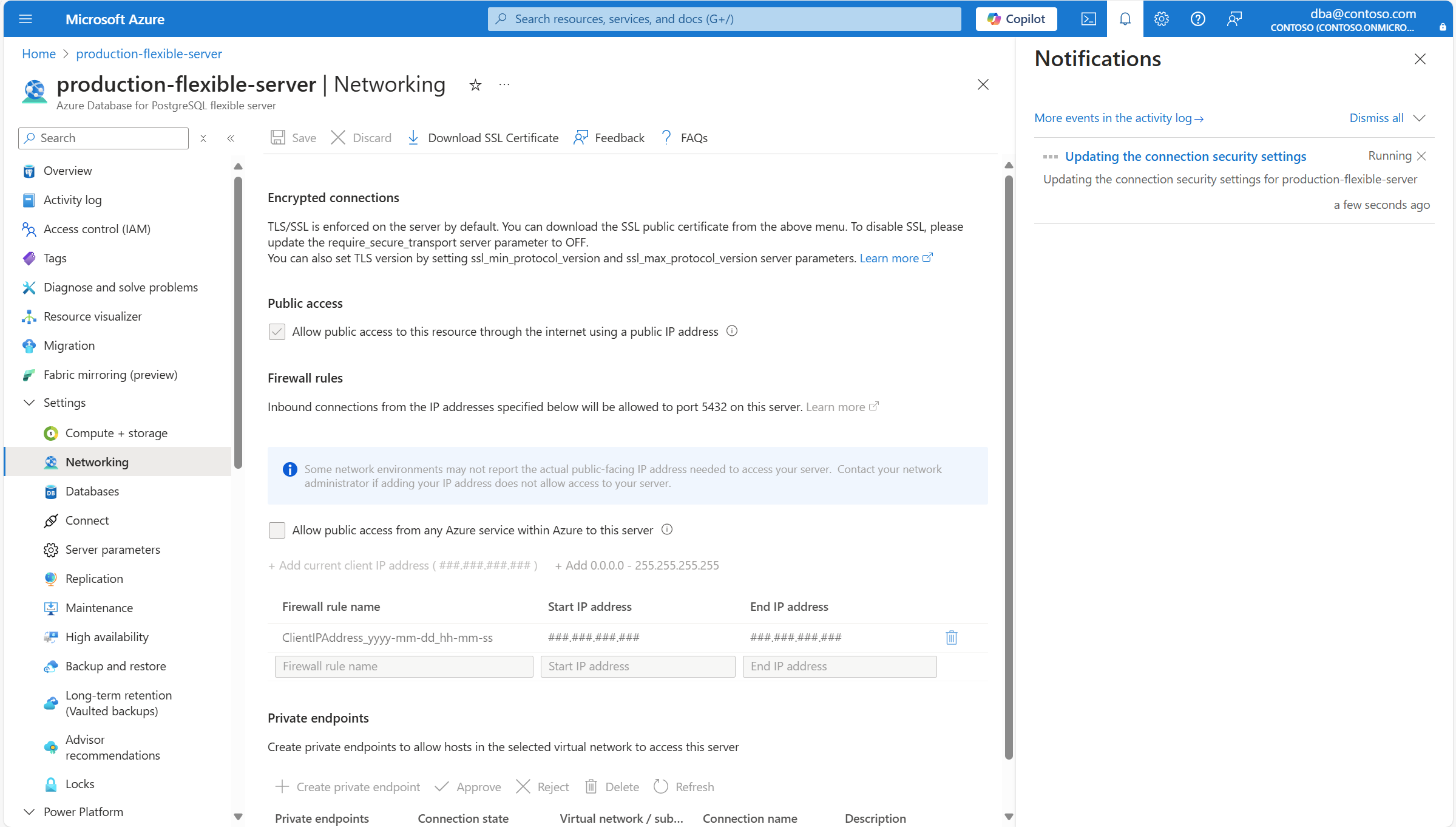
系统通知会提示你,更改正在被应用。
此外,服务器的状态将更改为 “正在更新”。
该过程完成后,通知会通知你已应用更改。
此外,服务器的状态会变为“就绪”。
可以通过 az postgres flexible-server firewall-rule delete 命令从服务器中删除防火墙规则。
az postgres flexible-server firewall-rule delete \
--resource-group <resource_group> \
--name <server> \
--rule-name <rule>
如果尝试在未处于Ready状态的服务器上删除防火墙规则,将收到如下错误:
Code: InternalServerError
Message: An unexpected error occured while processing the request. Tracking ID: '<tracking_id>'
注释
防火墙规则名称只能包含0-9、a-z、A-Z和。 -_ 此外,防火墙规则的名称必须至少为 3 个字符,长度不超过 128 个字符。
如果尝试删除名称无效的防火墙规则,将收到如下所示的错误:
The firewall rule name can only contain 0-9, a-z, A-Z, '-' and '_'. Additionally, the name of the firewall rule must be at least 3 characters and no more than 128 characters in length.
如果尝试从未启用公共访问的服务器中删除防火墙规则,将收到如下所示的错误:
Firewall rule operations cannot be requested for a private access enabled server.
相关内容