Note
Access to this page requires authorization. You can try signing in or changing directories.
Access to this page requires authorization. You can try changing directories.
You can specify scheduled maintenance options for each Azure Database for PostgreSQL flexible server in your Azure subscription. Options include the type of scheduled maintenance and notification settings for upcoming and finished maintenance events.
Steps to schedule maintenance
Use the Azure portal:
Select your Azure Database for PostgreSQL flexible server.
In the resource menu, under the Settings section, select Maintenance.
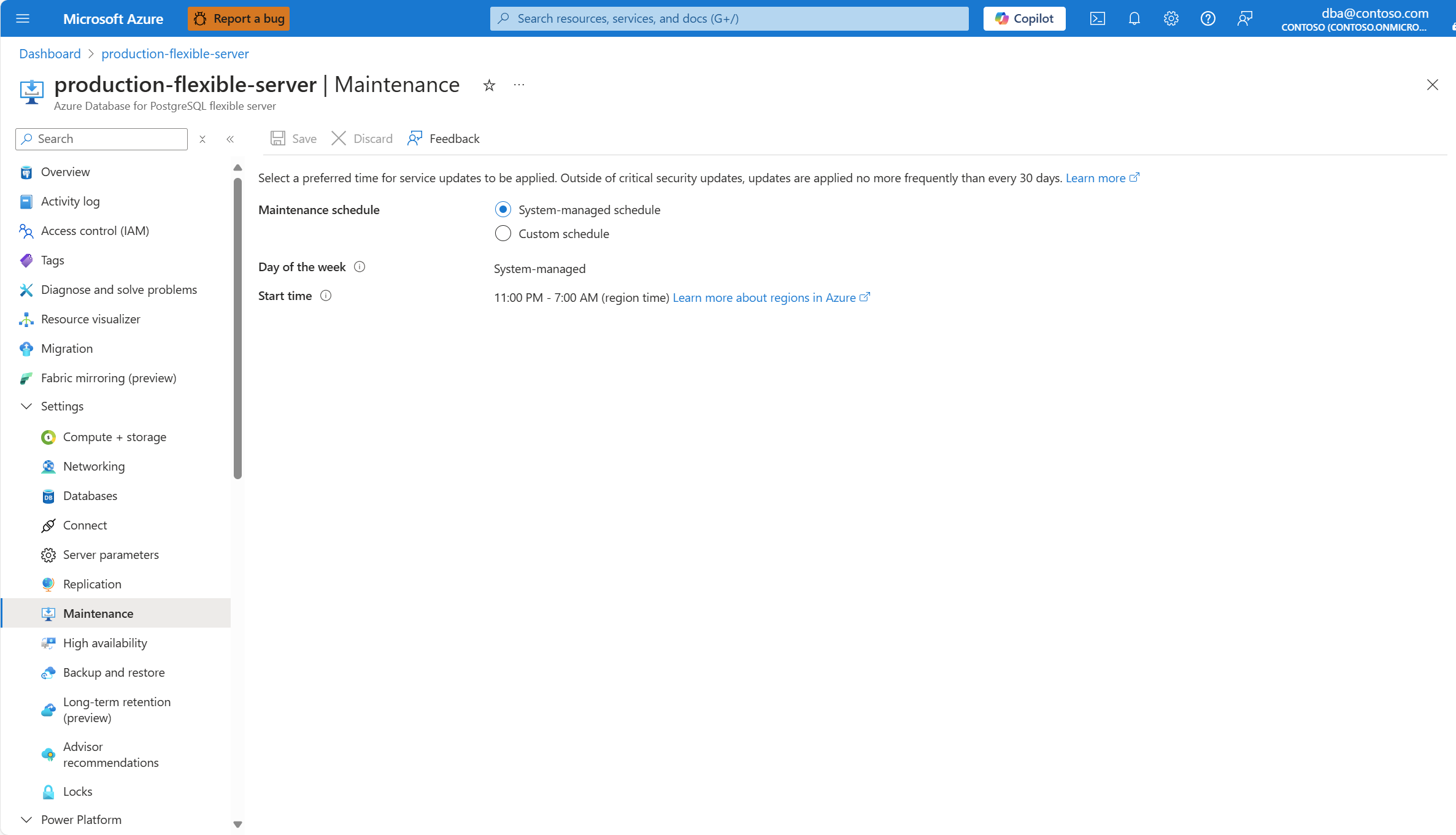
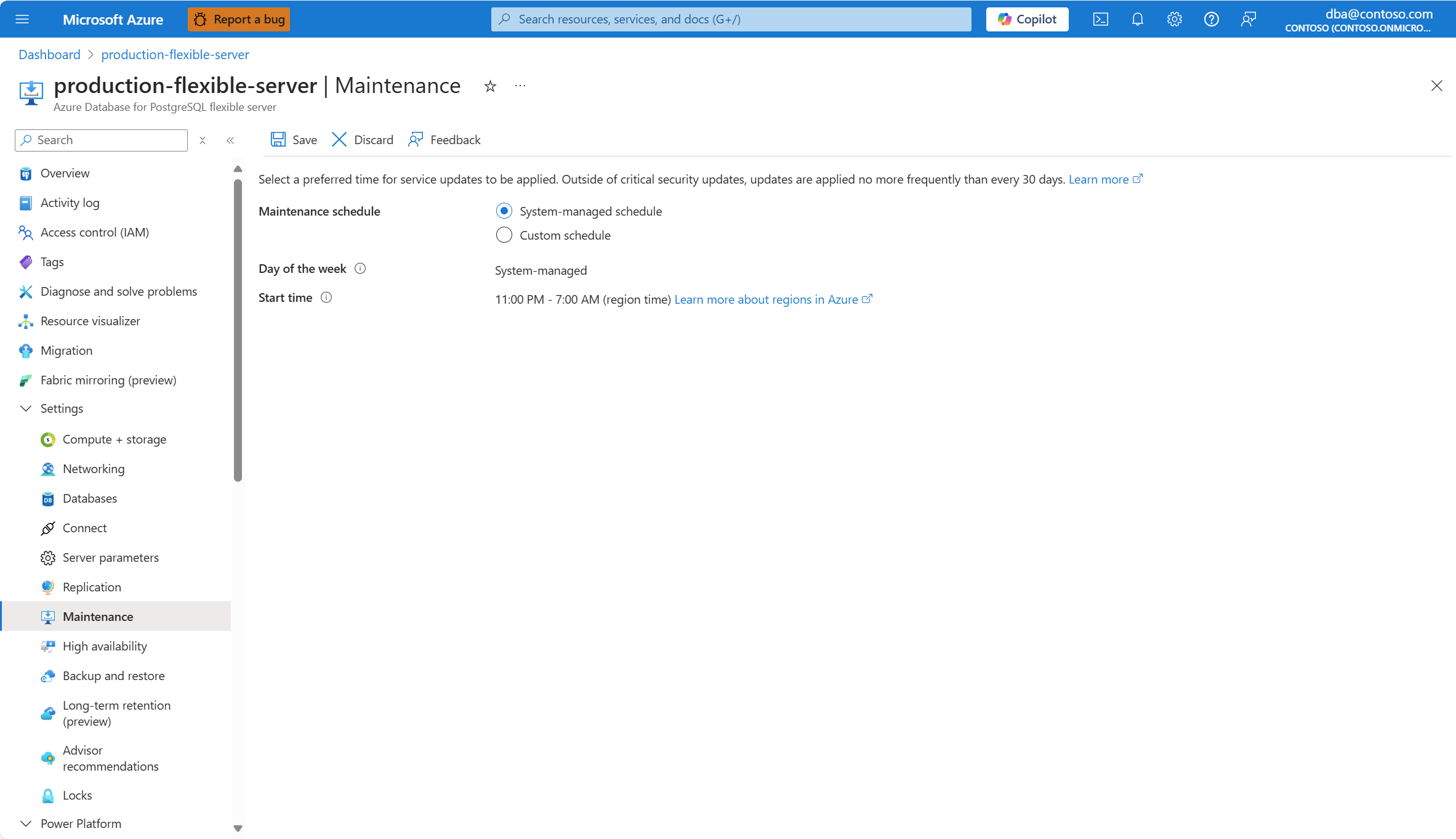
If you select System-managed schedule, the system automatically assigns a random day of the week, and a 60-minute window that begins somewhere between 11 PM and 7 AM (local server time).
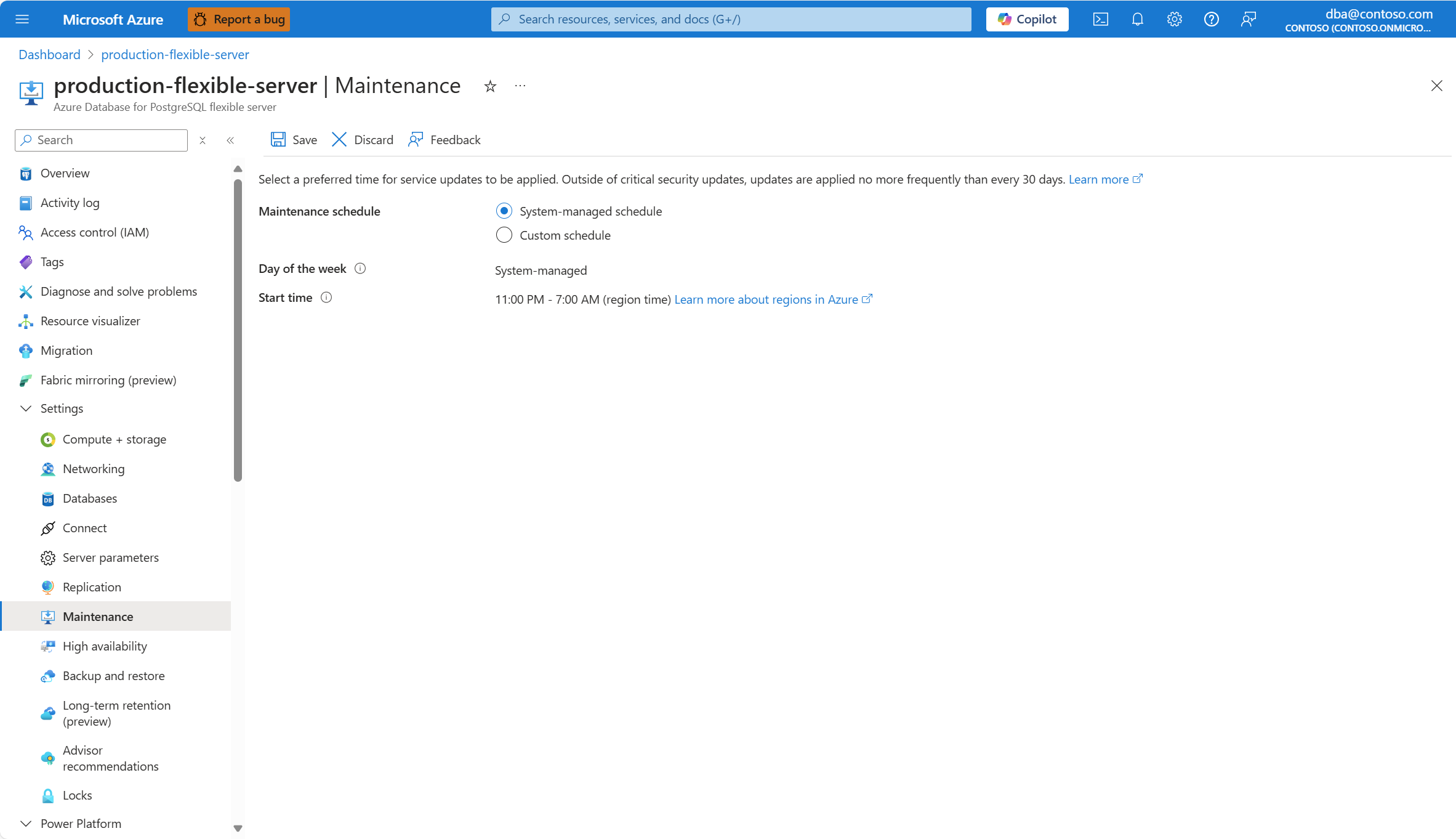
If you want more granular control, select Custom schedule.
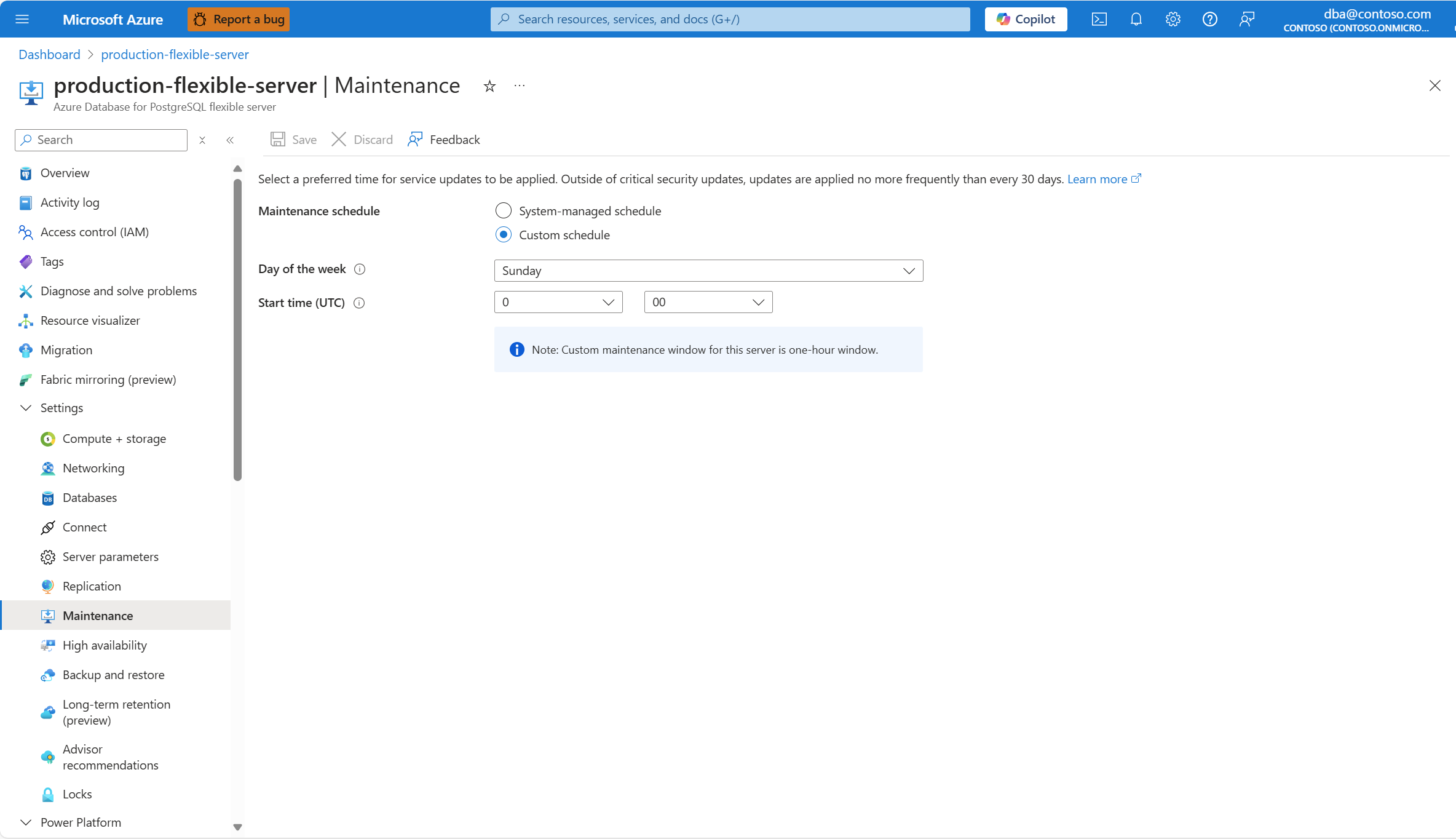
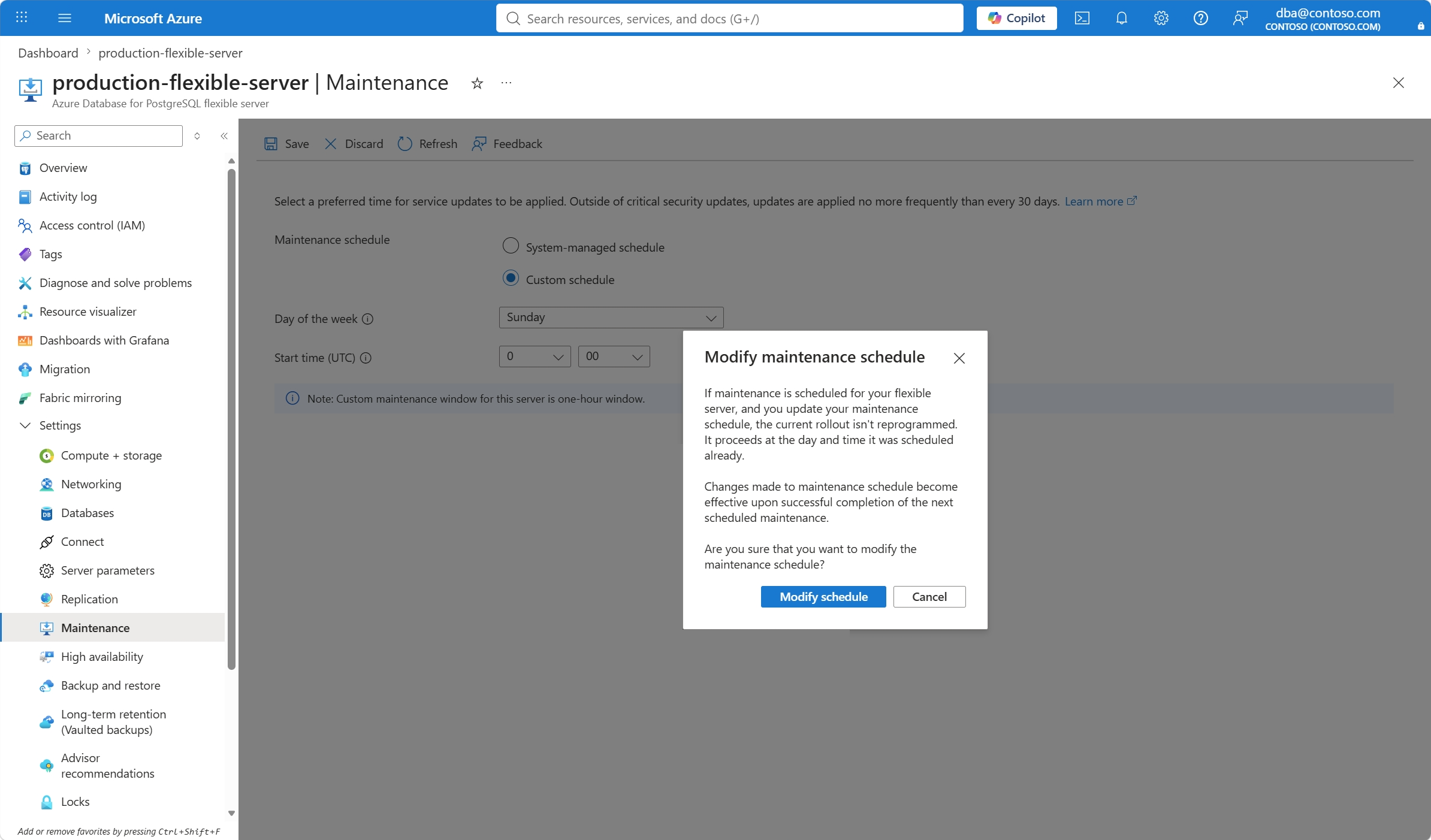
Select a preferred day of the week, and a start time for the 60-minute window in which you want maintenance to occur.
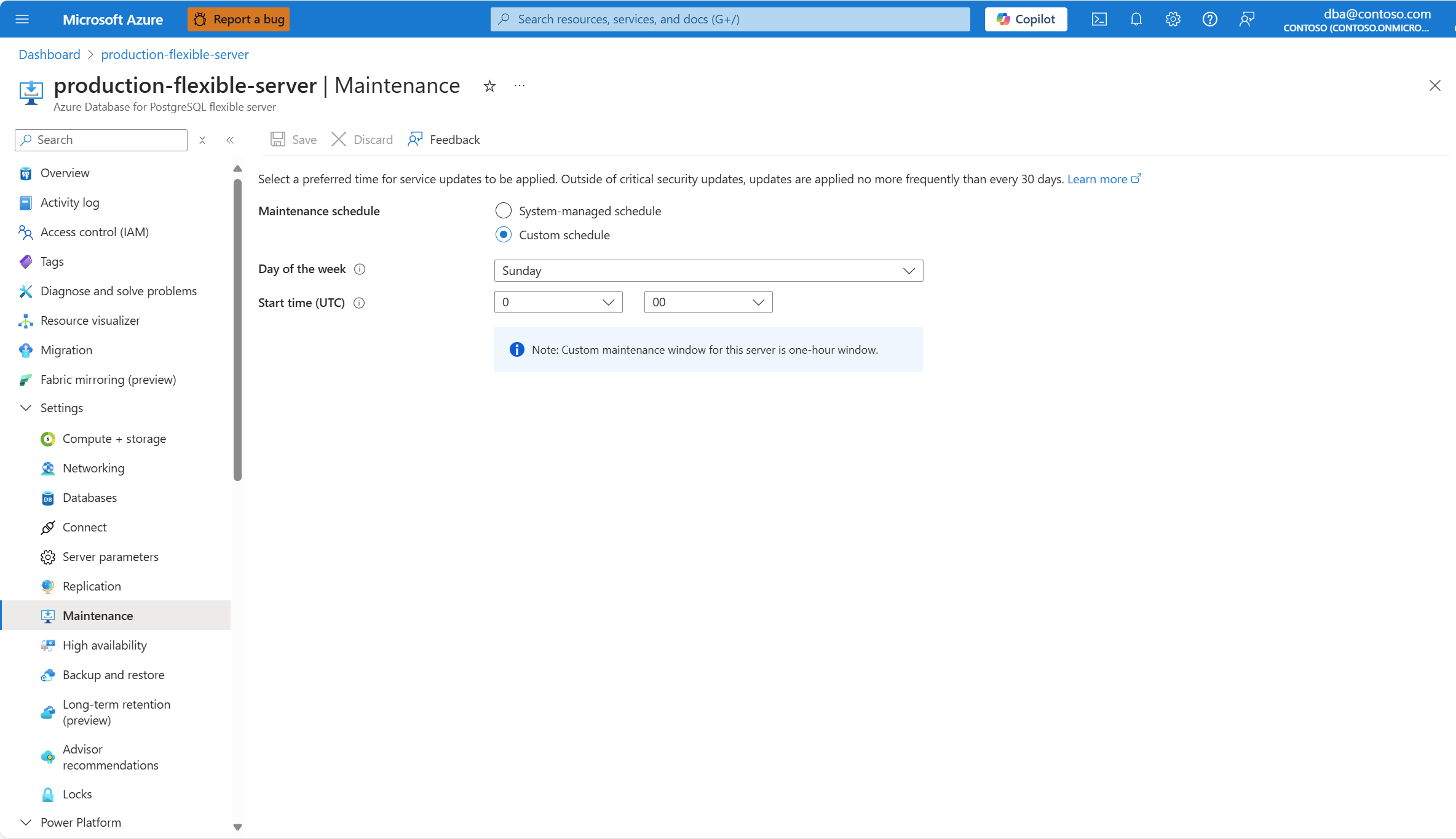
Select Save.
Make sure that you understand the implications of changing the currently configured schedule and confirm the operation or cancel it.
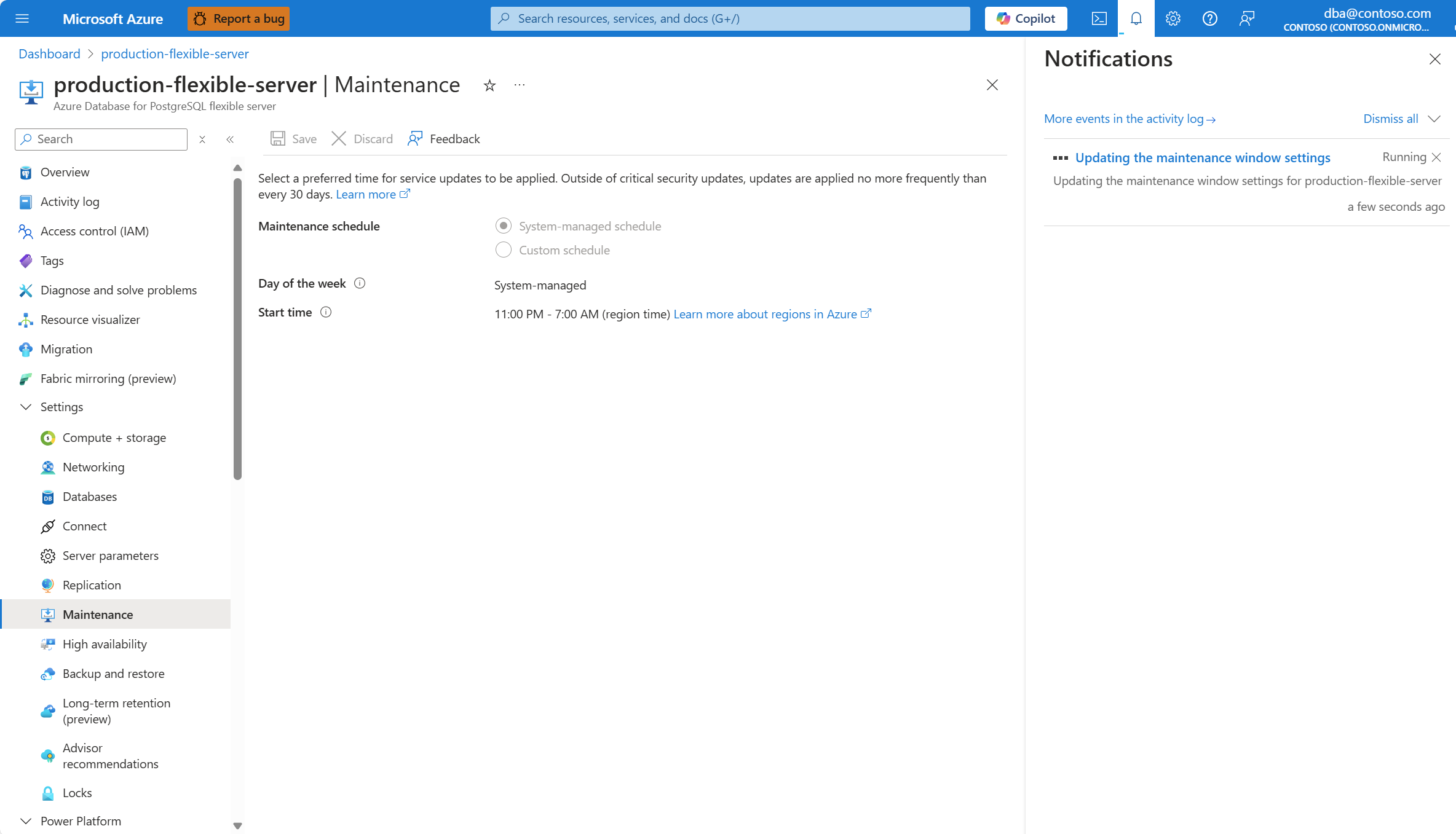
A notification informs you that the service is updating the maintenance window settings.
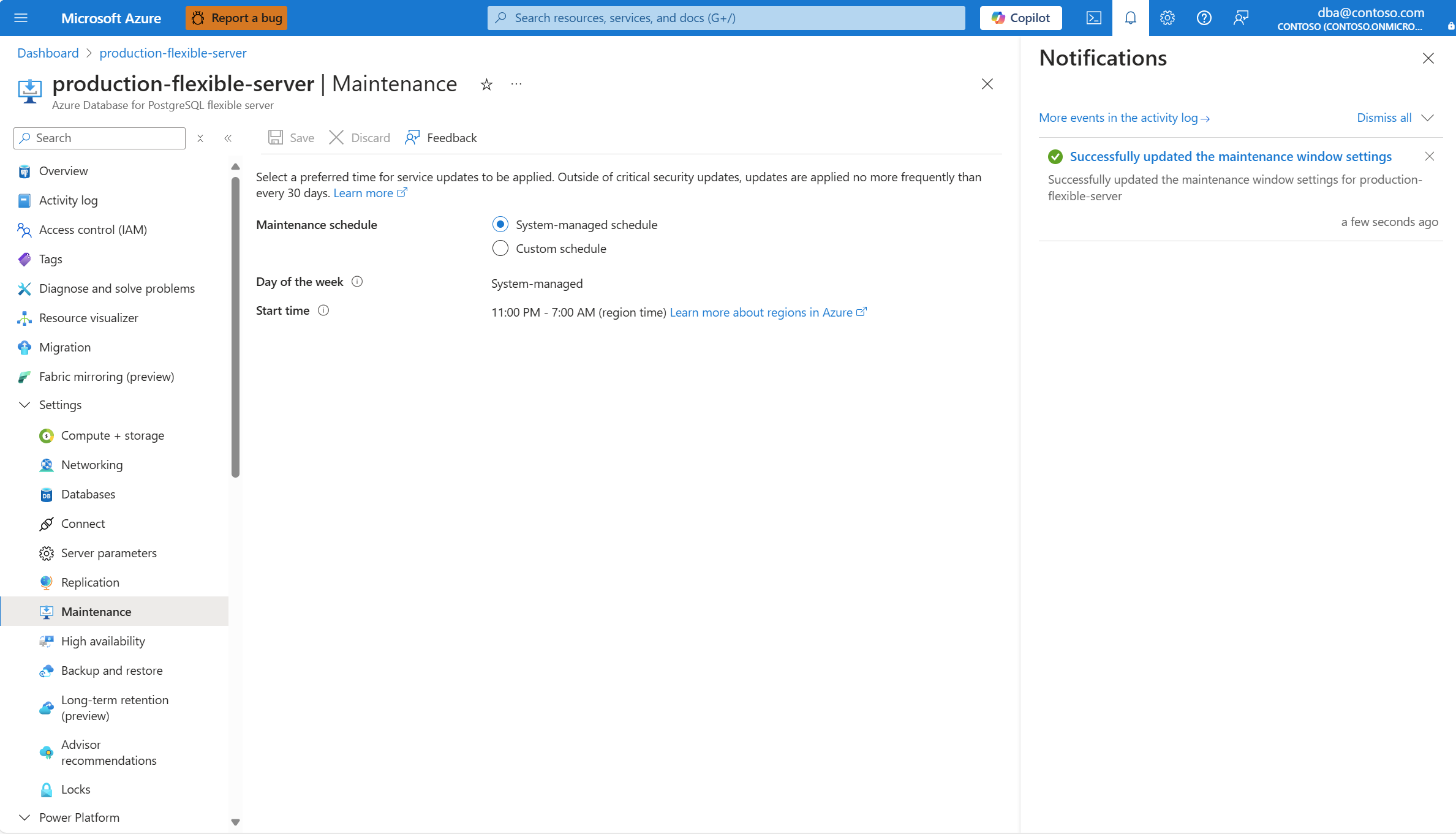
When the operation finishes, a notification informs you that the service completed the update of the maintenance window settings.
Notifications about scheduled maintenance events
You can use Azure Service Health to view notifications about upcoming and performed scheduled maintenance on your Azure Database for PostgreSQL flexible server instance.
You can also set up alerts in Azure Service Health to get notifications about maintenance events.