Note
Access to this page requires authorization. You can try signing in or changing directories.
Access to this page requires authorization. You can try changing directories.
Azure Speech provides speech to text, text to speech, and other capabilities through an Azure Speech resource. You can transcribe speech to text with high accuracy, produce natural-sounding text-to-speech voices, translate spoken audio, and conduct live AI voice conversations.
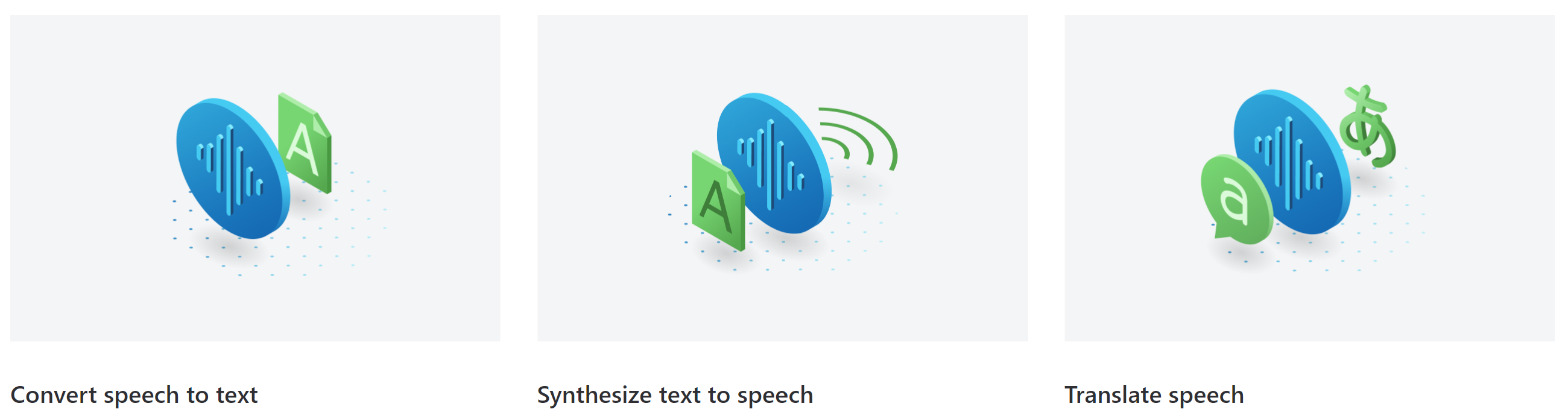
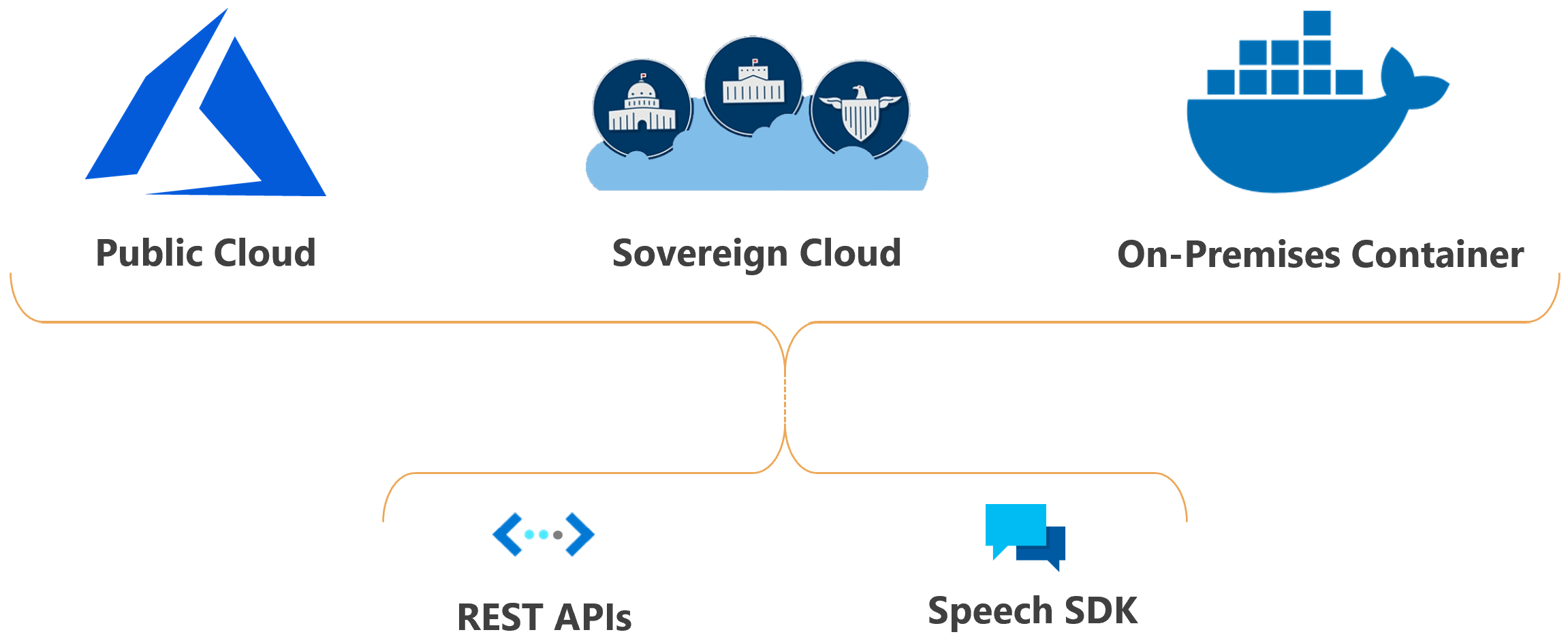
Run Azure Speech anywhere, in the cloud or at the edge in containers. Enable your applications, tools, and devices for speech by using the Speech CLI, Speech SDK, and REST APIs.
Azure Speech is available for many languages, regions, and price points.
Scenarios
Common scenarios for speech include:
- Captioning: Learn how to synchronize captions with your input audio, apply profanity filters, get partial results, apply customizations, and identify spoken languages for multilingual scenarios.
- Audio content creation: Use neural voices to make interactions with chatbots and voice agents more natural and engaging, convert digital texts such as e-books into audiobooks, and enhance in-car navigation systems.
- Call center: Transcribe calls in real time or process a batch of calls, redact personal information, and extract insights such as sentiment to help with your call-center use case.
- Language learning: Provide pronunciation assessment feedback to language learners, support real-time transcription for remote learning conversations, and read aloud teaching materials with neural voices.
- Voice live: Create natural, human like conversational interfaces for applications and experiences. The Voice Live feature provides fast, reliable interaction between a human and an agent implementation.
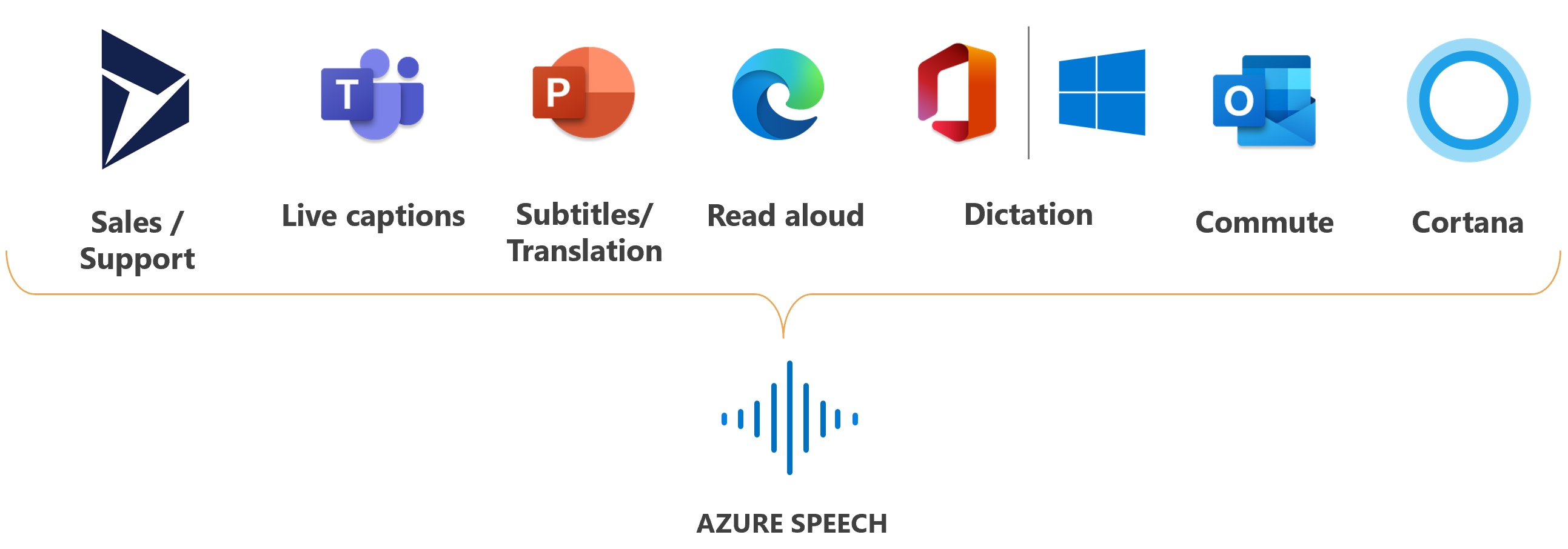
Microsoft uses Azure Speech for many scenarios, such as captioning in Microsoft Teams, dictation in Microsoft Office 365, and Read Aloud in the Microsoft Edge browser.
Capabilities
The following sections summarize Azure Speech features and provide links for more information.
Speech to text
Use speech to text to convert audio into text. Choose from:
- Real-time transcription for streaming audio.
- Fast transcription for pre-recorded audio files.
- Batch transcription for processing large volumes of audio asynchronously.
The base model might not be sufficient if the audio contains ambient noise or includes industry and domain-specific jargon. In these cases, you can create and train custom speech models with acoustic, language, and pronunciation data. Custom speech models are private and can offer a competitive advantage.
Text to speech
With text to speech, you can convert input text into humanlike synthesized speech. Use neural voices, which are humanlike voices powered by deep neural networks. Use Speech Synthesis Markup Language (SSML) to fine-tune the pitch, pronunciation, speaking rate, volume, and more.
Voice options include:
- Standard voice: You can choose among highly natural out-of-the-box voices. Check the standard voice samples in the Voice Gallery and determine the right voice for your business needs.
Speech translation
Speech translation enables real-time, multilingual translation of speech to your applications, tools, and devices. Use this feature for speech-to-speech and speech-to-text translation.
Language identification
Language identification helps you identify languages spoken in audio by comparing them against a list of supported languages. Use language identification by itself, with speech-to-text recognition, or with speech translation.
Pronunciation assessment
Pronunciation assessment evaluates speech pronunciation and gives speakers feedback on the accuracy and fluency of spoken audio. By using pronunciation assessment, language learners can practice, get instant feedback, and improve their pronunciation so that they can speak and present with confidence.
Delivery and presence
You can deploy Azure Speech features in the cloud.
Azure Speech deployment in sovereign clouds is available for some government entities and their partners. For example, Microsoft Azure operated by 21Vianet is available to organizations that have a business presence in China. For more information, see Speech service in sovereign clouds.
Integration of Azure Speech in your application
Speech Studio is a set of UI-based tools for building and integrating features from Azure Speech in your applications. You create projects in Speech Studio by using a no-code approach. You can then reference those assets in your applications by using:
Speech SDK. This SDK exposes many of the Azure Speech capabilities that you can use to develop speech-enabled applications. The Speech SDK is available in many programming languages and across all platforms.
Speech CLI. With this command-line tool, you can use Azure Speech without having to write any code. Most features in the Speech SDK are available in the Speech CLI, and some advanced features and customizations are simplified in the Speech CLI.
REST APIs. In some cases, you can't or shouldn't use the Speech SDK. In those cases, you can use REST APIs to access Azure Speech. For example, use REST APIs for batch transcription.
Code samples
Sample code for Azure Speech is available on GitHub. These samples cover common scenarios like reading audio from a file or stream, continuous and single-shot recognition, and working with custom models. Use these links to view SDK and REST samples:
- Speech-to-text, text-to-speech, and speech translation samples (SDK)
- Batch transcription samples (REST)
- Text-to-speech samples (REST)
Related content
The following quickstarts are available for Azure Speech features. Each quickstart teaches you basic design patterns in many popular programming languages and has you running code in less than 10 minutes.