Note
Access to this page requires authorization. You can try signing in or changing directories.
Access to this page requires authorization. You can try changing directories.
This page provides you with information about features, fixes, and deprecations that are older than six months. For the latest updates, read What's new in Defender for Cloud?.
Note
The following released version, date, and content only correspond to the actual deployment of the Microsoft Azure Clouds.
It provides the evolution history of Microsoft Defender for Cloud on Azure Public Cloud in most cases. Please note that in some cases, it may not be consistent with the actual deployment of Azure operated by 21Vianet.
June 2025
| Date | Category | Update |
|---|---|---|
| June 25 | Preview | Optional index tags for storing malware scanning results (Preview) |
| June 18 | Preview | Agentless code scanning - GitHub support and customizable coverage now available (Preview) |
Optional index tags for storing malware scanning results (Preview)
June 25, 2025
Defender for Storage malware scanning introduces optional index tags for both on-upload and on-demand scans. With this new capability, users can choose whether to publish results to blob’s index tags when a blob is scanned (default) or to not use index tags. Index tags can be enabled or disabled at the subscription and storage account level through the Azure portal or via API.
Agentless code scanning - GitHub support and customizable coverage now available (Preview)
June 18, 2025
We have updated the agentless code scanning feature to include key capabilities that extend both coverage and control. These updates include:
- Support for GitHub repositories, in addition to Azure DevOps
- Customizable scanner selection - select which tools (e.g., Bandit, Checkov, ESLint) to run
- Granular scope configuration - include or exclude specific organizations, projects, or repositories
Agentless code scanning provides scalable security scanning for code and infrastructure-as-code (IaC) without requiring changes to CI/CD pipelines. It helps security teams detect vulnerabilities and misconfigurations without interrupting developer workflows.
Learn more about configuring agentless code scanning in Azure DevOps or GitHub.
May 2025
| Date | Category | Update |
|---|---|---|
| May 5 | Preview | Active User (Public Preview) |
Active User (Public Preview)
The Active User feature assists security administrators quickly identify and assign recommendations to the most relevant users based on recent control plane activity. For each recommendation, up to three potential active users are suggested at the resource, resource group, or subscription level. Administrators can select a user from the list, assign the recommendation, and set a due date—triggering a notification to the assigned user. This streamlines remediation workflows, reduces investigation time, and strengthens overall security posture.
April 2025
| Date | Category | Update |
|---|---|---|
| April 29 | Change | Updated GitHub Application Permissions |
| April 28 | Change | Update to Defender for SQL servers on Machines plan |
| April 7 | Upcoming Change | Enhancements for Defender for app service alerts |
GitHub Application Permissions Update
April 29, 2025
GitHub connectors in Defender for Cloud will be updated to include administrator permissions for [Custom Properties]. This permission is used to provide new contextualization capabilities and is scoped to managing the custom properties schema. Permissions can be granted in two different ways:
In your GitHub organization, navigate to the Microsoft Security DevOps applications within Settings > GitHub Apps and accept the permissions request.
In an automated email from GitHub Support, select Review permission request to accept or reject this change.
Note: Existing connectors continue to work without the new functionality if the above action isn't taken.
Update to Defender for SQL servers on Machines plan
April 28, 2025
The Defender for SQL Server on machines plan in Microsoft Defender for Cloud protects SQL Server instances hosted on Azure, and on-premises machines.
Starting today, we're gradually releasing an enhanced agent solution for the plan. The agent-based solution eliminates the need to deploy the Azure Monitor Agent (AMA) and instead uses the existing SQL infrastructure. The solution is designed to make the onboarding processes easier and improve protection coverage.
Required customer actions:
Update Defender for SQL Servers on Machines plan configuration: Customers who enabled Defender for SQL Server on machines plan before today are required to follow these instructions to update their configuration, following the enhanced agent release.
Verify SQL Server instances protection status: With an estimated starting date of May 2025, customers must verify the protection status of their SQL Server instances across their environments. Learn how to troubleshoot any deployment issues Defender for SQL on machines configuration.
Note
After the agent upgrade occurs, you might experience a billing increase if additional SQL Server instances are protected with your enabled Defender for SQL Servers on Machines plan. For billing information, review the Defender for Cloud pricing page.
Enhancements for Defender for app service alerts
April 7, 2025
On April 30, 2025, Defender for App Service alerting capabilities will be enhanced. We'll add alerts for suspicious code executions and access to internal or remote endpoints. Additionally, we have improved coverage and reduced noise from relevant alerts by expanding our logic and removing alerts that were causing unnecessary noise. As part of this process, the alert "Suspicious WordPress theme invocation detected" will be deprecated.
March 2025
| Date | Category | Update |
|---|---|---|
| March 30 | GA | Enhanced container protection with vulnerability assessment and malware detection for AKS nodes is now GA |
| March 11 | Upcoming Change | Upcoming change to the recommendation severity levels |
Enhanced container protection with vulnerability assessment and malware detection for AKS nodes is now GA
March 30, 2025
Defender for Cloud now provides vulnerability assessment and malware detection for the nodes in Azure Kubernetes Service (AKS) as GA. Providing security protection for these Kubernetes nodes allow customers to maintain security and compliance across the managed Kubernetes service, and understand their part in the shared security responsibility they have with the managed cloud provider.
Vulnerability Assessment
A new recommendation is now available in Azure portal: AKS nodes should have vulnerability findings resolved. Using this recommendation, you can now review and remediate vulnerabilities and CVEs found on Azure Kubernetes Service (AKS) nodes.
Malware detection
New security alerts are triggered when the agentless malware detection capability detects malware in AKS nodes. Agentless malware detection uses the Microsoft Defender Antivirus anti-malware engine to scan and detect malicious files. When threats are detected, security alerts are directed into Defender for Cloud and Defender XDR, where they can be investigated and remediated.
Note: Malware detection for AKS nodes is available only for Defender for Containers or Defender for Servers P2 enabled environments.
Customizable on-upload malware scanning filters in Defender for Storage (Preview)
March 27, 2025
On-upload malware scanning now supports customizable filters. Users can set exclusion rules for on-upload malware scans based on blob path prefixes, suffixes and by blob size. By excluding specific blob paths and types, such as logs or temporary files, you can avoid unnecessary scans and reduce costs.
Upcoming change to the recommendation severity levels
March 11, 2025
We're enhancing the severity levels of recommendations to improve risk assessment and prioritization. As part of this update, we reevaluated all severity classifications and introduced a new level — Critical. Previously, recommendations were categorized into three levels: Low, Medium, and High. With this update, there are now four distinct levels: Low, Medium, High, and Critical, providing a more granular risk evaluation to help customers focus on the most urgent security issues.
As a result, customers might notice changes in the severity of existing recommendations. Additionally, the risk level evaluation, which is available for Defender CSPM customers only, might also be affected as both recommendation severity and asset context are taken into consideration. These adjustments could affect the overall risk level.
The projected change will take place on March 25, 2025.
February 2025
| Date | Category | Update |
|---|---|---|
| February 23 | Preview | Container registry agnostic agentless vulnerability assessment for AKS runtime containers (Preview) |
| February 19 | Preview | MDC Cost Calculator (Preview) |
Defender for Storage malware scanning for blobs up to 50 GB
February 27, 2025
Defender for Storage malware scanning now supports blobs up to 50GB in size (previously limited to 2GB).
Please note that for storage accounts where large blobs are uploaded, the increased blob size limit will result in higher monthly charges.
Container registry agnostic agentless vulnerability assessment for AKS runtime containers (Preview)
February 23, 2025
Defender for Containers and Defender for Cloud Security Posture Management (CSPM) plans, now include container registry agnostic agentless vulnerability assessment for AKS runtime containers. This enhancement extends vulnerability assessment coverage to include running containers with images from any registry (not restricted to supported registries), in addition to scanning Kubernetes add-ons and third party tools running in your AKS clusters. To enable this feature, make sure that Agentless machine scanning is enabled for your subscription in the Defender for Cloud environment settings.
MDC Cost Calculator (Preview)
February 19, 2025
We're excited to introduce our new MDC Cost Calculator to help you easily estimate the costs associated with protecting your cloud environments. This tool is tailored to provide you with a clear and accurate understanding of your expenses, ensuring you can plan and budget effectively.
Why Use the Cost Calculator?
Our cost calculator simplifies the process of estimating costs by allowing you to define the scope of your protection needs. You select the environments and plans you want to enable, and the calculator automatically fills in the billable resources for each plan, including any applicable discounts. You're given a comprehensive view of your potential costs without any surprises.
Key Features:
Scope Definition: Select the plans and environments that interest you. The calculator performs a discovery process to automatically populate the number of billable units for each plan per environment.
Automatic and Manual Adjustments: The tool allows for both automatic collection of data and manual adjustments. You can modify the unit quantity and discount levels to see how changes affect the overall cost.
Comprehensive Cost Estimation: The calculator provides an estimate for each plan and a total cost report. You're provided a detailed breakdown of costs, making it easier to understand and manage your expenses.
Multicloud Support: Our solution works for all supported clouds, ensuring that you get accurate cost estimations regardless of your cloud provider.
Export and Share: Once you have your cost estimate, you can easily export and share it for budget planning and approvals.
January 2025
| Date | Category | Update |
|---|---|---|
| January 30 | GA | Update to scan criteria for container registries |
| January 29 | Change | Enhancements for the Containers Vulnerabilities Assessment scanning powered by MDVM |
Update to scan criteria for container registries
January 30, 2025
We are updating one of the scan criteria for registry images in the preview recommendation for registry images across all clouds and external registries (Azure, Docker, JFrog).
What's Changing?
Currently, we rescan images for 90 days after they have been pushed to a registry. This will now be changed to scan 30 days back.
Note
There are no changes for the related GA recommendations for container vulnerability assessment (VA) on registry images.
Enhancements for the Containers Vulnerabilities Assessment scanning, powered by MDVM
January 29, 2025
We are excited to announce enhancements to our container vulnerability assessment scanning coverage with the following updates:
Additional Programming Languages: Now supporting PHP, Ruby, and Rust.
Extended Java Language Support: Includes scanning for exploded JARs.
Improved Memory Usage: Optimized performance when reading large container image files.
December 2024
| Date | Category | Update |
|---|---|---|
| December 10 | GA | Defender for Cloud Setup experience |
Defender for Cloud Setup experience
December 10, 2024
The Setup experience allows you to start your initial steps with Microsoft Defender for Cloud by connecting cloud environments such as cloud infrastructure, code repositories, and external container registries.
You're guided through the setup of your cloud environment, to protect your assets with advanced security plans, effortlessly perform quick actions to increase security coverage at scale, be aware of connectivity issues, and be notified of new security capabilities. You can navigate to the new experience from the Defender for Cloud menu by selecting Setup.
November 2024
| Date | Category | Update |
|---|---|---|
| November 19 | Preview | Updated versions of CIS standards for managed Kubernetes environments and new recommendations |
| November 18 | Preview | JFrog Artifactory container registry support by Defender for Containers |
| November 13 | Preview | Enhanced container protection with vulnerability assessment and malware detection for AKS nodes |
| November 7 | GA | Enhanced Kubernetes (K8s) Alert Documentation and Simulation Tool |
| November 6 | GA | Enhanced Support for API sensitive data classification |
| November 6 | Public Preview | New support for mapping Azure API Management API endpoints to backend compute |
| November 6 | GA | Enhanced API security support for multi-regional Azure API Management deployments and managing API revisions |
Defender for Storage malware scanning for blobs up to 50 GB (Preview)
November 25, 2024
Estimated date for change: December 1, 2024
Starting on December 1, 2024, Defender for Storage malware scanning will support blobs up to 50GB in size (previously limited to 2GB).
Please note that for storage accounts where large blobs are uploaded, the increased blob size limit will result in higher monthly charges.
Updated versions of CIS standards for managed Kubernetes environments and new recommendations
November 19, 2024
Defender for Cloud's regulatory compliance dashboard now offers updated versions of the Center for Internet Security (CIS) standards for assessing the security posture of managed Kubernetes environments.
To ensure the best possible depth of coverage for these standards, we've enriched our coverage by also releasing 79 new Kubernetes-centric recommendations.
To use these new recommendations, either assign the standards listed above or create a custom standard and include one or more of the new assessments in it.
JFrog Artifactory container registry support by Defender for Containers (Preview)
November 18, 2024
This feature extends Microsoft Defender for Containers coverage of external registries to include JFrog Artifactory. Your JFrog Artifactory container images are scanned using Microsoft Defender Vulnerability Management to identify security threats and mitigate potential security risks.
Introducing cloud-native response actions for Kubernetes pods (Preview)
Defender for Cloud now offers multicloud response actions for Kubernetes pods, accessible exclusively from the Defender XDR portal. These capabilities enhance incident response for AKS, EKS, and GKE clusters.
The following are new response actions:
Network Isolation - Instantly block all traffic to a pod, preventing lateral movement and data exfiltration. Requires network policy configuration on your kubernetes cluster.
Pod Termination - Quickly terminate suspicious pods, stopping malicious activity without disrupting the broader application.
These actions empower SOC teams to contain threats effectively across cloud environments.
Threat Analytics report for containers
We're introducing a dedicated Threat Analytics report, designed to provide comprehensive visibility into threats targeting containerized environments. This report equips SOC teams with insights to detect and respond to the latest attack patterns on AKS, EKS, and GKE clusters.
Key Highlights:
- Detailed analysis of top threats and associated attack techniques within Kubernetes environments.
- Actionable recommendations to strengthen your cloud-native security posture and mitigate emerging risks.
GoHunt for Kubernetes pods & Azure resources
GoHunt now extends its hunting capabilities to include Kubernetes pods and Azure resources, within the Defender XDR portal. This feature enhances proactive threat hunting, enabling SOC analysts to conduct in-depth investigations across cloud-native workloads.
Key Features:
- Advanced query capabilities to detect anomalies in Kubernetes pods and Azure resources, offering richer context for threat analysis.
- Seamless integration with Kubernetes entities for efficient threat hunting and investigation.
Security Copilot Guided Response for Kubernetes pods
Introducing Guided Response for Kubernetes pods, a feature powered by Security Copilot. This new capability provides real-time, step-by-step guidance, helping SOC teams respond to container threats swiftly and effectively.
Key Benefits:
- Contextual response playbooks tailored to common Kubernetes attack scenarios.
- Expert, real-time support from Security Copilot, bridging the knowledge gap and enabling faster resolution.
Enhanced container protection with vulnerability assessment and malware detection for AKS nodes (Preview)
November 13, 2024
Defender for Cloud now provides vulnerability assessment and malware detection for the nodes in Azure Kubernetes Service (AKS), and provides clarity to customers on their part in the shared security responsibility they have with the managed cloud provider.
Providing security protection for these Kubernetes nodes allow customers to maintain security and compliance across the managed Kubernetes service.
To receive the new capabilities, you have to enable the agentless scanning for machines option in the Defender CSPM, Defender for Containers, or Defender for Servers P2 plan in your subscription.
Vulnerability Assessment
A new recommendation is now available in Azure portal: AKS nodes should have vulnerability findings resolved. Through this recommendation, you can now review and remediate vulnerabilities and CVEs found on Azure Kubernetes Service (AKS) nodes.
Malware detection
New security alerts are triggered when the agentless malware detection capability detects malware in AKS nodes.
Agentless malware detection uses the Microsoft Defender Antivirus anti-malware engine to scan and detect malicious files. When threats are detected, security alerts are directed into Defender for Cloud and Defender XDR, where they can be investigated and remediated.
Important
Malware detection for AKS nodes is available only for Defender for Containers or Defender for Servers P2 enabled environments.
Enhanced Kubernetes (K8s) Alert Documentation and Simulation Tool
November 7, 2024
Key features
- Scenario-based alert documentation: K8s alerts are now documented based on real-world scenarios, providing clearer guidance on potential threats and recommended actions.
- Microsoft Defender for Endpoint (MDE) integration: Alerts are enriched with additional context and threat intelligence from MDE, improving you the ability to respond effectively.
- New Simulation Tool: A powerful simulation tool is available to test your security posture by simulating various attack scenarios and generating corresponding alerts.
Benefits
- Improved alert understanding: Scenario-based documentation provides a more intuitive understanding of K8s alerts.
- Enhanced threat response: Alerts are enriched with valuable context, enabling faster and more accurate responses.
- Proactive security testing: The new simulation tool allows you to test your security defenses and identify potential vulnerabilities before they're exploited.
Enhanced support for API sensitive data classification
November 6, 2024
Microsoft Defender for Cloud extends API Security sensitive data classification capabilities to API URL path and query parameters along with API request and responses, including the source of sensitive information found in the API properties. This information will be available in the Attack Path Analysis experience, the Cloud Security Explorer's Additional Details page when API Management operations with sensitive data are selected, and on the API Security Dashboard under the Workload Protections within API collection details page, with a new side context menu that provides detailed insights into sensitive data found, enabling security teams efficiently locate and mitigate data exposure risks.
Note
This change will include a one-time rollout to existing Defender for APIs and Defender CSPM customers.
New support for mapping Azure API Management API endpoints to backend compute
November 6, 2024
Defender for Cloud's API security posture now supports mapping API endpoints published through Azure API Management Gateway to backend compute resources, such as virtual machines, in the Defender Cloud Security Posture Management (Defender CSPM) Cloud Security Explorer. This visibility helps identify API traffic routing to backend cloud compute destinations, enabling you to detect and address exposure risks associated with API endpoints and their connected backend resources.
Enhanced API security support for multi-regional Azure API Management deployments and managing API revisions
November 6, 2024
API security coverage within Defender for Cloud will now have full support for Azure API Management multi-region deployments, including full security posture and threat detection support to both primary and secondary regions
Onboarding and offboarding APIs to Defender for APIs will now be managed at the Azure API Management API level. All associated Azure API Management revisions will automatically be included in the process, eliminating the need to manage onboarding and offboarding for each API revision individually.
This change includes a one-time rollout to existing Defender for APIs customers.
Rollout Details:
- The rollout will occur during the week of November 6 for existing Defender for APIs customers.
- If the 'current' revision for an Azure API Management API is already onboarded to Defender for APIs, all associated revisions for that API will also be automatically onboarded to Defender for APIs.
- If the 'current' revision for an Azure API Management API isn't onboarded to Defender for APIs, any associated API revisions that were onboarded to Defender for APIs will be offboarded.
October 2024
| Date | Category | Update |
|---|---|---|
| October 31 | Upcoming change | Enhanced API security support for multi-regional Azure API Management deployments and managing API revisions |
| October 28 | GA | MMA migration experience is now available |
| October 14 | Upcoming change | Deprecation of three compliance standards |
| October 6 | Preview | Updated containers runtime recommendations |
| October 6 | Preview | Kubernetes Identity and Access information in the security graph |
| October 6 | GA | Full discovery of container images in supported registries |
MMA migration experience is now available
October 28, 2024
You can now ensure that all of your environments are fully prepared for the post Log Analytics agent (MMA) deprecation expected at the end of November 2024.
Deprecation of three compliance standards
October 14, 2024
Estimated date for change: November 17, 2024
Three compliance standards are being removed from the product:
- SWIFT CSP-CSCF v2020 (for Azure) - This was superseded by the v2022 version
- CIS Microsoft Azure Foundations Benchmark v1.1.0 and v1.3.0 - We have two newer versions available (v1.4.0 and v2.0.0)
Learn more about the compliance standards available in Defender for Cloud in Available compliance standards.
Binary drift detection released as GA
October 9, 2024
Binary drift detection is now released as GA in the Defender for Container plan. Note that binary drift detection now works on all AKS versions.
Updated containers runtime recommendations (preview)
October 6, 2024
The preview recommendations for "Containers running in AWS/Azure/GCP should have vulnerabilities findings resolved" are updated to group all containers that are part of the same workload into a single recommendation, reducing duplications and avoid fluctuations due to new and terminated containers.
As of October 6, 2024 the following assessment IDs are replaced for these recommendations:
| Recommendation | Previous assessment ID | New assessment ID |
|---|---|---|
| -- | -- | -- |
| Containers running in Azure should have vulnerability findings resolved | e9acaf48-d2cf-45a3-a6e7-3caa2ef769e0 | c5045ea3-afc6-4006-ab8f-86c8574dbf3d |
If you're currently retrieving vulnerability reports from these recommendations via API, ensure you update the API call with the new assessment ID.
Kubernetes Identity and Access information in the security graph (preview)
October 6, 2024
Kubernetes Identity and Access information is added to the security graph, including nodes that represent all Kubernetes Role Based Access Control (RBAC) related entities (service accounts, roles, role bindings, etc.), and edges that represent the permissions between Kubernetes objects. Customers can now query the security graph for their Kubernetes RBAC, and related relationships between Kubernetes entities (Can Authenticate As, Can Impersonate As, Grants Role, Access Defined By, Grants Access To, Has Permission To, etc.)
Full discovery of container images in supported registries
October 6, 2024
Defender for Cloud now collects inventory data for all container images in supported registries, providing full visibility within the security graph to all images in your cloud environments, including images that currently don't have any posture recommendations.
Querying capabilities through the Cloud Security Explorer are improved so users can now search for container images based on their metadata (digest, repository, OS, tag, and etc.)
September 2024
| Date | Category | Update |
|---|---|---|
| September 22 | Upcoming change | Cloud security explorer experience improvements |
| September 18 | GA | FIM migration experience is available in Defender for Cloud |
| September 18 | Deprecation | Deprecation of MMA auto-provisioning capability |
| September 15 | GA | Integration with Power BI |
| September 11 | Upcoming change | Update to CSPM multicloud network requirements |
| September 9 | Deprecation | Defender for Servers feature deprecation |
| September 9 | GA | Spanish National Security Framework (Esquema Nacional de Seguridad (ENS)) added to regulatory compliance dashboard for Azure |
Cloud security explorer experience improvements
September 22, 2024
Estimated date for change: October 2024
The Cloud Security Explorer is set to improve performance and grid functionality, provide more data enrichment on each cloud asset, improve search categories, and improve CSV export report with more insights on the exported cloud assets.
FIM migration experience is available in Defender for Cloud
September 18, 2024
An in-product experience is released to allow you to migrate your FIM configuration over MMA to the new FIM over Defender for Endpoint version. With this experience you can:
- Review affected environment with previous FIM version over MMA enabled and required migration.
- Export your current FIM rules from MMA- based experience and reside on workspaces
- Migrate to P2 enabled subscriptions with new FIM over MDE.
To use the migration experience, navigate to the Environment settings pane and select the MMA migration button in the upper row.
Deprecation of MMA auto-provisioning capability
September 18, 2024 As part of the MMA agent retirement, the auto provisioning capability that provides the installation and configuration of the agent for MDC customers, will be deprecated as well in two stages:
By the end of September 2024- auto provisioning of MMA will be disabled for customers that are no longer using the capability, as well as for newly created subscriptions. After end of September, the capability will no longer be able to be re-enabled on those subscriptions.
End of November 2024- auto provisioning of MMA will be disabled on subscriptions that haven't yet switched it off. From that point forward, it can no longer be possible to enable the capability on existing subscriptions.
Integration with Power BI
September 15, 2024
Defender for Cloud can now integrate with Power BI. This integration allows you to create custom reports and dashboards using the data from Defender for Cloud. You can use Power BI to visualize and analyze your security posture, compliance, and security recommendations.
Learn more about the new integration with Power BI.
Update to CSPM multicloud network requirements
September 11, 2024
Estimated date for change: October 2024
Beginning October 2024, we're adding more IP addresses to our multicloud discovery services to accommodate improvements and ensure a more efficient experience for all users.
To ensure uninterrupted access from our services, you should update your IP allowlist with the new ranges provided here. You should make the necessary adjustments in your firewall settings, security groups, or any other configurations that might be applicable to your environment. The list is sufficient for full capability of the CSPM foundational (free) offering.
Defender for Servers feature deprecation
September 9, 2024
Both Adaptive application controls, and Adaptive network hardening are now deprecated.
Spanish National Security Framework (Esquema Nacional de Seguridad (ENS)) added to regulatory compliance dashboard for Azure
September 9, 2024
Organizations that wish to check their Azure environments for compliance with the ENS standard can now do so using Defender for Cloud.
The ENS standard applies to the entire public sector in Spain, as well as to suppliers collaborating with the Administration. It establishes basic principles, requirements, and security measures to protect information and services processed electronically. The goal is to ensure access, confidentiality, integrity, traceability, authenticity, availability, and data preservation.
Check out the full list of supported compliance standards.
August 2024
| Date | Category | Update |
|---|---|---|
| August 22 | Upcoming deprecation | Retirement of Defender for Cloud alert integration with Azure WAF alerts |
| August 1 | GA | Enable Microsoft Defender for SQL servers on machines at scale |
Retirement of Defender for Cloud alert integration with Azure WAF alerts
August 22, 2024
Estimated date for change: September 25, 2024
Defender for Cloud alert integration with Azure WAF alerts will be retired on September 25, 2024. No action is needed on your end. For Microsoft Sentinel customers, you can configure the Azure Web Application Firewall connector.
Enable Microsoft Defender for SQL servers on machines at scale
August 1, 2024
You can now enable Microsoft Defender for SQL servers on machines at scale on government clouds. This feature allows you to enable Microsoft Defender for SQL on multiple servers at once, saving time and effort.
Learn how to enable Microsoft Defender for SQL servers on machines at scale.
July 2024
| Date | Category | Update |
|---|---|---|
| July 31 | Upcoming update | Adaptive network hardening deprecation |
| July 18 | Upcoming update | Deprecation of MMA-related features as part of agent retirement |
| July 11 | Upcoming update | GitHub application permissions update |
| July 9 | Upcoming update | Inventory experience improvement |
| July 8 | Upcoming update | Container mapping tool to run by default in GitHub |
Adaptive network hardening deprecation
July 31, 2024
Estimated date for change: August 31, 2024
Defender for Server's adaptive network hardening is being deprecated.
The feature deprecation includes the following experiences:
- Recommendation: Adaptive network hardening recommendations should be applied on internet facing virtual machines [assessment Key: f9f0eed0-f143-47bf-b856-671ea2eeed62]
- Alert: Traffic detected from IP addresses recommended for blocking
Deprecation of MMA-related features as part of agent retirement
July 18, 2024
Estimated date for change: August 2024
As part of the deprecation of the Microsoft Monitoring Agent (MMA) and the updated Defender for Servers deployment strategy, all security features for Defender for Servers will now be provided through a single agent (Defender for Endpoint), or via agentless scanning capabilities. This won't require dependence on either the MMA or Azure Monitoring Agent (AMA).
As we approach the agent's retirement in August 2024, the following MMA-related features will be removed from the Defender for Cloud portal:
- Display of MMA installation status on the Inventory and Resource Health blades.
- The capability to onboard new non-Azure servers to Defender for Servers via Log Analytics workspaces will be removed from both the Inventory and Getting Started blades.
You can use this custom workbook to keep track of your Log Analytics Agent (MMA) estate and monitor the deployment status of Defender for Servers across Azure VMs and Azure Arc machines.
GitHub application permissions update
July 11, 2024
Estimated date for change: July 18, 2024
DevOps security in Defender for Cloud is constantly making updates that require customers with GitHub connectors in Defender for Cloud to update the permissions for the Microsoft Security DevOps application in GitHub.
As part of this update, the GitHub application will require GitHub Copilot Business read permissions. This permission will be used to help customers better secure their GitHub Copilot deployments. We suggest updating the application as soon as possible.
Permissions can be granted in two different ways:
In your GitHub organization, navigate to the Microsoft Security DevOps application within Settings > GitHub Apps and accept the permissions request.
In an automated email from GitHub Support, select Review permission request to accept or reject this change.
Inventory experience improvement
July 9, 2024
Estimated date for change: July 11, 2024
The inventory experience will be updated to improve performance, including improvements to the pane's 'Open query' query logic in Azure Resource Graph. Updates to the logic behind Azure resource calculation might result in other resources counted and presented.
Container mapping tool to run by default in GitHub
July 8, 2024
Estimated date for change: August 12, 2024
With DevOps security capabilities in Microsoft Defender Cloud Security Posture Management (CSPM), you can map your cloud-native applications from code to cloud to easily kick off developer remediation workflows and reduce the time to remediation of vulnerabilities in your container images. Currently, you must manually configure the container image mapping tool to run in the Microsoft Security DevOps action in GitHub. With this change, container mapping will run by default as part of the Microsoft Security DevOps action. Learn more about the Microsoft Security DevOps action.
June 2024
| Date | Category | Update |
|---|---|---|
| June 10 | Upcoming update | SQL vulnerability assessment automatic enablement using express configuration on unconfigured servers. Estimated update: July 10, 2024. |
| June 3 | Upcoming update | Changes in identity recommendations behavior Estimated update: July 10 2024. |
Update: SQL vulnerability assessment automatic enablement
June 10, 2024
Estimated date for change: July 10, 2024
Originally, SQL Vulnerability Assessment (VA) with Express Configuration was only automatically enabled on servers where Microsoft Defender for SQL was activated after the introduction of Express Configuration in December 2022.
We'll be updating all Azure SQL Servers that had Microsoft Defender for SQL activated before December 2022 and had no existing SQL VA policy in place, to have SQL Vulnerability Assessment (SQL VA) automatically enabled with Express Configuration.
- The implementation of this change will be gradual, spanning several weeks, and doesn't require any action on the user's part.
- This change applies to Azure SQL Servers where Microsoft Defender for SQL was activated at the Azure subscription level.
- Servers with an existing classic configuration (whether valid or invalid) won't be affected by this change.
- Upon activation, the recommendation 'SQL databases should have vulnerability findings resolved' might appear and could potentially impact your secure score.
Update: Changes in identity recommendations behavior
June 3, 2024
Estimated date for change: July 2024
These changes:
- The assessed resource will become the identity instead of the subscription
- The recommendations won't have 'subrecommendations' anymore
- The value of the 'assessmentKey' field in the API will be changed for those recommendations
Will be applied to the following recommendations:
- Accounts with owner permissions on Azure resources should be MFA enabled
- Accounts with write permissions on Azure resources should be MFA enabled
- Accounts with read permissions on Azure resources should be MFA enabled
- Guest accounts with owner permissions on Azure resources should be removed
- Guest accounts with write permissions on Azure resources should be removed
- Guest accounts with read permissions on Azure resources should be removed
- Blocked accounts with owner permissions on Azure resources should be removed
- Blocked accounts with read and write permissions on Azure resources should be removed
- A maximum of three owners should be designated for your subscription
- There should be more than one owner assigned to your subscription
May 2024
| Date | Category | Update |
|---|---|---|
| May 21 | Update | Advanced hunting in Microsoft Defender XDR includes Defender for Cloud alerts and incidents |
| May 2 | Update | Security policy management. |
| May 1 | Upcoming deprecation | Removal of FIM over AMA and release of new version over Defender for Endpoint. Estimated Deprecation August 2024. |
Update: Advanced hunting in Microsoft Defender XDR includes Defender for Cloud alerts and incidents
May 21, 2024
Defender for Cloud's alerts and incidents are now integrated with Microsoft Defender XDR and can be accessed in the Microsoft Defender Portal. This integration provides richer context to investigations that span cloud resources, devices, and identities. Learn about advanced hunting in XDR integration.
GA: Security policy management
May 2, 2024
Security policy management across clouds (Azure) is now generally available. This enables security teams to manage their security policies in a consistent way and with new features
Learn more about security policies in Microsoft Defender for Cloud.
Deprecation: Removal of FIM (with AMA)
May 1, 2024
Estimated date for change: August 2024
As part of the MMA deprecation and the Defender for Servers updated deployment strategy, all Defender for Servers security features will be provided via a single agent (MDE), or via agentless scanning capabilities, and without dependency on either the MMA or AMA.
The new version of File Integrity Monitoring (FIM) over Microsoft Defender for Endpoint (MDE) allows you to meet compliance requirements by monitoring critical files and registries in real-time, auditing changes, and detecting suspicious file content alterations.
For details on the new API version, see Microsoft Defender for Cloud REST APIs.
April 2024
| Date | Category | Update |
|---|---|---|
| April 16 | Upcoming update | Change in CIEM assessment IDs. Estimated update: May 2024. |
| April 3 | Update | Defender for open-source relational databases updates. |
Update: Change in CIEM assessment IDs
April 16, 2024
Estimated date for change: May 2024
The following recommendations are scheduled for remodeling, which will result in changes to their assessment IDs:
Azure overprovisioned identities should have only the necessary permissionsSuper identities in your Azure environment should be removedUnused identities in your Azure environment should be removed
Update: Defender for Open-Source Relational Databases
April 3, 2024
- Defender for PostgreSQL Flexible Servers post-GA updates - The update enables customers to enforce protection for existing PostgreSQL flexible servers at the subscription level, allowing complete flexibility to enable protection on a per-resource basis or for automatic protection of all resources at the subscription level.
- Defender for MySQL Flexible Servers Availability and GA - Defender for Cloud expanded its support for Azure open-source relational databases by incorporating MySQL Flexible Servers.
This release includes:
- Alert compatibility with existing alerts for Defender for MySQL Single Servers.
- Enablement of individual resources.
- Enablement at the subscription level.
- Updates for Azure Database for MySQL flexible servers are rolling out over the next few weeks. If you see the error
The server <servername> is not compatible with Advanced Threat Protection, you can either wait for the update, or open a support ticket to update the server sooner to a supported version.
If you're already protecting your subscription with Defender for open-source relational databases, your flexible server resources are automatically enabled, protected, and billed. Specific billing notifications have been sent via email for affected subscriptions.
Learn more about Microsoft Defender for open-source relational databases.
March 2024
| Date | Category | Update |
|---|---|---|
| March 31 | GA | Windows container images scanning |
| March 25 | Update | Continuous export now includes attack path data |
| March 17 | Preview | Custom recommendations based on KQL for Azure. |
| March 6 | Preview | Compliance standards added to compliance dashboard |
| March 6 | Upcoming update | Defender for open-source relational databases updates Expected: April 2024 |
| March 3 | Upcoming update | Changes in where you access Compliance offerings and Microsoft Actions Expected: September 2025 |
| March 3 | Upcoming update | Changes in where you access Compliance offerings and Microsoft Actions. Estimated deprecation: September 30, 2025. |
GA: Windows container images scanning
March 31, 2024
We're announcing the general availability (GA) of the Windows container images support for scanning by Defender for Containers.
Update: Continuous export now includes attack path data
March 25, 2024
We're announcing that continuous export now includes attack path data. This feature allows you to stream security data to Log Analytics in Azure Monitor, to Azure Event Hubs, or to another Security Information and Event Management (SIEM), Security Orchestration Automated Response (SOAR), or IT classic deployment model solution.
Learn more about continuous export.
Preview: Custom recommendations based on KQL for Azure
March 17, 2024
Custom recommendations based on KQL for Azure are now in public preview, and supported for all clouds. For more information, see Create custom security standards and recommendations.
Preview: Compliance standards added to compliance dashboard
March 6, 2024
Based on customer feedback, we've added compliance standards in preview to Defender for Cloud.
Check out the full list of supported compliance standards
We're continuously working on adding and updating new standards for Azure environments.
Learn how to assign a security standard.
Update: Defender for open-source relational databases updates
March 6, 2024**
Estimated date for change: April 2024
Defender for PostgreSQL Flexible Servers post-GA updates - The update enables customers to enforce protection for existing PostgreSQL flexible servers at the subscription level, allowing complete flexibility to enable protection on a per-resource basis or for automatic protection of all resources at the subscription level.
Defender for MySQL Flexible Servers Availability and GA - Defender for Cloud is set to expand its support for Azure open-source relational databases by incorporating MySQL Flexible Servers. This release will include:
- Alert compatibility with existing alerts for Defender for MySQL Single Servers.
- Enablement of individual resources.
- Enablement at the subscription level.
If you're already protecting your subscription with Defender for open-source relational databases, your flexible server resources are automatically enabled, protected, and billed. Specific billing notifications have been sent via email for affected subscriptions.
Learn more about Microsoft Defender for open-source relational databases.
Update: Changes to Compliance Offerings and Microsoft Actions settings
March 3, 2024
Estimated date for change: September 30, 2025
On September 30, 2025, the locations where you access two preview features, Compliance offering and Microsoft Actions, will change.
The table that lists the compliance status of Microsoft's products (accessed from the Compliance offerings button in the toolbar of Defender's regulatory compliance dashboard). After this button is removed from Defender for Cloud, you'll still be able to access this information using the Service Trust Portal.
For a subset of controls, Microsoft Actions was accessible from the Microsoft Actions (Preview) button in the controls details pane. After this button is removed, you can view Microsoft Actions by visiting Microsoft's Service Trust Portal for FedRAMP and accessing the Azure System Security Plan document.
Update: Changes in where you access Compliance offerings and Microsoft Actions
March 3, 2024**
Estimated date for change: September 2025
On September 30, 2025, the locations where you access two preview features, Compliance offering and Microsoft Actions, will change.
The table that lists the compliance status of Microsoft's products (accessed from the Compliance offerings button in the toolbar of Defender's regulatory compliance dashboard). After this button is removed from Defender for Cloud, you'll still be able to access this information using the Service Trust Portal.
For a subset of controls, Microsoft Actions was accessible from the Microsoft Actions (Preview) button in the controls details pane. After this button is removed, you can view Microsoft Actions by visiting Microsoft's Service Trust Portal for FedRAMP and accessing the Azure System Security Plan document.
February 2024
| Date | Category | Update |
|---|---|---|
| February 26 | Update | Cloud support for Defender for Containers |
| February 20 | Update | New version of Defender sensor for Defender for Containers |
| February 18 | Update | Open Container Initiative (OCI) image format specification support |
| February 5 | Upcoming update | Decommissioning of Microsoft.SecurityDevOps resource provider Expected: March 6, 2024 |
Update: Cloud support for Defender for Containers
February 26, 2024
Azure Kubernetes Service (AKS) threat detection features in Defender for Containers are now fully supported in commercial, Azure Government, and Azure China 21Vianet clouds. Review supported features.
Update: New version of Defender sensor for Defender for Containers
February 20, 2024
A new version of the Defender sensor for Defender for Containers is available. It includes performance and security improvements, support for both AMD64 and Arm64 arch nodes (Linux only), and uses Inspektor Gadget as the process collection agent instead of Sysdig. The new version is only supported on Linux kernel versions 5.4 and higher, so if you have older versions of the Linux kernel, you need to upgrade. Support for Arm64 is only available from AKS V1.29 and above. For more information, see Supported host operating systems.
Update: Open Container Initiative (OCI) image format specification support
February 18, 2024
The Open Container Initiative (OCI) image format specification is now supported by vulnerability assessment, powered by Microsoft Defender Vulnerability Management for AWS, Azure & GCP clouds.
Update: Decommissioning of Microsoft.SecurityDevOps resource provider
February 5, 2024
Estimated date for change: March 6, 2024
Microsoft Defender for Cloud is decommissioning the resource provider Microsoft.SecurityDevOps that was used during public preview of DevOps security, having migrated to the existing Microsoft.Security provider. The reason for the change is to improve customer experiences by reducing the number of resource providers associated with DevOps connectors.
Customers that are still using the API version 2022-09-01-preview under Microsoft.SecurityDevOps to query Defender for Cloud DevOps security data will be impacted. To avoid disruption to their service, customer will need to update to the new API version 2023-09-01-preview under the Microsoft.Security provider.
Customers currently using Defender for Cloud DevOps security from Azure portal won't be impacted.
January 2024
| Date | Category | Update |
|---|---|---|
| January 31 | Update | New insight for active repositories in Cloud Security Explorer |
| January 15 | GA | Defender for Cloud's integration with Microsoft Defender XDR. |
Update: New insight for active repositories in Cloud Security Explorer
January 31, 2024
A new insight for Azure DevOps repositories has been added to the Cloud Security Explorer to indicate whether repositories are active. This insight indicates that the code repository isn't archived or disabled, meaning that write access to code, builds, and pull requests is still available for users. Archived and disabled repositories might be considered lower priority as the code isn't typically used in active deployments.
To test out the query through Cloud Security Explorer, use this query link.
General availability of Defender for Cloud's integration with Microsoft Defender XDR
January 15, 2024
We're announcing the general availability (GA) of the integration between Defender for Cloud and Microsoft Defender XDR (formerly Office 365 Defender).
The integration brings competitive cloud protection capabilities into the Security Operations Center (SOC) day-to-day. With Microsoft Defender for Cloud and the Defender XDR integration, SOC teams can discover attacks that combine detections from multiple pillars, including Cloud, Endpoint, Identity, Microsoft 365, and more.
Learn more about alerts and incidents in Microsoft Defender XDR.
December 2023
Consolidation of Defender for Cloud's Service Level 2 names
December 30, 2023
We're consolidating the legacy Service Level 2 names for all Defender for Cloud plans into a single new Service Level 2 name, Microsoft Defender for Cloud.
Today, there are four Service Level 2 names: Azure Defender, Advanced Threat Protection, Advanced Data Security, and Security Center. The various meters for Microsoft Defender for Cloud are grouped across these separate Service Level 2 names, creating complexities when using Cost Management + Billing, invoicing, and other Azure billing-related tools.
The change simplifies the process of reviewing Defender for Cloud charges and provides better clarity in cost analysis.
To ensure a smooth transition, we've taken measures to maintain the consistency of the Product/Service name, SKU, and Meter IDs. Impacted customers will receive an informational Azure Service Notification to communicate the changes.
Organizations that retrieve cost data by calling our APIs, will need to update the values in their calls to accommodate the change. For example, in this filter function, the values will return no information:
"filter": {
          "dimensions": {
              "name": "MeterCategory",
              "operator": "In",
              "values": [
                  "Advanced Threat Protection",
                  "Advanced Data Security",
                  "Azure Defender",
                  "Security Center"
                ]
          }
      }
| OLD Service Level 2 name | NEW Service Level 2 name | Service Tier - Service Level 4 (No change) |
|---|---|---|
| Advanced Data Security | Microsoft Defender for Cloud | Defender for SQL |
| Advanced Threat Protection | Microsoft Defender for Cloud | Defender for Container Registries |
| Advanced Threat Protection | Microsoft Defender for Cloud | Defender for DNS |
| Advanced Threat Protection | Microsoft Defender for Cloud | Defender for Key Vault |
| Advanced Threat Protection | Microsoft Defender for Cloud | Defender for Kubernetes |
| Advanced Threat Protection | Microsoft Defender for Cloud | Defender for MySQL |
| Advanced Threat Protection | Microsoft Defender for Cloud | Defender for PostgreSQL |
| Advanced Threat Protection | Microsoft Defender for Cloud | Defender for Resource Manager |
| Advanced Threat Protection | Microsoft Defender for Cloud | Defender for Storage |
| Azure Defender | Microsoft Defender for Cloud | Defender for External Attack Surface Management |
| Azure Defender | Microsoft Defender for Cloud | Defender for Azure Cosmos DB |
| Azure Defender | Microsoft Defender for Cloud | Defender for Containers |
| Azure Defender | Microsoft Defender for Cloud | Defender for MariaDB |
| Security Center | Microsoft Defender for Cloud | Defender for App Service |
| Security Center | Microsoft Defender for Cloud | Defender for Servers |
Release of the Coverage workbook
December 21, 2023
The Coverage workbook allows you to keep track of which Defender for Cloud plans are active on which parts of your environments. This workbook can help you to ensure that your environments and subscriptions are fully protected. By having access to detailed coverage information, you can also identify any areas that might need other protection and take action to address those areas.
Learn more about the Coverage workbook.
General availability of Containers Vulnerability Assessment powered by Microsoft Defender Vulnerability Management in Azure Government and Azure operated by 21Vianet
December 14, 2023
Vulnerability assessment (VA) for Linux container images in Azure container registries powered by Microsoft Defender Vulnerability Management is released for General Availability (GA) in Azure Government and Azure operated by 21Vianet. This new release is available under the Defender for Containers and Defender for Container Registries plans.
- As part of this change, new recommendations were released for GA, and included in secure score calculation. Review new and updated security recommendations
- Container image scan powered by Microsoft Defender Vulnerability Management now also incurs charges according to plan pricing. Images scanned both by our container VA offering powered by Qualys and Container VA offering powered by Microsoft Defender Vulnerability Management will only be billed once.
Qualys recommendations for Containers Vulnerability Assessment have been renamed and continue to be available for customers who enabled Defender for Containers on any of their subscriptions before this release. New customers onboarding Defender for Containers after this release will only see the new Container vulnerability assessment recommendations powered by Microsoft Defender Vulnerability Management.
Public preview of Windows support for Containers Vulnerability Assessment powered by Microsoft Defender Vulnerability Management
December 14, 2023
Support for Windows images was released in public preview as part of Vulnerability assessment (VA) powered by Microsoft Defender Vulnerability Management for Azure container registries and Azure Kubernetes Services.
November 2023
Four alerts are deprecated
November 30, 2023
As part of our quality improvement process, the following security alerts are deprecated:
Possible data exfiltration detected (K8S.NODE_DataEgressArtifacts)Executable found running from a suspicious location (K8S.NODE_SuspectExecutablePath)Suspicious process termination burst (VM_TaskkillBurst)PsExec execution detected (VM_RunByPsExec)
General Availability of the autoprovisioning process for SQL Servers on machines plan
November 20, 2023
In preparation for the Microsoft Monitoring Agent (MMA) deprecation in August 2024, Defender for Cloud released a SQL Server-targeted Azure Monitoring Agent (AMA) autoprovisioning process. The new process is automatically enabled and configured for all new customers, and also provides the ability for resource level enablement for Azure SQL VMs and Arc-enabled SQL Servers.
Customers using the MMA autoprovisioning process are requested to migrate to the new Azure Monitoring Agent for SQL server on machines autoprovisioning process. The migration process is seamless and provides continuous protection for all machines.
Defender for Cloud is now integrated with Microsoft 365 Defender (Preview)
November 15, 2023
Businesses can protect their cloud resources and devices with the new integration between Microsoft Defender for Cloud and Microsoft Defender XDR. This integration connects the dots between cloud resources, devices, and identities, which previously required multiple experiences.
The integration also brings competitive cloud protection capabilities into the Security Operations Center (SOC) day-to-day. With Microsoft Defender XDR, SOC teams can easily discover attacks that combine detections from multiple pillars, including Cloud, Endpoint, Identity, Microsoft 365, and more.
Some of the key benefits include:
One easy-to-use interface for SOC teams: With Defender for Cloud's alerts and cloud correlations integrated into M365D, SOC teams can now access all security information from a single interface, significantly improving operational efficiency.
One attack story: Customers are able to understand the complete attack story, including their cloud environment, by using prebuilt correlations that combine security alerts from multiple sources.
New cloud entities in Microsoft Defender XDR: Microsoft Defender XDR now supports new cloud entities that are unique to Microsoft Defender for Cloud, such as cloud resources. Customers can match Virtual Machine (VM) entities to device entities, providing a unified view of all relevant information about a machine, including alerts and incidents that were triggered on it.
Unified API for Microsoft Security products: Customers can now export their security alerts data into their systems of choice using a single API, as Microsoft Defender for Cloud alerts and incidents are now part of Microsoft Defender XDR's public API.
The integration between Defender for Cloud and Microsoft Defender XDR is available to all new and existing Defender for Cloud customers.
General availability of Containers Vulnerability Assessment powered by Microsoft Defender Vulnerability Management (MDVM) in Defender for Containers and Defender for Container Registries
November 15, 2023
Vulnerability assessment (VA) for Linux container images in Azure container registries powered by Microsoft Defender Vulnerability Management (MDVM) is released for General Availability (GA) in Defender for Containers and Defender for Container Registries.
As part of this change, the following recommendations were released for GA and renamed, and are now included in the secure score calculation:
| Current recommendation name | New recommendation name | Description | Assessment key |
|---|---|---|---|
| Container registry images should have vulnerability findings resolved (powered by Microsoft Defender Vulnerability Management) | Azure registry container images should have vulnerabilities resolved (powered by Microsoft Defender Vulnerability Management) | Container image vulnerability assessments scans your registry for commonly known vulnerabilities (CVEs) and provides a detailed vulnerability report for each image. Resolving vulnerabilities can greatly improve your security posture, ensuring images are safe to use prior to deployment. | c0b7cfc6-3172-465a-b378-53c7ff2cc0d5 |
| Running container images should have vulnerability findings resolved (powered by Microsoft Defender Vulnerability Management) | Azure running container images should have vulnerabilities resolved (powered by Microsoft Defender Vulnerability Management | Container image vulnerability assessment scans your registry for commonly known vulnerabilities (CVEs) and provides a detailed vulnerability report for each image. This recommendation provides visibility to vulnerable images currently running in your Kubernetes clusters. Remediating vulnerabilities in container images that are currently running is key to improving your security posture, significantly reducing the attack surface for your containerized workloads. | c609cf0f-71ab-41e9-a3c6-9a1f7fe1b8d5 |
Container image scan powered by MDVM now also incur charges as per plan pricing.
Note
Images scanned both by our container VA offering powered by Qualys and Container VA offering powered by MDVM, will only be billed once.
The below Qualys recommendations for Containers Vulnerability Assessment were renamed and will continue to be available for customers that enabled Defender for Containers on any of their subscriptions prior to November 15. New customers onboarding Defender for Containers after November 15, will only see the new Container vulnerability assessment recommendations powered by Microsoft Defender Vulnerability Management.
| Current recommendation name | New recommendation name | Description | Assessment key |
|---|---|---|---|
| Container registry images should have vulnerability findings resolved (powered by Qualys) | Azure registry container images should have vulnerabilities resolved (powered by Qualys) | Container image vulnerability assessment scans your registry for security vulnerabilities and exposes detailed findings for each image. Resolving the vulnerabilities can greatly improve your containers' security posture and protect them from attacks. | dbd0cb49-b563-45e7-9724-889e799fa648 |
| Running container images should have vulnerability findings resolved (powered by Qualys) | Azure running container images should have vulnerabilities resolved - (powered by Qualys) | Container image vulnerability assessment scans container images running on your Kubernetes clusters for security vulnerabilities and exposes detailed findings for each image. Resolving the vulnerabilities can greatly improve your containers' security posture and protect them from attacks. | 41503391-efa5-47ee-9282-4eff6131462c |
Change to Container Vulnerability Assessments recommendation names
The following Container Vulnerability Assessments recommendations were renamed:
| Current recommendation name | New recommendation name | Description | Assessment key |
|---|---|---|---|
| Container registry images should have vulnerability findings resolved (powered by Qualys) | Azure registry container images should have vulnerabilities resolved (powered by Qualys) | Container image vulnerability assessment scans your registry for security vulnerabilities and exposes detailed findings for each image. Resolving the vulnerabilities can greatly improve your containers' security posture and protect them from attacks. | dbd0cb49-b563-45e7-9724-889e799fa648 |
| Running container images should have vulnerability findings resolved (powered by Qualys) | Azure running container images should have vulnerabilities resolved - (powered by Qualys) | Container image vulnerability assessment scans container images running on your Kubernetes clusters for security vulnerabilities and exposes detailed findings for each image. Resolving the vulnerabilities can greatly improve your containers' security posture and protect them from attacks. | 41503391-efa5-47ee-9282-4eff6131462c |
Risk prioritization is now available for recommendations
November 15, 2023
You can now prioritize your security recommendations according to the risk level they pose, taking in to consideration both the exploitability and potential business effect of each underlying security issue.
By organizing your recommendations based on their risk level (Critical, high, medium, low), you're able to address the most critical risks within your environment and efficiently prioritize the remediation of security issues based on the actual risk such as internet exposure, data sensitivity, lateral movement possibilities, and potential attack paths that could be mitigated by resolving the recommendations.
Learn more about risk prioritization.
Changes to Attack Path's Azure Resource Graph table scheme
November 15, 2023
The attack path's Azure Resource Graph table scheme is updated. The attackPathType property is removed and other properties are added.
New version of the recommendation to find missing system updates is now GA
November 6, 2023
An extra agent is no longer needed on your Azure VMs and Azure Arc machines to ensure the machines have all of the latest security or critical system updates.
The new system updates recommendation, System updates should be installed on your machines (powered by Azure Update Manager) in the Apply system updates control, is based on the Update Manager and is now fully GA. The recommendation relies on a native agent embedded in every Azure VM and Azure Arc machines instead of an installed agent. The quick fix in the new recommendation navigates you to a one-time installation of the missing updates in the Update Manager portal.
The old and the new versions of the recommendations to find missing system updates will both be available until August 2024, which is when the older version is deprecated. Both recommendations: System updates should be installed on your machines (powered by Azure Update Manager)and System updates should be installed on your machines are available under the same control: Apply system updates and has the same results. Thus, there's no duplication in the effect on the secure score.
We recommend migrating to the new recommendation and remove the old one, by disabling it from Defender for Cloud's built-in initiative in Azure policy.
The recommendation [Machines should be configured to periodically check for missing system updates](https://portal.azure.cn/#view/Microsoft_Azure_Security/GenericRecommendationDetailsBlade/assessmentKey/90386950-71ca-4357-a12e-486d1679427c) is also GA and is a prerequisite, which will have a negative effect on your Secure Score. You can remediate the negative effect with the available Fix.
To apply the new recommendation, you need to:
- Connect your non-Azure machines to Arc.
- Turn on the periodic assessment property. You can use the Quick Fix in the new recommendation,
[Machines should be configured to periodically check for missing system updates](https://portal.azure.cn/#view/Microsoft_Azure_Security/GenericRecommendationDetailsBlade/assessmentKey/90386950-71ca-4357-a12e-486d1679427c)to fix the recommendation.
October 2023
| Date | Update |
|---|---|
| October 25 | Offline Azure API Management revisions removed from Defender for APIs |
| October 18 | Releasing CIS Azure Foundations Benchmark v2.0.0 in Regulatory Compliance dashboard |
Offline Azure API Management revisions removed from Defender for APIs
October 25, 2023
Defender for APIs updated its support for Azure API Management API revisions. Offline revisions no longer appear in the onboarded Defender for APIs inventory and no longer appear to be onboarded to Defender for APIs. Offline revisions don't allow any traffic to be sent to them and pose no risk from a security perspective.
Releasing CIS Azure Foundations Benchmark v2.0.0 in regulatory compliance dashboard
October 18, 2023
Microsoft Defender for Cloud now supports the latest CIS Azure Security Foundations Benchmark - version 2.0.0 in the Regulatory Compliance dashboard, and a built-in policy initiative in Azure Policy. The release of version 2.0.0 in Microsoft Defender for Cloud is a joint collaborative effort between Microsoft, the Center for Internet Security (CIS), and the user communities. The version 2.0.0 significantly expands assessment scope, which now includes 90+ built-in Azure policies and succeed the prior versions 1.4.0 and 1.3.0 and 1.0 in Microsoft Defender for Cloud and Azure Policy. For more information, you can check out this blog post.
September 2023
Change to the Log Analytics daily cap
Azure monitor offers the capability to set a daily cap on the data that is ingested on your Log analytics workspaces. However, Defenders for Cloud security events are currently not supported in those exclusions.
The Log Analytics Daily Cap no longer excludes the following set of data types:
- WindowsEvent
- SecurityAlert
- SecurityBaseline
- SecurityBaselineSummary
- SecurityDetection
- SecurityEvent
- WindowsFirewall
- MaliciousIPCommunication
- LinuxAuditLog
- SysmonEvent
- ProtectionStatus
- Update
- UpdateSummary
- CommonSecurityLog
- Syslog
All billable data types will be capped if the daily cap is met. This change improves your ability to fully contain costs from higher-than-expected data ingestion.
Learn more about workspaces with Microsoft Defender for Cloud.
Preview release: New autoprovisioning process for SQL Server on machines plan
September 21, 2023
Microsoft Monitoring Agent (MMA) is being deprecated in August 2024. Defender for Cloud updated it's strategy by replacing MMA with the release of a SQL Server-targeted Azure Monitoring Agent autoprovisioning process.
During the preview, customers who are using the MMA autoprovisioning process with Azure Monitor Agent (Preview) option, are requested to migrate to the new Azure Monitoring Agent for SQL server on machines (Preview) autoprovisioning process. The migration process is seamless and provides continuous protection for all machines.
For more information, see Migrate to SQL server-targeted Azure Monitoring Agent autoprovisioning process.
GitHub Advanced Security for Azure DevOps alerts in Defender for Cloud
September 20, 2023
You can now view GitHub Advanced Security for Azure DevOps (GHAzDO) alerts related to CodeQL, secrets, and dependencies in Defender for Cloud. Results are displayed in the DevOps page and in Recommendations. To see these results, onboard your GHAzDO-enabled repositories to Defender for Cloud.
Learn more about GitHub Advanced Security for Azure DevOps.
Create sample alerts for Defender for APIs detections
September 11, 2023
You can now generate sample alerts for the security detections that were released as part of the Defender for APIs public preview. Learn more about generating sample alerts in Defender for Cloud.
Preview release: containers vulnerability assessment powered by Microsoft Defender Vulnerability Management now supports scan on pull
September 6, 2023
Containers vulnerability assessment powered by Microsoft Defender Vulnerability Management, now supports an additional trigger for scanning images pulled from an ACR. This newly added trigger provides additional coverage for active images in addition to the existing triggers scanning images pushed to an ACR in the last 90 days and images currently running in AKS.
The new trigger will start rolling out today, and is expected to be available to all customers by end of September.
Updated naming format of Center for Internet Security (CIS) standards in regulatory compliance
September 6, 2023
The naming format of CIS (Center for Internet Security) foundations benchmarks in the compliance dashboard is changed from [Cloud] CIS [version number] to CIS [Cloud] Foundations v[version number]. Refer to the following table:
| Current Name | New Name |
|---|---|
| Azure CIS 1.1.0 | CIS Azure Foundations v1.1.0 |
| Azure CIS 1.3.0 | CIS Azure Foundations v1.3.0 |
| Azure CIS 1.4.0 | CIS Azure Foundations v1.4.0 |
Learn how to improve your regulatory compliance.
August 2023
Updates in August include:
Defender For Containers: Agentless discovery for Kubernetes
August 30, 2023
We're excited to introduce to Defender For Containers: Agentless discovery for Kubernetes. This release marks a significant step forward in container security, empowering you with advanced insights and comprehensive inventory capabilities for Kubernetes environments. The new container offering is powered by the Defender for Cloud contextual security graph. Here's what you can expect from this latest update:
- Agentless Kubernetes discovery
- Comprehensive inventory capabilities
- Kubernetes-specific security insights
- Enhanced risk hunting with Cloud Security Explorer
Agentless discovery for Kubernetes is now available to all Defender For Containers customers. You can start using these advanced capabilities today. We encourage you to update your subscriptions to have the full set of extensions enabled, and benefit from the latest additions and features. Visit the Environment and settings pane of your Defender for Containers subscription to enable the extension.
Note
Enabling the latest additions won't incur new costs to active Defender for Containers customers.
For more information, see Overview of Container security Microsoft Defender for Containers.
Extended properties in Defender for Cloud security alerts are masked from activity logs
August 17, 2023
We recently changed the way security alerts and activity logs are integrated. To better protect sensitive customer information, we no longer include this information in activity logs. Instead, we mask it with asterisks. However, this information is still available through the alerts API, continuous export, and the Defender for Cloud portal.
Customers who rely on activity logs to export alerts to their SIEM solutions should consider using a different solution, as it isn't the recommended method for exporting Defender for Cloud security alerts.
For instructions on how to export Defender for Cloud security alerts to SIEM, SOAR, and other third party applications, see Stream alerts to a SIEM, SOAR, or IT Service Management solution.
Business model and pricing updates for Defender for Cloud plans
August 1, 2023
Microsoft Defender for Cloud has three plans that offer service layer protection:
Defender for Key Vault
Defender for Resource Manager
Defender for DNS
These plans have transitioned to a new business model with different pricing and packaging to address customer feedback regarding spending predictability and simplifying the overall cost structure.
Business model and pricing changes summary:
Existing customers of Defender for Key-Vault, Defender for Resource Manager, and Defender for DNS keep their current business model and pricing unless they actively choose to switch to the new business model and price.
- Defender for Resource Manager: This plan has a fixed price per subscription per month. Customers can switch to the new business model by selecting the Defender for Resource Manager new per subscription model.
Existing customers of Defender for Key-Vault, Defender for Resource Manager, and Defender for DNS keep their current business model and pricing unless they actively choose to switch to the new business model and price.
- Defender for Resource Manager: This plan has a fixed price per subscription per month. Customers can switch to the new business model by selecting the Defender for Resource Manager new per subscription model.
- Defender for Key Vault: This plan has a fixed price per vault, per month with no overage charge. Customers can switch to the new business model by selecting the Defender for Key Vault new per vault model
Learn more about the pricing for these plans in the Defender for Cloud pricing page.
July 2023
Updates in July include:
Preview release of containers vulnerability assessment with Microsoft Defender Vulnerability Management
July 31, 2023
We're announcing the release of Vulnerability Assessment (VA) for Linux container images in Azure container registries powered by Microsoft Defender Vulnerability Management in Defender for Containers and Defender for Container Registries. The new container VA offering will be provided alongside our existing Container VA offering powered by Qualys in both Defender for Containers and Defender for Container Registries, and include daily rescans of container images, exploitability information, support for OS and programming languages (SCA) and more.
This new offering will start rolling out today, and is expected to be available to all customers by August 7.
Learn more about container vulnerability assessment with Microsoft Defender Vulnerability Management.
Management of automatic updates to Defender for Endpoint for Linux
July 20, 2023
By default, Defender for Cloud attempts to update your Defender for Endpoint for Linux agents onboarded with the MDE.Linux extension. With this release, you can manage this setting and opt-out from the default configuration to manage your update cycles manually.
June 2023
Updates in June include:
Recommendation released for preview: Running container images should have vulnerability findings resolved (powered by Microsoft Defender Vulnerability Management)
June 21, 2023
A new container recommendation in Defender CSPM powered by Microsoft Defender Vulnerability Management is released for preview:
| Recommendation | Description | Assessment Key |
|---|---|---|
| Running container images should have vulnerability findings resolved (powered by Microsoft Defender Vulnerability Management)(Preview) | Container image vulnerability assessment scans your registry for commonly known vulnerabilities (CVEs) and provides a detailed vulnerability report for each image. This recommendation provides visibility to vulnerable images currently running in your Kubernetes clusters. Remediating vulnerabilities in container images that are currently running is key to improving your security posture, significantly reducing the attack surface for your containerized workloads. | c609cf0f-71ab-41e9-a3c6-9a1f7fe1b8d5 |
This new recommendation replaces the current recommendation of the same name, powered by Qualys, only in Defender CSPM (replacing assessment key 41503391-efa5-47ee-9282-4eff6131462c).
Control updates were made to the NIST 800-53 standards in regulatory compliance
June 15, 2023
The NIST 800-53 standards (both R4 and R5) have recently been updated with control changes in Microsoft Defender for Cloud regulatory compliance. The Azure-managed controls have been removed from the standard, and the information on the Microsoft responsibility implementation (as part of the cloud shared responsibility model) is now available only in the control details pane under Microsoft Actions.
These controls were previously calculated as passed controls, so you might see a significant dip in your compliance score for NIST standards between April 2023 and May 2023.
For more information on compliance controls, see Tutorial: Regulatory compliance checks - Microsoft Defender for Cloud.
Express configuration for vulnerability assessments in Defender for SQL is now Generally Available
June 7, 2023
Express configuration for vulnerability assessments in Defender for SQL is now Generally Available. Express configuration provides a streamlined onboarding experience for SQL vulnerability assessments by using a one-click configuration (or an API call). There's no extra settings or dependencies on managed storage accounts needed.
Check out this blog to learn more about express configuration.
You can learn the differences between express and classic configuration.
More scopes added to existing Azure DevOps Connectors
June 6, 2023
Defender for DevOps added the following extra scopes to the Azure DevOps (ADO) application:
Advance Security management:
vso.advsec_manage. Which is needed in order to allow you to enable, disable and manage GitHub Advanced Security for ADO.Container Mapping:
vso.extension_manage,vso.gallery_manager; Which is needed in order to allow you to share the decorator extension with the ADO organization.
Only new Defender for DevOps customers that are trying to onboard ADO resources to Microsoft Defender for Cloud are affected by this change.
May 2023
Updates in May include:
- A new alert in Defender for Key Vault.
- Changes to identity recommendations.
- Deprecation of legacy standards in compliance dashboard.
- Ability to download a CSV report of your cloud security explorer query results (Preview).
- The renaming of container recommendations powered by Qualys.
Multiple changes to identity recommendations
The following recommendations are now released as General Availability (GA) and are replacing the V1 recommendations that are now deprecated.
General Availability (GA) release of identity recommendations V2
The V2 release of identity recommendations introduces the following enhancements:
- The scope of the scan has been expanded to include all Azure resources, not just subscriptions. This enables security administrators to view role assignments per account.
- Specific accounts can now be exempted from evaluation. Accounts such as break glass or service accounts can be excluded by security administrators.
- The scan frequency has been increased from 24 hours to 12 hours, thereby ensuring that the identity recommendations are more up-to-date and accurate.
The following security recommendations are available in GA and replace the V1 recommendations:
| Recommendation | Assessment Key |
|---|---|
| Accounts with owner permissions on Azure resources should be MFA enabled | 6240402e-f77c-46fa-9060-a7ce53997754 |
| Accounts with write permissions on Azure resources should be MFA enabled | c0cb17b2-0607-48a7-b0e0-903ed22de39b |
| Accounts with read permissions on Azure resources should be MFA enabled | dabc9bc4-b8a8-45bd-9a5a-43000df8aa1c |
| Guest accounts with owner permissions on Azure resources should be removed | 20606e75-05c4-48c0-9d97-add6daa2109a |
| Guest accounts with write permissions on Azure resources should be removed | 0354476c-a12a-4fcc-a79d-f0ab7ffffdbb |
| Guest accounts with read permissions on Azure resources should be removed | fde1c0c9-0fd2-4ecc-87b5-98956cbc1095 |
| Blocked accounts with owner permissions on Azure resources should be removed | 050ac097-3dda-4d24-ab6d-82568e7a50cf |
| Blocked accounts with read and write permissions on Azure resources should be removed | 1ff0b4c9-ed56-4de6-be9c-d7ab39645926 |
Deprecation of identity recommendations V1
The following security recommendations are now deprecated:
| Recommendation | Assessment Key |
|---|---|
| MFA should be enabled on accounts with owner permissions on subscriptions. | 94290b00-4d0c-d7b4-7cea-064a9554e681 |
| MFA should be enabled on accounts with write permissions on subscriptions. | 57e98606-6b1e-6193-0e3d-fe621387c16b |
| MFA should be enabled on accounts with read permissions on subscriptions. | 151e82c5-5341-a74b-1eb0-bc38d2c84bb5 |
| External accounts with owner permissions should be removed from subscriptions. | c3b6ae71-f1f0-31b4-e6c1-d5951285d03d |
| External accounts with write permissions should be removed from subscriptions. | 04e7147b-0deb-9796-2e5c-0336343ceb3d |
| External accounts with read permissions should be removed from subscriptions. | a8c6a4ad-d51e-88fe-2979-d3ee3c864f8b |
| Deprecated accounts with owner permissions should be removed from subscriptions. | e52064aa-6853-e252-a11e-dffc675689c2 |
| Deprecated accounts should be removed from subscriptions | 00c6d40b-e990-6acf-d4f3-471e747a27c4 |
We recommend updating your custom scripts, workflows, and governance rules to correspond with the V2 recommendations.
Deprecation of legacy standards in compliance dashboard
We have fully deprecated support of PCI DSS standard/initiative in Microsoft Azure operated by 21Vianet.
Learn how to customize the set of standards in your regulatory compliance dashboard.
Download a CSV report of your cloud security explorer query results (Preview)
Defender for Cloud has added the ability to download a CSV report of your cloud security explorer query results.
After your run a search for a query, you can select the Download CSV report (Preview) button from the Cloud Security Explorer page in Defender for Cloud.
Renaming container recommendations powered by Qualys
The current container recommendations in Defender for Containers will be renamed as follows:
| Recommendation | Description | Assessment Key |
|---|---|---|
| Container registry images should have vulnerability findings resolved (powered by Qualys) | Container image vulnerability assessment scans your registry for security vulnerabilities and exposes detailed findings for each image. Resolving the vulnerabilities can greatly improve your containers' security posture and protect them from attacks. | dbd0cb49-b563-45e7-9724-889e799fa648 |
| Running container images should have vulnerability findings resolved (powered by Qualys) | Container image vulnerability assessment scans container images running on your Kubernetes clusters for security vulnerabilities and exposes detailed findings for each image. Resolving the vulnerabilities can greatly improve your containers' security posture and protect them from attacks. | 41503391-efa5-47ee-9282-4eff6131462c |
April 2023
Updates in April include:
- Changes in the recommendation Machines should be configured securely
- Deprecation of App Service language monitoring policies
- New alert in Defender for Resource Manager
- Three alerts in the Defender for Resource Manager plan have been deprecated
- Alerts automatic export to Log Analytics workspace have been deprecated
- Deprecation and improvement of selected alerts for Windows and Linux Servers
- New Microsoft Entra authentication-related recommendations for Azure Data Services
Changes in the recommendation Machines should be configured securely
The recommendation Machines should be configured securely was updated. The update improves the performance and stability of the recommendation and aligns its experience with the generic behavior of Defender for Cloud's recommendations.
As part of this update, the recommendation's ID was changed from 181ac480-f7c4-544b-9865-11b8ffe87f47 to c476dc48-8110-4139-91af-c8d940896b98.
No action is required on the customer side, and there's no expected effect on the secure score.
Deprecation of App Service language monitoring policies
The following App Service language monitoring policies have been deprecated due to their ability to generate false negatives and because they don't provide better security. You should always ensure you're using a language version without any known vulnerabilities.
| Policy name | Policy ID |
|---|---|
| App Service apps that use Java should use the latest 'Java version' | 496223c3-ad65-4ecd-878a-bae78737e9ed |
| App Service apps that use Python should use the latest 'Python version' | 7008174a-fd10-4ef0-817e-fc820a951d73 |
| Function apps that use Java should use the latest 'Java version' | 9d0b6ea4-93e2-4578-bf2f-6bb17d22b4bc |
| Function apps that use Python should use the latest 'Python version' | 7238174a-fd10-4ef0-817e-fc820a951d73 |
| App Service apps that use PHP should use the latest 'PHP version' | 7261b898-8a84-4db8-9e04-18527132abb3 |
Customers can use alternative built-in policies to monitor any specified language version for their App Services.
These policies are no longer available in Defender for Cloud's built-in recommendations. You can add them as custom recommendations to have Defender for Cloud monitor them.
New alert in Defender for Resource Manager
Defender for Resource Manager has the following new alert:
| Alert (alert type) | Description | MITRE tactics | Severity |
|---|---|---|---|
| PREVIEW - Suspicious creation of compute resources detected (ARM_SuspiciousComputeCreation) |
Microsoft Defender for Resource Manager identified a suspicious creation of compute resources in your subscription utilizing Virtual Machines/Azure Scale Set. The identified operations are designed to allow administrators to efficiently manage their environments by deploying new resources when needed. While this activity might be legitimate, a threat actor might utilize such operations to conduct crypto mining. The activity is deemed suspicious as the compute resources scale is higher than previously observed in the subscription. This can indicate that the principal is compromised and is being used with malicious intent. |
Impact | Medium |
You can see a list of all of the alerts available for Resource Manager.
Three alerts in the Defender for Resource Manager plan have been deprecated
The following three alerts for the Defender for Resource Manager plan have been deprecated:
Activity from a risky IP address (ARM.MCAS_ActivityFromAnonymousIPAddresses)Activity from infrequent country (ARM.MCAS_ActivityFromInfrequentCountry)Impossible travel activity (ARM.MCAS_ImpossibleTravelActivity)
In a scenario where activity from a suspicious IP address is detected, one of the following Defenders for Resource Manager plan alerts Azure Resource Manager operation from suspicious IP address or Azure Resource Manager operation from suspicious proxy IP address will be present.
Alerts automatic export to Log Analytics workspace have been deprecated
Defenders for Cloud security alerts are automatically exported to a default Log Analytics workspace on the resource level. This causes an indeterministic behavior and therefore we have deprecated this feature.
Instead, you can export your security alerts to a dedicated Log Analytics workspace with Continuous Export.
If you have already configured continuous export of your alerts to a Log Analytics workspace, no further action is required.
Deprecation and improvement of selected alerts for Windows and Linux Servers
The security alert quality improvement process for Defender for Servers includes the deprecation of some alerts for both Windows and Linux servers. The deprecated alerts are now sourced from and covered by Defender for Endpoint threat alerts.
If you already have the Defender for Endpoint integration enabled, no further action is required. You might experience a decrease in your alerts volume in April 2023.
If you don't have the Defender for Endpoint integration enabled in Defender for Servers, you'll need to enable the Defender for Endpoint integration to maintain and improve your alert coverage.
You can also view the full list of alerts that are set to be deprecated.
Read the Microsoft Defender for Cloud blog.
New Microsoft Entra authentication-related recommendations for Azure Data Services
We have added four new Microsoft Entra authentication recommendations for Azure Data Services.
| Recommendation Name | Recommendation Description | Policy |
|---|---|---|
| Azure SQL Managed Instance authentication mode should be Microsoft Entra ID Only | Disabling local authentication methods and allowing only Microsoft Entra authentication improves security by ensuring that Azure SQL Managed Instances can exclusively be accessed by Microsoft Entra ID identities. | Azure SQL Managed Instance should have Microsoft Entra ID Only Authentication enabled |
| Azure Synapse Workspace authentication mode should be Microsoft Entra ID Only | Microsoft Entra ID only authentication methods improves security by ensuring that Synapse Workspaces exclusively require Microsoft Entra ID identities for authentication. Learn more. | Synapse Workspaces should use only Microsoft Entra ID identities for authentication |
| Azure Database for MySQL should have a Microsoft Entra administrator provisioned | Provision a Microsoft Entra administrator for your Azure Database for MySQL to enable Microsoft Entra authentication. Microsoft Entra authentication enables simplified permission management and centralized identity management of database users and other Microsoft services | A Microsoft Entra administrator should be provisioned for MySQL servers |
| Azure Database for PostgreSQL should have a Microsoft Entra administrator provisioned | Provision a Microsoft Entra administrator for your Azure Database for PostgreSQL to enable Microsoft Entra authentication. Microsoft Entra authentication enables simplified permission management and centralized identity management of database users and other Microsoft services | A Microsoft Entra administrator should be provisioned for PostgreSQL servers |
March 2023
Updates in March include:
- Data-aware security posture (preview)
- Improved experience for managing the default Azure security policies
- Some regulatory compliance standards are now available in government clouds
- New preview recommendation for Azure SQL Servers
- New alert in Defender for Key Vault
Improved experience for managing the default Azure security policies
We introduce an improved Azure security policy management experience for built-in recommendations that simplifies the way Defender for Cloud customers fine tune their security requirements. The new experience includes the following new capabilities:
- A simple interface allows better performance and experience when managing default security policies within Defender for Cloud.
- A single view of all built-in security recommendations offered by the Azure cloud security benchmark (formerly the Azure security benchmark). Recommendations are organized into logical groups, making it easier to understand the types of resources covered, and the relationship between parameters and recommendations.
- New features such as filters and search were added.
Learn how to manage security policies.
Read the Microsoft Defender for Cloud blog.
Azure cloud security benchmark (MCSB) version 1.0 is now Generally Available (GA)
Microsoft Defender for Cloud is announcing that the Azure cloud security benchmark (MCSB) version 1.0 is now Generally Available (GA).
MCSB version 1.0 replaces the Azure Security Benchmark (ASB) version 3 as Defender for Cloud's default security policy. MCSB version 1.0 appears as the default compliance standard in the compliance dashboard, and is enabled by default for all Defender for Cloud customers.
You can also learn How Azure cloud security benchmark (MCSB) helps you succeed in your cloud security journey.
Learn more about MCSB.
Some regulatory compliance standards are now available in government clouds
We're updating these standards for customers in Microsoft Azure operated by 21Vianet.
Microsoft Azure operated by 21Vianet:
- SOC 2 Type 2
- ISO 27001:2013
Learn how to Customize the set of standards in your regulatory compliance dashboard.
New preview recommendation for Azure SQL Servers
We've added a new recommendation for Azure SQL Servers, Azure SQL Server authentication mode should be Azure Active Directory Only (Preview).
The recommendation is based on the existing policy Azure SQL Database should have Azure Active Directory Only Authentication enabled
This recommendation disables local authentication methods and allows only Microsoft Entra authentication, which improves security by ensuring that Azure SQL Databases can exclusively be accessed by Microsoft Entra ID identities.
Learn how to create servers with Azure AD-only authentication enabled in Azure SQL.
New alert in Defender for Key Vault
Defender for Key Vault has the following new alert:
| Alert (alert type) | Description | MITRE tactics | Severity |
|---|---|---|---|
| Denied access from a suspicious IP to a key vault (KV_SuspiciousIPAccessDenied) |
An unsuccessful key vault access has been attempted by an IP that has been identified by Microsoft Threat Intelligence as a suspicious IP address. Though this attempt was unsuccessful, it indicates that your infrastructure might have been compromised. We recommend further investigations. | Credential Access | Low |
You can see a list of all of the alerts available for Key Vault.
February 2023
Updates in February include:
- Defender for Containers' vulnerability scans of running Linux images now GA
- The built-in policy [Preview]: Private endpoint should be configured for Key Vault is deprecated
Defender for Containers' vulnerability scans of running Linux images now GA
Defender for Containers detects vulnerabilities in running containers. Both Windows and Linux containers are supported.
In August 2022, this capability was released in preview for Windows and Linux. We're now releasing it for general availability (GA) for Linux.
When vulnerabilities are detected, Defender for Cloud generates the following security recommendation listing the scan's findings: Running container images should have vulnerability findings resolved.
Learn more about viewing vulnerabilities for running images.
The built-in policy [Preview]: Private endpoint should be configured for Key Vault is deprecated
The built-in policy [Preview]: Private endpoint should be configured for Key Vault is deprecated and replaced with the [Preview]: Azure Key Vaults should use private link policy.
Learn more about integrating Azure Key Vault with Azure Policy.
January 2023
Updates in January include:
- Allow continuous export to Event Hubs behind a firewall
- The name of the Secure score control Protect your applications with Azure advanced networking solutions has changed
- The policy Vulnerability Assessment settings for SQL server should contain an email address to receive scan reports is deprecated
- Recommendation to enable diagnostic logs for Virtual Machine Scale Sets is deprecated
Allow continuous export to Event Hubs behind a firewall
You can now enable the continuous export of alerts and recommendations, as a trusted service to Event Hubs that are protected by an Azure firewall.
You can enable continuous export as the alerts or recommendations are generated. You can also define a schedule to send periodic snapshots of all of the new data.
Learn how to enable continuous export to an Event Hubs behind an Azure firewall.
The name of the Secure score control Protect your applications with Azure advanced networking solutions is changed
The secure score control, Protect your applications with Azure advanced networking solutions is changed to Protect applications against DDoS attacks.
The updated name is reflected on Azure Resource Graph (ARG), Secure Score Controls API and the Download CSV report.
The policy Vulnerability Assessment settings for SQL server should contain an email address to receive scan reports is deprecated
The policy Vulnerability Assessment settings for SQL server should contain an email address to receive scan reports is deprecated.
The Defender for SQL vulnerability assessment email report is still available and existing email configurations haven't changed.
Recommendation to enable diagnostic logs for Virtual Machine Scale Sets is deprecated
The recommendation Diagnostic logs in Virtual Machine Scale Sets should be enabled is deprecated.
The related policy definition has also been deprecated from any standards displayed in the regulatory compliance dashboard.
| Recommendation | Description | Severity |
|---|---|---|
| Diagnostic logs in Virtual Machine Scale Sets should be enabled | Enable logs and retain them for up to a year, enabling you to recreate activity trails for investigation purposes when a security incident occurs or your network is compromised. | Low |
December 2022
Updates in December include:
Announcing express configuration for vulnerability assessment in Defender for SQL
The express configuration for vulnerability assessment in Microsoft Defender for SQL provides security teams with a streamlined configuration experience on Azure SQL Databases and Dedicated SQL Pools outside of Synapse Workspaces.
With the express configuration experience for vulnerability assessments, security teams can:
- Complete the vulnerability assessment configuration in the security configuration of the SQL resource, without any another settings or dependencies on customer-managed storage accounts.
- Immediately add scan results to baselines so that the status of the finding changes from Unhealthy to Healthy without rescanning a database.
- Add multiple rules to baselines at once and use the latest scan results.
- Enable vulnerability assessment for all Azure SQL Servers when you turn on Microsoft Defender for databases at the subscription-level.
Learn more about Defender for SQL vulnerability assessment.
November 2022
Updates in November include:
- Validate Defender for Containers protections with sample alerts
- The recommendation to configure dead-letter queues for Lambda functions is deprecated
Validate Defender for Containers protections with sample alerts
You can now create sample alerts also for Defender for Containers plan. The new sample alerts are presented as being from AKS, Arc-connected clusters, EKS, and GKE resources with different severities and MITRE tactics. You can use the sample alerts to validate security alert configurations, such as SIEM integrations, workflow automation, and email notifications.
Learn more about alert validation.
The recommendation to configure dead-letter queues for Lambda functions is deprecated
The recommendation Lambda functions should have a dead-letter queue configured is deprecated.
| Recommendation | Description | Severity |
|---|---|---|
| Lambda functions should have a dead-letter queue configured | This control checks whether a Lambda function is configured with a dead-letter queue. The control fails if the Lambda function isn't configured with a dead-letter queue. As an alternative to an on-failure destination, you can configure your function with a dead-letter queue to save discarded events for further processing. A dead-letter queue acts the same as an on-failure destination. It's used when an event fails all processing attempts or expires without being processed. A dead-letter queue allows you to look back at errors or failed requests to your Lambda function to debug or identify unusual behavior. From a security perspective, it's important to understand why your function failed and to ensure that your function doesn't drop data or compromise data security as a result. For example, if your function can't communicate to an underlying resource that could be a symptom of a denial of service (DoS) attack elsewhere in the network. | Medium |
October 2022
Updates in October include:
- Regulatory Compliance Dashboard now supports manual control management and detailed information on Microsoft's compliance status
- Autoprovisioning is renamed to Settings & monitoring and has an updated experience
Announcing the Azure cloud security benchmark
The Azure cloud security benchmark (MCSB) is a new framework defining fundamental cloud security principles based on common industry standards and compliance frameworks. Together with detailed technical guidance for implementing these best practices across cloud platforms. MCSB is replacing the Azure Security Benchmark. MCSB provides prescriptive details for how to implement its cloud-agnostic security recommendations on multiple cloud service platforms, initially covering Azure.
You can now monitor your cloud security compliance posture per cloud in a single, integrated dashboard. You can see MCSB as the default compliance standard when you navigate to Defender for Cloud's regulatory compliance dashboard.
Azure cloud security benchmark is automatically assigned to your Azure subscriptions when you onboard Defender for Cloud.
Learn more about the Azure cloud security benchmark.
Regulatory Compliance dashboard now supports manual control management and detailed information on Microsoft's compliance status
The compliance dashboard in Defender for Cloud is a key tool for customers to help them understand and track their compliance status. Customers can continuously monitor environments in accordance with requirements from many different standards and regulations.
Now, you can fully manage your compliance posture by manually attesting to operational and other controls. You can now provide evidence of compliance for controls that aren't automated. Together with the automated assessments, you can now generate a full report of compliance within a selected scope, addressing the entire set of controls for a given standard.
In addition, with richer control information and in-depth details and evidence for Microsoft's compliance status, you now have all of the information required for audits at your fingertips.
Some of the new benefits include:
Manual customer actions provide a mechanism for manually attesting compliance with non-automated controls. Including the ability to link evidence, set a compliance date and expiration date.
Richer control details for supported standards that showcase Microsoft actions and manual customer actions in addition to the already existing automated customer actions.
Microsoft actions provide transparency into Microsoft's compliance status that includes audit assessment procedures, test results, and Microsoft responses to deviations.
Compliance offerings provide a central location to check Azure, Dynamics 365, and Power Platform products and their respective regulatory compliance certifications.
Learn more on how to Improve your regulatory compliance with Defender for Cloud.
Autoprovisioning is renamed to Settings & monitoring and has an updated experience
We've renamed the Autoprovisioning page to Settings & monitoring.
Autoprovisioning was meant to allow at-scale enablement of prerequisites, which are needed by Defender for Cloud's advanced features and capabilities. To better support our expanded capabilities, we're launching a new experience with the following changes:
The Defender for Cloud's plans page now includes:
- When you enable a Defender plan that requires monitoring components, those components are enabled for automatic provisioning with default settings. These settings can optionally be edited at any time.
- You can access the monitoring component settings for each Defender plan from the Defender plan page.
- The Defender plans page clearly indicates whether all the monitoring components are in place for each Defender plan, or if your monitoring coverage is incomplete.
The Settings & monitoring page:
- Each monitoring component indicates the Defender plans to which it's related.
Learn more about managing your monitoring settings.
September 2022
Updates in September include:
- Suppress alerts based on Container and Kubernetes entities
- Defender for Servers supports File Integrity Monitoring with Azure Monitor Agent
- Legacy Assessments APIs deprecation
- Extra recommendations added to identity
- Removed security alerts for machines reporting to cross-tenant Log Analytics workspaces
Suppress alerts based on Container and Kubernetes entities
- Kubernetes Namespace
- Kubernetes Pod
- Kubernetes Secret
- Kubernetes ServiceAccount
- Kubernetes ReplicaSet
- Kubernetes StatefulSet
- Kubernetes DaemonSet
- Kubernetes Job
- Kubernetes CronJob
Learn more about alert suppression rules.
Defender for Servers supports File Integrity Monitoring with Azure Monitor Agent
File integrity monitoring (FIM) examines operating system files and registries for changes that might indicate an attack.
Legacy Assessments APIs deprecation
The following APIs are deprecated:
- Security Tasks
- Security Statuses
- Security Summaries
These three APIs exposed old formats of assessments and are replaced by the Assessments APIs and SubAssessments APIs. All data that is exposed by these legacy APIs are also available in the new APIs.
Extra recommendations added to identity
Defender for Cloud's recommendations for improving the management of users and accounts.
New recommendations
The new release contains the following capabilities:
Extended evaluation scope - Coverage is improved for identity accounts without MFA and external accounts on Azure resources (instead of subscriptions only) which allows your security administrators to view role assignments per account.
Improved freshness interval - The identity recommendations now have a freshness interval of 12 hours.
Account exemption capability - Defender for Cloud has many features you can use to customize your experience and ensure that your secure score reflects your organization's security priorities.
This update allows you to exempt specific accounts from evaluation with the six recommendations listed in the following table.
Typically, you'd exempt emergency "break glass" accounts from MFA recommendations, because such accounts are often deliberately excluded from an organization's MFA requirements. Alternatively, you might have external accounts that you'd like to permit access to, that don't have MFA enabled.
Tip
When you exempt an account, it won't be shown as unhealthy and also won't cause a subscription to appear unhealthy.
Recommendation Assessment key Accounts with owner permissions on Azure resources should be MFA enabled 6240402e-f77c-46fa-9060-a7ce53997754 Accounts with write permissions on Azure resources should be MFA enabled c0cb17b2-0607-48a7-b0e0-903ed22de39b Accounts with read permissions on Azure resources should be MFA enabled dabc9bc4-b8a8-45bd-9a5a-43000df8aa1c Guest accounts with owner permissions on Azure resources should be removed 20606e75-05c4-48c0-9d97-add6daa2109a Guest accounts with write permissions on Azure resources should be removed 0354476c-a12a-4fcc-a79d-f0ab7ffffdbb Guest accounts with read permissions on Azure resources should be removed fde1c0c9-0fd2-4ecc-87b5-98956cbc1095 Blocked accounts with owner permissions on Azure resources should be removed 050ac097-3dda-4d24-ab6d-82568e7a50cf Blocked accounts with read and write permissions on Azure resources should be removed 1ff0b4c9-ed56-4de6-be9c-d7ab39645926
The recommendations although in preview, will appear next to the recommendations that are currently in GA.
Removed security alerts for machines reporting to cross-tenant Log Analytics workspaces
In the past, Defender for Cloud let you choose the workspace that your Log Analytics agents report to. When a machine belonged to one tenant (Tenant A) but its Log Analytics agent reported to a workspace in a different tenant ("Tenant B"), security alerts about the machine were reported to the first tenant (Tenant A).
With this change, alerts on machines connected to Log Analytics workspace in a different tenant no longer appear in Defender for Cloud.
If you want to continue receiving the alerts in Defender for Cloud, connect the Log Analytics agent of the relevant machines to the workspace in the same tenant as the machine.
Learn more about security alerts.
August 2022
Updates in August include:
- Vulnerabilities for running images are now visible with Defender for Containers on your Windows containers
- Azure Monitor Agent integration now in preview
- Deprecated VM alerts regarding suspicious activity related to a Kubernetes cluster
Vulnerabilities for running images are now visible with Defender for Containers on your Windows containers
Defender for Containers now shows vulnerabilities for running Windows containers.
When vulnerabilities are detected, Defender for Cloud generates the following security recommendation listing the detected issues: Running container images should have vulnerability findings resolved.
Learn more about viewing vulnerabilities for running images.
Azure Monitor Agent integration now in preview
Defender for Cloud now includes preview support for the Azure Monitor Agent (AMA). AMA is intended to replace the legacy Log Analytics agent (also referred to as the Microsoft Monitoring Agent (MMA)), which is on a path to deprecation. AMA provides many benefits over legacy agents.
Deprecated VM alerts regarding suspicious activity related to a Kubernetes cluster
The following table lists the alerts that were deprecated:
| Alert name | Description | Tactics | Severity |
|---|---|---|---|
| Docker build operation detected on a Kubernetes node (VM_ImageBuildOnNode) |
Machine logs indicate a build operation of a container image on a Kubernetes node. While this behavior might be legitimate, attackers might build their malicious images locally to avoid detection. | Defense Evasion | Low |
| Suspicious request to Kubernetes API (VM_KubernetesAPI) |
Machine logs indicate that a suspicious request was made to the Kubernetes API. The request was sent from a Kubernetes node, possibly from one of the containers running in the node. Although this behavior can be intentional, it might indicate that the node is running a compromised container. | LateralMovement | Medium |
| SSH server is running inside a container (VM_ContainerSSH) |
Machine logs indicate that an SSH server is running inside a Docker container. While this behavior can be intentional, it frequently indicates that a container is misconfigured or breached. | Execution | Medium |
These alerts are used to notify a user about suspicious activity connected to a Kubernetes cluster. The alerts will be replaced with matching alerts that are part of the Microsoft Defender for Cloud Container alerts (K8S.NODE_ImageBuildOnNode, K8S.NODE_ KubernetesAPI and K8S.NODE_ ContainerSSH) which will provide improved fidelity and comprehensive context to investigate and act on the alerts. Learn more about alerts for Kubernetes Clusters.
Container vulnerabilities now include detailed package information
Defender for Container's vulnerability assessment (VA) now includes detailed package information for each finding, including: package name, package type, path, installed version, and fixed version. The package information lets you find vulnerable packages so you can remediate the vulnerability or remove the package.
This detailed package information is available for new scans of images.
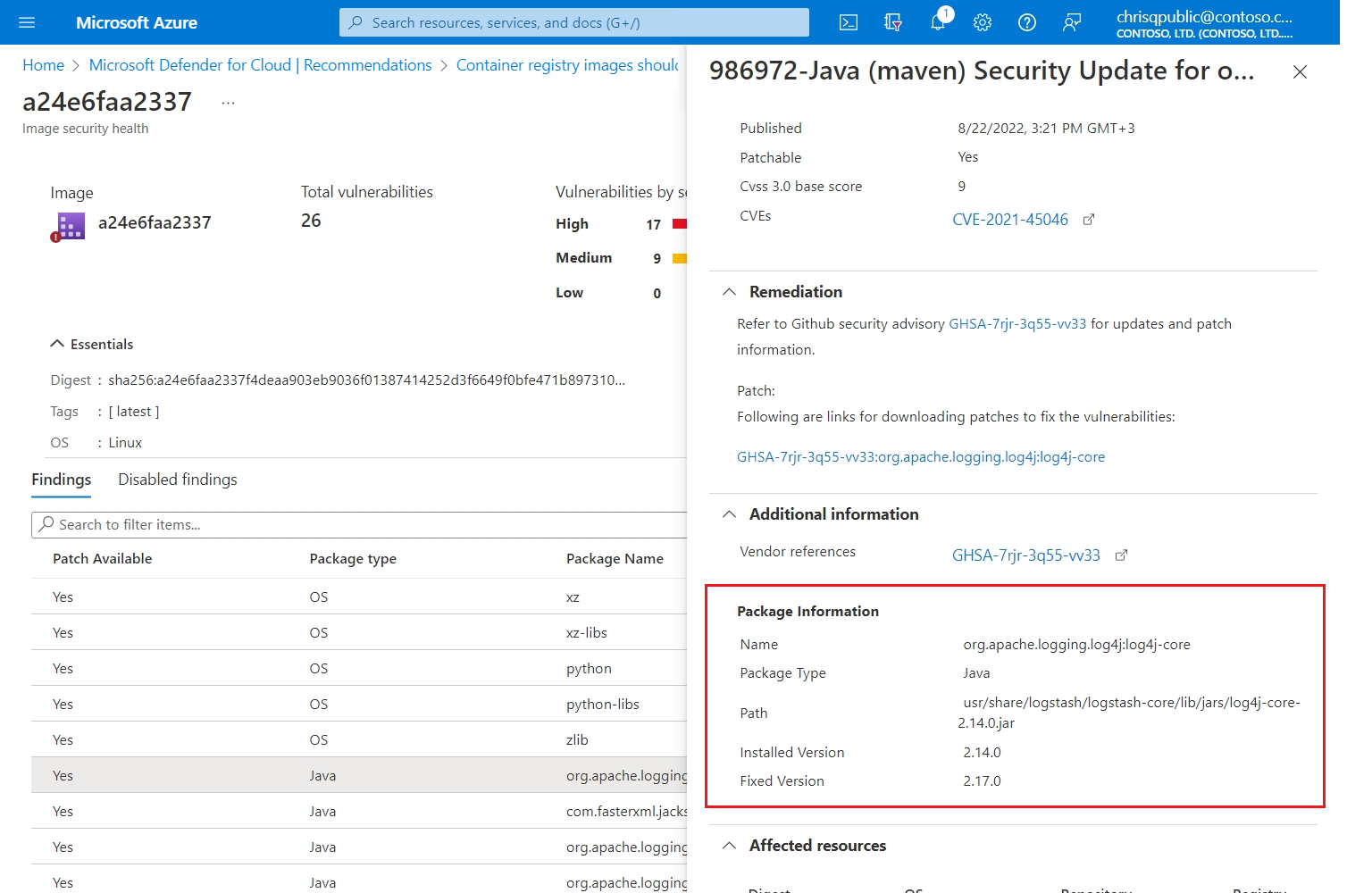
July 2022
Updates in July include:
- General availability (GA) of the Cloud-native security agent for Kubernetes runtime protection
- Defender for Container's VA adds support for the detection of language specific packages (Preview)
- Protect against the Operations Management Infrastructure vulnerability CVE-2022-29149
- Key Vault recommendations changed to "audit"
- Deprecate API App policies for App Service
General availability (GA) of the cloud-native security agent for Kubernetes runtime protection
We're excited to share that the cloud-native security agent for Kubernetes runtime protection is now generally available (GA)!
The production deployments of Kubernetes clusters continue to grow as customers continue to containerize their applications. To assist with this growth, the Defender for Containers team has developed a cloud-native Kubernetes oriented security agent.
The new security agent is a Kubernetes DaemonSet, based on eBPF technology and is fully integrated into AKS clusters as part of the AKS Security Profile.
The security agent enablement is available through autoprovisioning, recommendations flow, AKS RP or at scale using Azure Policy.
You can deploy the Defender agent today on your AKS clusters.
With this announcement, the runtime protection - threat detection (workload) is now also generally available.
Learn more about the Defender for Container's feature availability.
You can also review all available alerts.
Note, if you're using the preview version, the AKS-AzureDefender feature flag is no longer required.
Defender for Container's VA adds support for the detection of language specific packages (Preview)
Defender for Container's vulnerability assessment (VA) is able to detect vulnerabilities in OS packages deployed via the OS package manager. We have now extended VA's abilities to detect vulnerabilities included in language specific packages.
This feature is in preview and is only available for Linux images.
To see all of the included language specific packages that have been added, check out Defender for Container's full list of features and their availability.
Protect against the Operations Management Infrastructure vulnerability CVE-2022-29149
Operations Management Infrastructure (OMI) is a collection of cloud-based services for managing on-premises and cloud environments from one single place. Rather than deploying and managing on-premises resources, OMI components are entirely hosted in Azure.
Log Analytics integrated with Azure HDInsight running OMI version 13 requires a patch to remediate CVE-2022-29149. Review the report about this vulnerability in the Microsoft Security Update guide for information about how to identify resources that are affected by this vulnerability and remediation steps.
If you have Defender for Servers enabled with Vulnerability Assessment, you can use this workbook to identify affected resources.
Key Vault recommendations changed to "audit"
The effect for the Key Vault recommendations listed here was changed to "audit":
| Recommendation name | Recommendation ID |
|---|---|
| Validity period of certificates stored in Azure Key Vault should not exceed 12 months | fc84abc0-eee6-4758-8372-a7681965ca44 |
| Key Vault secrets should have an expiration date | 14257785-9437-97fa-11ae-898cfb24302b |
| Key Vault keys should have an expiration date | 1aabfa0d-7585-f9f5-1d92-ecb40291d9f2 |
Deprecate API App policies for App Service
We deprecated the following policies to corresponding policies that already exist to include API apps:
| To be deprecated | Changing to |
|---|---|
Ensure API app has 'Client Certificates (Incoming client certificates)' set to 'On' |
App Service apps should have 'Client Certificates (Incoming client certificates)' enabled |
Ensure that 'Python version' is the latest, if used as a part of the API app |
App Service apps that use Python should use the latest Python version' |
CORS should not allow every resource to access your API App |
App Service apps should not have CORS configured to allow every resource to access your apps |
Managed identity should be used in your API App |
App Service apps should use managed identity |
Remote debugging should be turned off for API Apps |
App Service apps should have remote debugging turned off |
Ensure that 'PHP version' is the latest, if used as a part of the API app |
App Service apps that use PHP should use the latest 'PHP version' |
FTPS only should be required in your API App |
App Service apps should require FTPS only |
Ensure that 'Java version' is the latest, if used as a part of the API app |
App Service apps that use Java should use the latest 'Java version' |
Latest TLS version should be used in your API App |
App Service apps should use the latest TLS version |
June 2022
Updates in June include:
- Filter security alerts by IP address
- Alerts by resource group
- Deprecating the "API App should only be accessible over HTTPS" policy
- New Key Vault alerts
Filter security alerts by IP address
In many cases of attacks, you want to track alerts based on the IP address of the entity involved in the attack. Up until now, the IP appeared only in the "Related Entities" section in the single alert pane. Now, you can filter the alerts in the security alerts page to see the alerts related to the IP address, and you can search for a specific IP address.
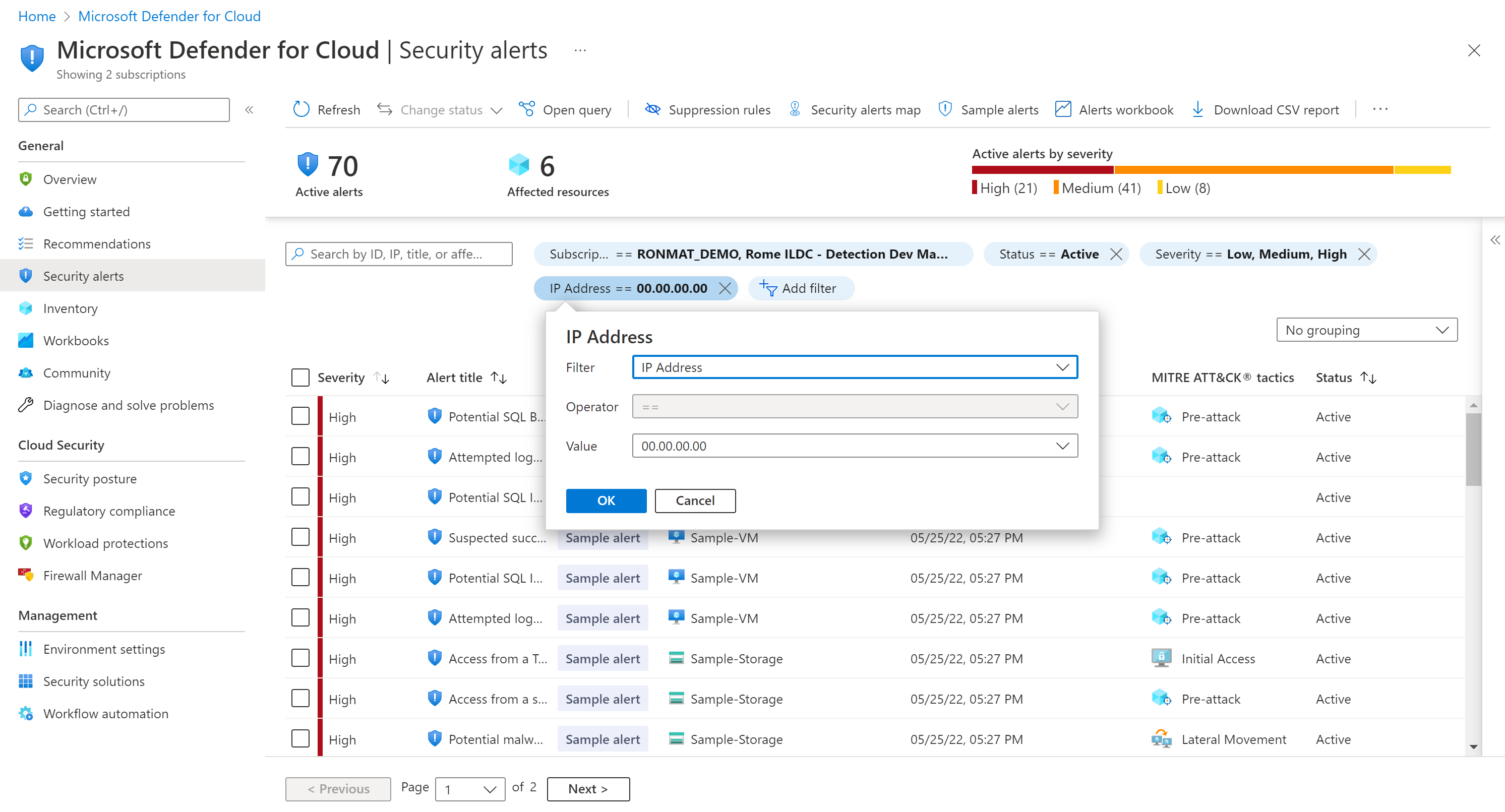
Alerts by resource group
The ability to filter, sort and group by resource group is added to the Security alerts page.
A resource group column is added to the alerts grid.
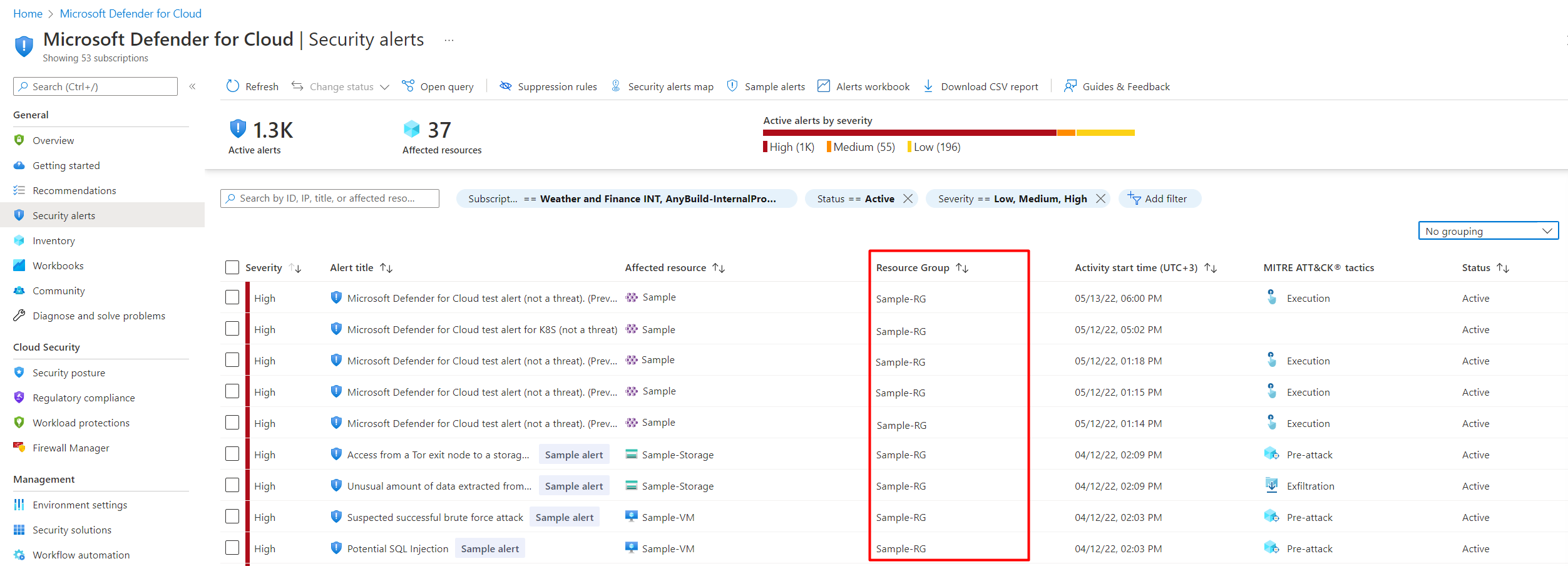
A new filter is added which allows you to view all of the alerts for specific resource groups.
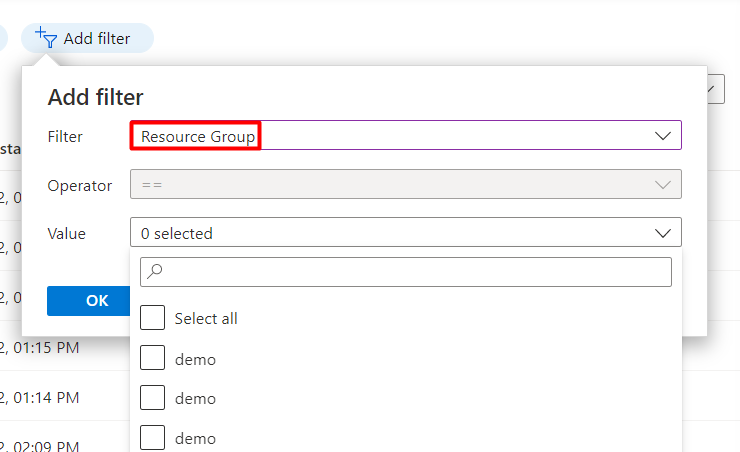
You can now also group your alerts by resource group to view all of your alerts for each of your resource groups.
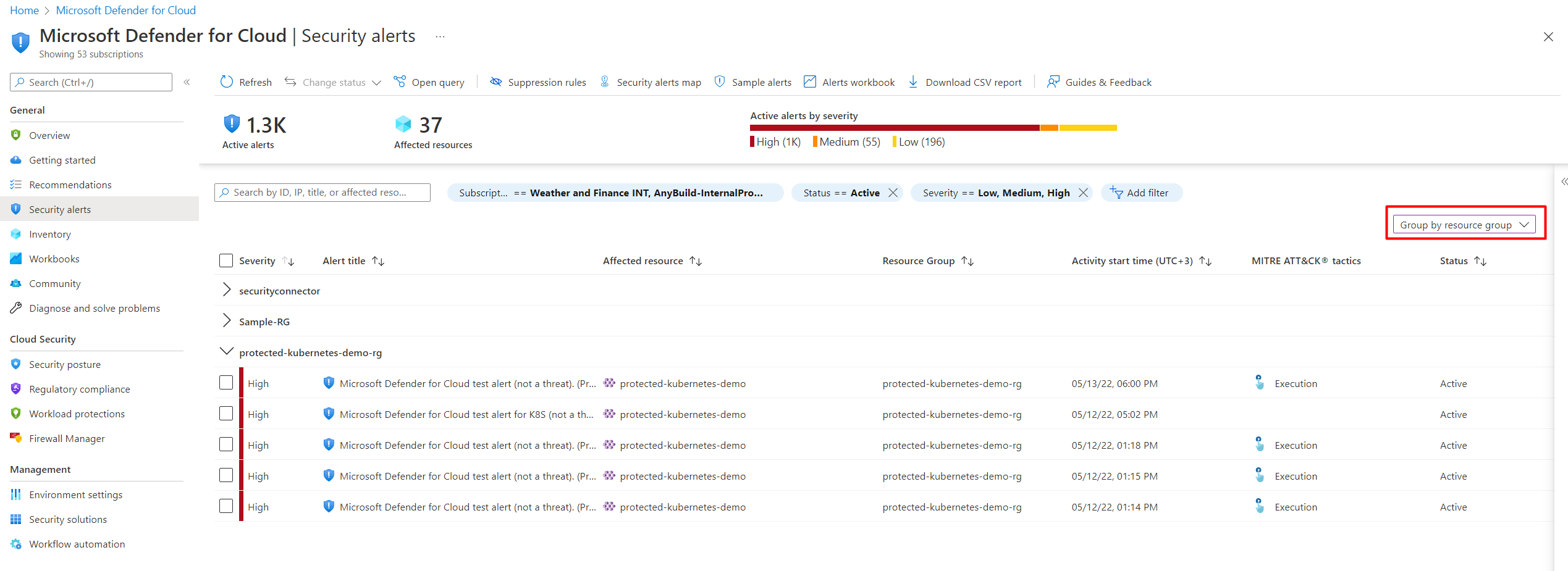
Deprecating the "API App should only be accessible over HTTPS" policy
The policy API App should only be accessible over HTTPS is deprecated. This policy is replaced with the Web Application should only be accessible over HTTPS policy, which is renamed to App Service apps should only be accessible over HTTPS.
To learn more about policy definitions for Azure App Service, see Azure Policy built-in definitions for Azure App Service.
New Key Vault alerts
To expand the threat protections provided by Microsoft Defender for Key Vault, we've added two new alerts.
These alerts inform you of an access denied anomaly, is detected for any of your key vaults.
| Alert (alert type) | Description | MITRE tactics | Severity |
|---|---|---|---|
| Unusual access denied - User accessing high volume of key vaults denied (KV_DeniedAccountVolumeAnomaly) |
A user or service principal has attempted access to anomalously high volume of key vaults in the last 24 hours. This anomalous access pattern might be legitimate activity. Though this attempt was unsuccessful, it could be an indication of a possible attempt to gain access of key vault and the secrets contained within it. We recommend further investigations. | Discovery | Low |
| Unusual access denied - Unusual user accessing key vault denied (KV_UserAccessDeniedAnomaly) |
A key vault access was attempted by a user that doesn't normally access it, this anomalous access pattern may be legitimate activity. Though this attempt was unsuccessful, it could be an indication of a possible attempt to gain access of key vault and the secrets contained within it. | Initial Access, Discovery | Low |
May 2022
Updates in May include:
Add and remove the Defender sensor for AKS clusters using the CLI
The Defender agent is required for Defender for Containers to provide the runtime protections and collects signals from nodes. You can now use the Azure CLI to add and remove the Defender agent for an AKS cluster.
Note
This option is included in Azure CLI 3.7 and above.
April 2022
Updates in April include:
- Relocation of custom recommendations
- PowerShell script to stream alerts to Splunk and QRadar
- Deprecated the Azure Cache for Redis recommendation
- New alert variant for Microsoft Defender for Storage (preview) to detect exposure of sensitive data
- Container scan alert title augmented with IP address reputation
- See the activity logs that relate to a security alert
Relocation of custom recommendations
Custom recommendations are those created by users and have no effect on the secure score. The custom recommendations can now be found under the All recommendations tab.
Use the new "recommendation type" filter, to locate custom recommendations.
Learn more in Create custom security initiatives and policies.
PowerShell script to stream alerts to Splunk and IBM QRadar
We recommend that you use Event Hubs and a built-in connector to export security alerts to Splunk and IBM QRadar. Now you can use a PowerShell script to set up the Azure resources needed to export security alerts for your subscription or tenant.
Just download and run the PowerShell script. After you provide a few details of your environment, the script configures the resources for you. The script then produces output that you use in the SIEM platform to complete the integration.
To learn more, see Stream alerts to Splunk and QRadar.
Deprecated the Azure Cache for Redis recommendation
The recommendation Azure Cache for Redis should reside within a virtual network (Preview) is deprecated. We've changed our guidance for securing Azure Cache for Redis instances. We recommend the use of a private endpoint to restrict access to your Azure Cache for Redis instance, instead of a virtual network.
New alert variant for Microsoft Defender for Storage (preview) to detect exposure of sensitive data
Microsoft Defender for Storage's alerts notifies you when threat actors attempt to scan and expose, successfully or not, misconfigured, publicly open storage containers to try to exfiltrate sensitive information.
To allow for faster triaging and response time, when exfiltration of potentially sensitive data might have occurred, we've released a new variation to the existing Publicly accessible storage containers have been exposed alert.
The new alert, Publicly accessible storage containers with potentially sensitive data have been exposed, is triggered with a High severity level, after a successful discovery of a publicly open storage container(s) with names that statistically have been found to rarely be exposed publicly, suggesting they might hold sensitive information.
| Alert (alert type) | Description | MITRE tactic | Severity |
|---|---|---|---|
| PREVIEW - Publicly accessible storage containers with potentially sensitive data have been exposed (Storage.Blob_OpenContainersScanning.SuccessfulDiscovery.Sensitive) |
Someone has scanned your Azure Storage account and exposed container(s) that allow public access. One or more of the exposed containers have names that indicate that they might contain sensitive data. This usually indicates reconnaissance by a threat actor that is scanning for misconfigured publicly accessible storage containers that might contain sensitive data. After a threat actor successfully discovers a container, they might continue by exfiltrating the data. ✔ Azure Blob Storage ✖ Azure Files ✖ Azure Data Lake Storage Gen2 |
Collection | High |
Container scan alert title augmented with IP address reputation
An IP address's reputation can indicate whether the scanning activity originates from a known threat actor, or from an actor that is using the Tor network to hide their identity. Both of these indicators, suggest that there's malicious intent. The IP address's reputation is provided by Microsoft Threat Intelligence.
The addition of the IP address's reputation to the alert title provides a way to quickly evaluate the intent of the actor, and thus the severity of the threat.
The following alerts will include this information:
Publicly accessible storage containers have been exposedPublicly accessible storage containers with potentially sensitive data have been exposedPublicly accessible storage containers have been scanned. No publicly accessible data was discovered
For example, the added information to the title of the Publicly accessible storage containers have been exposed alert will look like this:
Publicly accessible storage containers have been exposedby a suspicious IP addressPublicly accessible storage containers have been exposedby a Tor exit node
All of the alerts for Microsoft Defender for Storage will continue to include threat intelligence information in the IP entity under the alert's Related Entities section.
See the activity logs that relate to a security alert
As part of the actions you can take to evaluate a security alert, you can find the related platform logs in Inspect resource context to gain context about the affected resource. Microsoft Defender for Cloud identifies platform logs that are within one day of the alert.
The platform logs can help you evaluate the security threat and identify steps that you can take to mitigate the identified risk.
March 2022
Updates in March include:
- Deprecated the recommendations to install the network traffic data collection agent
- Defender for Containers can now scan for vulnerabilities in Windows images (preview)
- New alert for Microsoft Defender for Storage (preview)
- Configure email notifications settings from an alert
- Deprecated preview alert: ARM.MCAS_ActivityFromAnonymousIPAddresses
- Moved the recommendation Vulnerabilities in container security configurations should be remediated from the secure score to best practices
- Deprecated the recommendation to use service principals to protect your subscriptions
- Legacy implementation of ISO 27001 replaced with new ISO 27001:2013 initiative
- Deprecated Microsoft Defender for IoT device recommendations
- Deprecated Microsoft Defender for IoT device alerts
- Registry scan for Windows images in ACR added support for national clouds
Deprecated the recommendations to install the network traffic data collection agent
Changes in our roadmap and priorities have removed the need for the network traffic data collection agent. The following two recommendations and their related policies were deprecated.
| Recommendation | Description | Severity |
|---|---|---|
| Network traffic data collection agent should be installed on Linux virtual machines | Defender for Cloud uses the Microsoft Dependency agent to collect network traffic data from your Azure virtual machines to enable advanced network protection features such as traffic visualization on the network map, network hardening recommendations and specific network threats. | Medium |
| Network traffic data collection agent should be installed on Windows virtual machines | Defender for Cloud uses the Microsoft Dependency agent to collect network traffic data from your Azure virtual machines to enable advanced network protection features such as traffic visualization on the network map, network hardening recommendations, and specific network threats. | Medium |
Defender for Containers can now scan for vulnerabilities in Windows images (preview)
Defender for Container's image scan now supports Windows images that are hosted in Azure Container Registry. This feature is free while in preview, and will incur a cost when it becomes generally available.
Learn more in Use Microsoft Defender for Container to scan your images for vulnerabilities.
New alert for Microsoft Defender for Storage (preview)
To expand the threat protections provided by Microsoft Defender for Storage, we've added a new preview alert.
Threat actors use applications and tools to discover and access storage accounts. Microsoft Defender for Storage detects these applications and tools so that you can block them and remediate your posture.
This preview alert is called Access from a suspicious application. The alert is relevant to Azure Blob Storage, and ADLS Gen2 only.
| Alert (alert type) | Description | MITRE tactic | Severity |
|---|---|---|---|
| PREVIEW - Access from a suspicious application (Storage.Blob_SuspiciousApp) |
Indicates that a suspicious application has successfully accessed a container of a storage account with authentication. This might indicate that an attacker has obtained the credentials necessary to access the account, and is exploiting it. This could also be an indication of a penetration test carried out in your organization. Applies to: Azure Blob Storage, Azure Data Lake Storage Gen2 |
Initial Access | Medium |
Configure email notifications settings from an alert
A new section was added to the alert User Interface (UI) which allows you to view and edit who will receive email notifications for alerts that are triggered on the current subscription.
Learn how to Configure email notifications for security alerts.
Deprecated preview alert: ARM.MCAS_ActivityFromAnonymousIPAddresses
The following preview alert is deprecated:
| Alert name | Description |
|---|---|
| PREVIEW - Activity from a risky IP address (ARM.MCAS_ActivityFromAnonymousIPAddresses) |
Users activity from an IP address that has been identified as an anonymous proxy IP address has been detected. These proxies are used by people who want to hide their device's IP address, and can be used for malicious intent. This detection uses a machine learning algorithm that reduces false positives, such as mis-tagged IP addresses that are widely used by users in the organization. Requires an active Microsoft Defender for Cloud Apps license. |
A new alert was created that provides this information and adds to it. In addition, the newer alerts (ARM_OperationFromSuspiciousIP, ARM_OperationFromSuspiciousProxyIP) don't require a license for Microsoft Defender for Cloud Apps (formerly known as Microsoft Cloud App Security).
See more alerts for Resource Manager.
Moved the recommendation Vulnerabilities in container security configurations should be remediated from the secure score to best practices
The recommendation Vulnerabilities in container security configurations should be remediated was moved from the secure score section to best practices section.
The current user experience only provides the score when all compliance checks have passed. Most customers have difficulties with meeting all the required checks. We're working on an improved experience for this recommendation, and once released the recommendation will be moved back to the secure score.
Deprecated the recommendation to use service principals to protect your subscriptions
As organizations move away from using management certificates to manage their subscriptions, and our recent announcement that we're retiring the Cloud Services (classic) deployment model, we deprecated the following Defender for Cloud recommendation and its related policy:
| Recommendation | Description | Severity |
|---|---|---|
| Service principals should be used to protect your subscriptions instead of Management Certificates | Management certificates allow anyone who authenticates with them to manage the subscription(s) they're associated with. To manage subscriptions more securely, using service principals with Resource Manager is recommended to limit the blast radius in the case of a certificate compromise. It also automates resource management. (Related policy: Service principals should be used to protect your subscriptions instead of management certificates) |
Medium |
Learn more:
- Cloud Services (classic) deployment model is retiring on 31 August 2024
- Overview of Azure Cloud Services (classic)
- Workflow of Microsoft Azure classic VM Architecture - including RDFE workflow basics
Legacy implementation of ISO 27001 replaced with new ISO 27001:2013 initiative
The legacy implementation of ISO 27001 was removed from Defender for Cloud's regulatory compliance dashboard. If you're tracking your ISO 27001 compliance with Defender for Cloud, onboard the new ISO 27001:2013 standard for all relevant management groups or subscriptions.
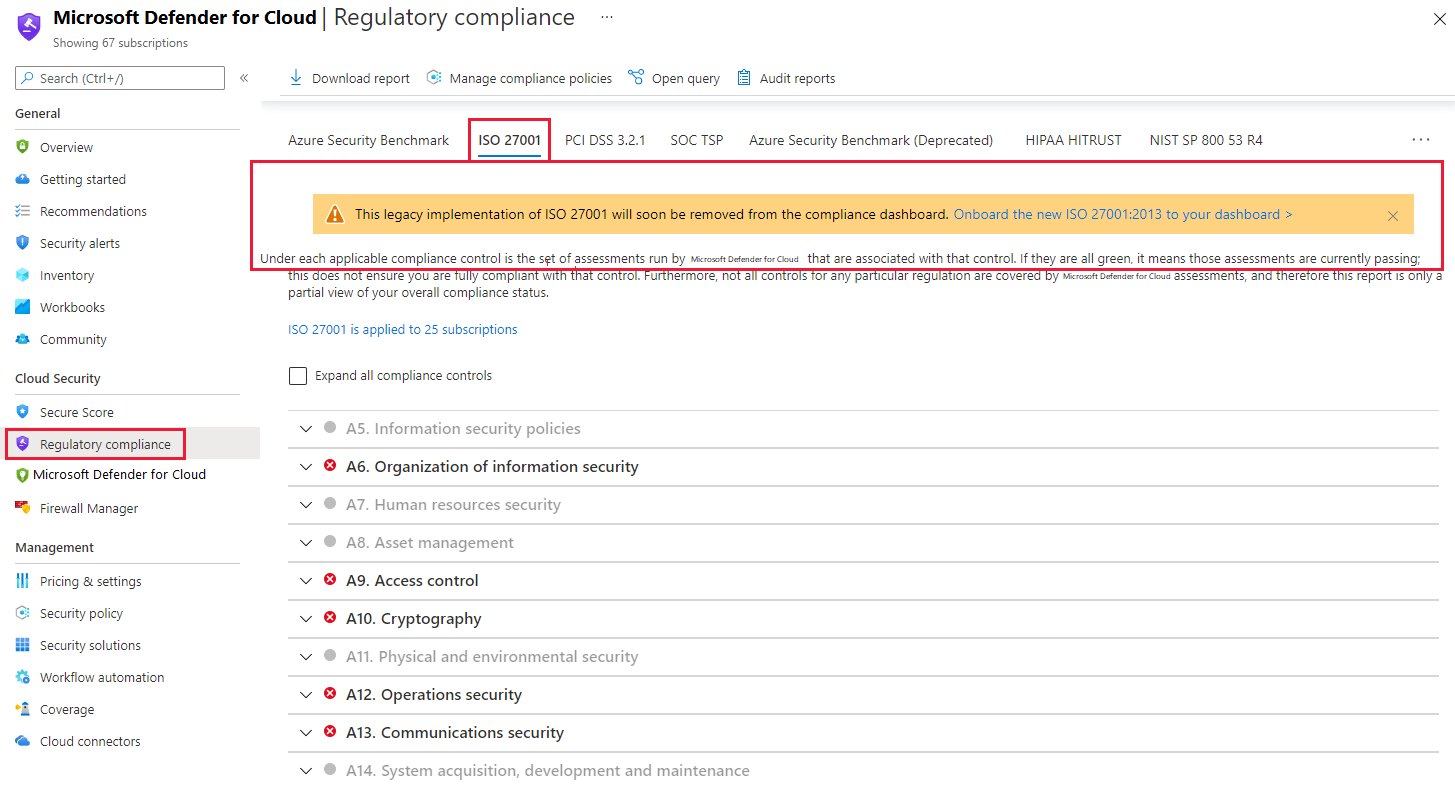
Deprecated Microsoft Defender for IoT device recommendations
Microsoft Defender for IoT device recommendations is no longer visible in Microsoft Defender for Cloud. These recommendations are still available on Microsoft Defender for IoT's Recommendations page.
The following recommendations are deprecated:
| Assessment key | Recommendations |
|---|---|
| 1a36f14a-8bd8-45f5-abe5-eef88d76ab5b: IoT Devices | Open Ports On Device |
| ba975338-f956-41e7-a9f2-7614832d382d: IoT Devices | Permissive firewall rule in the input chain was found |
| beb62be3-5e78-49bd-ac5f-099250ef3c7c: IoT Devices | Permissive firewall policy in one of the chains was found |
| d5a8d84a-9ad0-42e2-80e0-d38e3d46028a: IoT Devices | Permissive firewall rule in the output chain was found |
| 5f65e47f-7a00-4bf3-acae-90ee441ee876: IoT Devices | Operating system baseline validation failure |
| a9a59ebb-5d6f-42f5-92a1-036fd0fd1879: IoT Devices | Agent sending underutilized messages |
| 2acc27c6-5fdb-405e-9080-cb66b850c8f5: IoT Devices | TLS cipher suite upgrade needed |
| d74d2738-2485-4103-9919-69c7e63776ec: IoT Devices | Auditd process stopped sending events |
Deprecated Microsoft Defender for IoT device alerts
All of Microsoft's Defender for IoT device alerts are no longer visible in Microsoft Defender for Cloud. These alerts are still available on Microsoft Defender for IoT's Alert page, and in Microsoft Sentinel.
Registry scan for Windows images in ACR added support for national clouds
Registry scan for Windows images is now supported in Azure Government and Microsoft Azure operated by 21Vianet. This addition is currently in preview.
Learn more about our feature's availability.
February 2022
Updates in February include:
Kubernetes workload protection for Arc-enabled Kubernetes clusters
Defender for Containers previously only protected Kubernetes workloads running in Azure Kubernetes Service. We've now extended the protective coverage to include Azure Arc-enabled Kubernetes clusters.
Learn how to set up your Kubernetes workload protection for AKS and Azure Arc enabled Kubernetes clusters.
Microsoft Defender for Resource Manager updated with new alerts and greater emphasis on high-risk operations mapped to MITRE ATT&CK® Matrix
The cloud management layer is a crucial service connected to all your cloud resources. Because of this, it's also a potential target for attackers. We recommend security operations teams closely monitor the resource management layer.
Microsoft Defender for Resource Manager automatically monitors the resource management operations in your organization, whether they're performed through the Azure portal, Azure REST APIs, Azure CLI, or other Azure programmatic clients. Defender for Cloud runs advanced security analytics to detect threats and alerts you about suspicious activity.
The plan's protections greatly enhance an organization's resiliency against attacks from threat actors and significantly increase the number of Azure resources protected by Defender for Cloud.
In December 2020, we introduced the preview of Defender for Resource Manager, and in May 2021 the plan was release for general availability.
With this update, we've comprehensively revised the focus of the Microsoft Defender for Resource Manager plan. The updated plan includes many new alerts focused on identifying suspicious invocation of high-risk operations. These new alerts provide extensive monitoring for attacks across the complete MITRE ATT&CK® matrix for cloud-based techniques.
This matrix covers the following range of potential intentions of threat actors who might be targeting your organization's resources: Initial Access, Execution, Persistence, Privilege Escalation, Defense Evasion, Credential Access, Discovery, Lateral Movement, Collection, Exfiltration, and Impact.
The new alerts for this Defender plan cover these intentions as shown in the following table.
Tip
These alerts also appear in the alerts reference page.
| Alert (alert type) | Description | MITRE tactics (intentions) | Severity |
|---|---|---|---|
| Suspicious invocation of a high-risk 'Initial Access' operation detected (Preview) (ARM_AnomalousOperation.InitialAccess) |
Microsoft Defender for Resource Manager identified a suspicious invocation of a high-risk operation in your subscription, which might indicate an attempt to access restricted resources. The identified operations are designed to allow administrators to efficiently access their environments. While this activity might be legitimate, a threat actor might utilize such operations to gain initial access to restricted resources in your environment. This can indicate that the account is compromised and is being used with malicious intent. | Initial Access | Medium |
| Suspicious invocation of a high-risk 'Execution' operation detected (Preview) (ARM_AnomalousOperation.Execution) |
Microsoft Defender for Resource Manager identified a suspicious invocation of a high-risk operation on a machine in your subscription, which might indicate an attempt to execute code. The identified operations are designed to allow administrators to efficiently manage their environments. While this activity might be legitimate, a threat actor might utilize such operations to access restricted credentials and compromise resources in your environment. This can indicate that the account is compromised and is being used with malicious intent. | Execution | Medium |
| Suspicious invocation of a high-risk 'Persistence' operation detected (Preview) (ARM_AnomalousOperation.Persistence) |
Microsoft Defender for Resource Manager identified a suspicious invocation of a high-risk operation in your subscription, which might indicate an attempt to establish persistence. The identified operations are designed to allow administrators to efficiently manage their environments. While this activity might be legitimate, a threat actor might utilize such operations to establish persistence in your environment. This can indicate that the account is compromised and is being used with malicious intent. | Persistence | Medium |
| Suspicious invocation of a high-risk 'Privilege Escalation' operation detected (Preview) (ARM_AnomalousOperation.PrivilegeEscalation) |
Microsoft Defender for Resource Manager identified a suspicious invocation of a high-risk operation in your subscription, which might indicate an attempt to escalate privileges. The identified operations are designed to allow administrators to efficiently manage their environments. While this activity might be legitimate, a threat actor might utilize such operations to escalate privileges while compromising resources in your environment. This can indicate that the account is compromised and is being used with malicious intent. | Privilege Escalation | Medium |
| Suspicious invocation of a high-risk 'Defense Evasion' operation detected (Preview) (ARM_AnomalousOperation.DefenseEvasion) |
Microsoft Defender for Resource Manager identified a suspicious invocation of a high-risk operation in your subscription, which might indicate an attempt to evade defenses. The identified operations are designed to allow administrators to efficiently manage the security posture of their environments. While this activity might be legitimate, a threat actor might utilize such operations to avoid being detected while compromising resources in your environment. This can indicate that the account is compromised and is being used with malicious intent. | Defense Evasion | Medium |
| Suspicious invocation of a high-risk 'Credential Access' operation detected (Preview) (ARM_AnomalousOperation.CredentialAccess) |
Microsoft Defender for Resource Manager identified a suspicious invocation of a high-risk operation in your subscription, which might indicate an attempt to access credentials. The identified operations are designed to allow administrators to efficiently access their environments. While this activity might be legitimate, a threat actor might utilize such operations to access restricted credentials and compromise resources in your environment. This can indicate that the account is compromised and is being used with malicious intent. | Credential Access | Medium |
| Suspicious invocation of a high-risk 'Lateral Movement' operation detected (Preview) (ARM_AnomalousOperation.LateralMovement) |
Microsoft Defender for Resource Manager identified a suspicious invocation of a high-risk operation in your subscription, which might indicate an attempt to perform lateral movement. The identified operations are designed to allow administrators to efficiently manage their environments. While this activity might be legitimate, a threat actor might utilize such operations to compromise additional resources in your environment. This can indicate that the account is compromised and is being used with malicious intent. | Lateral Movement | Medium |
| Suspicious invocation of a high-risk 'Data Collection' operation detected (Preview) (ARM_AnomalousOperation.Collection) |
Microsoft Defender for Resource Manager identified a suspicious invocation of a high-risk operation in your subscription, which might indicate an attempt to collect data. The identified operations are designed to allow administrators to efficiently manage their environments. While this activity might be legitimate, a threat actor might utilize such operations to collect sensitive data on resources in your environment. This can indicate that the account is compromised and is being used with malicious intent. | Collection | Medium |
| Suspicious invocation of a high-risk 'Impact' operation detected (Preview) (ARM_AnomalousOperation.Impact) |
Microsoft Defender for Resource Manager identified a suspicious invocation of a high-risk operation in your subscription, which might indicate an attempted configuration change. The identified operations are designed to allow administrators to efficiently manage their environments. While this activity might be legitimate, a threat actor might utilize such operations to access restricted credentials and compromise resources in your environment. This can indicate that the account is compromised and is being used with malicious intent. | Impact | Medium |
In addition, these two alerts from this plan have come out of preview:
| Alert (alert type) | Description | MITRE tactics (intentions) | Severity |
|---|---|---|---|
| Azure Resource Manager operation from suspicious IP address (ARM_OperationFromSuspiciousIP) |
Microsoft Defender for Resource Manager detected an operation from an IP address that has been marked as suspicious in threat intelligence feeds. | Execution | Medium |
| Azure Resource Manager operation from suspicious proxy IP address (ARM_OperationFromSuspiciousProxyIP) |
Microsoft Defender for Resource Manager detected a resource management operation from an IP address that is associated with proxy services, such as TOR. While this behavior can be legitimate, it's often seen in malicious activities, when threat actors try to hide their source IP. | Defense Evasion | Medium |
Autoprovision Log Analytics agent to Azure Arc-enabled machines (preview)
Defender for Cloud uses the Log Analytics agent to gather security-related data from machines. The agent reads various security-related configurations and event logs and copies the data to your workspace for analysis.
Defender for Cloud's autoprovisioning settings has a toggle for each type of supported extension, including the Log Analytics agent.
In a further expansion of our hybrid cloud features, we've added an option to autoprovision the Log Analytics agent to machines connected to Azure Arc.
As with the other autoprovisioning options, this is configured at the subscription level.
When you enable this option, you'll be prompted for the workspace.
Note
For this preview, you can't select the default workspace that was created by Defender for Cloud. To ensure you receive the full set of security features available for the Azure Arc-enabled servers, verify that you have the relevant security solution installed on the selected workspace.
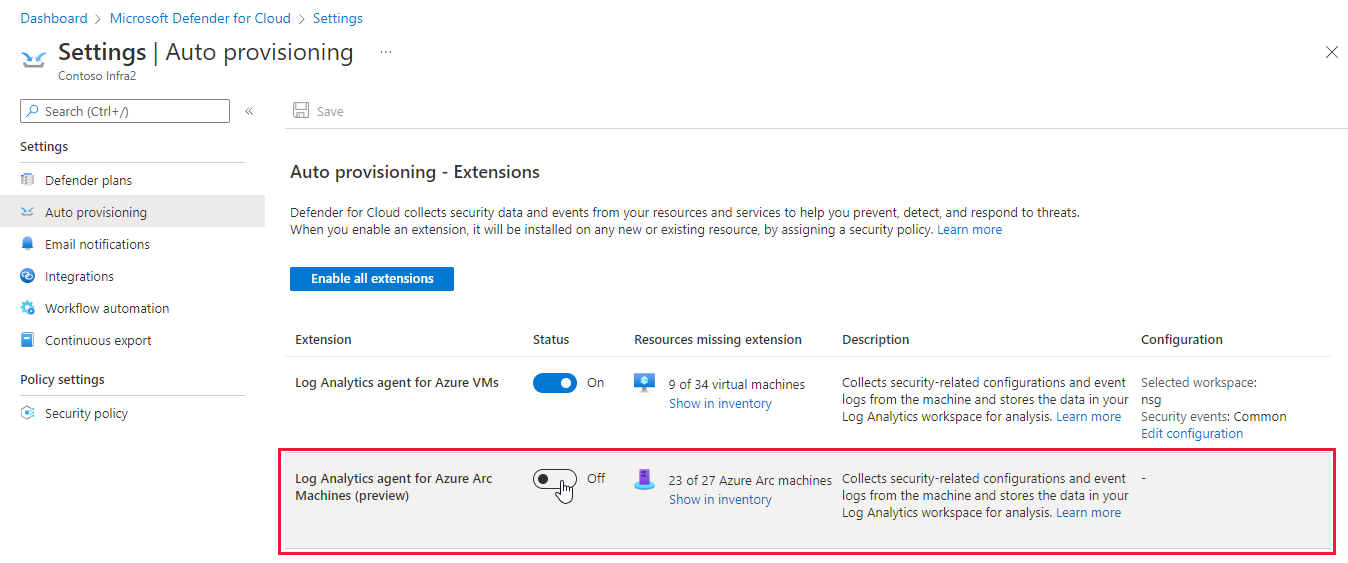
Deprecated the recommendation to classify sensitive data in SQL databases
We've removed the recommendation Sensitive data in your SQL databases should be classified as part of an overhaul of how Defender for Cloud identifies and protects sensitive date in your cloud resources.
Advance notice of this change appeared for the last six months in the Important upcoming changes to Microsoft Defender for Cloud page.
Communication with suspicious domain alert expanded to included known Log4Shell-related domains
The following alert was previously only available to organizations who had enabled the Microsoft Defender for DNS plan.
With this update, the alert will also show for subscriptions with the Microsoft Defender for Servers or Defender for App Service plan enabled.
In addition, Microsoft Threat Intelligence has expanded the list of known malicious domains to include domains associated with exploiting the widely publicized vulnerabilities associated with Log4j.
| Alert (alert type) | Description | MITRE tactics | Severity |
|---|---|---|---|
| Communication with suspicious domain identified by threat intelligence (AzureDNS_ThreatIntelSuspectDomain) |
Communication with suspicious domain was detected by analyzing DNS transactions from your resource and comparing against known malicious domains identified by threat intelligence feeds. Communication to malicious domains is frequently performed by attackers and could imply that your resource is compromised. | Initial Access / Persistence / Execution / Command And Control / Exploitation | Medium |
'Copy alert JSON' button added to security alert details pane
To help our users quickly share an alert's details with others (for example, SOC analysts, resource owners, and developers) we've added the capability to easily extract all the details of a specific alert with one button from the security alert's details pane.
The new Copy alert JSON button puts the alert's details, in JSON format, into the user's clipboard.
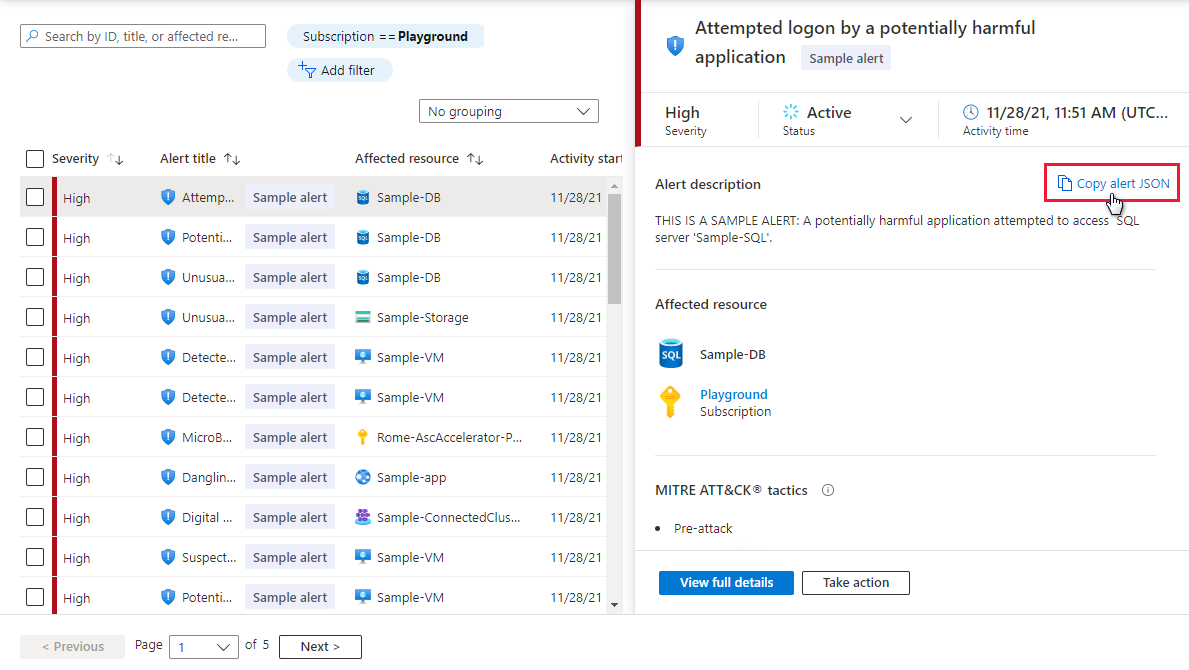
Renamed two recommendations
For consistency with other recommendation names, we've renamed the following two recommendations:
Recommendation to resolve vulnerabilities discovered in running container images
- Previous name: Vulnerabilities in running container images should be remediated (powered by Qualys)
- New name: Running container images should have vulnerability findings resolved
Recommendation to enable diagnostic logs for Azure App Service
- Previous name: Diagnostic logs should be enabled in App Service
- New name: Diagnostic logs in App Service should be enabled
Deprecate Kubernetes cluster containers should only listen on allowed ports policy
We've deprecated the Kubernetes cluster containers should only listen on allowed ports recommendation.
| Policy name | Description | Effect(s) | Version |
|---|---|---|---|
| Kubernetes cluster containers should only listen on allowed ports | Restrict containers to listen only on allowed ports to secure access to the Kubernetes cluster. This policy is generally available for Kubernetes Service (AKS), and preview for AKS Engine and Azure Arc enabled Kubernetes. For more information, see Understand Azure Policy for Kubernetes clusters. | audit, deny, disabled | 6.1.2 |
The Services should listen on allowed ports only recommendation should be used to limit ports that an application exposes to the internet.
Added 'Active Alert' workbook
To assist our users in their understanding of the active threats to their environments, and prioritize between active alerts during the remediation process, we've added the Active Alerts workbook.
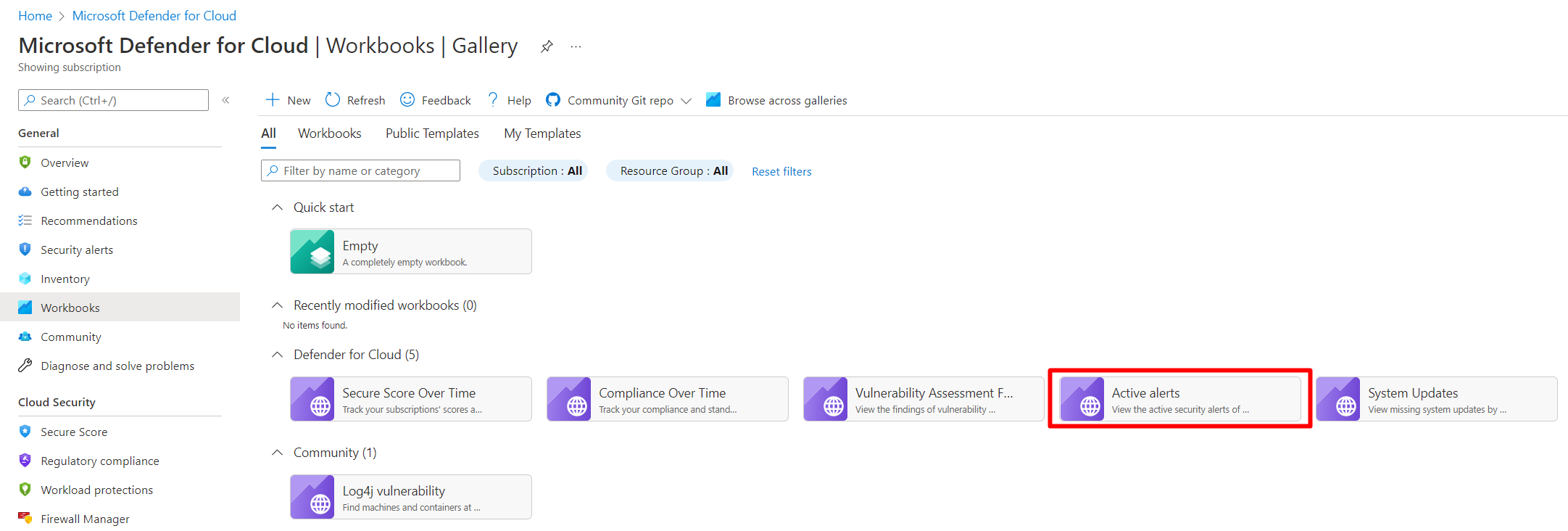
The active alerts workbook allows users to view a unified dashboard of their aggregated alerts by severity, type, tag, MITRE ATT&CK tactics, and location. Learn more in Use the 'Active Alerts' workbook.
'System update' recommendation added to government cloud
The 'System updates should be installed on your machines' recommendation is now available on all government clouds.
It's likely that this change will impact your government cloud subscription's secure score. We expect the change to lead to a decreased score, but it's possible the recommendation's inclusion might result in an increased score in some cases.
December 2021
Updates in December include:
- Microsoft Defender for Containers plan released for general availability (GA)
- New alerts for Microsoft Defender for Storage released for general availability (GA)
- 'PortSweeping' alert removed from network layer alerts
Microsoft Defender for Containers plan released for general availability (GA)
Over two years ago, we introduced Defender for container registries as part of the Azure Defender offering within Microsoft Defender for Cloud.
With the release of Microsoft Defender for Containers, we've merged these two existing Defender plans.
The new plan:
- Combines the features of the two existing plans - threat detection for Kubernetes clusters and vulnerability assessment for images stored in container registries
- Introduces Kubernetes-native at-scale onboarding - by default, when you enable the plan all relevant components are configured to be deployed automatically
With this release, the availability and presentation of Defender for Kubernetes and Defender for container registries has changed as follows:
- New subscriptions - The two previous container plans are no longer available
- Existing subscriptions - Wherever they appear in the Azure portal, the plans are shown as Deprecated with instructions for how to upgrade to the newer plan
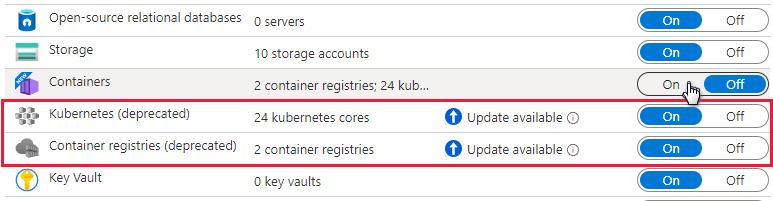
The new plan is free for the month of December 2021. For the potential changes to the billing from the old plans to Defender for Containers, and for more information on the benefits introduced with this plan, see Introducing Microsoft Defender for Containers.
For more information, see:
- Overview of Microsoft Defender for Containers
- Enable Microsoft Defender for Containers
- Introducing Microsoft Defender for Containers - Microsoft Tech Community
New alerts for Microsoft Defender for Storage released for general availability (GA)
Threat actors use tools and scripts to scan for publicly open containers in the hope of finding misconfigured open storage containers with sensitive data.
Microsoft Defender for Storage detects these scanners so that you can block them and remediate your posture.
The preview alert that detected this was called "Anonymous scan of public storage containers". To provide greater clarity about the suspicious events discovered, we've divided this into two new alerts. These alerts are relevant to Azure Blob Storage only.
We've improved the detection logic, updated the alert metadata, and changed the alert name and alert type.
These are the new alerts:
| Alert (alert type) | Description | MITRE tactic | Severity |
|---|---|---|---|
| Publicly accessible storage containers successfully discovered (Storage.Blob_OpenContainersScanning.SuccessfulDiscovery) |
A successful discovery of publicly open storage container(s) in your storage account was performed in the last hour by a scanning script or tool. This usually indicates a reconnaissance attack, where the threat actor tries to list blobs by guessing container names, in the hope of finding misconfigured open storage containers with sensitive data in them. The threat actor might use their own script or use known scanning tools like Microburst to scan for publicly open containers. ✔ Azure Blob Storage ✖ Azure Files ✖ Azure Data Lake Storage Gen2 |
Collection | Medium |
| Publicly accessible storage containers unsuccessfully scanned (Storage.Blob_OpenContainersScanning.FailedAttempt) |
A series of failed attempts to scan for publicly open storage containers were performed in the last hour. This usually indicates a reconnaissance attack, where the threat actor tries to list blobs by guessing container names, in the hope of finding misconfigured open storage containers with sensitive data in them. The threat actor might use their own script or use known scanning tools like Microburst to scan for publicly open containers. ✔ Azure Blob Storage ✖ Azure Files ✖ Azure Data Lake Storage Gen2 |
Collection | Low |
For more information, see:
Detecting access from a Tor exit node
Access from a Tor exit node might indicate a threat actor trying to hide their identity.
The alert is now tuned to generate only for authenticated access, which results in higher accuracy and confidence that the activity is malicious. This enhancement reduces the benign positive rate.
An outlying pattern will have high severity, while less anomalous patterns will have medium severity.
The alert name and description have been updated. The AlertType remains unchanged.
- Alert name (old): Access from a Tor exit node to a storage account
- Alert name (new): Authenticated access from a Tor exit node
- Alert types: Storage.Blob_TorAnomaly / Storage.Files_TorAnomaly
- Description: One or more storage container(s) / file share(s) in your storage account were successfully accessed from an IP address known to be an active exit node of Tor (an anonymizing proxy). Threat actors use Tor to make it difficult to trace the activity back to them. Authenticated access from a Tor exit node is a likely indication that a threat actor is trying to hide their identity. Applies to: Azure Blob Storage, Azure Files, Azure Data Lake Storage Gen2
- MITRE tactic: Initial access
- Severity: High/Medium
Unusual unauthenticated access
A change in access patterns might indicate that a threat actor was able to exploit public read access to storage containers, either by exploiting a mistake in access configurations, or by changing the access permissions.
This medium severity alert is now tuned with improved behavioral logic, higher accuracy, and confidence that the activity is malicious. This enhancement reduces the benign positive rate.
The alert name and description have been updated. The AlertType remains unchanged.
- Alert name (old): Anonymous access to a storage account
- Alert name (new): Unusual unauthenticated access to a storage container
- Alert types: Storage.Blob_AnonymousAccessAnomaly
- Description: This storage account was accessed without authentication, which is a change in the common access pattern. Read access to this container is usually authenticated. This might indicate that a threat actor was able to exploit public read access to storage container(s) in this storage account(s). Applies to: Azure Blob Storage
- MITRE tactic: Collection
- Severity: Medium
For more information, see:
'PortSweeping' alert removed from network layer alerts
The following alert was removed from our network layer alerts due to inefficiencies:
| Alert (alert type) | Description | MITRE tactics | Severity |
|---|---|---|---|
| Possible outgoing port scanning activity detected (PortSweeping) |
Network traffic analysis detected suspicious outgoing traffic from %{Compromised Host}. This traffic might be a result of a port scanning activity. When the compromised resource is a load balancer or an application gateway, the suspected outgoing traffic has been originated from to one or more of the resources in the backend pool (of the load balancer or application gateway). If this behavior is intentional, please note that performing port scanning is against Azure Terms of service. If this behavior is unintentional, it might mean your resource has been compromised. | Discovery | Medium |
November 2021
Our Ignite release includes:
- Azure Security Center and Azure Defender become Microsoft Defender for Cloud
- Expanded security control assessments with Azure Security Benchmark v3
- New recommendation to push Azure Kubernetes Service (AKS) logs to Microsoft Sentinel
- Recommendations mapped to the MITRE ATT&CK® framework - released for general availability (GA)
Other changes in November include:
- Snapshot export for recommendations and security findings (in preview)
- New AKS security policy added to default initiative - preview
- Inventory display of on-premises machines applies different template for resource name
Azure Security Center and Azure Defender become Microsoft Defender for Cloud
According to the 2021 State of the Cloud report, 92% of organizations now have a multicloud strategy. At Microsoft, our goal is to centralize security across environments, and to help security teams work more effectively.
Microsoft Defender for Cloud is a Cloud Security Posture Management (CSPM) and Cloud Workload Protection Platform (CWPP) solution that discovers weaknesses across your cloud configuration, helps strengthen the overall security posture of your environment, and protects workloads across multicloud and hybrid environments.
At Ignite 2019, we shared our vision to create the most complete approach for securing your digital estate and integrating XDR technologies under the Microsoft Defender brand. Unifying Azure Security Center and Azure Defender under the new name Microsoft Defender for Cloud reflects the integrated capabilities of our security offering and our ability to support any cloud platform.
Expanded security control assessments with Azure Security Benchmark v3
Security recommendations in Defender for Cloud are supported by the Azure Security Benchmark.
Azure Security Benchmark is the Microsoft-authored, Azure-specific set of guidelines for security and compliance best practices based on common compliance frameworks. This widely respected benchmark builds on the controls from the Center for Internet Security (CIS) and the National Institute of Standards and Technology (NIST) with a focus on cloud-centric security.
From Ignite 2021, Azure Security Benchmark v3 is available in Defender for Cloud's regulatory compliance dashboard and enabled as the new default initiative for all Azure subscriptions protected with Microsoft Defender for Cloud.
Enhancements for v3 include:
Additional mappings to industry frameworks PCI-DSS v3.2.1 and CIS Controls v8.
More granular and actionable guidance for controls with the introduction of:
- Security Principles - Providing insight into the overall security objectives that build the foundation for our recommendations.
- Azure Guidance - The technical "how-to" for meeting these objectives.
New controls include DevOps security for issues such as threat modeling and software supply chain security, as well as key and certificate management for best practices in Azure.
Learn more in Introduction to Azure Security Benchmark.
New recommendation to push Azure Kubernetes Service (AKS) logs to Microsoft Sentinel
In a further enhancement to the combined value of Defender for Cloud and Microsoft Sentinel, we'll now highlight Azure Kubernetes Service instances that aren't sending log data to Microsoft Sentinel.
SecOps teams can choose the relevant Microsoft Sentinel workspace directly from the recommendation details page and immediately enable the streaming of raw logs. This seamless connection between the two products makes it easy for security teams to ensure complete logging coverage across their workloads to stay on top of their entire environment.
The new recommendation, "Diagnostic logs in Kubernetes services should be enabled" includes the 'Fix' option for faster remediation.
We've also enhanced the "Auditing on SQL server should be enabled" recommendation with the same Microsoft Sentinel streaming capabilities.
Recommendations mapped to the MITRE ATT&CK® framework - released for general availability (GA)
We've enhanced Defender for Cloud's security recommendations to show their position on the MITRE ATT&CK® framework. This globally accessible knowledge base of threat actors' tactics and techniques based on real-world observations, provides more context to help you understand the associated risks of the recommendations for your environment.
You'll find these tactics wherever you access recommendation information:
Azure Resource Graph query results for relevant recommendations include the MITRE ATT&CK® tactics and techniques.
Recommendation details pages show the mapping for all relevant recommendations:
The recommendations page in Defender for Cloud has a new
 filter to select recommendations according to their associated tactic:
Learn more in Review your security recommendations.
Snapshot export for recommendations and security findings (in preview)
Defender for Cloud generates detailed security alerts and recommendations. You can view them in the portal or through programmatic tools. You might also need to export some or all of this information for tracking with other monitoring tools in your environment.
Defender for Cloud's continuous export feature lets you fully customize what will be exported, and where it will go. Learn more in Continuously export Microsoft Defender for Cloud data.
Even though the feature is called continuous, there's also an option to export weekly snapshots. Until now, these weekly snapshots were limited to secure score and regulatory compliance data. We've added the capability to export recommendations and security findings.
New AKS security policy added to default initiative
To ensure that Kubernetes workloads are secure by default, Defender for Cloud includes Kubernetes level policies and hardening recommendations, including enforcement options with Kubernetes admission control.
As part of this project, we've added a policy and recommendation (disabled by default) for gating deployment on Kubernetes clusters. The policy is in the default initiative but is only relevant for organizations who register for the related preview.
You can safely ignore the policies and recommendation ("Kubernetes clusters should gate deployment of vulnerable images") and there will be no impact on your environment.
If you'd like to participate in the preview, you'll need to be a member of the preview ring. If you're not already a member, submit a request here. Members will be notified when the preview begins.
Inventory display of on-premises machines applies different template for resource name
To improve the presentation of resources in the Asset inventory, we've removed the "source-computer-IP" element from the template for naming on-premises machines.
- Previous format:
machine-name_source-computer-id_VMUUID - From this update:
machine-name_VMUUID
October 2021
Updates in October include:
- Microsoft Threat and Vulnerability Management added as vulnerability assessment solution (in preview)
- Changed prefix of some alert types from "ARM_" to "VM_"
- Changes to the logic of a security recommendation for Kubernetes clusters
- Recommendations details pages now show related recommendations
- New alerts for Azure Defender for Kubernetes (in preview)
Microsoft Threat and Vulnerability Management added as vulnerability assessment solution (in preview)
We've extended the integration between Azure Defender for Servers and Microsoft Defender for Endpoint, to support a new vulnerability assessment provider for your machines: Microsoft threat and vulnerability management.
Use the security recommendation "A vulnerability assessment solution should be enabled on your virtual machines" to surface the vulnerabilities detected by threat and vulnerability management for your supported machines.
Changed prefix of some alert types from "ARM_" to "VM_"
In July 2021, we announced a logical reorganization of Azure Defender for Resource Manager alerts
During reorganization of Defender plans, we moved alerts from Azure Defender for Resource Manager to Azure Defender for Servers.
With this update, we've changed the prefixes of these alerts to match this reassignment and replaced "ARM_" with "VM_" as shown in the following table:
| Original name | From this change |
|---|---|
| ARM_AmBroadFilesExclusion | VM_AmBroadFilesExclusion |
| ARM_AmDisablementAndCodeExecution | VM_AmDisablementAndCodeExecution |
| ARM_AmDisablement | VM_AmDisablement |
| ARM_AmFileExclusionAndCodeExecution | VM_AmFileExclusionAndCodeExecution |
| ARM_AmTempFileExclusionAndCodeExecution | VM_AmTempFileExclusionAndCodeExecution |
| ARM_AmTempFileExclusion | VM_AmTempFileExclusion |
| ARM_AmRealtimeProtectionDisabled | VM_AmRealtimeProtectionDisabled |
| ARM_AmTempRealtimeProtectionDisablement | VM_AmTempRealtimeProtectionDisablement |
| ARM_AmRealtimeProtectionDisablementAndCodeExec | VM_AmRealtimeProtectionDisablementAndCodeExec |
| ARM_AmMalwareCampaignRelatedExclusion | VM_AmMalwareCampaignRelatedExclusion |
| ARM_AmTemporarilyDisablement | VM_AmTemporarilyDisablement |
| ARM_UnusualAmFileExclusion | VM_UnusualAmFileExclusion |
| ARM_CustomScriptExtensionSuspiciousCmd | VM_CustomScriptExtensionSuspiciousCmd |
| ARM_CustomScriptExtensionSuspiciousEntryPoint | VM_CustomScriptExtensionSuspiciousEntryPoint |
| ARM_CustomScriptExtensionSuspiciousPayload | VM_CustomScriptExtensionSuspiciousPayload |
| ARM_CustomScriptExtensionSuspiciousFailure | VM_CustomScriptExtensionSuspiciousFailure |
| ARM_CustomScriptExtensionUnusualDeletion | VM_CustomScriptExtensionUnusualDeletion |
| ARM_CustomScriptExtensionUnusualExecution | VM_CustomScriptExtensionUnusualExecution |
| ARM_VMAccessUnusualConfigReset | VM_VMAccessUnusualConfigReset |
| ARM_VMAccessUnusualPasswordReset | VM_VMAccessUnusualPasswordReset |
| ARM_VMAccessUnusualSSHReset | VM_VMAccessUnusualSSHReset |
Learn more about the Azure Defender for Resource Manager plans.
Changes to the logic of a security recommendation for Kubernetes clusters
The recommendation "Kubernetes clusters should not use the default namespace" prevents usage of the default namespace for a range of resource types. Two of the resource types that were included in this recommendation have been removed: ConfigMap and Secret.
Learn more about this recommendation and hardening your Kubernetes clusters in Understand Azure Policy for Kubernetes clusters.
Recommendations details pages now show related recommendations
To clarify the relationships between different recommendations, we've added a Related recommendations area to the details pages of many recommendations.
The three relationship types that are shown on these pages are:
- Prerequisite - A recommendation that must be completed before the selected recommendation
- Alternative - A different recommendation which provides another way of achieving the goals of the selected recommendation
- Dependent - A recommendation for which the selected recommendation is a prerequisite
For each related recommendation, the number of unhealthy resources is shown in the "Affected resources" column.
Tip
If a related recommendation is grayed out, its dependency isn't yet completed and so isn't available.
An example of related recommendations:
Security Center checks your machines for supported vulnerability assessment solutions:
A vulnerability assessment solution should be enabled on your virtual machinesIf one is found, you'll get notified about discovered vulnerabilities:
Vulnerabilities in your virtual machines should be remediated
Obviously, Security Center can't notify you about discovered vulnerabilities unless it finds a supported vulnerability assessment solution.
Therefore:
- Recommendation #1 is a prerequisite for recommendation #2
- Recommendation #2 depends upon recommendation #1
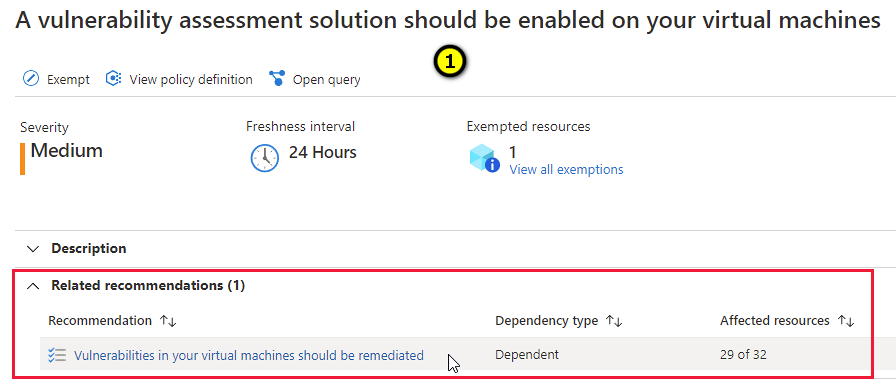
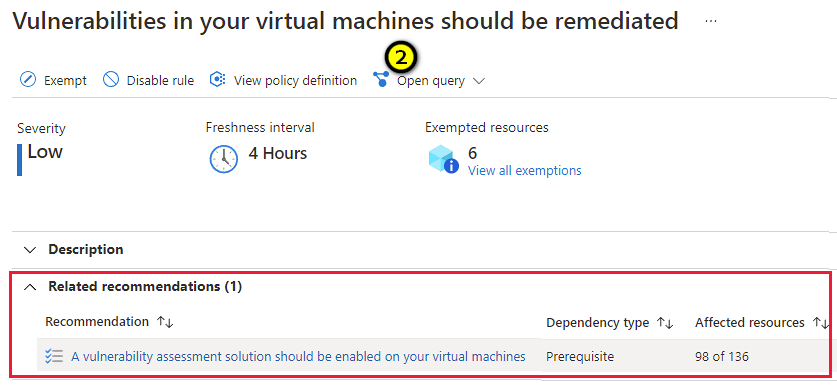
New alerts for Azure Defender for Kubernetes (in preview)
To expand the threat protections provided by Azure Defender for Kubernetes, we've added two preview alerts.
These alerts are generated based on a new machine learning model and Kubernetes advanced analytics, measuring multiple deployment and role assignment attributes against previous activities in the cluster and across all clusters monitored by Azure Defender.
| Alert (alert type) | Description | MITRE tactic | Severity |
|---|---|---|---|
| Anomalous pod deployment (Preview) (K8S_AnomalousPodDeployment) |
Kubernetes audit log analysis detected an anomalous pod deployment based on previous deployment activity. This activity is considered anomalous when examining how the different features in the deployment operation relate to one another. The features monitored include the container image registry used, the deploying account, day of the week, deployment frequency for this account, user agent used, namespace deployment patterns, and other characteristics. The alert's extended properties detail the top contributing reasons for identifying this as anomalous activity. | Execution | Medium |
| Excessive role permissions assigned in Kubernetes cluster (Preview) (K8S_ServiceAcountPermissionAnomaly) |
Analysis of the Kubernetes audit logs detected an excessive permissions role assignment to your cluster. From examining role assignments, the listed permissions are uncommon to the specific service account. This detection considers previous role assignments to the same service account across clusters monitored by Azure, volume per permission, and the impact of the specific permission. The anomaly detection model used for this alert takes into account how this permission is used across all clusters monitored by Azure Defender. | Privilege Escalation | Low |
For a full list of the Kubernetes alerts, see Alerts for Kubernetes clusters.
September 2021
In September, the following update was released:
August 2021
Updates in August include:
- Built-in troubleshooting and guidance for solving common issues
- Regulatory compliance dashboard's Azure Audit reports released for general availability (GA)
- Deprecated recommendation 'Log Analytics agent health issues should be resolved on your machines'
- Azure Defender for container registries now scans for vulnerabilities in registries protected with Azure Private Link
- Recommendations now support "Enforce".
- CSV exports of recommendation data now limited to 20 MB
- Recommendations page now includes multiple views
Built-in troubleshooting and guidance for solving common issues
A new, dedicated area of the Security Center pages in the Azure portal provides a collated, ever-growing set of self-help materials for solving common challenges with Security Center and Azure Defender.
When you're facing an issue, or are seeking advice from our support team, Diagnose and solve problems is another tool to help you find the solution:
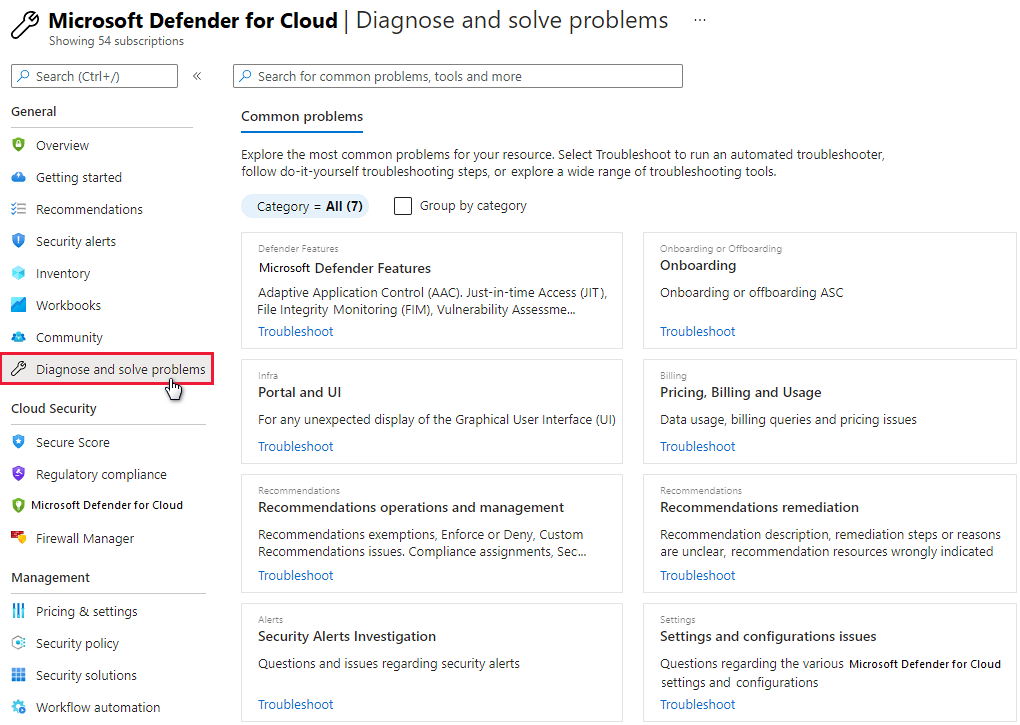
Regulatory compliance dashboard's Azure Audit reports released for general availability (GA)
The regulatory compliance dashboard's toolbar offers Azure and Dynamics certification reports for the standards applied to your subscriptions.

You can select the tab for the relevant reports types (PCI, SOC, ISO, and others) and use filters to find the specific reports you need.
For more information, see Generate compliance status reports and certificates.
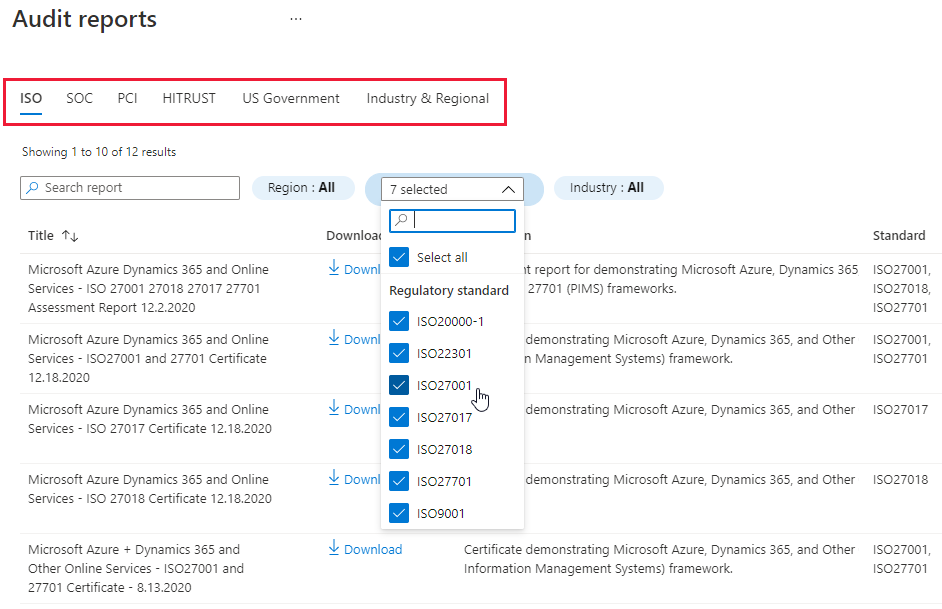
Deprecated recommendation 'Log Analytics agent health issues should be resolved on your machines'
We've found that recommendation Log Analytics agent health issues should be resolved on your machines impacts secure scores in ways that are inconsistent with Security Center's Cloud Security Posture Management (CSPM) focus. Typically, CSPM relates to identifying security misconfigurations. Agent health issues don't fit into this category of issues.
Also, the recommendation is an anomaly when compared with the other agents related to Security Center: this is the only agent with a recommendation related to health issues.
The recommendation was deprecated.
As a result of this deprecation, we've also made minor changes to the recommendations for installing the Log Analytics agent (Log Analytics agent should be installed on...).
It's likely that this change will impact your secure scores. For most subscriptions, we expect the change to lead to an increased score, but it's possible the updates to the installation recommendation might result in decreased scores in some cases.
Tip
The asset inventory page was also affected by this change as it displays the monitored status for machines (monitored, not monitored, or partially monitored - a state which refers to an agent with health issues).
Azure Defender for container registries now scans for vulnerabilities in registries protected with Azure Private Link
Azure Defender for container registries includes a vulnerability scanner to scan images in your Azure Container Registry registries. Learn how to scan your registries and remediate findings in Use Azure Defender for container registries to scan your images for vulnerabilities.
To limit access to a registry hosted in Azure Container Registry, assign virtual network private IP addresses to the registry endpoints and use Azure Private Link as explained in Connect privately to an Azure container registry using Azure Private Link.
As part of our ongoing efforts to support additional environments and use cases, Azure Defender now also scans container registries protected with Azure Private Link.
Recommendations now support "Enforce"
Security Center includes two features that help ensure newly created resources are provisioned in a secure manner: enforce and deny. When a recommendation offers these options, you can ensure your security requirements are met whenever someone attempts to create a resource:
- Deny stops unhealthy resources from being created
- Enforce automatically remediates non-compliant resources when they're created
With this update, the enforce option is now available on the recommendations to enable Azure Defender plans (such as Azure Defender for App Service should be enabled, Azure Defender for Key Vault should be enabled, Azure Defender for Storage should be enabled).
CSV exports of recommendation data now limited to 20 MB
We're instituting a limit of 20 MB when exporting Security Center recommendations data.
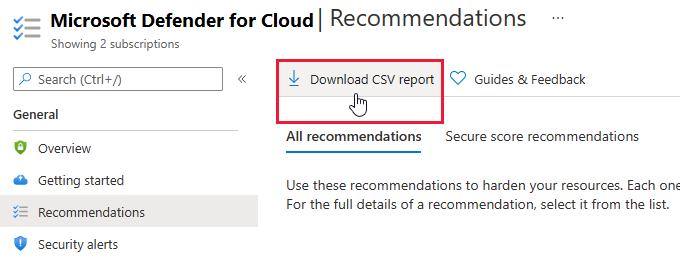
If you need to export larger amounts of data, use the available filters before selecting, or select subsets of your subscriptions and download the data in batches.
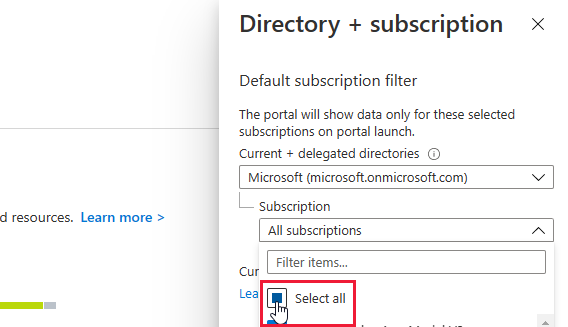
Learn more about performing a CSV export of your security recommendations.
Recommendations page now includes multiple views
The recommendations page now has two tabs to provide alternate ways to view the recommendations relevant to your resources:
- Secure score recommendations - Use this tab to view the list of recommendations grouped by security control. Learn more about these controls in Security controls and their recommendations.
- All recommendations - Use this tab to view the list of recommendations as a flat list. This tab is also great for understanding which initiative (including regulatory compliance standards) generated the recommendation. Learn more about initiatives and their relationship to recommendations in What are security policies, initiatives, and recommendations?.
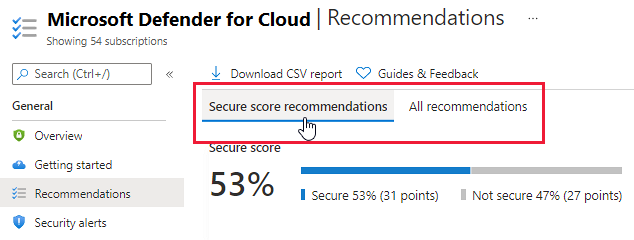
July 2021
Updates in July include:
- Logical reorganization of Azure Defender for Resource Manager alerts
- Enhancements to recommendation to enable Azure Disk Encryption (ADE)
- Continuous export of secure score and regulatory compliance data released for general availability (GA)
- Workflow automations can be triggered by changes to regulatory compliance assessments (GA)
- Assessments API field 'FirstEvaluationDate' and 'StatusChangeDate' now available in workspace schemas and logic apps
- 'Compliance over time' workbook template added to Azure Monitor Workbooks gallery
Logical reorganization of Azure Defender for Resource Manager alerts
The alerts listed below were provided as part of the Azure Defender for Resource Manager plan.
As part of a logical reorganization of some of the Azure Defender plans, we've moved some alerts from Azure Defender for Resource Manager to Azure Defender for Servers.
The alerts are organized according to two main principles:
- Alerts that provide control-plane protection - across many Azure resource types - are part of Azure Defender for Resource Manager
- Alerts that protect specific workloads are in the Azure Defender plan that relates to the corresponding workload
These are the alerts that were part of Azure Defender for Resource Manager, and which, as a result of this change, are now part of Azure Defender for Servers:
- ARM_AmBroadFilesExclusion
- ARM_AmDisablementAndCodeExecution
- ARM_AmDisablement
- ARM_AmFileExclusionAndCodeExecution
- ARM_AmTempFileExclusionAndCodeExecution
- ARM_AmTempFileExclusion
- ARM_AmRealtimeProtectionDisabled
- ARM_AmTempRealtimeProtectionDisablement
- ARM_AmRealtimeProtectionDisablementAndCodeExec
- ARM_AmMalwareCampaignRelatedExclusion
- ARM_AmTemporarilyDisablement
- ARM_UnusualAmFileExclusion
- ARM_CustomScriptExtensionSuspiciousCmd
- ARM_CustomScriptExtensionSuspiciousEntryPoint
- ARM_CustomScriptExtensionSuspiciousPayload
- ARM_CustomScriptExtensionSuspiciousFailure
- ARM_CustomScriptExtensionUnusualDeletion
- ARM_CustomScriptExtensionUnusualExecution
- ARM_VMAccessUnusualConfigReset
- ARM_VMAccessUnusualPasswordReset
- ARM_VMAccessUnusualSSHReset
Learn more about the Azure Defender for Resource Manager plans.
Enhancements to recommendation to enable Azure Disk Encryption (ADE)
Following user feedback, we've renamed the recommendation Disk encryption should be applied on virtual machines.
The new recommendation uses the same assessment ID and is called Virtual machines should encrypt temp disks, caches, and data flows between Compute and Storage resources.
The description has also been updated to better explain the purpose of this hardening recommendation:
| Recommendation | Description | Severity |
|---|---|---|
| Virtual machines should encrypt temp disks, caches, and data flows between Compute and Storage resources | By default, a virtual machine's OS and data disks are encrypted-at-rest using platform-managed keys; temp disks and data caches aren't encrypted, and data isn't encrypted when flowing between compute and storage resources. For more information, see the comparison of different disk encryption technologies in Azure. Use Azure Disk Encryption to encrypt all this data. Disregard this recommendation if: (1) you're using the encryption-at-host feature, or (2) server-side encryption on Managed Disks meets your security requirements. Learn more in Server-side encryption of Azure Disk Storage. |
High |
Continuous export of secure score and regulatory compliance data released for general availability (GA)
Continuous export provides the mechanism for exporting your security alerts and recommendations for tracking with other monitoring tools in your environment.
When you set up your continuous export, you configure what is exported, and where it will go. Learn more in the overview of continuous export.
We've enhanced and expanded this feature over time:
In November 2020, we added the preview option to stream changes to your secure score.
In December 2020, we added the preview option to stream changes to your regulatory compliance assessment data.
With this update, these two options are released for general availability (GA).
Workflow automations can be triggered by changes to regulatory compliance assessments (GA)
In February 2021, we added a preview third data type to the trigger options for your workflow automations: changes to regulatory compliance assessments. Learn more in Workflow automations can be triggered by changes to regulatory compliance assessments.
With this update, this trigger option is released for general availability (GA).
Learn how to use the workflow automation tools in Automate responses to Security Center triggers.
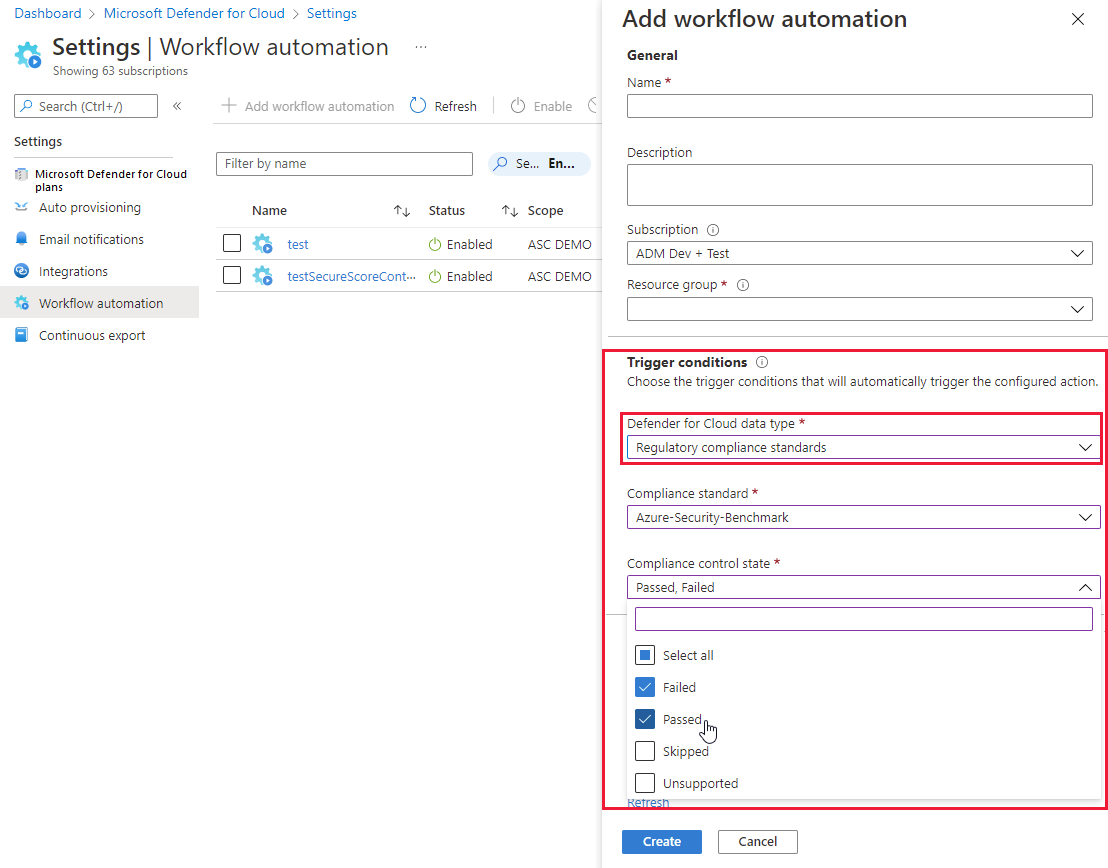
Assessments API field 'FirstEvaluationDate' and 'StatusChangeDate' now available in workspace schemas and logic apps
In May 2021, we updated the Assessment API with two new fields, FirstEvaluationDate and StatusChangeDate. For full details, see Assessments API expanded with two new fields.
Those fields were accessible through the REST API, Azure Resource Graph, continuous export, and in CSV exports.
With this change, we're making the information available in the Log Analytics workspace schema and from logic apps.
'Compliance over time' workbook template added to Azure Monitor Workbooks gallery
In March, we announced the integrated Azure Monitor Workbooks experience in Security Center (see Azure Monitor Workbooks integrated into Security Center and three templates provided).
The initial release included three templates to build dynamic and visual reports about your organization's security posture.
We've now added a workbook dedicated to tracking a subscription's compliance with the regulatory or industry standards applied to it.
Learn about using these reports or building your own in Create rich, interactive reports of Security Center data.
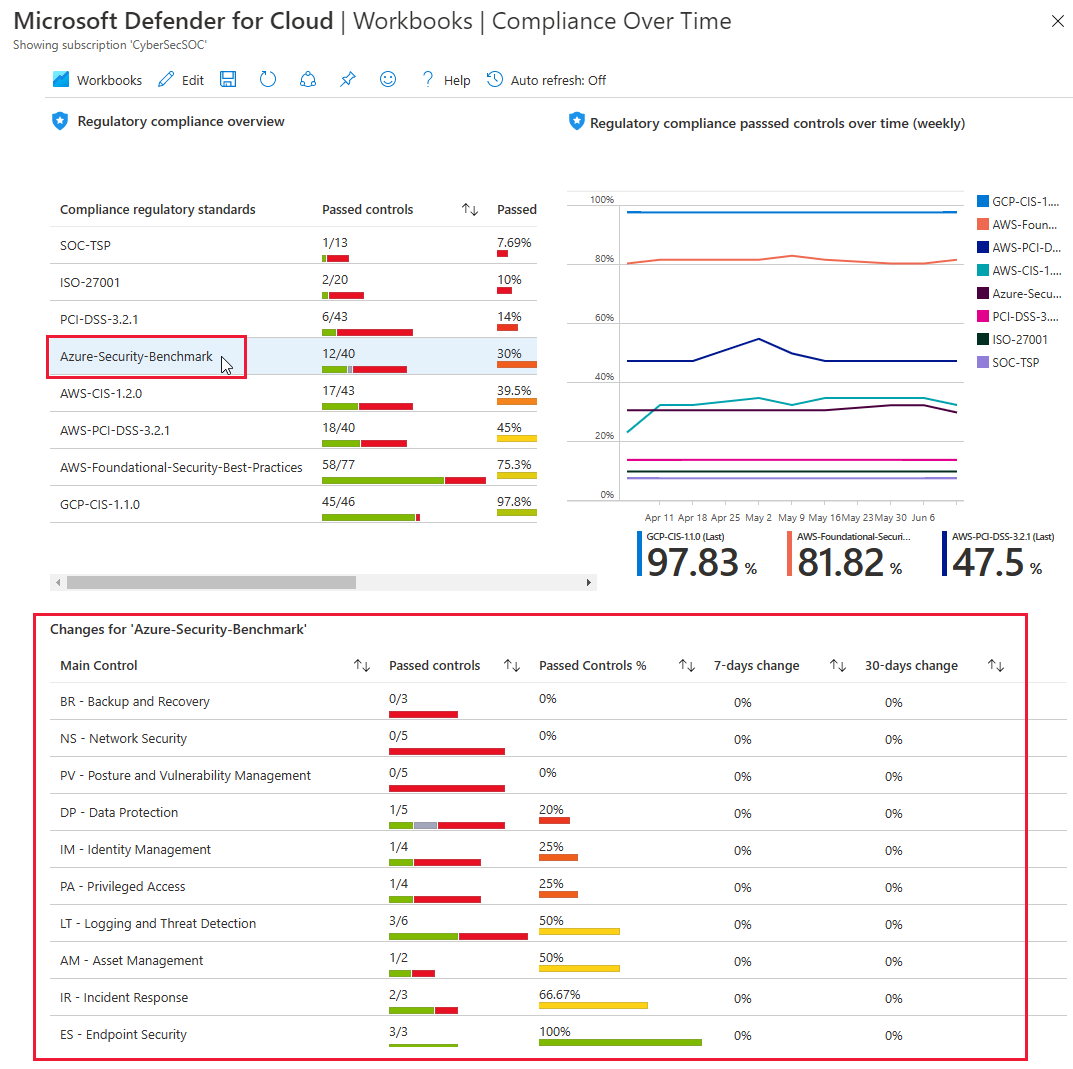
June 2021
Updates in June include:
- New alert for Azure Defender for Key Vault
- Recommendations to encrypt with customer-managed keys (CMKs) disabled by default
- Prefix for Kubernetes alerts changed from "AKS_" to "K8S_"
- Deprecated two recommendations from "Apply system updates" security control
New alert for Azure Defender for Key Vault
To expand the threat protections provided by Azure Defender for Key Vault, we've added the following alert:
| Alert (alert type) | Description | MITRE tactic | Severity |
|---|---|---|---|
| Access from a suspicious IP address to a key vault (KV_SuspiciousIPAccess) |
A key vault has been successfully accessed by an IP that has been identified by Microsoft Threat Intelligence as a suspicious IP address. This might indicate that your infrastructure has been compromised. We recommend further investigation. | Credential Access | Medium |
For more information, see:
Recommendations to encrypt with customer-managed keys (CMKs) disabled by default
Security Center includes multiple recommendations to encrypt data at rest with customer-managed keys, such as:
- Container registries should be encrypted with a customer-managed key (CMK)
- Azure Cosmos DB accounts should use customer-managed keys to encrypt data at rest
- Azure Machine Learning workspaces should be encrypted with a customer-managed key (CMK)
Data in Azure is encrypted automatically using platform-managed keys, so the use of customer-managed keys should only be applied when required for compliance with a specific policy your organization is choosing to enforce.
With this change, the recommendations to use CMKs are now disabled by default. When relevant for your organization, you can enable them by changing the Effect parameter for the corresponding security policy to AuditIfNotExists or Enforce. Learn more in Enable a security recommendation.
This change is reflected in the names of the recommendation with a new prefix, [Enable if required], as shown in the following examples:
- [Enable if required] Storage accounts should use customer-managed key to encrypt data at rest
- [Enable if required] Container registries should be encrypted with a customer-managed key (CMK)
- [Enable if required] Azure Cosmos DB accounts should use customer-managed keys to encrypt data at rest

Prefix for Kubernetes alerts changed from "AKS_" to "K8S_"
Azure Defender for Kubernetes recently expanded to protect Kubernetes clusters hosted on-premises and in multicloud environments. Learn more in Use Azure Defender for Kubernetes to protect hybrid and multicloud Kubernetes deployments (in preview).
To reflect the fact that the security alerts provided by Azure Defender for Kubernetes are no longer restricted to clusters on Azure Kubernetes Service, we've changed the prefix for the alert types from "AKS_" to "K8S_." Where necessary, the names and descriptions were updated too. For example, this alert:
| Alert (alert type) | Description |
|---|---|
| Kubernetes penetration testing tool detected (AKS_PenTestToolsKubeHunter) |
Kubernetes audit log analysis detected usage of Kubernetes penetration testing tool in the AKS cluster. While this behavior can be legitimate, attackers might use such public tools for malicious purposes. |
Changed to this alert:
| Alert (alert type) | Description |
|---|---|
| Kubernetes penetration testing tool detected (K8S_PenTestToolsKubeHunter) |
Kubernetes audit log analysis detected usage of Kubernetes penetration testing tool in the Kubernetes cluster. While this behavior can be legitimate, attackers might use such public tools for malicious purposes. |
Any suppression rules that refer to alerts beginning "AKS_" were automatically converted. If you've setup SIEM exports, or custom automation scripts that refer to Kubernetes alerts by alert type, you'll need to update them with the new alert types.
For a full list of the Kubernetes alerts, see Alerts for Kubernetes clusters.
Deprecated two recommendations from "Apply system updates" security control
The following two recommendations were deprecated:
- OS version should be updated for your cloud service roles - By default, Azure periodically updates your guest OS to the latest supported image within the OS family that you've specified in your service configuration (.cscfg), such as Windows Server 2016.
- Kubernetes Services should be upgraded to a non-vulnerable Kubernetes version - This recommendation's evaluations aren't as wide-ranging as we'd like them to be. We plan to replace the recommendation with an enhanced version that's better aligned with your security needs.
May 2021
Updates in May include:
- Azure Defender for DNS and Azure Defender for Resource Manager released for general availability (GA)
- Azure Defender for open-source relational databases released for general availability (GA)
- New alerts for Azure Defender for Resource Manager
- More Resource Graph queries available for some recommendations
- SQL data classification recommendation severity changed
- New recommendations to enable trusted launch capabilities (in preview)
- New recommendations for hardening Kubernetes clusters (in preview)
- Assessments API expanded with two new fields
Azure Defender for DNS and Azure Defender for Resource Manager released for general availability (GA)
These two cloud-native breadth threat protection plans are now GA.
These new protections greatly enhance your resiliency against attacks from threat actors, and significantly increase the number of Azure resources protected by Azure Defender.
Azure Defender for Resource Manager - automatically monitors all resource management operations performed in your organization. For more information, see:
Azure Defender for DNS - continuously monitors all DNS queries from your Azure resources. For more information, see:
To simplify the process of enabling these plans, use the recommendations:
- Azure Defender for Resource Manager should be enabled
- Azure Defender for DNS should be enabled
Note
Enabling Azure Defender plans results in charges. Learn about the pricing details per region on Security Center's pricing page.
Azure Defender for open-source relational databases released for general availability (GA)
Azure Security Center expands its offer for SQL protection with a new bundle to cover your open-source relational databases:
- Azure Defender for Azure SQL database servers - defends your Azure-native SQL Servers
- Azure Defender for SQL servers on machines - extends the same protections to your SQL servers in hybrid, multicloud, and on-premises environments
- Azure Defender for open-source relational databases - defends your Azure Databases for MySQL, PostgreSQL, and MariaDB single servers
Azure Defender for open-source relational databases constantly monitors your servers for security threats and detects anomalous database activities indicating potential threats to Azure Database for MySQL, PostgreSQL, and MariaDB. Some examples are:
- Granular detection of brute force attacks - Azure Defender for open-source relational databases provides detailed information on attempted and successful brute force attacks. This lets you investigate and respond with a more complete understanding of the nature and status of the attack on your environment.
- Behavioral alerts detection - Azure Defender for open-source relational databases alerts you to suspicious and unexpected behaviors on your servers, such as changes in the access pattern to your database.
- Threat intelligence-based detection - Azure Defender applies Microsoft's threat intelligence and vast knowledge base to surface threat alerts so you can act against them.
Learn more in Introduction to Azure Defender for open-source relational databases.
New alerts for Azure Defender for Resource Manager
To expand the threat protections provided by Azure Defender for Resource Manager, we've added the following alerts:
| Alert (alert type) | Description | MITRE tactics | Severity |
|---|---|---|---|
| Permissions granted for an RBAC role in an unusual way for your Azure environment (Preview) (ARM_AnomalousRBACRoleAssignment) |
Azure Defender for Resource Manager detected an RBAC role assignment that's unusual when compared with other assignments performed by the same assigner / performed for the same assignee / in your tenant due to the following anomalies: assignment time, assigner location, assigner, authentication method, assigned entities, client software used, assignment extent. This operation might have been performed by a legitimate user in your organization. Alternatively, it might indicate that an account in your organization was breached, and that the threat actor is trying to grant permissions to an additional user account they own. | Lateral Movement, Defense Evasion | Medium |
| Privileged custom role created for your subscription in a suspicious way (Preview) (ARM_PrivilegedRoleDefinitionCreation) |
Azure Defender for Resource Manager detected a suspicious creation of privileged custom role definition in your subscription. This operation might have been performed by a legitimate user in your organization. Alternatively, it might indicate that an account in your organization was breached, and that the threat actor is trying to create a privileged role to use in the future to evade detection. | Lateral Movement, Defense Evasion | Low |
| Azure Resource Manager operation from suspicious IP address (Preview) (ARM_OperationFromSuspiciousIP) |
Azure Defender for Resource Manager detected an operation from an IP address that has been marked as suspicious in threat intelligence feeds. | Execution | Medium |
| Azure Resource Manager operation from suspicious proxy IP address (Preview) (ARM_OperationFromSuspiciousProxyIP) |
Azure Defender for Resource Manager detected a resource management operation from an IP address that is associated with proxy services, such as TOR. While this behavior can be legitimate, it's often seen in malicious activities, when threat actors try to hide their source IP. | Defense Evasion | Medium |
For more information, see:
- Introduction to Azure Defender for Resource Manager
- Respond to Azure Defender for Resource Manager alerts
- List of alerts provided by Azure Defender for Resource Manager
More Resource Graph queries available for some recommendations
All of Security Center's recommendations have the option to view the information about the status of affected resources using Azure Resource Graph from the Open query. For full details about this powerful feature, see Review recommendation data in Azure Resource Graph Explorer.
Security Center includes built-in vulnerability scanners to scan your VMs, SQL servers and their hosts, and container registries for security vulnerabilities. The findings are returned as recommendations with all the individual findings for each resource type gathered into a single view. The recommendations are:
- Vulnerabilities in Azure Container Registry images should be remediated (powered by Qualys)
- Vulnerabilities in your virtual machines should be remediated
- SQL databases should have vulnerability findings resolved
- SQL servers on machines should have vulnerability findings resolved
With this change, you can use the Open query button to also open the query showing the security findings.
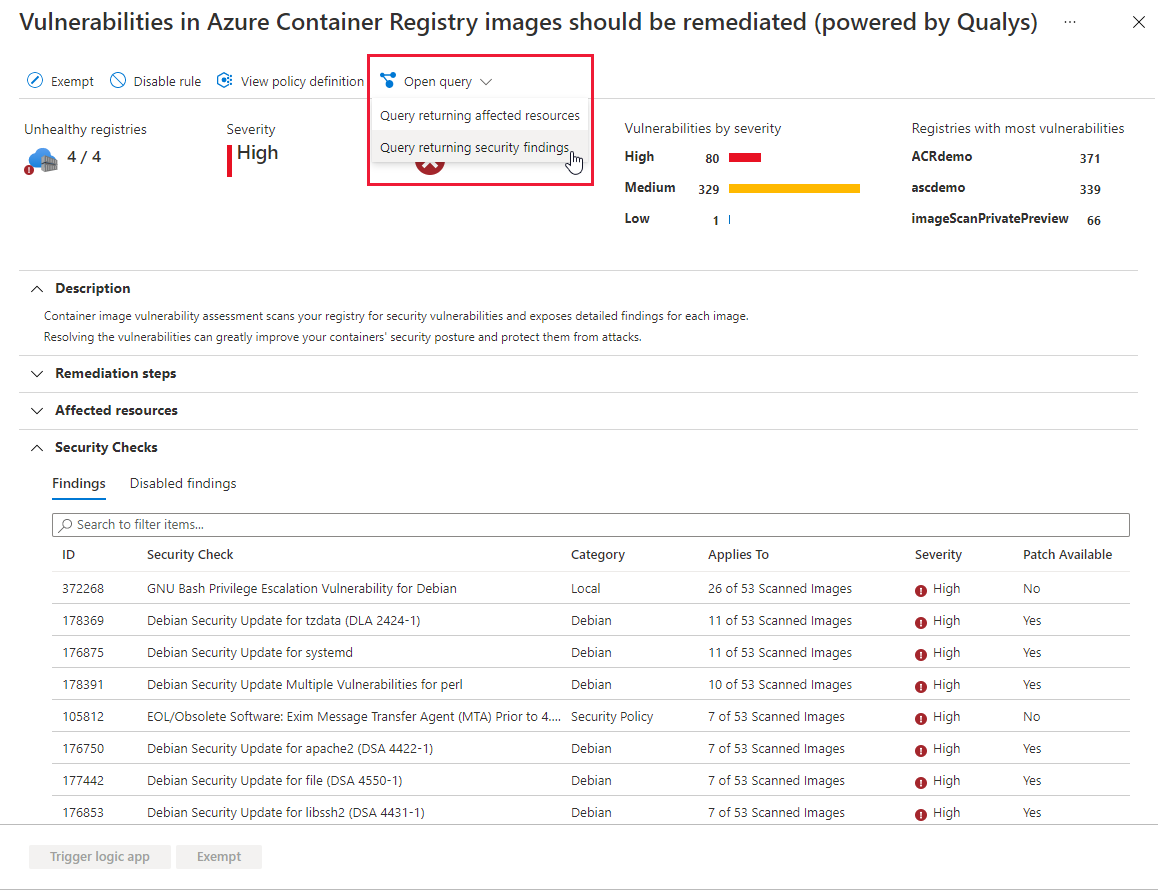
The Open query button offers additional options for some other recommendations where relevant.
Learn more about Security Center's vulnerability scanners:
- Azure Defender's integrated vulnerability assessment scanner for SQL servers
- Azure Defender's integrated vulnerability assessment scanner for container registries
SQL data classification recommendation severity changed
The severity of the recommendation Sensitive data in your SQL databases should be classified was changed from High to Low.
This is part of an ongoing change to this recommendation announced in our upcoming changes page.
New recommendations to enable trusted launch capabilities (in preview)
Azure offers trusted launch as a seamless way to improve the security of generation 2 VMs. Trusted launch protects against advanced and persistent attack techniques. Trusted launch is composed of several, coordinated infrastructure technologies that can be enabled independently. Each technology provides another layer of defense against sophisticated threats. Learn more in Trusted launch for Azure virtual machines.
Important
Trusted launch requires the creation of new virtual machines. You can't enable trusted launch on existing virtual machines that were initially created without it.
Trusted launch is currently in public preview. The preview is provided without a service level agreement, and it's not recommended for production workloads. Certain features might not be supported or might have constrained capabilities.
Security Center's recommendation, vTPM should be enabled on supported virtual machines, ensures your Azure VMs are using a vTPM. This virtualized version of a hardware Trusted Platform Module enables attestation by measuring the entire boot chain of your VM (UEFI, OS, system, and drivers).
With the vTPM enabled, the Guest Attestation extension can remotely validate the secure boot. The following recommendations ensure this extension is deployed:
- Secure Boot should be enabled on supported Windows virtual machines
- Guest Attestation extension should be installed on supported Windows virtual machines
- Guest Attestation extension should be installed on supported Windows Virtual Machine Scale Sets
- Guest Attestation extension should be installed on supported Linux virtual machines
- Guest Attestation extension should be installed on supported Linux Virtual Machine Scale Sets
Learn more in Trusted launch for Azure virtual machines.
New recommendations for hardening Kubernetes clusters (in preview)
The following recommendations allow you to further harden your Kubernetes clusters
- Kubernetes clusters should not use the default namespace - To protect against unauthorized access for ConfigMap, Pod, Secret, Service, and ServiceAccount resource types, prevent usage of the default namespace in Kubernetes clusters.
- Kubernetes clusters should disable automounting API credentials - To prevent a potentially compromised Pod resource from running API commands against Kubernetes clusters, disable automounting API credentials.
- Kubernetes clusters should not grant CAPSYSADMIN security capabilities
Learn how Security Center can protect your containerized environments in Container security in Security Center.
Assessments API expanded with two new fields
We've added the following two fields to the Assessments REST API:
- FirstEvaluationDate - The time that the recommendation was created and first evaluated. Returned as UTC time in ISO 8601 format.
- StatusChangeDate - The time that the status of the recommendation last changed. Returned as UTC time in ISO 8601 format.
The initial default value for these fields - for all recommendations - is 2021-03-14T00:00:00+0000000Z.
To access this information, you can use any of the methods in the table below.
| Tool | Details |
|---|---|
| REST API call | GET https://management.chinacloudapi.cn/subscriptions/<SUBSCRIPTION_ID>/providers/Microsoft.Security/assessments?api-version=2019-01-01-preview&$expand=statusEvaluationDates |
| Azure Resource Graph | securityresourceswhere type == "microsoft.security/assessments" |
| Continuous export | The two dedicated fields will be available the Log Analytics workspace data |
| CSV export | The two fields are included in the CSV files |
Learn more about the Assessments REST API.
April 2021
Updates in April include:
- Refreshed resource health page (in preview)
- Container registry images that have been recently pulled are now rescanned weekly (released for general availability (GA))
- Use Azure Defender for Kubernetes to protect hybrid and multicloud Kubernetes deployments (in preview)
- Recommendations to enable Azure Defender for DNS and Resource Manager (in preview)
- CMK recommendations moved to best practices security control
- Eleven Azure Defender alerts deprecated
- Two recommendations from "Apply system updates" security control were deprecated
- Azure Defender for SQL on machine tile removed from Azure Defender dashboard
- Recommendations were moved between security controls
Refreshed resource health page (in preview)
Resource health was expanded, enhanced, and improved to provide a snapshot view of the overall health of a single resource.
You can review detailed information about the resource and all recommendations that apply to that resource. Also, if you're using the advanced protection plans of Microsoft Defender, you can see outstanding security alerts for that specific resource too.
To open the resource health page for a resource, select any resource from the asset inventory page.
This preview page in Security Center's portal pages shows:
- Resource information - The resource group and subscription it's attached to, the geographic location, and more.
- Applied security feature - Whether Azure Defender is enabled for the resource.
- Counts of outstanding recommendations and alerts - The number of outstanding security recommendations and Azure Defender alerts.
- Actionable recommendations and alerts - Two tabs list the recommendations and alerts that apply to the resource.
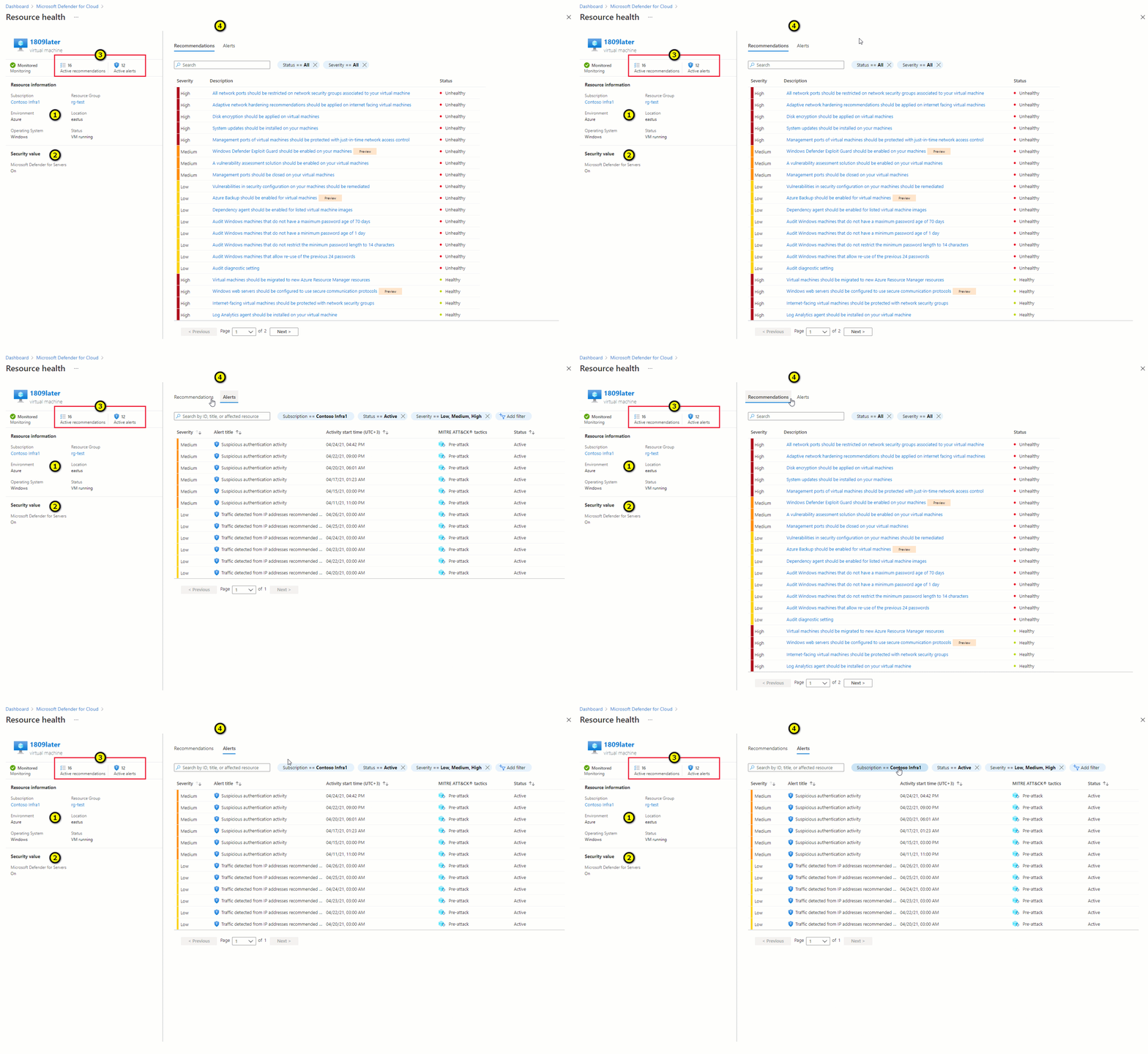
Learn more in Tutorial: Investigate the health of your resources.
Container registry images that have been recently pulled are now rescanned weekly (released for general availability (GA))
Azure Defender for container registries includes a built-in vulnerability scanner. This scanner immediately scans any image you push to your registry and any image pulled within the last 30 days.
New vulnerabilities are discovered every day. With this update, container images that were pulled from your registries during the last 30 days will be rescanned every week. This ensures that newly discovered vulnerabilities are identified in your images.
Scanning is charged on a per image basis, so there's no additional charge for these rescans.
Learn more about this scanner in Use Azure Defender for container registries to scan your images for vulnerabilities.
Use Azure Defender for Kubernetes to protect hybrid and multicloud Kubernetes deployments (in preview)
Azure Defender for Kubernetes is expanding its threat protection capabilities to defend your clusters wherever they're deployed. This was enabled by integrating with Azure Arc-enabled Kubernetes and its new extensions capabilities.
When you've enabled Azure Arc on your non-Azure Kubernetes clusters, a new recommendation from Azure Security Center offers to deploy the Azure Defender agent to them with only a few clicks.
Use the recommendation (Azure Arc-enabled Kubernetes clusters should have Azure Defender's extension installed) and the extension to protect Kubernetes clusters deployed in other cloud providers, although not on their managed Kubernetes services.
This integration between Azure Security Center, Azure Defender, and Azure Arc-enabled Kubernetes brings:
- Easy provisioning of the Azure Defender agent to unprotected Azure Arc-enabled Kubernetes clusters (manually and at-scale)
- Monitoring of the Azure Defender agent and its provisioning state from the Azure Arc Portal
- Security recommendations from Security Center are reported in the new Security page of the Azure Arc Portal
- Identified security threats from Azure Defender are reported in the new Security page of the Azure Arc Portal
- Azure Arc-enabled Kubernetes clusters are integrated into the Azure Security Center platform and experience
Learn more in Use Azure Defender for Kubernetes with your on-premises and multicloud Kubernetes clusters.
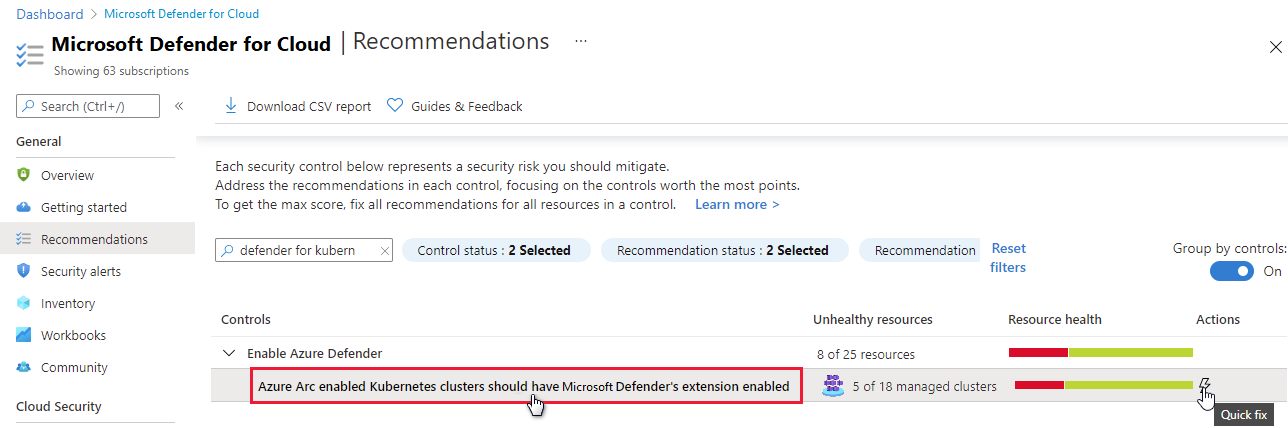
Recommendations to enable Azure Defender for DNS and Resource Manager (in preview)
Two new recommendations have been added to simplify the process of enabling Azure Defender for Resource Manager and Azure Defender for DNS:
- Azure Defender for Resource Manager should be enabled - Defender for Resource Manager automatically monitors the resource management operations in your organization. Azure Defender detects threats and alerts you about suspicious activity.
- Azure Defender for DNS should be enabled - Defender for DNS provides an additional layer of protection for your cloud resources by continuously monitoring all DNS queries from your Azure resources. Azure Defender alerts you about suspicious activity at the DNS layer.
Enabling Azure Defender plans results in charges. Learn about the pricing details per region on Security Center's pricing page.
Tip
Preview recommendations don't render a resource unhealthy, and they aren't included in the calculations of your secure score. Remediate them wherever possible, so that when the preview period ends they'll contribute towards your score. Learn more about how to respond to these recommendations in Remediate recommendations in Azure Security Center.
CMK recommendations moved to best practices security control
Every organization's security program includes data encryption requirements. By default, Azure customers' data is encrypted at rest with service-managed keys. However, customer-managed keys (CMK) are commonly required to meet regulatory compliance standards. CMKs let you encrypt your data with an Azure Key Vault key created and owned by you. This gives you full control and responsibility for the key lifecycle, including rotation and management.
Azure Security Center's security controls are logical groups of related security recommendations, and reflect your vulnerable attack surfaces. Each control has a maximum number of points you can add to your secure score if you remediate all of the recommendations listed in the control, for all of your resources. The Implement security best practices security control is worth zero points. So recommendations in this control don't affect your secure score.
The recommendations listed below are being moved to the Implement security best practices security control to better reflect their optional nature. This move ensures that these recommendations are in the most appropriate control to meet their objective.
- Azure Cosmos DB accounts should use customer-managed keys to encrypt data at rest
- Azure Machine Learning workspaces should be encrypted with a customer-managed key (CMK)
- Azure AI services accounts should enable data encryption with a customer-managed key (CMK)
- Container registries should be encrypted with a customer-managed key (CMK)
- SQL managed instances should use customer-managed keys to encrypt data at rest
- SQL servers should use customer-managed keys to encrypt data at rest
- Storage accounts should use customer-managed key (CMK) for encryption
Learn which recommendations are in each security control in Security controls and their recommendations.
11 Azure Defender alerts deprecated
The eleven Azure Defender alerts listed below have been deprecated.
New alerts will replace these two alerts and provide better coverage:
AlertType AlertDisplayName ARM_MicroBurstDomainInfo PREVIEW - MicroBurst toolkit "Get-AzureDomainInfo" function run detected ARM_MicroBurstRunbook PREVIEW - MicroBurst toolkit "Get-AzurePasswords" function run detected These nine alerts relate to a Microsoft Entra Identity Protection connector (IPC) that has already been deprecated:
AlertType AlertDisplayName UnfamiliarLocation Unfamiliar sign-in properties AnonymousLogin Anonymous IP address InfectedDeviceLogin Malware linked IP address ImpossibleTravel Atypical travel MaliciousIP Malicious IP address LeakedCredentials Leaked credentials PasswordSpray Password Spray LeakedCredentials Microsoft Entra ID threat intelligence AADAI Microsoft Entra ID AI Tip
These nine IPC alerts were never Security Center alerts. They're part of the Microsoft Entra Identity Protection connector (IPC) that was sending them to Security Center. For the last two years, the only customers who've been seeing those alerts are organizations who configured the export (from the connector to ASC) in 2019 or earlier. Microsoft Entra ID IPC has continued to show them in its own alerts systems and they've continued to be available in Microsoft Sentinel. The only change is that they're no longer appearing in Security Center.
Two recommendations from "Apply system updates" security control were deprecated
The following two recommendations were deprecated and the changes might result in a slight impact on your secure score:
- Your machines should be restarted to apply system updates
- Monitoring agent should be installed on your machines. This recommendation relates to on-premises machines only and some of its logic will be transferred to another recommendation, Log Analytics agent health issues should be resolved on your machines
We recommend checking your continuous export and workflow automation configurations to see whether these recommendations are included in them. Also, any dashboards or other monitoring tools that might be using them should be updated accordingly.
Azure Defender for SQL on machine tile removed from Azure Defender dashboard
The Azure Defender dashboard's coverage area includes tiles for the relevant Azure Defender plans for your environment. Due to an issue with the reporting of the numbers of protected and unprotected resources, we've decided to temporarily remove the resource coverage status for Azure Defender for SQL on machines until the issue is resolved.
Recommendations moved between security controls
The following recommendations were moved to different security controls. Security controls are logical groups of related security recommendations, and reflect your vulnerable attack surfaces. This move ensures that each of these recommendations is in the most appropriate control to meet its objective.
Learn which recommendations are in each security control in Security controls and their recommendations.
| Recommendation | Change and impact |
|---|---|
| Vulnerability assessment should be enabled on your SQL servers Vulnerability assessment should be enabled on your SQL managed instances Vulnerabilities on your SQL databases should be remediated new Vulnerabilities on your SQL databases in VMs should be remediated |
Moving from Remediate vulnerabilities (worth six points) to Remediate security configurations (worth four points). Depending on your environment, these recommendations will have a reduced impact on your score. |
| There should be more than one owner assigned to your subscription Automation account variables should be encrypted IoT Devices - Auditd process stopped sending events IoT Devices - Operating system baseline validation failure IoT Devices - TLS cipher suite upgrade needed IoT Devices - Open Ports On Device IoT Devices - Permissive firewall policy in one of the chains was found IoT Devices - Permissive firewall rule in the input chain was found IoT Devices - Permissive firewall rule in the output chain was found Diagnostic logs in IoT Hub should be enabled IoT Devices - Agent sending underutilized messages IoT Devices - Default IP Filter Policy should be Deny IoT Devices - IP Filter rule large IP range IoT Devices - Agent message intervals and size should be adjusted IoT Devices - Identical Authentication Credentials IoT Devices - Audited process stopped sending events IoT Devices - Operating system (OS) baseline configuration should be fixed |
Moving to Implement security best practices. When a recommendation moves to the Implement security best practices security control, which is worth no points, the recommendation no longer affects your secure score. |
March 2021
Updates in March include:
- Azure Firewall management integrated into Security Center
- SQL vulnerability assessment now includes the "Disable rule" experience (preview)
- Azure Monitor Workbooks integrated into Security Center and three templates provided
- Regulatory compliance dashboard now includes Azure Audit reports (preview)
- Recommendation data can be viewed in Azure Resource Graph with "Explore in ARG"
- Updates to the policies for deploying workflow automation
- Two legacy recommendations no longer write data directly to Azure activity log
- Recommendations page enhancements
Azure Firewall management integrated into Security Center
When you open Azure Security Center, the first page to appear is the overview page.
This interactive dashboard provides a unified view into the security posture of your hybrid cloud workloads. Additionally, it shows security alerts, coverage information, and more.
As part of helping you view your security status from a central experience, we have integrated the Azure Firewall Manager into this dashboard. You can now check Firewall coverage status across all networks and centrally manage Azure Firewall policies starting from Security Center.
Learn more about this dashboard in Azure Security Center's overview page.
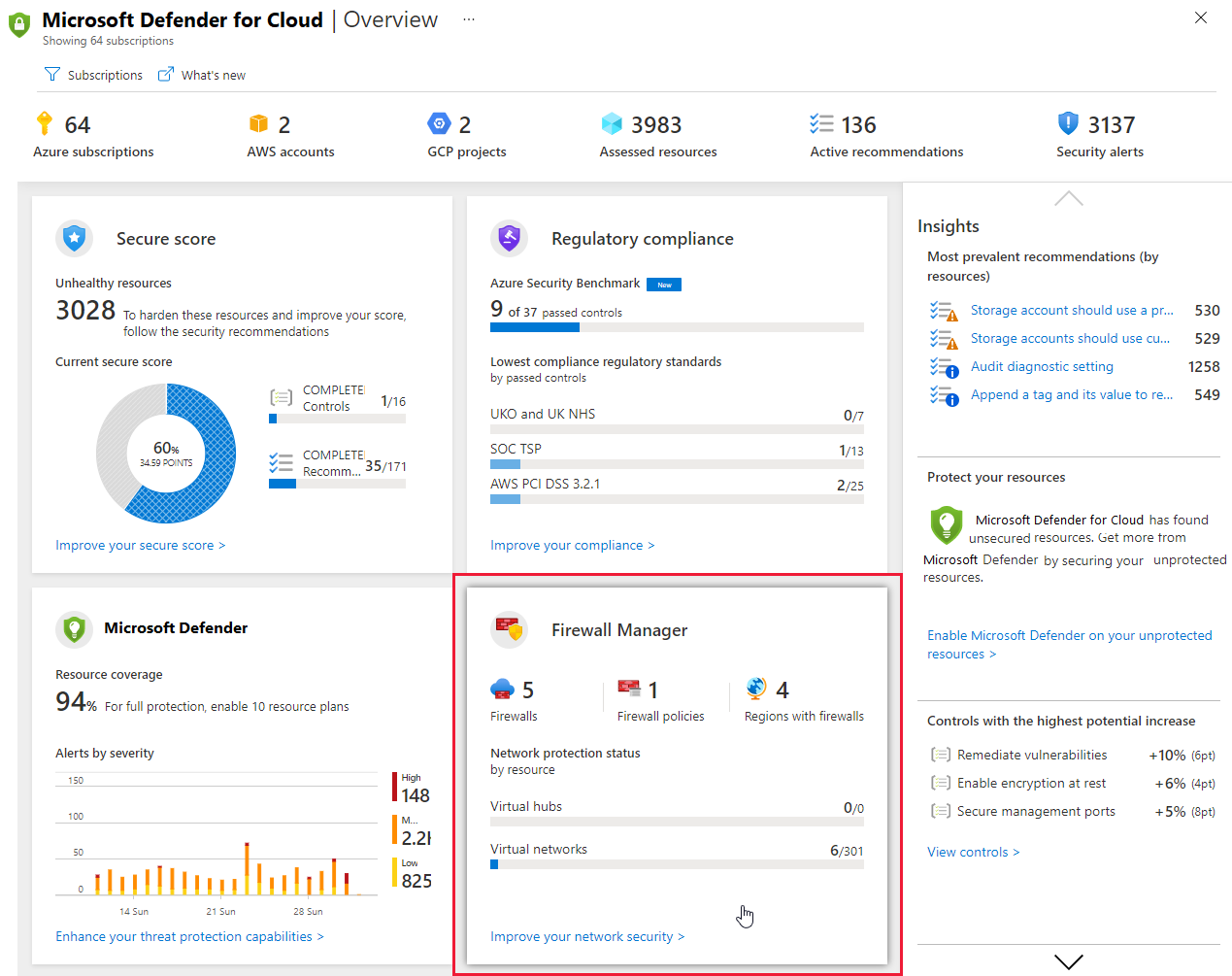
SQL vulnerability assessment now includes the "Disable rule" experience (preview)
Security Center includes a built-in vulnerability scanner to help you discover, track, and remediate potential database vulnerabilities. The results from your assessment scans provide an overview of your SQL machines' security state, and details of any security findings.
If you have an organizational need to ignore a finding, rather than remediate it, you can optionally disable it. Disabled findings don't impact your secure score or generate unwanted noise.
Learn more in Disable specific findings.
Azure Monitor Workbooks integrated into Security Center and three templates provided
As part of Ignite Spring 2021, we announced an integrated Azure Monitor Workbooks experience in Security Center.
You can use the new integration to start using the out-of-the-box templates from Security Center's gallery. By using workbook templates, you can access and build dynamic and visual reports to track your organization's security posture. Additionally, you can create new workbooks based on Security Center data or any other supported data types and quickly deploy community workbooks from Security Center's GitHub community.
Three templates reports are provided:
- Secure Score Over Time - Track your subscriptions' scores and changes to recommendations for your resources
- System Updates - View missing system updates by resources, OS, severity, and more
- Vulnerability Assessment Findings - View the findings of vulnerability scans of your Azure resources
Learn about using these reports or building your own in Create rich, interactive reports of Security Center data.
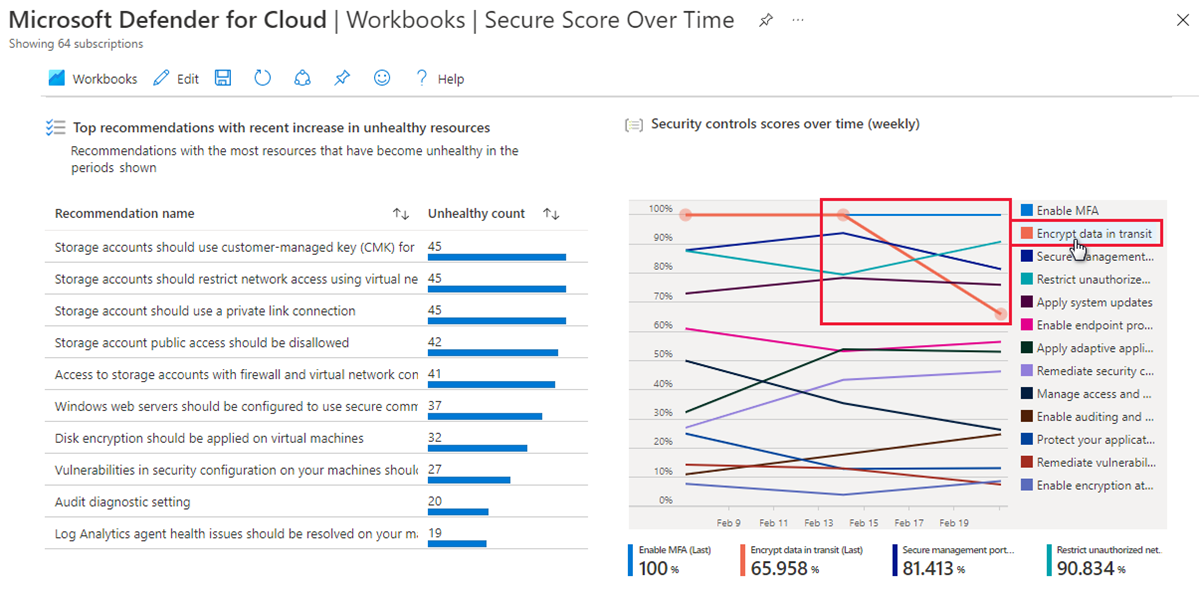
Regulatory compliance dashboard now includes Azure Audit reports (preview)
From the regulatory compliance dashboard's toolbar, you can now download Azure and Dynamics certification reports.
You can select the tab for the relevant reports types (PCI, SOC, ISO, and others) and use filters to find the specific reports you need.
Learn more about Managing the standards in your regulatory compliance dashboard.
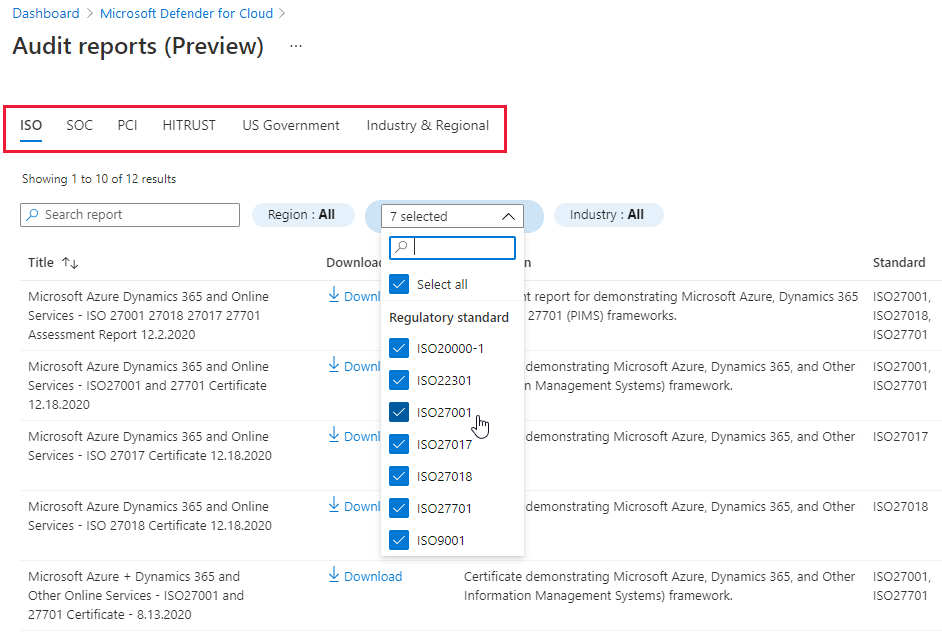
Recommendation data can be viewed in Azure Resource Graph with "Explore in ARG"
The recommendation details pages now include the "Explore in ARG" toolbar button. Use this button to open an Azure Resource Graph query and explore, export, and share the recommendation's data.
Azure Resource Graph (ARG) provides instant access to resource information across your cloud environments with robust filtering, grouping, and sorting capabilities. It's a quick and efficient way to query information across Azure subscriptions programmatically or from within the Azure portal.
Learn more about Azure Resource Graph.
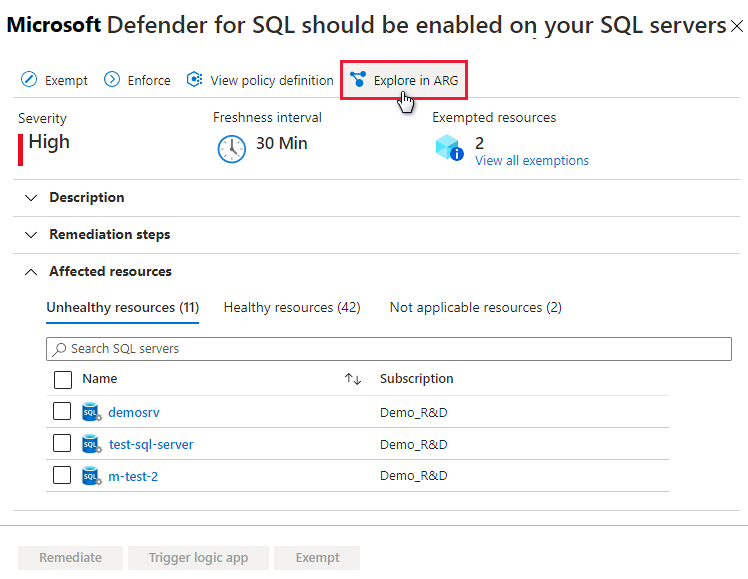
Updates to the policies for deploying workflow automation
Automating your organization's monitoring and incident response processes can greatly improve the time it takes to investigate and mitigate security incidents.
We provide three Azure Policy 'DeployIfNotExist' policies that create and configure workflow automation procedures so that you can deploy your automations across your organization:
| Goal | Policy | Policy ID |
|---|---|---|
| Workflow automation for security alerts | Deploy Workflow Automation for Azure Security Center alerts | f1525828-9a90-4fcf-be48-268cdd02361e |
| Workflow automation for security recommendations | Deploy Workflow Automation for Azure Security Center recommendations | 73d6ab6c-2475-4850-afd6-43795f3492ef |
| Workflow automation for regulatory compliance changes | Deploy Workflow Automation for Azure Security Center regulatory compliance | 509122b9-ddd9-47ba-a5f1-d0dac20be63c |
There are two updates to the features of these policies:
- When assigned, they will remain enabled by enforcement.
- You can now customize these policies and update any of the parameters even after they have already been deployed. For example you can add or edit an assessment key.
Get started with workflow automation templates.
Learn more about how to Automate responses to Security Center triggers.
Two legacy recommendations no longer write data directly to Azure activity log
Security Center passes the data for almost all security recommendations to Azure Advisor, which in turn, writes it to Azure activity log.
For two recommendations, the data is simultaneously written directly to Azure activity log. With this change, Security Center stops writing data for these legacy security recommendations directly to activity Log. Instead, we're exporting the data to Azure Advisor as we do for all the other recommendations.
The two legacy recommendations are:
- Endpoint protection health issues should be resolved on your machines
- Vulnerabilities in security configuration on your machines should be remediated
If you've been accessing information for these two recommendations in activity log's "Recommendation of type TaskDiscovery" category, this is no longer available.
Recommendations page enhancements
We've released an improved version of the recommendations list to present more information at a glance.
Now on the page you'll see:
- The maximum score and current score for each security control.
- Icons replacing tags such as Fix and Preview.
- A new column showing the Policy initiative related to each recommendation - visible when "Group by controls" is disabled.
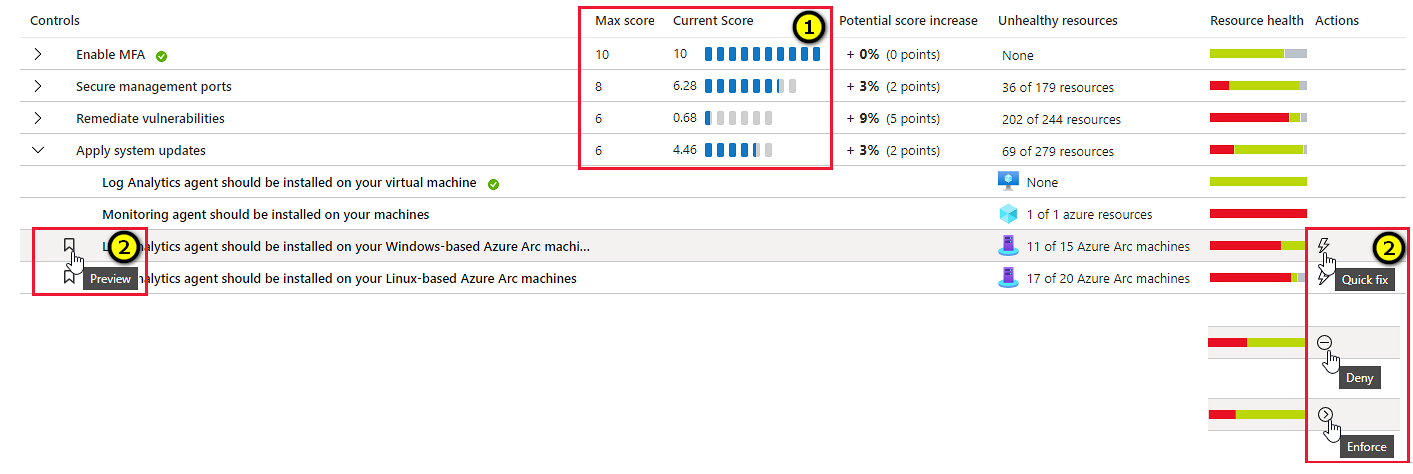
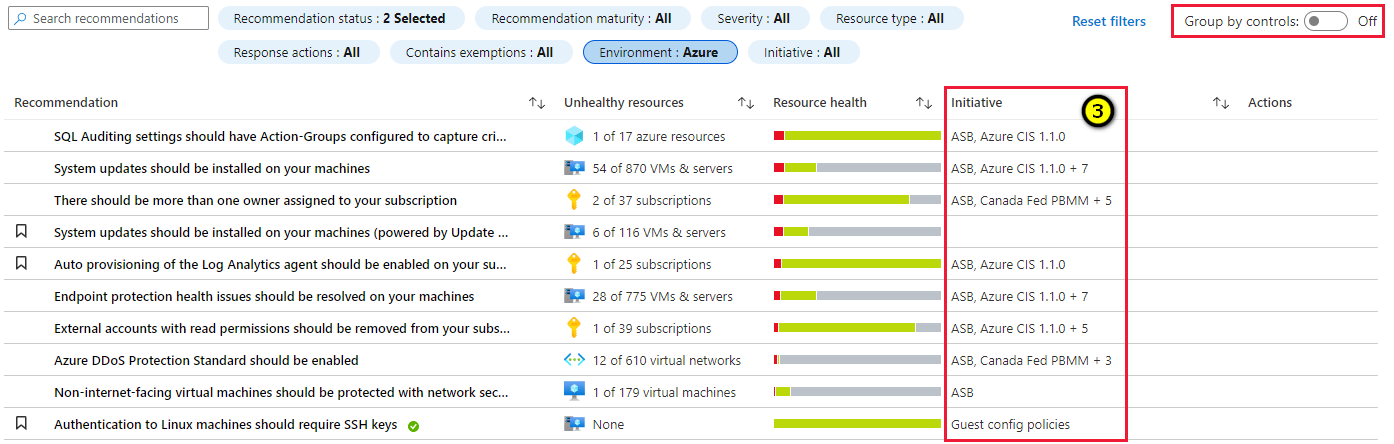
Learn more in Security recommendations in Azure Security Center.
February 2021
Updates in February include:
- New security alerts page in the Azure portal released for general availability (GA)
- Kubernetes workload protection recommendations released for general availability (GA)
- Direct link to policy from recommendation details page
- SQL data classification recommendation no longer affects your secure score
- Workflow automations can be triggered by changes to regulatory compliance assessments (in preview)
- Asset inventory page enhancements
New security alerts page in the Azure portal released for general availability (GA)
Azure Security Center's security alerts page was redesigned to provide:
- Improved triage experience for alerts - helping to reduce alerts fatigue and focus on the most relevant threats easier, the list includes customizable filters and grouping options.
- More information in the alerts list - such as MITRE ATT&ACK tactics.
- Button to create sample alerts - to evaluate Azure Defender capabilities and test your alerts. configuration (for SIEM integration, email notifications, and workflow automations), you can create sample alerts from all Azure Defender plans.
- Alignment with Azure Sentinel's incident experience - for customers who use both products, switching between them is now a more straightforward experience and it's easy to learn one from the other.
- Better performance for large alerts lists.
- Keyboard navigation through the alert list.
- Alerts from Azure Resource Graph - you can query alerts in Azure Resource Graph, the Kusto-like API for all of your resources. This is also useful if you're building your own alerts dashboards. Learn more about Azure Resource Graph.
- Create sample alerts feature - To create sample alerts from the new alerts experience, see Generate sample Azure Defender alerts.
Kubernetes workload protection recommendations released for general availability (GA)
We're happy to announce the general availability (GA) of the set of recommendations for Kubernetes workload protections.
To ensure that Kubernetes workloads are secure by default, Security Center has added Kubernetes level hardening recommendations, including enforcement options with Kubernetes admission control.
When Azure Policy for Kubernetes is installed on your Azure Kubernetes Service (AKS) cluster, every request to the Kubernetes API server will be monitored against the predefined set of best practices - displayed as 13 security recommendations - before being persisted to the cluster. You can then configure to enforce the best practices and mandate them for future workloads.
For example, you can mandate that privileged containers shouldn't be created, and any future requests to do so will be blocked.
Learn more in Workload protection best-practices using Kubernetes admission control.
Note
While the recommendations were in preview, they didn't render an AKS cluster resource unhealthy, and they weren't included in the calculations of your secure score. With this GA announcement these will be included in the score calculation. If you haven't remediated them already, this might result in a slight impact on your secure score. Remediate them wherever possible as described in Remediate recommendations in Azure Security Center.
Direct link to policy from recommendation details page
When you're reviewing the details of a recommendation, it's often helpful to be able to see the underlying policy. For every recommendation supported by a policy, there's a new link from the recommendation details page:
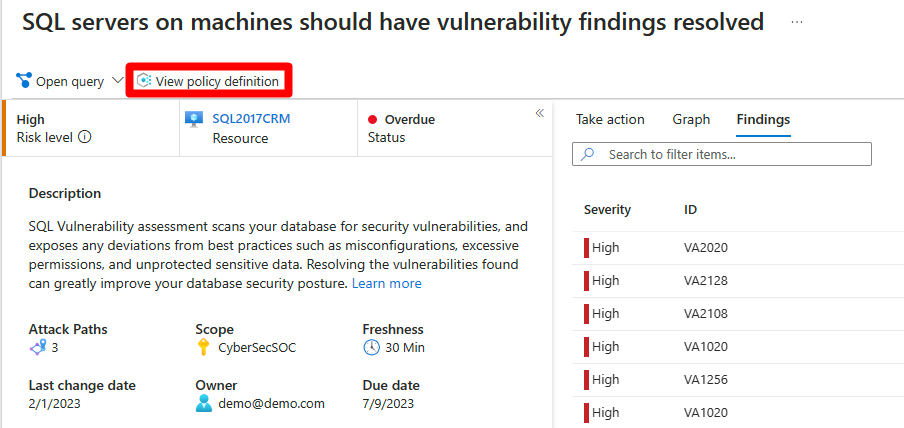
Use this link to view the policy definition and review the evaluation logic.
SQL data classification recommendation no longer affects your secure score
The recommendation Sensitive data in your SQL databases should be classified no longer affects your secure score. The security control Apply data classification that contains it now has a secure score value of 0.
For a full list of all security controls, together with their scores and a list of the recommendations in each, see Security controls and their recommendations.
Workflow automations can be triggered by changes to regulatory compliance assessments (in preview)
We've added a third data type to the trigger options for your workflow automations: changes to regulatory compliance assessments.
Learn how to use the workflow automation tools in Automate responses to Security Center triggers.
Asset inventory page enhancements
Security Center's asset inventory page was improved:
Summaries at the top of the page now include Unregistered subscriptions, showing the number of subscriptions without Security Center enabled.
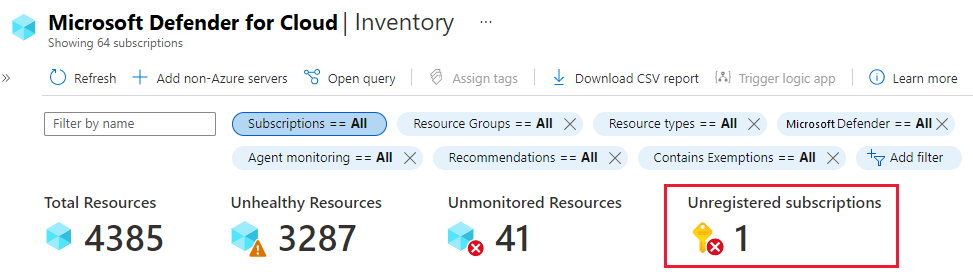
Filters have been expanded and enhanced to include:
Counts - Each filter presents the number of resources that meet the criteria of each category
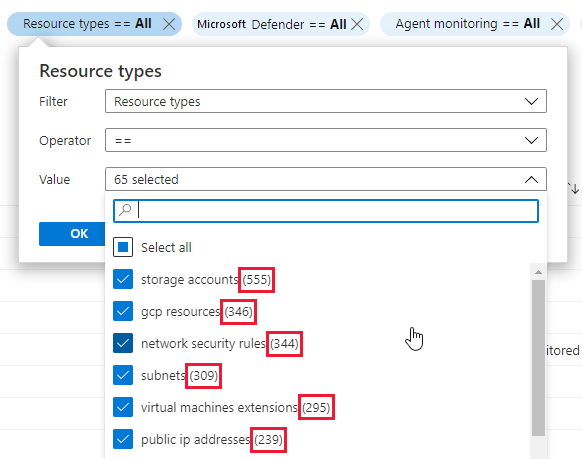
Contains exemptions filter (Optional) - narrow the results to resources that have/haven't got exemptions. This filter isn't shown by default, but is accessible from the Add filter button.
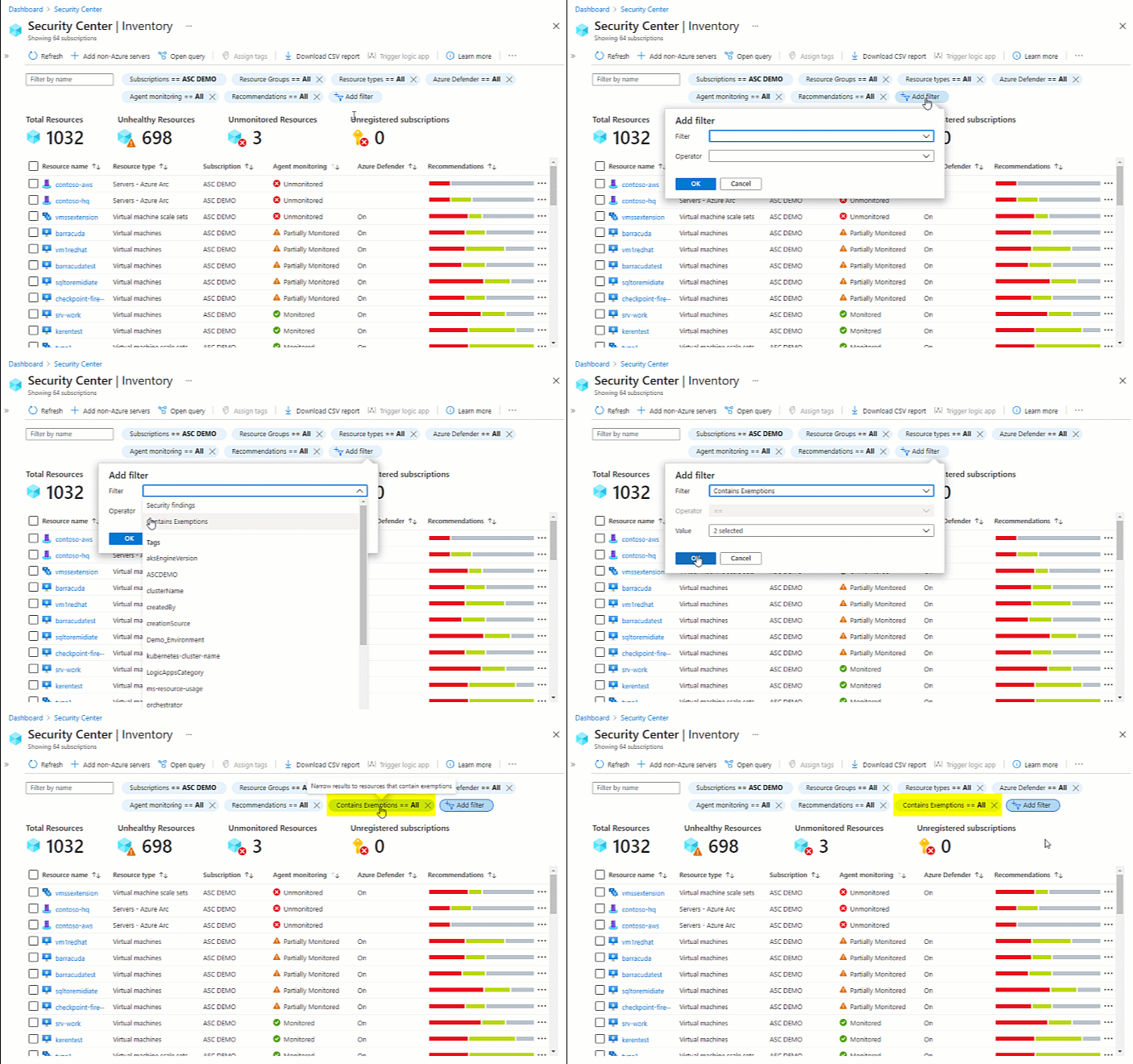
Learn more about how to Explore and manage your resources with asset inventory.
January 2021
Updates in January include:
- Azure Security Benchmark is now the default policy initiative for Azure Security Center
- Secure score for management groups is now available in preview
- Secure score API is released for general availability (GA)
- Dangling DNS protections added to Azure Defender for App Service
- 35 preview recommendations added to increase coverage of Azure Security Benchmark
- CSV export of filtered list of recommendations
- "Not applicable" resources now reported as "Compliant" in Azure Policy assessments
- Export weekly snapshots of secure score and regulatory compliance data with continuous export (preview)
Azure Security Benchmark is now the default policy initiative for Azure Security Center
Azure Security Benchmark is the Microsoft-authored, Azure-specific set of guidelines for security and compliance best practices based on common compliance frameworks. This widely respected benchmark builds on the controls from the Center for Internet Security (CIS) and the National Institute of Standards and Technology (NIST) with a focus on cloud-centric security.
In recent months, Security Center's list of built-in security recommendations has grown significantly to expand our coverage of this benchmark.
From this release, the benchmark is the foundation for Security Center's recommendations and fully integrated as the default policy initiative.
All Azure services have a security baseline page in their documentation. These baselines are built on Azure Security Benchmark.
If you're using Security Center's regulatory compliance dashboard, you'll see two instances of the benchmark during a transition period:
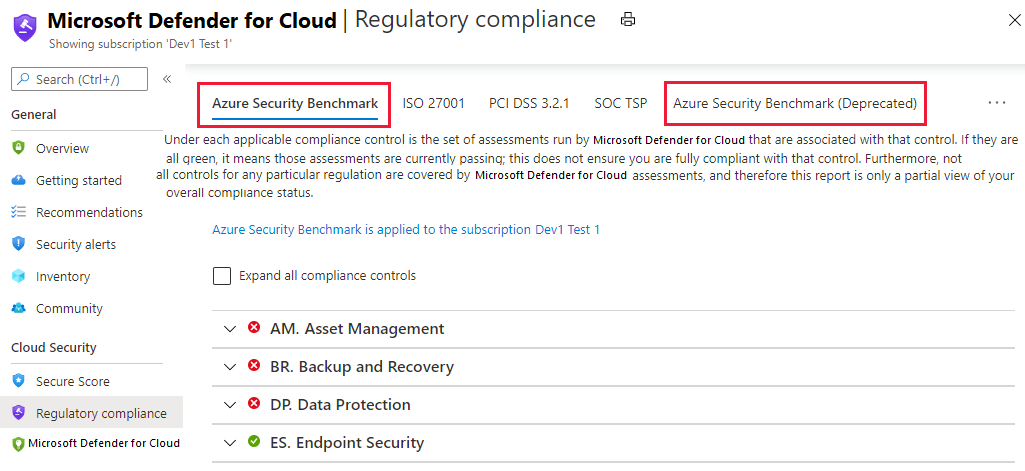
Existing recommendations are unaffected and as the benchmark grows, changes will automatically be reflected within Security Center.
To learn more, see the following pages:
- Learn more about Azure Security Benchmark
- Customize the set of standards in your regulatory compliance dashboard
Secure score for management groups is now available in preview
The secure score page now shows the aggregated secure scores for your management groups in addition to the subscription level. So now you can see the list of management groups in your organization and the score for each management group.
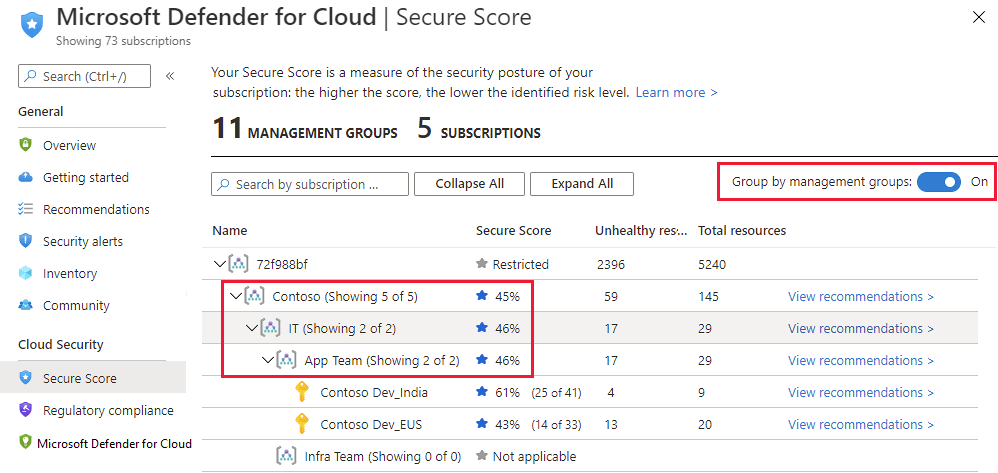
Learn more about secure score and security controls in Azure Security Center.
Secure score API is released for general availability (GA)
You can now access your score via the secure score API. The API methods provide the flexibility to query the data and build your own reporting mechanism of your secure scores over time. For example:
- use the Secure Scores API to get the score for a specific subscription
- use the Secure Score Controls API to list the security controls and the current score of your subscriptions
Learn about external tools made possible with the secure score API in the secure score area of our GitHub community.
Learn more about secure score and security controls in Azure Security Center.
Dangling DNS protections added to Azure Defender for App Service
Subdomain takeovers are a common, high-severity threat for organizations. A subdomain takeover can occur when you have a DNS record that points to a deprovisioned web site. Such DNS records are also known as "dangling DNS" entries. CNAME records are especially vulnerable to this threat.
Subdomain takeovers enable threat actors to redirect traffic intended for an organization's domain to a site performing malicious activity.
Azure Defender for App Service now detects dangling DNS entries when an App Service website is decommissioned. This is the moment at which the DNS entry is pointing at a resource that doesn't exist, and your website is vulnerable to a subdomain takeover. These protections are available whether your domains are managed with Azure DNS or an external domain registrar and applies to both App Service on Windows and App Service on Linux.
Learn more:
- App Service alert reference table - Includes two new Azure Defender alerts that trigger when a dangling DNS entry is detected
- Prevent dangling DNS entries and avoid subdomain takeover - Learn about the threat of subdomain takeover and the dangling DNS aspect
- Introduction to Azure Defender for App Service
35 preview recommendations added to increase coverage of Azure Security Benchmark
Azure Security Benchmark is the default policy initiative in Azure Security Center.
To increase the coverage of this benchmark, the following 35 preview recommendations have been added to Security Center.
Tip
Preview recommendations don't render a resource unhealthy, and they aren't included in the calculations of your secure score. Remediate them wherever possible, so that when the preview period ends they'll contribute towards your score. Learn more about how to respond to these recommendations in Remediate recommendations in Azure Security Center.
| Security control | New recommendations |
|---|---|
| Enable encryption at rest | - Azure Cosmos DB accounts should use customer-managed keys to encrypt data at rest - Azure Machine Learning workspaces should be encrypted with a customer-managed key (CMK) - Bring your own key data protection should be enabled for MySQL servers - Bring your own key data protection should be enabled for PostgreSQL servers - Azure AI services accounts should enable data encryption with a customer-managed key (CMK) - Container registries should be encrypted with a customer-managed key (CMK) - SQL managed instances should use customer-managed keys to encrypt data at rest - SQL servers should use customer-managed keys to encrypt data at rest - Storage accounts should use customer-managed key (CMK) for encryption |
| Implement security best practices | - Subscriptions should have a contact email address for security issues - Autoprovisioning of the Log Analytics agent should be enabled on your subscription - Email notification for high severity alerts should be enabled - Email notification to subscription owner for high severity alerts should be enabled - Key vaults should have purge protection enabled - Key vaults should have soft delete enabled |
| Manage access and permissions | - Function apps should have 'Client Certificates (Incoming client certificates)' enabled |
| Protect applications against DDoS attacks | - Web Application Firewall (WAF) should be enabled for Application Gateway - Web Application Firewall (WAF) should be enabled for Azure Front Door Service service |
| Restrict unauthorized network access | - Firewall should be enabled on Key Vault - Private endpoint should be configured for Key Vault - App Configuration should use private link - Azure Cache for Redis should reside within a virtual network - Azure Event Grid domains should use private link - Azure Event Grid topics should use private link - Azure Machine Learning workspaces should use private link - Azure SignalR Service should use private link - Azure Spring Cloud should use network injection - Container registries should not allow unrestricted network access - Container registries should use private link - Public network access should be disabled for MariaDB servers - Public network access should be disabled for MySQL servers - Public network access should be disabled for PostgreSQL servers - Storage account should use a private link connection - Storage accounts should restrict network access using virtual network rules - VM Image Builder templates should use private link |
Related links:
- Learn more about Azure Security Benchmark
- Learn more about Azure Database for MariaDB
- Learn more about Azure Database for MySQL
- Learn more about Azure Database for PostgreSQL
CSV export of filtered list of recommendations
In November 2020, we added filters to the recommendations page.
With this announcement, we're changing the behavior of the Download to CSV button so that the CSV export only includes the recommendations currently displayed in the filtered list.
For example, in the image below you can see that the list is filtered to two recommendations. The CSV file that is generated includes the status details for every resource affected by those two recommendations.
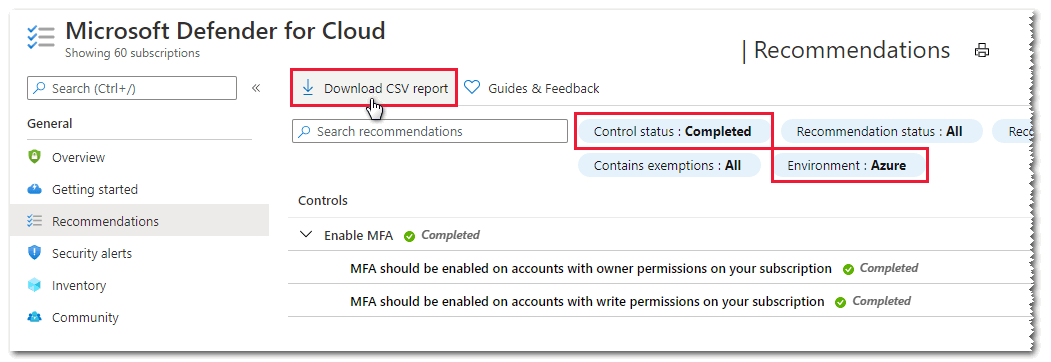
Learn more in Security recommendations in Azure Security Center.
"Not applicable" resources now reported as "Compliant" in Azure Policy assessments
Previously, resources that were evaluated for a recommendation and found to be not applicable appeared in Azure Policy as "Non-compliant". No user actions could change their state to "Compliant." With this change, they're reported as "Compliant" for improved clarity.
The only impact will be seen in Azure Policy where the number of compliant resources will increase. There will be no impact to your secure score in Azure Security Center.
Export weekly snapshots of secure score and regulatory compliance data with continuous export (preview)
We've added a new preview feature to the continuous export tools for exporting weekly snapshots of secure score and regulatory compliance data.
When you define a continuous export, set the export frequency:
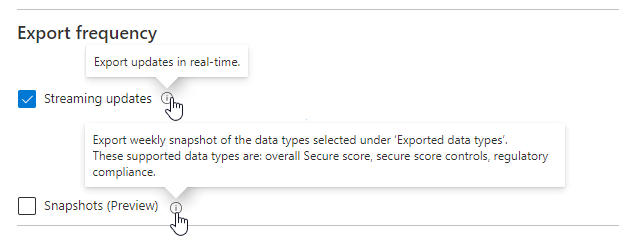
- Streaming - assessments will be sent when a resource's health state is updated (if no updates occur, no data will be sent).
- Snapshots - a snapshot of the current state of all regulatory compliance assessments will be sent every week (this is a preview feature for weekly snapshots of secure scores and regulatory compliance data).
Learn more about the full capabilities of this feature in Continuously export Security Center data.
December 2020
Updates in December include:
- Azure Defender for SQL servers on machines is generally available
- Azure Defender for SQL support for Azure Synapse Analytics dedicated SQL pool is generally available
- Two new Azure Defender plans: Azure Defender for DNS and Azure Defender for Resource Manager (in preview)
- New security alerts page in the Azure portal (preview)
- Revitalized Security Center experience in Azure SQL Database & SQL Managed Instance
- Asset inventory tools and filters updated
- Recommendation about web apps requesting SSL certificates no longer part of secure score
- Recommendations page has new filters for environment, severity, and available responses
- Continuous export gets new data types and improved deployifnotexist policies
Azure Defender for SQL servers on machines is generally available
Azure Security Center offers two Azure Defender plans for SQL Servers:
- Azure Defender for Azure SQL database servers - defends your Azure-native SQL Servers
- Azure Defender for SQL servers on machines - extends the same protections to your SQL servers in hybrid, multicloud, and on-premises environments
With this announcement, Azure Defender for SQL now protects your databases and their data wherever they're located.
Azure Defender for SQL includes vulnerability assessment capabilities. The vulnerability assessment tool includes the following advanced features:
- Baseline configuration (New!) to intelligently refine the results of vulnerability scans to those that might represent real security issues. After you've established your baseline security state, the vulnerability assessment tool only reports deviations from that baseline state. Results that match the baseline are considered as passing subsequent scans. This lets you and your analysts focus your attention where it matters.
- Detailed benchmark information to help you understand the discovered findings, and why they relate to your resources.
- Remediation scripts to help you mitigate identified risks.
Learn more about Azure Defender for SQL.
Azure Defender for SQL support for Azure Synapse Analytics dedicated SQL pool is generally available
Azure Synapse Analytics (formerly SQL DW) is an analytics service that combines enterprise data warehousing and big data analytics. Dedicated SQL pools are the enterprise data warehousing features of Azure Synapse. Learn more in What is Azure Synapse Analytics (formerly SQL DW)?.
Azure Defender for SQL protects your dedicated SQL pools with:
- Advanced threat protection to detect threats and attacks
- Vulnerability assessment capabilities to identify and remediate security misconfigurations
Azure Defender for SQL's support for Azure Synapse Analytics SQL pools is automatically added to Azure SQL databases bundle in Azure Security Center. There's a new Azure Defender for SQL tab in your Synapse workspace page in the Azure portal.
Learn more about Azure Defender for SQL.
Two new Azure Defender plans: Azure Defender for DNS and Azure Defender for Resource Manager (in preview)
We've added two new cloud-native breadth threat protection capabilities for your Azure environment.
These new protections greatly enhance your resiliency against attacks from threat actors, and significantly increase the number of Azure resources protected by Azure Defender.
Azure Defender for Resource Manager - automatically monitors all resource management operations performed in your organization. For more information, see:
Azure Defender for DNS - continuously monitors all DNS queries from your Azure resources. For more information, see:
New security alerts page in the Azure portal (preview)
Azure Security Center's security alerts page was redesigned to provide:
- Improved triage experience for alerts - helping to reduce alerts fatigue and focus on the most relevant threats easier, the list includes customizable filters and grouping options
- More information in the alerts list - such as MITRE ATT&ACK tactics
- Button to create sample alerts - to evaluate Azure Defender capabilities and test your alerts configuration (for SIEM integration, email notifications, and workflow automations), you can create sample alerts from all Azure Defender plans
- Alignment with Azure Sentinel's incident experience - for customers who use both products, switching between them is now a more straightforward experience and it's easy to learn one from the other
- Better performance for large alerts lists
- Keyboard navigation through the alert list
- Alerts from Azure Resource Graph - you can query alerts in Azure Resource Graph, the Kusto-like API for all of your resources. This is also useful if you're building your own alerts dashboards. Learn more about Azure Resource Graph.
To access the new experience, use the 'try it now' link from the banner at the top of the security alerts page.
To create sample alerts from the new alerts experience, see Generate sample Azure Defender alerts.
Revitalized Security Center experience in Azure SQL Database & SQL Managed Instance
The Security Center experience within SQL provides access to the following Security Center and Azure Defender for SQL features:
- Security recommendations - Security Center periodically analyzes the security state of all connected Azure resources to identify potential security misconfigurations. It then provides recommendations on how to remediate those vulnerabilities and improve organizations' security posture.
- Security alerts - a detection service that continuously monitors Azure SQL activities for threats such as SQL injection, brute-force attacks, and privilege abuse. This service triggers detailed and action-oriented security alerts in Security Center and provides options for continuing investigations with Microsoft Sentinel, Microsoft's Azure-native SIEM solution.
- Findings - a vulnerability assessment service that continuously monitors Azure SQL configurations and helps remediate vulnerabilities. Assessment scans provide an overview of Azure SQL security states together with detailed security findings.
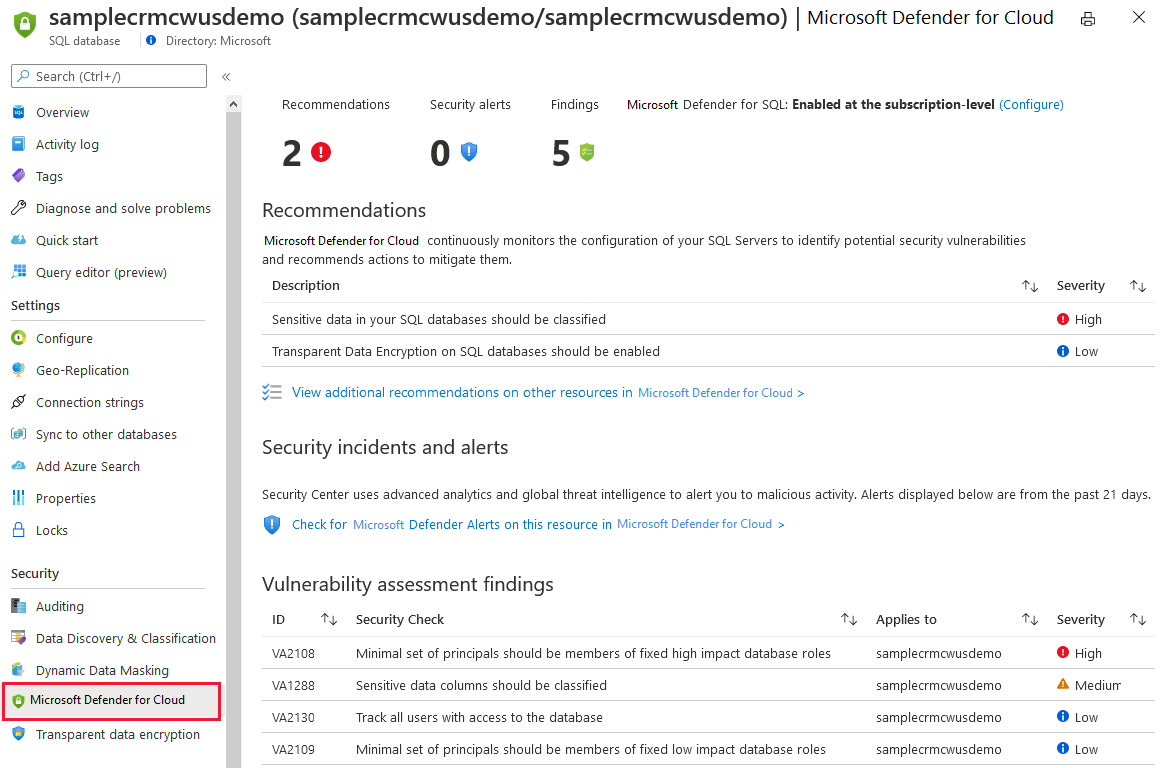
Asset inventory tools and filters updated
The inventory page in Azure Security Center was refreshed with the following changes:
Guides and feedback added to the toolbar. This opens a pane with links to related information and tools.
Subscriptions filter added to the default filters available for your resources.
Open query link for opening the current filter options as an Azure Resource Graph query (formerly called "View in resource graph explorer").
Operator options for each filter. Now you can choose from more logical operators other than '='. For example, you might want to find all resources with active recommendations whose titles include the string 'encrypt'.
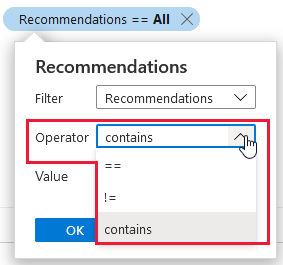
Learn more about inventory in Explore and manage your resources with asset inventory.
Recommendation about web apps requesting SSL certificates no longer part of secure score
The recommendation "Web apps should request an SSL certificate for all incoming requests" was moved from the security control Manage access and permissions (worth a maximum of 4 pts) into Implement security best practices (which is worth no points).
Ensuring a web app requests a certificate certainly makes it more secure. However, for public-facing web apps it's irrelevant. If you access your site over HTTP and not HTTPS, you will not receive any client certificate. So if your application requires client certificates, you should not allow requests to your application over HTTP. Learn more in Configure TLS mutual authentication for Azure App Service.
With this change, the recommendation is now a recommended best practice that does not impact your score.
Learn which recommendations are in each security control in Security controls and their recommendations.
Recommendations page has new filters for environment, severity, and available responses
Azure Security Center monitors all connected resources and generates security recommendations. Use these recommendations to strengthen your hybrid cloud posture and track compliance with the policies and standards relevant to your organization, industry, and country/region.
As Security Center continues to expand its coverage and features, the list of security recommendations is growing every month. For example, see Twenty nine preview recommendations added to increase coverage of Azure Security Benchmark.
With the growing list, there's a need to filter the recommendations to find the ones of greatest interest. In November, we added filters to the recommendations page (see Recommendations list now includes filters).
The filters added this month provide options to refine the recommendations list according to:
Environment - View recommendations for your Azure resources (or any combination)
Severity - View recommendations according to the severity classification set by Security Center
Response actions - View recommendations according to the availability of Security Center response options: Fix, Deny, and Enforce
Tip
The response actions filter replaces the Quick fix available (Yes/No) filter.
Learn more about each of these response options:
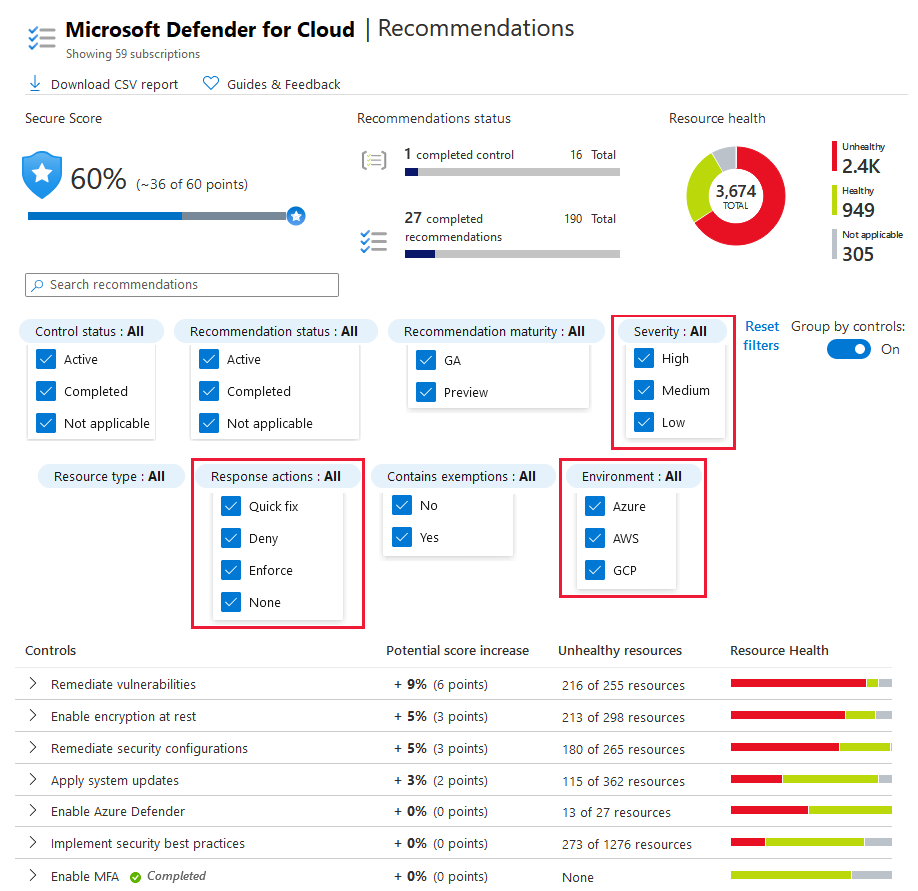
Continuous export gets new data types and improved deployifnotexist policies
Azure Security Center's continuous export tools enable you to export Security Center's recommendations and alerts for use with other monitoring tools in your environment.
Continuous export lets you fully customize what will be exported, and where it will go. For full details, see Continuously export Security Center data.
These tools have been enhanced and expanded in the following ways:
Continuous export's deployifnotexist policies enhanced. The policies now:
Check whether the configuration is enabled. If it isn't, the policy will show as non-compliant and create a compliant resource. Learn more about the supplied Azure Policy templates in the "Deploy at scale with Azure Policy tab" in Set up a continuous export.
Support exporting security findings. When using the Azure Policy templates, you can configure your continuous export to include findings. This is relevant when exporting recommendations that have 'sub' recommendations, like findings from vulnerability assessment scanners or specific system updates for the 'parent' recommendation "System updates should be installed on your machines".
Support exporting secure score data.
Regulatory compliance assessment data added (in preview). You can now continuously export updates to regulatory compliance assessments, including for any custom initiatives, to a Log Analytics workspace or Event Hubs. This feature is unavailable on national clouds.
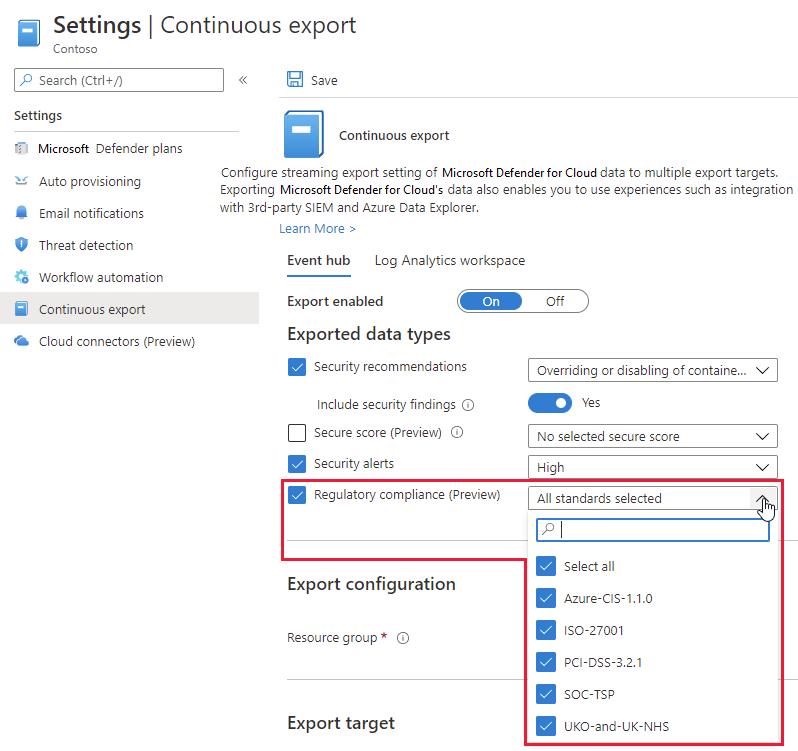
November 2020
Updates in November include:
- 29 preview recommendations added to increase coverage of Azure Security Benchmark
- Recommendations list now includes filters
- Autoprovisioning experience improved and expanded
- Secure score is now available in continuous export (preview)
- "System updates should be installed on your machines" recommendation now includes subrecommendations
- Policy management page in the Azure portal now shows status of default policy assignments
29 preview recommendations added to increase coverage of Azure Security Benchmark
Azure Security Benchmark is the Microsoft-authored, Azure-specific, set of guidelines for security and compliance best practices based on common compliance frameworks. Learn more about Azure Security Benchmark.
The following 29 preview recommendations have been added to Security Center to increase the coverage of this benchmark.
Preview recommendations don't render a resource unhealthy, and they aren't included in the calculations of your secure score. Remediate them wherever possible, so that when the preview period ends they'll contribute towards your score. Learn more about how to respond to these recommendations in Remediate recommendations in Azure Security Center.
| Security control | New recommendations |
|---|---|
| Encrypt data in transit | - Enforce SSL connection should be enabled for PostgreSQL database servers - Enforce SSL connection should be enabled for MySQL database servers - TLS should be updated to the latest version for your API app - TLS should be updated to the latest version for your function app - TLS should be updated to the latest version for your web app - FTPS should be required in your API App - FTPS should be required in your function App - FTPS should be required in your web App |
| Manage access and permissions | - Web apps should request an SSL certificate for all incoming requests - Managed identity should be used in your API App - Managed identity should be used in your function App - Managed identity should be used in your web App |
| Restrict unauthorized network access | - Private endpoint should be enabled for PostgreSQL servers - Private endpoint should be enabled for MariaDB servers - Private endpoint should be enabled for MySQL servers |
| Enable auditing and logging | - Diagnostic logs in App Services should be enabled |
| Implement security best practices | - Azure Backup should be enabled for virtual machines - Geo-redundant backup should be enabled for Azure Database for MariaDB - Geo-redundant backup should be enabled for Azure Database for MySQL - Geo-redundant backup should be enabled for Azure Database for PostgreSQL - PHP should be updated to the latest version for your API app - PHP should be updated to the latest version for your web app - Java should be updated to the latest version for your API app - Java should be updated to the latest version for your function app - Java should be updated to the latest version for your web app - Python should be updated to the latest version for your API app - Python should be updated to the latest version for your function app - Python should be updated to the latest version for your web app - Audit retention for SQL servers should be set to at least 90 days |
Related links:
- Learn more about Azure Security Benchmark
- Learn more about Azure API apps
- Learn more about Azure function apps
- Learn more about Azure web apps
- Learn more about Azure Database for MariaDB
- Learn more about Azure Database for MySQL
- Learn more about Azure Database for PostgreSQL
Recommendations list now includes filters
You can now filter the list of security recommendations according to a range of criteria. In the following example, the recommendations list is filtered to show recommendations that:
- are generally available (that is, not preview)
- are for storage accounts
- support quick fix remediation
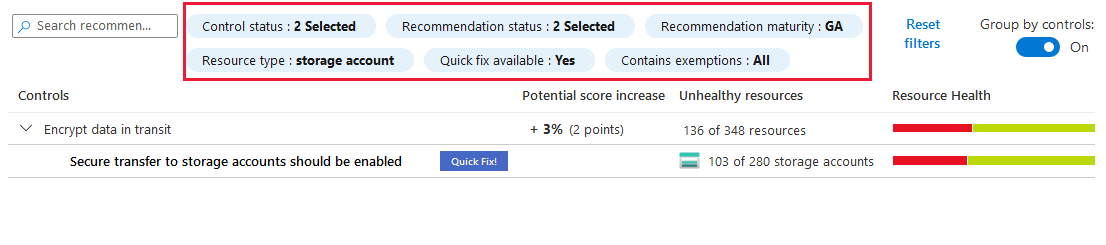
Autoprovisioning experience improved and expanded
The autoprovisioning feature helps reduce management overhead by installing the required extensions on new - and existing - Azure VMs so they can benefit from Security Center's protections.
As Azure Security Center grows, more extensions have been developed and Security Center can monitor a larger list of resource types. The autoprovisioning tools have now been expanded to support other extensions and resource types by leveraging the capabilities of Azure Policy.
You can now configure the autoprovisioning of:
- Log Analytics agent
- (New) Azure Policy for Kubernetes
- (New) Microsoft Dependency agent
Learn more in Autoprovisioning agents and extensions from Azure Security Center.
Secure score is now available in continuous export (preview)
With continuous export of secure score, you can stream changes to your score in real-time to Azure Event Hubs or a Log Analytics workspace. Use this capability to:
- track your secure score over time with dynamic reports
- export secure score data to Microsoft Sentinel (or any other SIEM)
- integrate this data with any processes you might already be using to monitor secure score in your organization
Learn more about how to Continuously export Security Center data.
"System updates should be installed on your machines" recommendation now includes subrecommendations
The System updates should be installed on your machines recommendation was enhanced. The new version includes subrecommendations for each missing update and brings the following improvements:
A redesigned experience in the Azure Security Center pages of the Azure portal. The recommendation details page for System updates should be installed on your machines includes the list of findings as shown below. When you select a single finding, the details pane opens with a link to the remediation information and a list of affected resources.
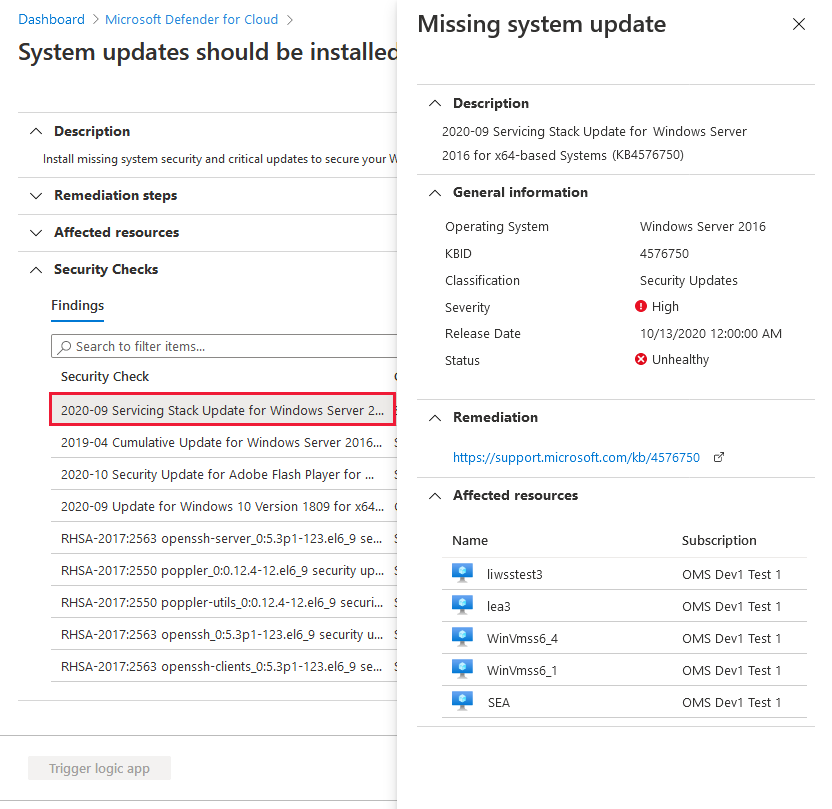
Enriched data for the recommendation from Azure Resource Graph (ARG). ARG is an Azure service that's designed to provide efficient resource exploration. You can use ARG to query at scale across a given set of subscriptions so that you can effectively govern your environment.
For Azure Security Center, you can use ARG and the Kusto Query Language (KQL) to query a wide range of security posture data.
Previously, if you queried this recommendation in ARG, the only available information was that the recommendation needs to be remediated on a machine. The following query of the enhanced version will return each missing system updates grouped by machine.
securityresources
| where type =~ "microsoft.security/assessments/subassessments"
| where extract(@"(?i)providers/Microsoft.Security/assessments/([^/]*)", 1, id) == "4ab6e3c5-74dd-8b35-9ab9-f61b30875b27"
| where properties.status.code == "Unhealthy"
Policy management page in the Azure portal now shows status of default policy assignments
You can now see whether or not your subscriptions have the default Security Center policy assigned, in the Security Center's security policy page of the Azure portal.
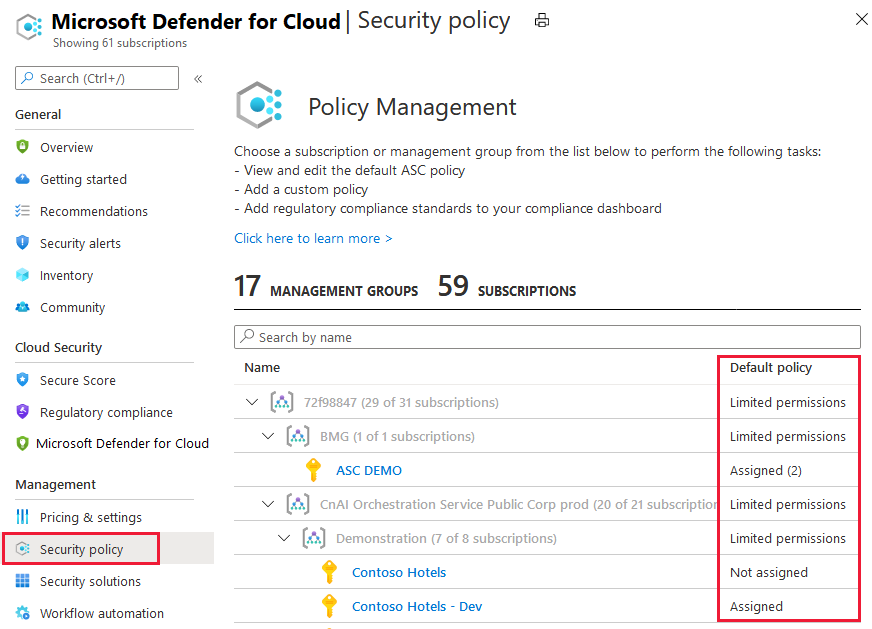
October 2020
Updates in October include:
- Azure Firewall recommendation added (preview)
- Authorized IP ranges should be defined on Kubernetes Services recommendation updated with quick fix
- Regulatory compliance dashboard now includes option to remove standards
- Microsoft.Security/securityStatuses table removed from Azure Resource Graph
Azure Firewall recommendation added (preview)
A new recommendation was added to protect all your virtual networks with Azure Firewall.
The recommendation, Virtual networks should be protected by Azure Firewall advises you to restrict access to your virtual networks and prevent potential threats by using Azure Firewall.
Learn more about Azure Firewall.
Authorized IP ranges should be defined on Kubernetes Services recommendation updated with quick fix
The recommendation Authorized IP ranges should be defined on Kubernetes Services now has a quick fix option.
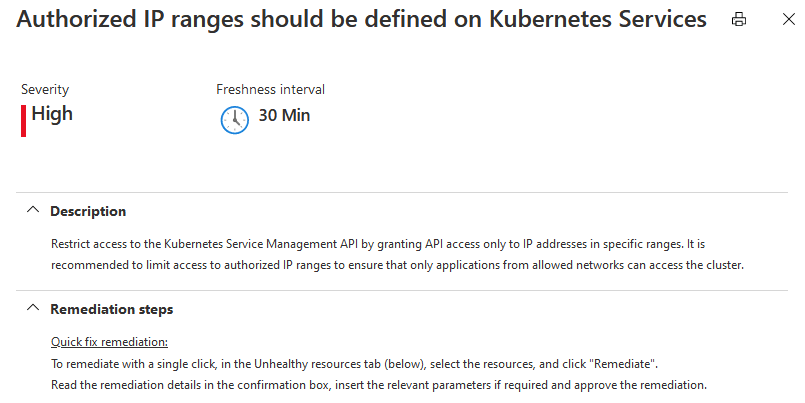
Regulatory compliance dashboard now includes option to remove standards
Security Center's regulatory compliance dashboard provides insights into your compliance posture based on how you're meeting specific compliance controls and requirements.
The dashboard includes a default set of regulatory standards. If any of the supplied standards isn't relevant to your organization, it's now a simple process to remove them from the UI for a subscription. Standards can be removed only at the subscription level; not the management group scope.
Learn more in Remove a standard from your dashboard.
Microsoft.Security/securityStatuses table removed from Azure Resource Graph (ARG)
Azure Resource Graph is a service in Azure that is designed to provide efficient resource exploration with the ability to query at scale across a given set of subscriptions so that you can effectively govern your environment.
For Azure Security Center, you can use ARG and the Kusto Query Language (KQL) to query a wide range of security posture data. For example:
- Asset inventory utilizes ARG
- We have documented a sample ARG query for how to Identify accounts without multifactor authentication (MFA) enabled
Within ARG, there are tables of data for you to use in your queries.
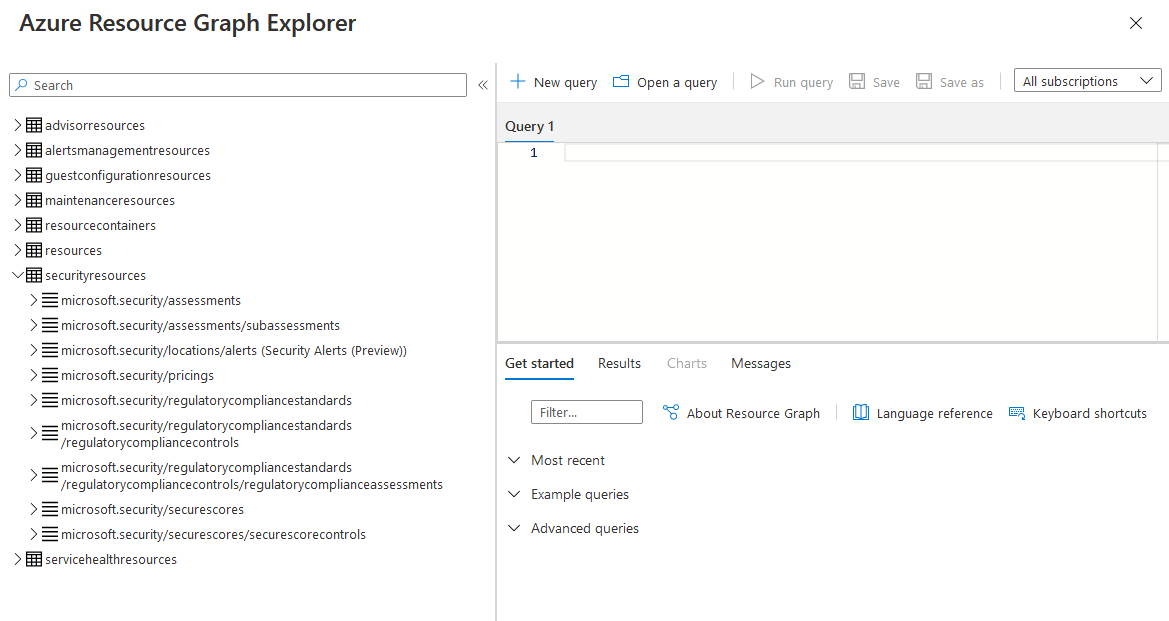
Tip
The ARG documentation lists all the available tables in Azure Resource Graph table and resource type reference.
From this update, the Microsoft.Security/securityStatuses table was removed. The securityStatuses API is still available.
Data replacement can be used by Microsoft.Security/Assessments table.
The major difference between Microsoft.Security/securityStatuses and Microsoft.Security/Assessments is that while the first shows aggregation of assessments, the seconds holds a single record for each.
For example, Microsoft.Security/securityStatuses would return a result with an array of two policyAssessments:
{
id: "/subscriptions/449bcidd-3470-4804-ab56-2752595 felab/resourceGroups/mico-rg/providers/Microsoft.Network/virtualNetworks/mico-rg-vnet/providers/Microsoft.Security/securityStatuses/mico-rg-vnet",
name: "mico-rg-vnet",
type: "Microsoft.Security/securityStatuses",
properties:  {
    policyAssessments: [
        {assessmentKey: "e3deicce-f4dd-3b34-e496-8b5381bazd7e", category: "Networking", policyName: "Azure DDOS Protection should be enabled",...},
        {assessmentKey: "sefac66a-1ec5-b063-a824-eb28671dc527", category: "Compute", policyName: "",...}
    ],
    securitystateByCategory: [{category: "Networking", securityState: "None" }, {category: "Compute",...],
    name: "GenericResourceHealthProperties",
    type: "VirtualNetwork",
    securitystate: "High"
}
Whereas Microsoft.Security/Assessments hold a record for each such policy assessment as follows:
{
type: "Microsoft.Security/assessments",
id:  "/subscriptions/449bc1dd-3470-4804-ab56-2752595f01ab/resourceGroups/mico-rg/providers/Microsoft. Network/virtualNetworks/mico-rg-vnet/providers/Microsoft.Security/assessments/e3delcce-f4dd-3b34-e496-8b5381ba2d70",
name: "e3deicce-f4dd-3b34-e496-8b5381ba2d70",
properties:  {
    resourceDetails: {Source: "Azure", Id: "/subscriptions/449bc1dd-3470-4804-ab56-2752595f01ab/resourceGroups/mico-rg/providers/Microsoft.Network/virtualNetworks/mico-rg-vnet"...},
    displayName: "Azure DDOS Protection should be enabled",
    status: (code: "NotApplicable", cause: "VnetHasNOAppGateways", description: "There are no Application Gateway resources attached to this Virtual Network"...}
}

{
type: "Microsoft.Security/assessments",
id:  "/subscriptions/449bc1dd-3470-4804-ab56-2752595f01ab/resourcegroups/mico-rg/providers/microsoft.network/virtualnetworks/mico-rg-vnet/providers/Microsoft.Security/assessments/80fac66a-1ec5-be63-a824-eb28671dc527",
name: "8efac66a-1ec5-be63-a824-eb28671dc527",
properties: {
    resourceDetails: (Source: "Azure", Id: "/subscriptions/449bc1dd-3470-4804-ab56-2752595f01ab/resourcegroups/mico-rg/providers/microsoft.network/virtualnetworks/mico-rg-vnet"...),
    displayName: "Audit diagnostic setting",
    status:  {code: "Unhealthy"}
}
Example of converting an existing ARG query using securityStatuses to now use the assessments table:
Query that references SecurityStatuses:
SecurityResources
| where type == 'microsoft.security/securitystatuses' and properties.type == 'virtualMachine'
| where name in ({vmnames})
| project name, resourceGroup, policyAssesments = properties.policyAssessments, resourceRegion = location, id, resourceDetails = properties.resourceDetails
Replacement query for the Assessments table:
securityresources
| where type == "microsoft.security/assessments" and id contains "virtualMachine"
| extend resourceName = extract(@"(?i)/([^/]*)/providers/Microsoft.Security/assessments", 1, id)
| extend source = tostring(properties.resourceDetails.Source)
| extend resourceId = trim(" ", tolower(tostring(case(source =~ "azure", properties.resourceDetails.Id,
source =~ "aws", properties.additionalData.AzureResourceId,
source =~ "gcp", properties.additionalData.AzureResourceId,
extract("^(.+)/providers/Microsoft.Security/assessments/.+$",1,id)))))
| extend resourceGroup = tolower(tostring(split(resourceId, "/")[4]))
| where resourceName in ({vmnames})
| project resourceName, resourceGroup, resourceRegion = location, id, resourceDetails = properties.additionalData
Learn more at the following links:
September 2020
Updates in September include:
- Security Center gets a new look!
- Azure Defender released
- Asset inventory tools are now generally available
- Disable a specific vulnerability finding for scans of container registries and virtual machines
- Kubernetes workload protection recommendation bundle
- Vulnerability assessment findings are now available in continuous export
- Network security group recommendations improved
- Deprecated preview AKS recommendation "Pod Security Policies should be defined on Kubernetes Services"
- Email notifications from Azure Security Center improved
- Secure score doesn't include preview recommendations
- Recommendations now include a severity indicator and the freshness interval
Security Center gets a new look
We've released a refreshed UI for Security Center's portal pages. The new pages include a new overview page and dashboards for secure score, asset inventory, and Azure Defender.
The redesigned overview page now has a tile for accessing the secure score, asset inventory, and Azure Defender dashboards. It also has a tile linking to the regulatory compliance dashboard.
Learn more about the overview page.
Azure Defender released
Azure Defender is the cloud workload protection platform (CWPP) integrated within Security Center for advanced, intelligent, protection of your Azure and hybrid workloads. It replaces Security Center's standard pricing tier option.
When you enable Azure Defender from the Pricing and settings area of Azure Security Center, the following Defender plans are all enabled simultaneously and provide comprehensive defenses for the compute, data, and service layers of your environment:
Each of these plans is explained separately in the Security Center documentation.
With its dedicated dashboard, Azure Defender provides security alerts and advanced threat protection for virtual machines, SQL databases, containers, web applications, your network, and more.
Learn more about Azure Defender
Asset inventory tools are now generally available
The asset inventory page of Azure Security Center provides a single page for viewing the security posture of the resources you've connected to Security Center.
Security Center periodically analyzes the security state of your Azure resources to identify potential security vulnerabilities. It then provides you with recommendations on how to remediate those vulnerabilities.
When any resource has outstanding recommendations, they'll appear in the inventory.
Learn more in Explore and manage your resources with asset inventory.
Disable a specific vulnerability finding for scans of container registries and virtual machines
Azure Defender includes vulnerability scanners to scan images in your Azure Container Registry and your virtual machines.
If you have an organizational need to ignore a finding, rather than remediate it, you can optionally disable it. Disabled findings don't impact your secure score or generate unwanted noise.
When a finding matches the criteria you've defined in your disable rules, it won't appear in the list of findings.
This option is available from the recommendations details pages for:
- Vulnerabilities in Azure Container Registry images should be remediated
- Vulnerabilities in your virtual machines should be remediated
Kubernetes workload protection recommendation bundle
To ensure that Kubernetes workloads are secure by default, Security Center is adding Kubernetes level hardening recommendations, including enforcement options with Kubernetes admission control.
When you've installed Azure Policy for Kubernetes on your AKS cluster, every request to the Kubernetes API server will be monitored against the predefined set of best practices before being persisted to the cluster. You can then configure to enforce the best practices and mandate them for future workloads.
For example, you can mandate that privileged containers shouldn't be created, and any future requests to do so will be blocked.
Learn more in Workload protection best-practices using Kubernetes admission control.
Vulnerability assessment findings are now available in continuous export
Use continuous export to stream your alerts and recommendations to Azure Event Hubs, Log Analytics workspaces, or Azure Monitor. From there, you can integrate this data with SIEMs, such as Microsoft Sentinel, Power BI, Azure Data Explorer, and more.
Security Center's integrated vulnerability assessment tools return findings about your resources as actionable recommendations within a 'parent' recommendation such as "Vulnerabilities in your virtual machines should be remediated".
The security findings are now available for export through continuous export when you select recommendations and enable the include security findings option.
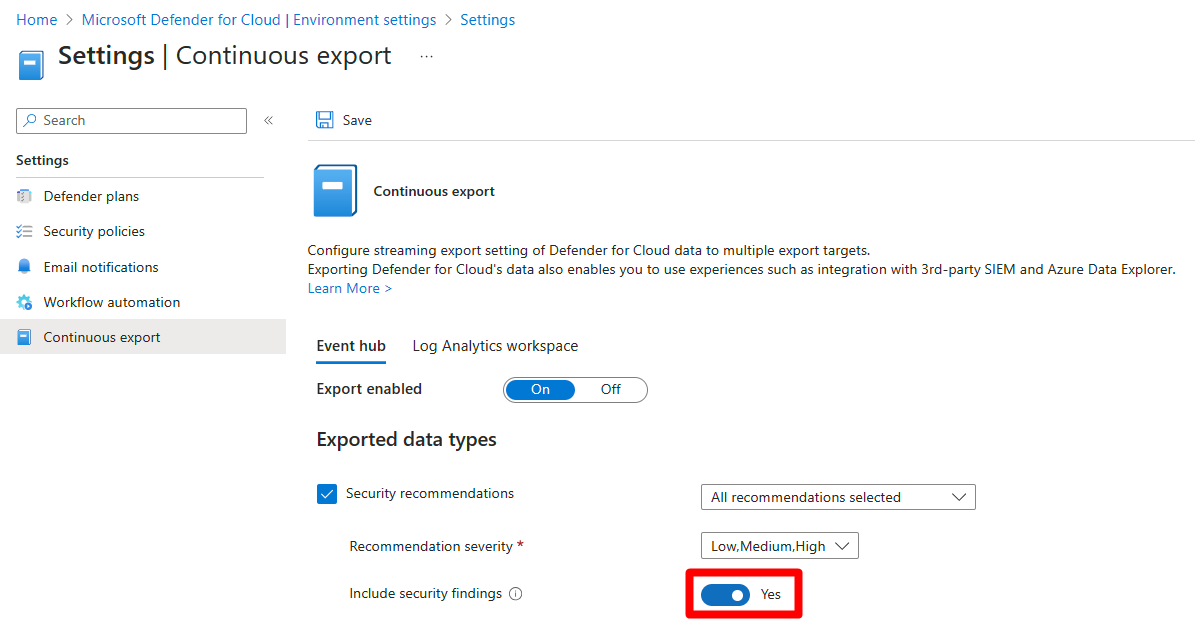
Related pages:
- Security Center's integrated vulnerability assessment solution for Azure Container Registry images
- Continuous export
Network security group recommendations improved
The following security recommendations related to network security groups have been improved to reduce some instances of false positives.
- All network ports should be restricted on NSG associated to your VM
- Management ports should be closed on your virtual machines
- Internet-facing virtual machines should be protected with Network Security Groups
- Subnets should be associated with a Network Security Group
Deprecated preview AKS recommendation "Pod Security Policies should be defined on Kubernetes Services"
The preview recommendation "Pod Security Policies should be defined on Kubernetes Services" is being deprecated as described in the Azure Kubernetes Service documentation.
The pod security policy (preview) feature, is set for deprecation and will no longer be available after October 15, 2020 in favor of Azure Policy for AKS.
After pod security policy (preview) is deprecated, you must disable the feature on any existing clusters using the deprecated feature to perform future cluster upgrades and stay within Azure support.
Email notifications from Azure Security Center improved
The following areas of the emails regarding security alerts have been improved:
- Added the ability to send email notifications about alerts for all severity levels
- Added the ability to notify users with different Azure roles on the subscription
- We're proactively notifying subscription owners by default on high-severity alerts (which have a high-probability of being genuine breaches)
- We've removed the phone number field from the email notifications configuration page
Learn more in Set up email notifications for security alerts.
Secure score doesn't include preview recommendations
Security Center continually assesses your resources, subscriptions, and organization for security issues. It then aggregates all the findings into a single score so that you can tell, at a glance, your current security situation: the higher the score, the lower the identified risk level.
As new threats are discovered, new security advice is made available in Security Center through new recommendations. To avoid surprise changes your secure score, and to provide a grace period in which you can explore new recommendations before they impact your scores, recommendations flagged as Preview are no longer included in the calculations of your secure score. They should still be remediated wherever possible, so that when the preview period ends they'll contribute towards your score.
Also, Preview recommendations don't render a resource "Unhealthy".
An example of a preview recommendation:
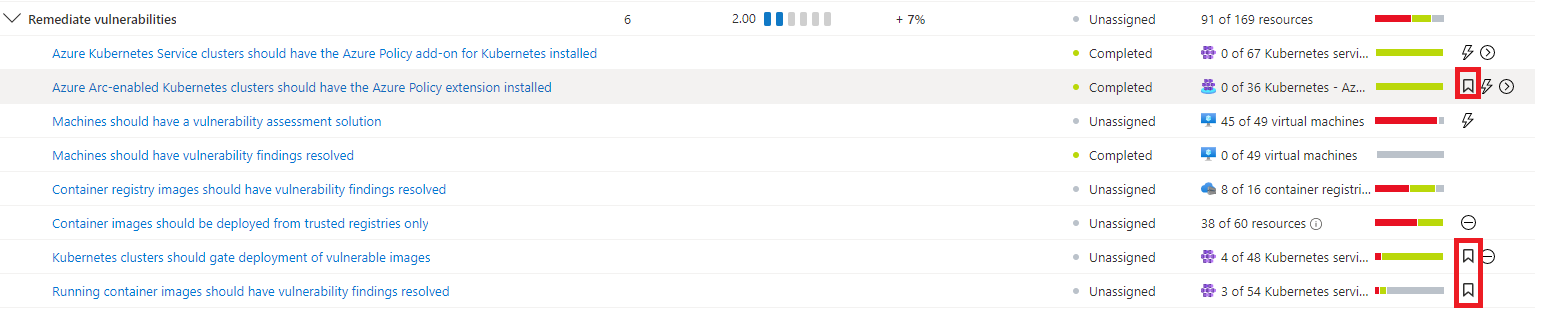
Learn more about secure score.
Recommendations now include a severity indicator and the freshness interval
The details page for recommendations now includes a freshness interval indicator (whenever relevant) and a clear display of the severity of the recommendation.
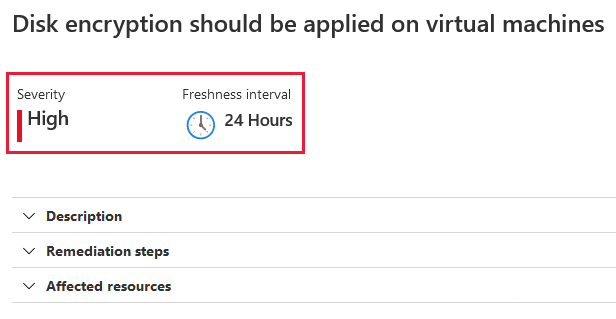
August 2020
Updates in August include:
- Asset inventory - powerful new view of the security posture of your assets
- Added support for Microsoft Entra ID security defaults (for multifactor authentication)
- Service principals recommendation added
- Vulnerability assessment on VMs - recommendations and policies consolidated
- New AKS security policies added to ASC_default initiative
Asset inventory - powerful new view of the security posture of your assets
Security Center's asset inventory (currently in preview) provides a way to view the security posture of the resources you've connected to Security Center.
Security Center periodically analyzes the security state of your Azure resources to identify potential security vulnerabilities. It then provides you with recommendations on how to remediate those vulnerabilities. When any resource has outstanding recommendations, they'll appear in the inventory.
You can use the view and its filters to explore your security posture data and take further actions based on your findings.
Learn more about asset inventory.
Added support for Microsoft Entra ID security defaults (for multifactor authentication)
Security Center has added full support for security defaults, Microsoft's free identity security protections.
Security defaults provide preconfigured identity security settings to defend your organization from common identity-related attacks. Security defaults already protecting more than 5 million tenants overall; 50,000 tenants are also protected by Security Center.
Security Center now provides a security recommendation whenever it identifies an Azure subscription without security defaults enabled. Until now, Security Center recommended enabling multifactor authentication using conditional access, which is part of the Microsoft Entra ID premium license. For customers using Microsoft Entra ID free, we now recommend enabling security defaults.
Our goal is to encourage more customers to secure their cloud environments with MFA, and mitigate one of the highest risks that is also the most impactful to your secure score.
Learn more about security defaults.
Service principals recommendation added
A new recommendation was added to recommend that Security Center customers using management certificates to manage their subscriptions switch to service principals.
The recommendation, Service principals should be used to protect your subscriptions instead of Management Certificates advises you to use Service Principals or Azure Resource Manager to more securely manage your subscriptions.
Learn more about Application and service principal objects in Microsoft Entra ID.
Vulnerability assessment on VMs - recommendations and policies consolidated
Security Center inspects your VMs to detect whether they're running a vulnerability assessment solution. If no vulnerability assessment solution is found, Security Center provides a recommendation to simplify the deployment.
When vulnerabilities are found, Security Center provides a recommendation summarizing the findings for you to investigate and remediate as necessary.
To ensure a consistent experience for all users, regardless of the scanner type they're using, we've unified four recommendations into the following two:
| Unified recommendation | Change description |
|---|---|
| A vulnerability assessment solution should be enabled on your virtual machines | Replaces the following two recommendations: ***** Enable the built-in vulnerability assessment solution on virtual machines (powered by Qualys (now deprecated) (Included with standard tier) ***** Vulnerability assessment solution should be installed on your virtual machines (now deprecated) (Standard and free tiers) |
| Vulnerabilities in your virtual machines should be remediated | Replaces the following two recommendations: ***** Remediate vulnerabilities found on your virtual machines (powered by Qualys) (now deprecated) ***** Vulnerabilities should be remediated by a Vulnerability Assessment solution (now deprecated) |
Now you'll use the same recommendation to deploy Security Center's vulnerability assessment extension or a privately licensed solution ("BYOL") from a partner such as Qualys or Rapid 7.
Also, when vulnerabilities are found and reported to Security Center, a single recommendation will alert you to the findings regardless of the vulnerability assessment solution that identified them.
Updating dependencies
If you have scripts, queries, or automations referring to the previous recommendations or policy keys/names, use the tables below to update the references:
Before August 2020
| Recommendation | Scope |
|---|---|
| Enable the built-in vulnerability assessment solution on virtual machines (powered by Qualys) Key: 550e890b-e652-4d22-8274-60b3bdb24c63 |
Built-in |
| Remediate vulnerabilities found on your virtual machines (powered by Qualys) Key: 1195afff-c881-495e-9bc5-1486211ae03f |
Built-in |
| Vulnerability assessment solution should be installed on your virtual machines Key: 01b1ed4c-b733-4fee-b145-f23236e70cf3 |
BYOL |
| Vulnerabilities should be remediated by a Vulnerability Assessment solution Key: 71992a2a-d168-42e0-b10e-6b45fa2ecddb |
BYOL |
| Policy | Scope |
|---|---|
| Vulnerability assessment should be enabled on virtual machines Policy ID: 501541f7-f7e7-4cd6-868c-4190fdad3ac9 |
Built-in |
| Vulnerabilities should be remediated by a vulnerability assessment solution Policy ID: 760a85ff-6162-42b3-8d70-698e268f648c |
BYOL |
From August 2020
| Recommendation | Scope |
|---|---|
| A vulnerability assessment solution should be enabled on your virtual machines Key: ffff0522-1e88-47fc-8382-2a80ba848f5d |
Built-in + BYOL |
| Vulnerabilities in your virtual machines should be remediated Key: 1195afff-c881-495e-9bc5-1486211ae03f |
Built-in + BYOL |
| Policy | Scope |
|---|---|
| Vulnerability assessment should be enabled on virtual machines Policy ID: 501541f7-f7e7-4cd6-868c-4190fdad3ac9 |
Built-in + BYOL |
New AKS security policies added to ASC_default initiative
To ensure that Kubernetes workloads are secure by default, Security Center is adding Kubernetes level policies and hardening recommendations, including enforcement options with Kubernetes admission control.
The early phase of this project includes a preview and the addition of new (disabled by default) policies to the ASC_default initiative.
You can safely ignore these policies and there will be no impact on your environment. If you'd like to enable them, sign up for the preview via the Microsoft Cloud Security Private Community and select from the following options:
- Single Preview - To join only this preview. Explicitly mention "ASC Continuous Scan" as the preview you would like to join.
- Ongoing Program - To be added to this and future previews. You'll need to complete a profile and privacy agreement.
July 2020
Updates in July include:
- Threat protection for Azure Storage expanded to include Azure Files and Azure Data Lake Storage Gen2 (preview)
- Eight new recommendations to enable threat protection features
- Container security improvements - faster registry scanning and refreshed documentation
- Six policies for SQL advanced data security deprecated
Threat protection for Azure Storage expanded to include Azure Files and Azure Data Lake Storage Gen2 (preview)
Threat protection for Azure Storage detects potentially harmful activity on your Azure Storage accounts. Security Center displays alerts when it detects attempts to access or exploit your storage accounts.
Your data can be protected whether it's stored as blob containers, file shares, or data lakes.
Eight new recommendations to enable threat protection features
Eight new recommendations have been added to provide a simple way to enable Azure Security Center's threat protection features for the following resource types: virtual machines, App Service plans, Azure SQL Database servers, SQL servers on machines, Azure Storage accounts, Azure Kubernetes Service clusters, Azure Container Registry registries, and Azure Key Vault vaults.
The new recommendations are:
- Advanced data security should be enabled on Azure SQL Database servers
- Advanced data security should be enabled on SQL servers on machines
- Advanced threat protection should be enabled on Azure App Service plans
- Advanced threat protection should be enabled on Azure Container Registry registries
- Advanced threat protection should be enabled on Azure Key Vault vaults
- Advanced threat protection should be enabled on Azure Kubernetes Service clusters
- Advanced threat protection should be enabled on Azure Storage accounts
- Advanced threat protection should be enabled on virtual machines
The recommendations also include the quick fix capability.
Important
Remediating any of these recommendations will result in charges for protecting the relevant resources. These charges will begin immediately if you have related resources in the current subscription. Or in the future, if you add them at a later date.
For example, if you don't have any Azure Kubernetes Service clusters in your subscription and you enable the threat protection, no charges will be incurred. If, in the future, you add a cluster on the same subscription, it will automatically be protected and charges will begin at that time.
Learn more about threat protection in Azure Security Center.
Container security improvements - faster registry scanning and refreshed documentation
As part of the continuous investments in the container security domain, we're happy to share a significant performance improvement in Security Center's dynamic scans of container images stored in Azure Container Registry. Scans now typically complete in approximately two minutes. In some cases, they might take up to 15 minutes.
To improve the clarity and guidance regarding Azure Security Center's container security capabilities, we've also refreshed the container security documentation pages.
Adaptive application controls updated with a new recommendation and support for wildcards in path rules
The adaptive application controls feature has received two significant updates:
A new recommendation identifies potentially legitimate behavior that hasn't previously been allowed. The new recommendation, Allowlist rules in your adaptive application control policy should be updated, prompts you to add new rules to the existing policy to reduce the number of false positives in adaptive application controls violation alerts.
Path rules now support wildcards. From this update, you can configure allowed path rules using wildcards. There are two supported scenarios:
Using a wildcard at the end of a path to allow all executables within this folder and subfolders.
Using a wildcard in the middle of a path to enable a known executable name with a changing folder name (e.g. personal user folders with a known executable, automatically generated folder names, etc.).
Six policies for SQL advanced data security deprecated
Six policies related to advanced data security for SQL machines are being deprecated:
- Advanced threat protection types should be set to 'All' in SQL managed instance advanced data security settings
- Advanced threat protection types should be set to 'All' in SQL server advanced data security settings
- Advanced data security settings for SQL managed instance should contain an email address to receive security alerts
- Advanced data security settings for SQL server should contain an email address to receive security alerts
- Email notifications to admins and subscription owners should be enabled in SQL managed instance advanced data security settings
- Email notifications to admins and subscription owners should be enabled in SQL server advanced data security settings
Learn more about built-in policies.
June 2020
Updates in June include:
- Secure score API (preview)
- Advanced data security for SQL machines (Azure, other clouds, and on-premises) (preview)
- Two new recommendations to deploy the Log Analytics agent to Azure Arc machines (preview)
- New policies to create continuous export and workflow automation configurations at scale
- New recommendation for using NSGs to protect non-internet-facing virtual machines
- New policies for enabling threat protection and advanced data security
Secure score API (preview)
You can now access your score via the secure score API (currently in preview). The API methods provide the flexibility to query the data and build your own reporting mechanism of your secure scores over time. For example, you can use the Secure Scores API to get the score for a specific subscription. In addition, you can use the Secure Score Controls API to list the security controls and the current score of your subscriptions.
For examples of external tools made possible with the secure score API, see the secure score area of our GitHub community.
Learn more about secure score and security controls in Azure Security Center.
Advanced data security for SQL machines (Azure, other clouds, and on-premises) (preview)
Azure Security Center's advanced data security for SQL machines now protects SQL Servers hosted in Azure, on other cloud environments, and even on-premises machines. This extends the protections for your Azure-native SQL Servers to fully support hybrid environments.
Advanced data security provides vulnerability assessment and advanced threat protection for your SQL machines wherever they're located.
Set up involves two steps:
Deploying the Log Analytics agent to your SQL Server's host machine to provide the connection to Azure account.
Enabling the optional bundle in Security Center's pricing and settings page.
Learn more about advanced data security for SQL machines.
Two new recommendations to deploy the Log Analytics agent to Azure Arc machines (preview)
Two new recommendations have been added to help deploy the Log Analytics Agent to your Azure Arc machines and ensure they're protected by Azure Security Center:
- Log Analytics agent should be installed on your Windows-based Azure Arc machines (Preview)
- Log Analytics agent should be installed on your Linux-based Azure Arc machines (Preview)
These new recommendations will appear in the same four security controls as the existing (related) recommendation, Monitoring agent should be installed on your machines: remediate security configurations, apply adaptive application control, apply system updates, and enable endpoint protection.
The recommendations also include the Quick fix capability to accelerate the deployment process.
Learn more about extensions for Azure Arc machines.
New policies to create continuous export and workflow automation configurations at scale
Automating your organization's monitoring and incident response processes can greatly improve the time it takes to investigate and mitigate security incidents.
To deploy your automation configurations across your organization, use these built-in 'DeployIfdNotExist' Azure policies to create and configure continuous export and workflow automation procedures:
The policy definitions can be found in Azure Policy:
| Goal | Policy | Policy ID |
|---|---|---|
| Continuous export to Event Hubs | Deploy export to Event Hubs for Azure Security Center alerts and recommendations | cdfcce10-4578-4ecd-9703-530938e4abcb |
| Continuous export to Log Analytics workspace | Deploy export to Log Analytics workspace for Azure Security Center alerts and recommendations | ffb6f416-7bd2-4488-8828-56585fef2be9 |
| Workflow automation for security alerts | Deploy Workflow Automation for Azure Security Center alerts | f1525828-9a90-4fcf-be48-268cdd02361e |
| Workflow automation for security recommendations | Deploy Workflow Automation for Azure Security Center recommendations | 73d6ab6c-2475-4850-afd6-43795f3492ef |
Get started with workflow automation templates.
Learn more about using the two export policies in Configure workflow automation at scale using the supplied policies and Set up a continuous export.
New recommendation for using NSGs to protect non-internet-facing virtual machines
The "implement security best practices" security control now includes the following new recommendation:
- Non-internet-facing virtual machines should be protected with network security groups
An existing recommendation, Internet-facing virtual machines should be protected with network security groups, didn't distinguish between internet-facing and non-internet facing VMs. For both, a high-severity recommendation was generated if a VM wasn't assigned to a network security group. This new recommendation separates the non-internet-facing machines to reduce the false positives and avoid unnecessary high-severity alerts.
New policies for enabling threat protection and advanced data security
The new policy definitions below were added to the ASC Default initiative and are designed to assist with enabling threat protection or advanced data security for the relevant resource types.
The policy definitions can be found in Azure Policy:
| Policy | Policy ID |
|---|---|
| Advanced data security should be enabled on Azure SQL Database servers | 7fe3b40f-802b-4cdd-8bd4-fd799c948cc2 |
| Advanced data security should be enabled on SQL servers on machines | 6581d072-105e-4418-827f-bd446d56421b |
| Advanced threat protection should be enabled on Azure Storage accounts | 308fbb08-4ab8-4e67-9b29-592e93fb94fa |
| Advanced threat protection should be enabled on Azure Key Vault vaults | 0e6763cc-5078-4e64-889d-ff4d9a839047 |
| Advanced threat protection should be enabled on Azure App Service plans | 2913021d-f2fd-4f3d-b958-22354e2bdbcb |
| Advanced threat protection should be enabled on Azure Container Registry registries | c25d9a16-bc35-4e15-a7e5-9db606bf9ed4 |
| Advanced threat protection should be enabled on Azure Kubernetes Service clusters | 523b5cd1-3e23-492f-a539-13118b6d1e3a |
| Advanced threat protection should be enabled on Virtual Machines | 4da35fc9-c9e7-4960-aec9-797fe7d9051d |
Learn more about Threat protection in Azure Security Center.
May 2020
Updates in May include:
- Alert suppression rules (preview)
- Custom recommendations have been moved to a separate security control
- Toggle added to view recommendations in controls or as a flat list
- Custom policies with custom metadata are now generally available
- Crash dump analysis capabilities migrating to fileless attack detection
Alert suppression rules (preview)
This new feature (currently in preview) helps reduce alert fatigue. Use rules to automatically hide alerts that are known to be innocuous or related to normal activities in your organization. This lets you focus on the most relevant threats.
Alerts that match your enabled suppression rules will still be generated, but their state will be set to dismissed. You can see the state in the Azure portal or however you access your Security Center security alerts.
Suppression rules define the criteria for which alerts should be automatically dismissed. Typically, you'd use a suppression rule to:
suppress alerts that you've identified as false positives
suppress alerts that are being triggered too often to be useful
Learn more about suppressing alerts from Azure Security Center's threat protection.
Custom recommendations have been moved to a separate security control
One security control introduced with the enhanced secure score was "Implement security best practices." Any custom recommendations created for your subscriptions were automatically placed in that control.
To make it easier to find your custom recommendations, we've moved them into a dedicated security control, "Custom recommendations." This control has no impact on your secure score.
Learn more about security controls in Enhanced secure score (preview) in Azure Security Center.
Toggle added to view recommendations in controls or as a flat list
Security controls are logical groups of related security recommendations. They reflect your vulnerable attack surfaces. A control is a set of security recommendations, with instructions that help you implement those recommendations.
To immediately see how well your organization is securing each individual attack surface, review the scores for each security control.
By default, your recommendations are shown in the security controls. From this update, you can also display them as a list. To view them as simple list sorted by the health status of the affected resources, use the new toggle 'Group by controls'. The toggle is above the list in the portal.
The security controls - and this toggle - are part of the new secure score experience. Remember to send us your feedback from within the portal.
Learn more about security controls in Enhanced secure score (preview) in Azure Security Center.
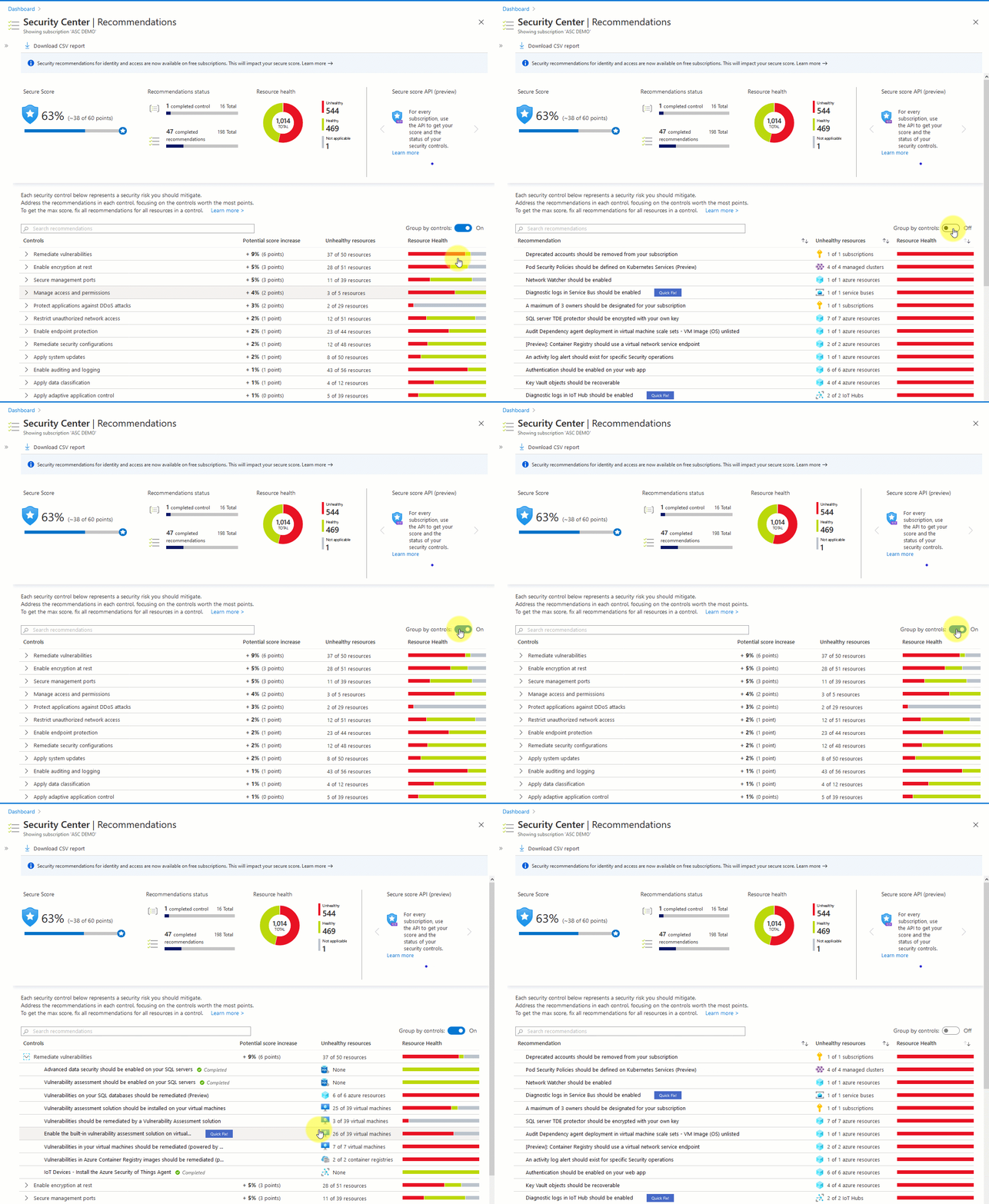
Custom policies with custom metadata are now generally available
Custom policies are now part of the Security Center recommendations experience, secure score, and the regulatory compliance standards dashboard. This feature is now generally available and allows you to extend your organization's security assessment coverage in Security Center.
Create a custom initiative in Azure Policy, add policies to it and onboard it to Azure Security Center, and visualize it as recommendations.
We've now also added the option to edit the custom recommendation metadata. Metadata options include severity, remediation steps, threats information, and more.
Learn more about enhancing your custom recommendations with detailed information.
Crash dump analysis capabilities migrating to fileless attack detection
We're integrating the Windows crash dump analysis (CDA) detection capabilities into fileless attack detection. Fileless attack detection analytics brings improved versions of the following security alerts for Windows machines: Code injection discovered, Masquerading Windows Module Detected, Shell code discovered, and Suspicious code segment detected.
Some of the benefits of this transition:
Proactive and timely malware detection - The CDA approach involved waiting for a crash to occur and then running analysis to find malicious artifacts. Using fileless attack detection brings proactive identification of in-memory threats while they are running.
Enriched alerts - The security alerts from fileless attack detection include enrichments that aren't available from CDA, such as the active network connections information.
Alert aggregation - When CDA detected multiple attack patterns within a single crash dump, it triggered multiple security alerts. Fileless attack detection combines all of the identified attack patterns from the same process into a single alert, removing the need to correlate multiple alerts.
Reduced requirements on your Log Analytics workspace - Crash dumps containing potentially sensitive data will no longer be uploaded to your Log Analytics workspace.
April 2020
Updates in April include:
- Dynamic compliance packages are now generally available
- Identity recommendations now included in Azure Security Center free tier
Dynamic compliance packages are now generally available
The Azure Security Center regulatory compliance dashboard now includes dynamic compliance packages (now generally available) to track additional industry and regulatory standards.
Dynamic compliance packages can be added to your subscription or management group from the Security Center security policy page. When you've onboarded a standard or benchmark, the standard appears in your regulatory compliance dashboard with all associated compliance data mapped as assessments. A summary report for any of the standards that have been onboarded will be available to download.
Now, you can add standards such as:
- NIST SP 800-53 R4
- SWIFT CSP CSCF-v2020
- UK Official and UK NHS
- Canada Federal PBMM
- Azure CIS 1.1.0 (new) (which is a more complete representation of Azure CIS 1.1.0)
In addition, we've recently added the Azure Security Benchmark, the Microsoft-authored Azure-specific guidelines for security and compliance best practices based on common compliance frameworks. Additional standards will be supported in the dashboard as they become available.
Learn more about customizing the set of standards in your regulatory compliance dashboard.
Identity recommendations now included in Azure Security Center free tier
Security recommendations for identity and access on the Azure Security Center free tier are now generally available. This is part of the effort to make the cloud security posture management (CSPM) features free. Until now, these recommendations were only available on the standard pricing tier.
Examples of identity and access recommendations include:
- "Multifactor authentication should be enabled on accounts with owner permissions on your subscription."
- "A maximum of three owners should be designated for your subscription."
- "Deprecated accounts should be removed from your subscription."
If you have subscriptions on the free pricing tier, their secure scores will be impacted by this change because they were never assessed for their identity and access security.
March 2020
Updates in March include:
- Workflow automation is now generally available
- Protection for Azure Kubernetes Service
- Two security recommendations for web applications deprecated
Workflow automation is now generally available
The workflow automation feature of Azure Security Center is now generally available. Use it to automatically trigger Logic Apps on security alerts and recommendations. In addition, manual triggers are available for alerts and all recommendations that have the quick fix option available.
Every security program includes multiple workflows for incident response. These processes might include notifying relevant stakeholders, launching a change management process, and applying specific remediation steps. Security experts recommend that you automate as many steps of those procedures as you can. Automation reduces overhead and can improve your security by ensuring the process steps are done quickly, consistently, and according to your predefined requirements.
For more information about the automatic and manual Security Center capabilities for running your workflows, see workflow automation.
Learn more about creating Logic Apps.
Protection for Azure Kubernetes Service
Azure Security Center is expanding its container security features to protect Azure Kubernetes Service (AKS).
The popular, open-source platform Kubernetes is adopted so widely that it's now an industry standard for container orchestration. Despite this widespread implementation, there's still a lack of understanding regarding how to secure a Kubernetes environment. Defending the attack surfaces of a containerized application requires expertise to ensuring the infrastructure is configured securely and constantly monitored for potential threats.
The Security Center defense includes:
- Discovery and visibility - Continuous discovery of managed AKS instances within the subscriptions registered to Security Center.
- Security recommendations - Actionable recommendations to help you comply with security best-practices for AKS. These recommendations are included in your secure score to ensure they're viewed as a part of your organization's security posture. An example of an AKS-related recommendation you might see is "Role-based access control should be used to restrict access to a Kubernetes service cluster."
- Threat protection - Through continuous analysis of your AKS deployment, Security Center alerts you to threats and malicious activity detected at the host and AKS cluster level.
Learn more about the container security features in Security Center.
Two security recommendations for web applications deprecated
Two security recommendations related to web applications are being deprecated:
The rules for web applications on IaaS NSGs should be hardened. (Related policy: The NSGs rules for web applications on IaaS should be hardened)
Access to App Services should be restricted. (Related policy: Access to App Services should be restricted [preview])
These recommendations will no longer appear in the Security Center list of recommendations. The related policies will no longer be included in the initiative named "Security Center Default".
February 2020
Fileless attack detection for Linux (preview)
As attackers increasing employ stealthier methods to avoid detection, Azure Security Center is extending fileless attack detection for Linux, in addition to Windows. Fileless attacks exploit software vulnerabilities, inject malicious payloads into benign system processes, and hide in memory. These techniques:
- minimize or eliminate traces of malware on disk
- greatly reduce the chances of detection by disk-based malware scanning solutions
To counter this threat, Azure Security Center released fileless attack detection for Windows in October 2018, and has now extended fileless attack detection on Linux as well.
January 2020
Enhanced secure score (preview)
An enhanced version of the secure score feature of Azure Security Center is now available in preview. In this version, multiple recommendations are grouped into Security Controls that better reflect your vulnerable attack surfaces (for example, restrict access to management ports).
Familiarize yourself with the secure score changes during the preview phase and determine other remediations that will help you to further secure your environment.
Learn more about enhanced secure score (preview).
November 2019
Updates in November include:
- Threat Protection for Azure Storage includes Malware Reputation Screening
- Workflow automation with Logic Apps (preview)
- Quick Fix for bulk resources generally available
- Scan container images for vulnerabilities (preview)
- Additional regulatory compliance standards (preview)
- Threat Protection for Azure Kubernetes Service (preview)
- Advanced data security for SQL servers on Azure Virtual Machines (preview)
- Support for custom policies (preview)
- Extending Azure Security Center coverage with platform for community and partners
- Advanced integrations with export of recommendations and alerts (preview)
- Onboard on-premises servers to Security Center from Windows Admin Center (preview)
Threat Protection for Azure Storage includes Malware Reputation Screening
Threat protection for Azure Storage offers new detections powered by Microsoft Threat Intelligence for detecting malware uploads to Azure Storage using hash reputation analysis and suspicious access from an active Tor exit node (an anonymizing proxy). You can now view detected malware across storage accounts using Azure Security Center.
Workflow automation with Logic Apps (preview)
Organizations with centrally managed security and IT/operations implement internal workflow processes to drive required action within the organization when discrepancies are discovered in their environments. In many cases, these workflows are repeatable processes and automation can greatly streamline processes within the organization.
Today we're introducing a new capability in Security Center that allows customers to create automation configurations leveraging Azure Logic Apps and to create policies that will automatically trigger them based on specific ASC findings such as Recommendations or Alerts. Azure Logic App can be configured to do any custom action supported by the vast community of Logic App connectors, or use one of the templates provided by Security Center such as sending an email or opening a ServiceNow™ ticket.
For more information about the automatic and manual Security Center capabilities for running your workflows, see workflow automation.
To learn about creating Logic Apps, see Azure Logic Apps.
Quick Fix for bulk resources generally available
With the many tasks that a user is given as part of Secure Score, the ability to effectively remediate issues across a large fleet can become challenging.
Use Quick Fix remediation to fix security misconfigurations, remediate recommendations on multiple resources, and improve your secure score.
This operation will allow you to select the resources you want to apply the remediation to and launch a remediation action that will configure the setting on your behalf.
Quick fix is generally available today customers as part of the Security Center recommendations page.
Scan container images for vulnerabilities (preview)
Azure Security Center can now scan container images in Azure Container Registry for vulnerabilities.
The image scanning works by parsing the container image file, then checking to see whether there are any known vulnerabilities (powered by Qualys).
The scan itself is automatically triggered when pushing new container images to Azure Container Registry. Found vulnerabilities will surface as Security Center recommendations and included in the secure score together with information on how to patch them to reduce the attack surface they allowed.
Additional regulatory compliance standards (preview)
The Regulatory Compliance dashboard provides insights into your compliance posture based on Security Center assessments. The dashboard shows how your environment complies with controls and requirements designated by specific regulatory standards and industry benchmarks and provides prescriptive recommendations for how to address these requirements.
The regulatory compliance dashboard has thus far supported four built-in standards: Azure CIS 1.1.0, PCI-DSS, ISO 27001, and SOC-TSP. We're now announcing the public preview release of additional supported standards: NIST SP 800-53 R4, SWIFT CSP CSCF v2020, Canada Federal PBMM and UK Official together with UK NHS. We're also releasing an updated version of Azure CIS 1.1.0, covering more controls from the standard and enhancing extensibility.
Learn more about customizing the set of standards in your regulatory compliance dashboard.
Threat Protection for Azure Kubernetes Service (preview)
Kubernetes is quickly becoming the new standard for deploying and managing software in the cloud. Few people have extensive experience with Kubernetes and many only focuses on general engineering and administration and overlook the security aspect. Kubernetes environment needs to be configured carefully to be secure, making sure no container focused attack surface doors are not left open is exposed for attackers. Security Center is expanding its support in the container space to one of the fastest growing services in Azure - Azure Kubernetes Service (AKS).
The new capabilities in this public preview release include:
- Discovery & Visibility - Continuous discovery of managed AKS instances within Security Center's registered subscriptions.
- Secure Score recommendations - Actionable items to help customers comply with security best practices for AKS, and increase their secure score. Recommendations include items such as "Role-based access control should be used to restrict access to a Kubernetes Service Cluster".
- Threat Detection - Host and cluster-based analytics, such as "A privileged container detected".
Advanced data security for SQL servers on Azure Virtual Machines (preview)
Azure Security Center's support for threat protection and vulnerability assessment for SQL DBs running on IaaS VMs is now in preview.
Vulnerability assessment is an easy to configure service that can discover, track, and help you remediate potential database vulnerabilities. It provides visibility into your security posture as part of secure score and includes the steps to resolve security issues and enhance your database fortifications.
Advanced threat protection detects anomalous activities indicating unusual and potentially harmful attempts to access or exploit your SQL server. It continuously monitors your database for suspicious activities and provides action-oriented security alerts on anomalous database access patterns. These alerts provide the suspicious activity details and recommended actions to investigate and mitigate the threat.
Support for custom policies (preview)
Azure Security Center now supports custom policies (in preview).
Our customers have been wanting to extend their current security assessments coverage in Security Center with their own security assessments based on policies that they create in Azure Policy. With support for custom policies, this is now possible.
These new policies will be part of the Security Center recommendations experience, Secure Score, and the regulatory compliance standards dashboard. With the support for custom policies, you're now able to create a custom initiative in Azure Policy, then add it as a policy in Security Center and visualize it as a recommendation.
Extending Azure Security Center coverage with platform for community and partners
Use Security Center to receive recommendations not only from Microsoft but also from existing solutions from partners such as Check Point, Tenable, and CyberArk with many more integrations coming. Security Center's simple onboarding flow can connect your existing solutions to Security Center, enabling you to view your security posture recommendations in a single place, run unified reports and leverage all of Security Center's capabilities against both built-in and partner recommendations. You can also export Security Center recommendations to partner products.
Learn more about Microsoft Intelligent Security Association.
Advanced integrations with export of recommendations and alerts (preview)
In order to enable enterprise level scenarios on top of Security Center, it's now possible to consume Security Center alerts and recommendations in additional places except the Azure portal or API. These can be directly exported to an event hub and to Log Analytics workspaces. Here are a few workflows you can create around these new capabilities:
- With export to Log Analytics workspace, you can create custom dashboards with Power BI.
- With export to Event Hubs, you'll be able to export Security Center alerts and recommendations to your third-party SIEMs, to a third-party solution, or Azure Data Explorer.
Onboard on-premises servers to Security Center from Windows Admin Center (preview)
Windows Admin Center is a management portal for Windows Servers who are not deployed in Azure offering them several Azure management capabilities such as backup and system updates. We have recently added an ability to onboard these non-Azure servers to be protected by ASC directly from the Windows Admin Center experience.
Users can now onboard a WAC server to Azure Security Center and enable viewing its security alerts and recommendations directly in the Windows Admin Center experience.
September 2019
Updates in September include:
Control container security recommendation using Azure Policy
Azure Security Center's recommendation to remediate vulnerabilities in container security can now be enabled or disabled via Azure Policy.
To view your enabled security policies, from Security Center open the Security Policy page.
August 2019
Updates in August include:
- Just-in-time (JIT) VM access for Azure Firewall
- Single click remediation to boost your security posture (preview)
Just-in-time (JIT) VM access for Azure Firewall
Just-in-time (JIT) VM access for Azure Firewall is now generally available. Use it to secure your Azure Firewall protected environments in addition to your NSG protected environments.
JIT VM access reduces exposure to network volumetric attacks by providing controlled access to VMs only when needed, using your NSG and Azure Firewall rules.
When you enable JIT for your VMs, you create a policy that determines the ports to be protected, how long the ports are to remain open, and approved IP addresses from where these ports can be accessed. This policy helps you stay in control of what users can do when they request access.
Requests are logged in the Azure Activity Log, so you can easily monitor and audit access. The just-in-time page also helps you quickly identify existing VMs that have JIT enabled and VMs where JIT is recommended.
Learn more about Azure Firewall.
Single click remediation to boost your security posture (preview)
Secure score is a tool that helps you assess your workload security posture. It reviews your security recommendations and prioritizes them for you, so you know which recommendations to perform first. This helps you find the most serious security vulnerabilities to prioritize investigation.
In order to simplify remediation of security misconfigurations and help you to quickly improve your secure score, we've added a new capability that allows you to remediate a recommendation on a bulk of resources in a single click.
This operation will allow you to select the resources you want to apply the remediation to and launch a remediation action that will configure the setting on your behalf.
July 2019
Updates to network recommendations
Azure Security Center (ASC) has launched new networking recommendations and improved some existing ones. Now, using Security Center ensures even greater networking protection for your resources.
June 2019
Adaptive network hardening - generally available
One of the biggest attack surfaces for workloads running in the public cloud are connections to and from the public Internet. Our customers find it hard to know which Network Security Group (NSG) rules should be in place to make sure that Azure workloads are only available to required source ranges. With this feature, Security Center learns the network traffic and connectivity patterns of Azure workloads and provides NSG rule recommendations, for Internet facing virtual machines. This helps our customer better configure their network access policies and limit their exposure to attacks.